How Can You Improve Lead Generation with AI Chatbots?
AI chatbots can transform how you connect with potential customers, especially when you pay close attention to ai chatbot design. By creating an intuitive experience for your visitors, you open the door to stronger leads, better engagement, and, ultimately, higher conversion rates. So, how do you leverage this technology to optimize your lead generation process? Let’s walk through the essentials.
Table of Contents
Understand the power of AI chatbots
Many business owners think of AI chatbots merely as automated customer service reps. In reality, they can do so much more. Picture a helpful assistant who greets potential customers, answers basic questions, and smoothly guides them toward what they need most. That’s what a well-designed chatbot can accomplish.
When visitors first land on your site, they might be in research mode or actively looking to purchase. In either scenario, a friendly AI-driven assistant can spark their interest. By anticipating typical questions, your chatbot makes the end user feel looked after, which builds trust. And trust frequently translates to new leads.
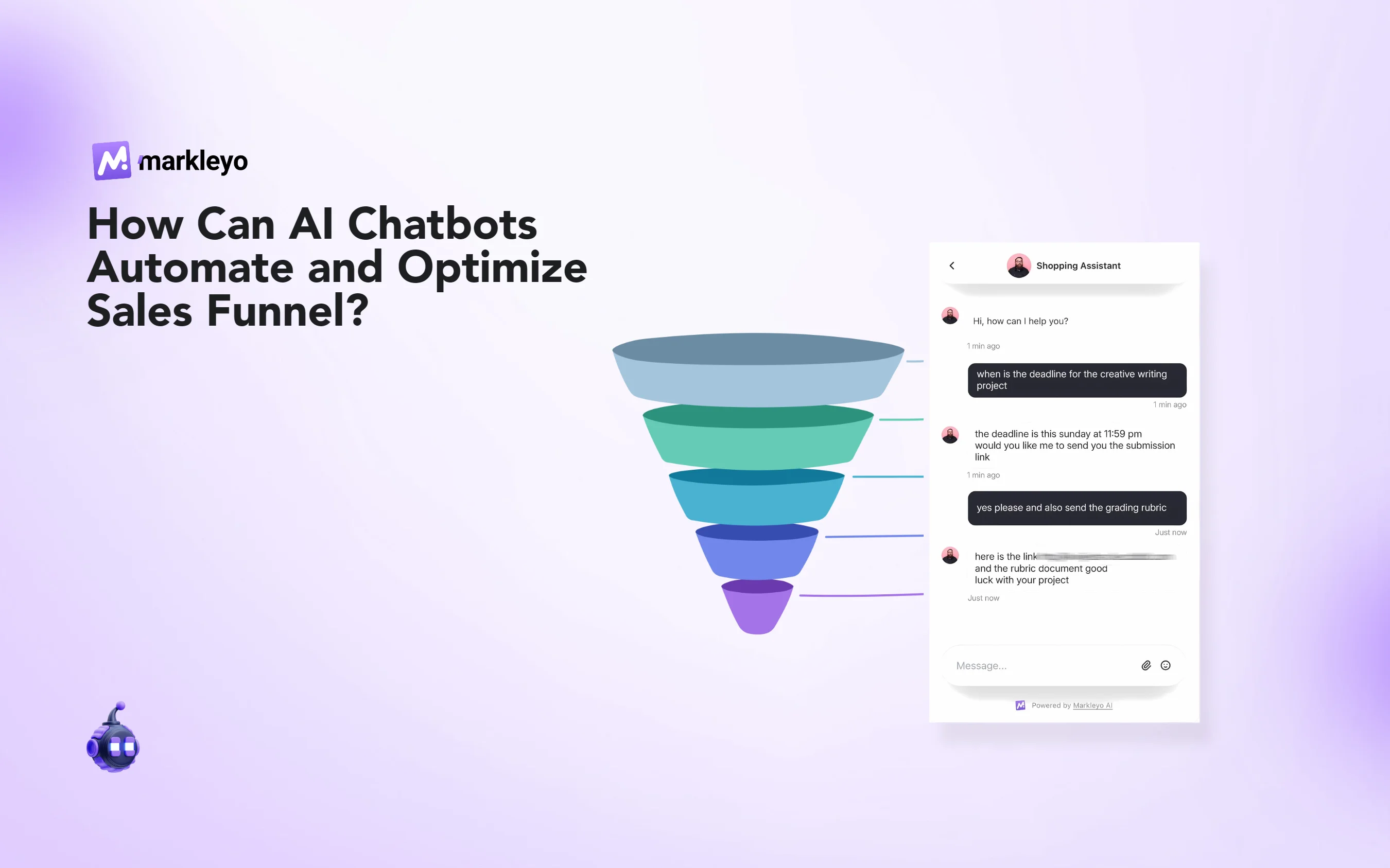
Think about your usual sales funnel. People arrive, browse, and sometimes leave without taking meaningful action. But if a chatbot is proactively offering assistance—suggesting relevant products or setting up a demo—it helps users move forward.
A key part of the puzzle is chatbot analytics (a system that tracks user interactions). This data can reveal the pages your visitors linger on, the times they tend to ask more questions, or the products they show repeated interest in. From there, you can tweak your chatbot’s logic to highlight best-selling items, share special promotions, or deliver educational content that resonates with prospects.
Define your lead generation goals
Before you get too deep into building a chatbot, you need a clear plan for what you want to achieve. Are you trying to capture email addresses, schedule consultations, or encourage immediate purchases? Each goal may call for a slightly different approach to your AI chatbot design.
- If you’re after more email sign-ups, prompt your chatbot to offer a valuable lead magnet (like an ebook or discount code) in exchange for an email address.
- If phone calls or appointments are your bread and butter, guide visitors to book a call directly through the chatbot.
- For e-commerce, you may want a chatbot that highlights products, cross-sells, and suggests add-ons as users interact with your site.
Mapping out your chatbot’s mission helps prevent confusion down the road. With this clarity, you’ll avoid cluttering your chatbot with too many bells and whistles. Instead, you’ll keep it razor-focused on those must-hit objectives.
Focus on user-centric design
Putting your audience first is crucial. If you can visualize prospective customers chatting with your bot, you’re on the right track. The more natural the conversation, the more positive the user experience. Ideally, your AI chatbot should feel like a comfortable chat with a personal assistant rather than a robotic Q&A session.
Plan your conversation flow
Start by jotting down the questions your audience frequently asks, then figure out how the chatbot might respond. These can include queries about your product features, pricing, customization options, or timing. Make sure to incorporate follow-up questions for situations where a user needs further details. Keep your language warm, polite, and distinctly human.
One trick is to break down big questions into smaller parts. For instance, if someone asks about pricing, your chatbot can respond, “Great question—are you looking for a one-time purchase or a subscription?” This approach guides the visitor to more specific, relevant information. It also feels a bit like a real conversation, which encourages them to stay and explore.
Keep it visually appealing
While the language your chatbot uses is vital, presentation matters, too. Consider how your chatbot window looks on both desktop and mobile screens. Minimalistic layouts with clear fonts and modest color usage work best. Strategically placed buttons—like “Learn More,” “Book a Demo,” or “Sign Up”—make navigation simpler.
Small details, like a friendly icon or a chat window that doesn’t dominate the screen, keep the user engaged without feeling overwhelmed. You want to gently lead your site visitors to the right place, not bombard them with too many prompts at once.
Balance automation with the human touch
Yes, the point of an AI chatbot is to automate parts of your lead generation process. However, there are moments when real human interaction is priceless. Think about how you’ll hand off from bot to human agents when questions grow complex. This handoff is a chance to maintain the positive vibe you’ve established.
- Employ a “human help” button that quickly signals it’s time for a live rep to step in.
- If the chatbot detects signs of frustration or repeated questions, have it gently pass along the conversation to a sales or support person.
- Make sure the chatbot logs context from the conversation so the human agent can pick up seamlessly without asking the visitor to repeat themselves.
Striking this balance keeps prospects from feeling stuck in an endless loop. If your chatbot is handling routine tasks efficiently, your human team can focus on trickier queries that might require a personal conversation. This division of labor ultimately enhances your entire lead generation operation.
Integrate your chatbot with the marketing funnel
A well-designed AI chatbot isn’t just a standalone feature. It should mesh with the broader marketing strategies you already have in place. For instance, do you use email marketing platforms like Mailchimp or Constant Contact? Make sure your chatbot syncs the email addresses it captures into your mailing list. If you rely on a CRM (customer relationship management) system such as Salesforce or HubSpot, feed chatbot conversations into user profiles for a more complete picture.
By integrating your chatbot workflow with existing tools, you maintain consistent messaging. If someone contacts your chatbot, then later opens a targeted email campaign, they should see aligned information, not contradictory or redundant content. Plus, integrating different platforms is a roughly one-time setup. Once it’s done, you can expand or modify as you see growth.
Map your channels
Think about all the channels where leads enter your marketing funnel:
- Website landing pages
- Social media ads
- Email newsletters
- Blog posts
- Paid search campaigns
Decide where your chatbot can make a positive impact. Some businesses place the chatbot only on their homepage, while others integrate it throughout various product pages or blog articles. As you add these channels, keep the user transition from each campaign in mind. Someone clicking an ad for a special discount expects the chatbot to recognize that context, not greet them as a total stranger.
Personalize interactions for better lead conversion
Personalization doesn’t stop at using someone’s first name. The more your chatbot can tailor suggestions based on user behavior, the more it will feel like a genuine conversation with a trusted advisor. If a visitor repeatedly views a certain product category, have your chatbot offer additional info or a special promotion related to that product line.
If possible, connect your chatbot platform to your analytics or CRM so it knows who’s returning. It can then greet them warmly and even pick up where they left off, referencing items they viewed or concerns they voiced. That subtle continuation of the conversation can make a huge difference in lead nurturing.
Use conditional logic
Conditional logic enables your chatbot to propose relevant content or questions based on user responses. If someone shows interest in a premium product, the bot can respond with details on advanced features or a free trial sign-up. If they’re more budget-conscious, your chatbot might steer them toward entry-level solutions or mention upcoming sales.
Keep these interactions concise, though. Load a conversation with too many details, and your visitors may feel overloaded. The goal is to entice them with the right amount of information that inspires them to move forward.
Use analytics and feedback wisely
An AI chatbot can collect valuable data, especially if you track interactions and pay attention to the questions it fields. Look at conversation transcripts. Do you see repeated themes? Are certain answers leading to sales, while others cause users to exit?
Key metrics to watch
- Number of leads: How many people enter their info or request a callback?
- Time spent in the chatbot: Do users engage for a meaningful length of time, or bail out quickly?
- Conversion rate: Out of the visitors who interact, how many move on to take a desired action?
- Common questions: Which topics pop up over and over, signaling you need more clarity on your site or a better chatbot response?
By analyzing these metrics, you’ll uncover bottlenecks. Maybe visitors keep asking about shipping time frames—an indicator you should drill this information into your funnel. Or maybe people constantly request comparisons between products, suggesting you create a comparison chart. Each piece of feedback helps you refine your AI chatbot design, improving the entire lead generation process.
Practice ongoing optimization
AI chatbots aren’t a one-and-done solution. They thrive on continual learning and tweaking. As your products or services evolve, so should your chatbot’s conversation flow. Even if the basics stay the same, there’s always room for improvement. Take the time to revise scripts, add new triggers for frequently asked questions, and refine your handoff protocol to human agents.
Test different approaches
Split tests, also known as A/B tests, are a useful technique to see what resonates with your audience. Try launching two versions of your chatbot for a short period, changing just one variable at a time. For instance, one version might greet visitors with a playful message, while the other uses a straightforward approach. Then check whether one version yields more sign-ups or leads.
Iterate based on real-world data rather than guesswork. Over time, these small changes can add up to significant gains in lead generation. Don’t hesitate to pivot if you notice a certain strategy doesn’t land. Flexibility is beneficial in this space.
Leverage chatbots for lead qualification
Not all leads are created equal, and part of the challenge is figuring out who’s genuinely interested in your solution. AI chatbots can help you gather information that indicates how ready a prospect is to buy or commit. For instance, you can program the bot to gently ask about budget, timeline, or specific needs. Then, it filters these answers to determine the lead’s stage in the buying process.
- Early-stage inquiries: The user might just be collecting information or comparing different providers.
- Mid-stage inquiries: They might be aware they need a solution but want more details on features and pricing.
- Late-stage inquiries: These are folks ready to sign up immediately if the terms are right.
Your chatbot can tailor its follow-up actions based on the stage. If someone is just starting their search, you can provide educational content or a recorded webinar. If they’re late-stage, get them in touch with a sales rep quickly. Automated routing like this not only saves you time—it also ensures hot leads don’t grow cold while waiting for a response.
Build trust through social proof
As you refine the design of your AI chatbot, think about embedding testimonials, reviews, or success stories into the conversation. People trust real-life examples. So if your chatbot can mention a quick success story—such as how a client boosted their sales by 30% using your solution—prospects might be more inclined to proceed.
Social proof resonates because it’s grounded in real experiences. You can sprinkle in mini-case studies, mention the number of users who love your product, or share how long you’ve been in business. Before you know it, your chatbot isn’t just answering questions, it’s championing your brand.
Encourage post-interaction engagement
After a visitor wraps up a conversation with the bot, circle back with them in a way that feels personal. If you snagged an email, send a short follow-up that references the conversation’s highlights. If your chatbot is integrated with a texting service, you might send a quick check-in 24 hours later. The idea is to keep the newly formed connection warm.
When you create these follow-ups, keep it light. A short “Hey, I wanted to see if you had any more questions. Here’s a link to a Q&A we just published,” can go a long way. This personal note suggests you truly care, and not that your chatbot was the end of the road.
Summarize key insights
- Set clear goals: Determine what you want your chatbot to do, whether that’s scheduling calls, capturing emails, or boosting sales.
- Emphasize user-centric design: Make the conversation engaging and natural, with helpful prompts and clean layouts.
- Seamlessly blend automation and humanity: Let the AI handle routine tasks, but offer a quick human handoff for complex or emotional queries.
- Integrate with existing systems: Sync your chatbot to email marketing, CRM tools, and any other platforms your business relies on.
- Personalize and iterate: Use data from user interactions to tailor your chatbot’s approach in real time, refining conversation flows and responses.
Keeping these points in mind will help you develop an AI chatbot that not only generates leads but also fosters genuine relationships with potential customers. Each interaction is a chance to show the value you bring, answer pressing questions, and guide people toward the solutions they want.
Take the next step
Lead generation is more than a numbers game—your prospects are real people with specific challenges. A thoughtfully designed chatbot can bridge that digital divide, offering real-time support and pleasant dialogue. From the moment someone lands on your site, you have the chance to communicate your brand’s helpful spirit and expertise.
By focusing on ai chatbot design from the start, you set the stage for meaningful, engaging conversations that convert casual browsers into bona fide leads. Pay attention to user-centric design, integrate with your sales funnel, and continually optimize your bot’s responses. Over time, you’ll see your lead generation process become smoother, more efficient, and, best of all, more successful.
Now might be the right moment to give it a shot. Start small, experiment with a pilot chatbot, and let your results guide the next iteration. After all, the best improvements often emerge once you see the chatbot in action. And who doesn’t love watching technology handle the heavy lifting so you can focus on the bigger picture? Once you launch, keep an ear out for user feedback. Use it to fine-tune your approach, and you’ll soon discover just how powerful AI-powered lead generation can be.
FAQs About Improving Lead Generation with AI Chatbots
How do AI chatbots improve lead generation?
AI chatbots engage website visitors in real time, answer their questions, and guide them toward actions like sign-ups, demos, or purchases—converting casual visitors into qualified leads.
What role does chatbot design play in lead generation?
Effective chatbot design ensures smooth, human-like conversations, clear navigation, and user-focused interactions that build trust and encourage conversions.
Can AI chatbots replace human sales teams?
Not entirely. While AI chatbots handle routine queries and lead qualification, complex or emotional customer interactions are best managed by human agents for a personal touch.
How can I use analytics to optimize chatbot performance?
Monitor metrics like lead volume, engagement duration, and conversion rate. Use this data to refine conversation flows, improve responses, and target user pain points more effectively.