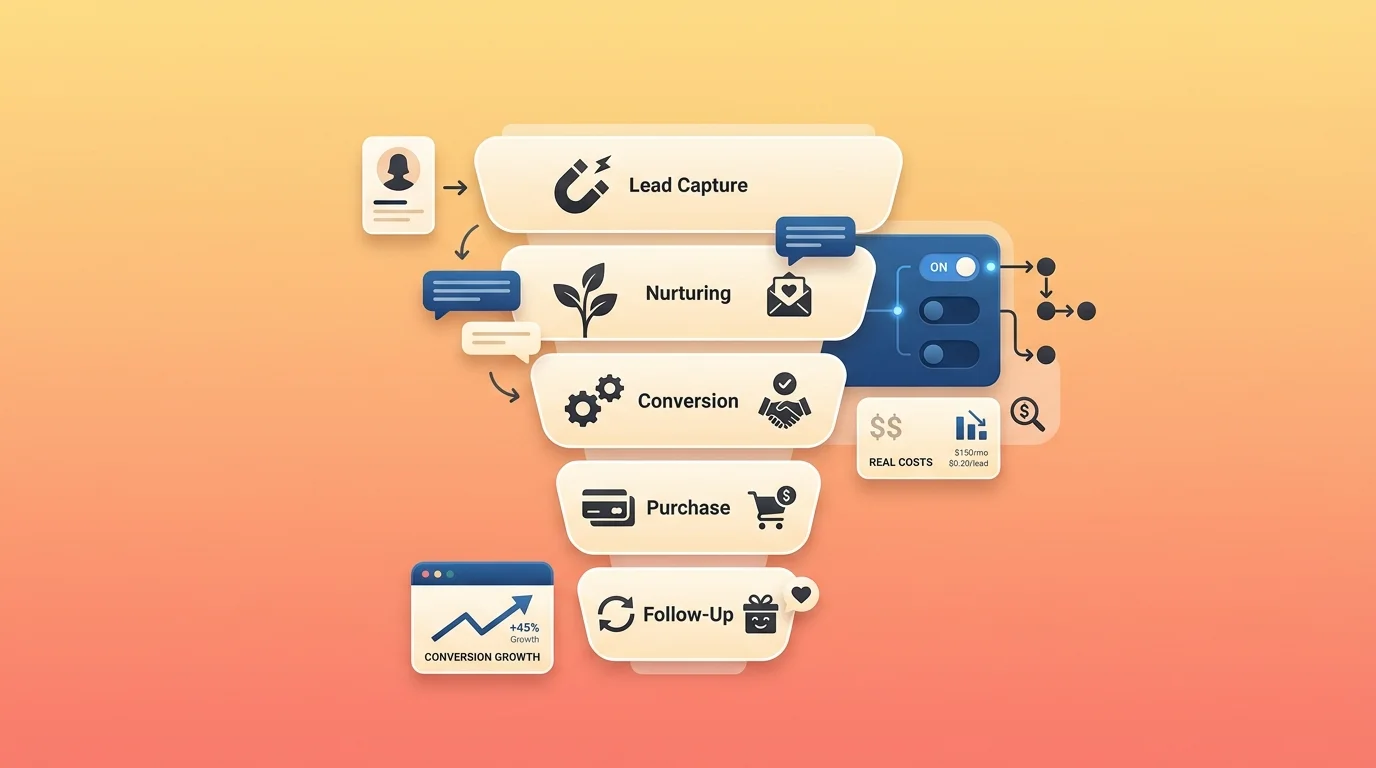
How to Automate Your Sales Funnel: A Stage-by-Stage Guide (With Real Costs)
To automate your sales funnel, work one stage at a time: capture leads automatically at awareness, nurture them with email at interest, follow up and book meetings at decision, then automate after-sales at retention. Trying to automate all four at once is why most funnel projects stall.
Salesforce’s State of Sales research found the average rep spends 60% of their workweek on non-selling tasks — only 40% actually selling. This guide shows what to automate at each stage, which tools do it, and exactly what each one costs.
Table of Contents
What is an automated sales funnel?
An automated sales funnel is a system where software moves a lead from first contact to purchase without someone doing each step by hand.
Think of it like a conveyor belt in a bakery. A person still designs the cake and decorates the tricky bits. The belt moves it between stations so nobody carries every tray across the room.
Sales funnel automation is the practice of setting that up. Sales funnel marketing automation is the marketing half of it — the emails, ads and content that fill the top.
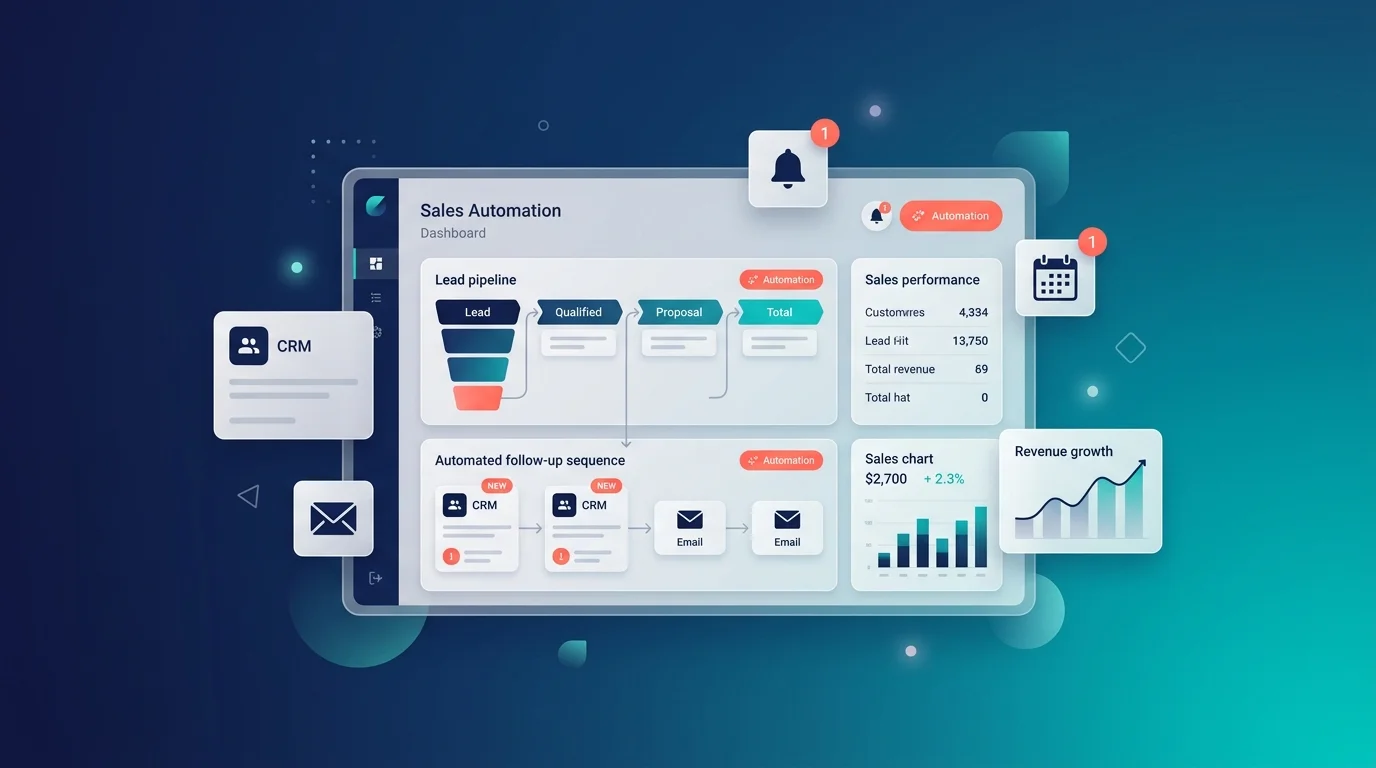
The four stages, and what to automate at each
| Stage | What the customer is doing | What you automate |
|---|---|---|
| 1. Awareness | Just found you | Capturing their details |
| 2. Interest | Comparing options | Nurturing with email and content |
| 3. Decision | Nearly ready to buy | Follow-up, booking, answering objections |
| 4. Retention | Already bought | Reviews, renewals, re-engagement |
Why stage-by-stage beats automating everything at once
Most guides hand you a twenty-step plan. Here is why that fails.
Each stage needs different software, different data and different testing. Build all four together and when something breaks — and something always breaks — you cannot tell which piece caused it.
Worse, automating a later stage is pointless if an earlier one is leaking. Automating your nurture emails does nothing if your website is not capturing leads in the first place. Fix the funnel in order.
One useful sanity check before you build anything: only 34% of sales teams use an all-in-one platform, and 84% of those without one plan to consolidate. If your tools do not talk to each other, automation just moves the mess around faster.
Stage 1 — Awareness: automate lead capture
The goal: never lose a visitor who showed interest.
What to automate here:
- A chat widget that greets visitors and answers questions instantly
- Forms that write straight into your CRM, not into an inbox
- Social and messaging capture from WhatsApp, Instagram or Messenger
- Missed-call capture, so a phone enquiry becomes a lead instead of nothing
- Lead magnets — a guide or template delivered automatically in exchange for an email
Why this stage matters more than the other three combined: MIT and InsideSales research tracking over 15,000 leads found companies replying within five minutes were roughly 21 times more likely to qualify a lead than those waiting 30 minutes. Meanwhile average B2B response time runs 42 to 47 hours, and in one mystery-shopper test of 1,000 companies, 63.5% never responded at all.
Automating your first reply is the single highest-return thing in this whole guide.
Tools and real costs for this stage:
| Tool | Cost | What it does here |
|---|---|---|
| Markleyo AI | From $14.50/mo flat | Chat on website, WhatsApp, Telegram, Instagram, plus phone answering |
| HubSpot free CRM | $0 | Forms and contact records |
| Tidio | Free (50 conv/mo), then $24.17/mo annual | Website chat plus AI |
| Chatbase | Free (50 credits), then $32/mo annual | AI bot trained on your pages |
| Landbot | Free (100 chats/mo), then ~$45/mo | Designed qualification flows |
Do this first: put a chat widget on your three highest-traffic pages and connect it to your CRM. That is an afternoon’s work and it plugs the biggest leak.
Stage 2 — Interest: automate nurture and email
The goal: stay useful while someone decides, without writing every message yourself.
At this stage a lead knows who you are but is not ready. Email automation does the patient work — sending the right thing at the right time based on what they actually did.
How do I set up email automation within a sales funnel?
Six steps, in order.
Step 1 — Pick your email tool based on list size, not features. This matters because email tools charge by contacts or by sends, which is completely different from how CRMs charge. More on that below.
Step 2 — Build one welcome sequence first. Three to five emails, sent over a week or two, triggered when someone joins your list. Nothing else until this works. Realistically you can have a welcome series live within an hour on Mailchimp or MailerLite; ActiveCampaign takes longer to learn but goes deeper.
Step 3 — Set the trigger and the exit. The trigger is what starts the sequence — a form fill, a download, a demo request. The exit matters just as much: the sequence must stop the moment someone replies or buys. Nothing damages trust faster than a “still thinking about it?” email arriving after someone has paid.
Step 4 — Segment by behaviour, not demographics. Someone who visited your pricing page three times needs a different email from someone who downloaded a beginner’s guide. Behaviour tells you intent; job titles do not.
Step 5 — Connect it to your CRM both ways. Your email tool should know when a lead becomes a customer, and your CRM should know which emails they opened. One-way sync creates two versions of the truth.
Step 6 — Add a small number of behaviour triggers. Pricing page visit, abandoned cart, trial ending, no reply after seven days. Four good triggers beat forty mediocre ones.
What email automation really costs (and the pricing trap)
Email tools price differently from everything else in your stack, and it catches people out. Here are verified rates as of July and August 2026:
| Tool | Free plan | ~1,000 contacts | ~5,000 contacts | ~10,000 contacts |
|---|---|---|---|---|
| MailerLite | 250 contacts, 2,500 emails | ~$10/mo | ~$30/mo | ~$50/mo |
| Brevo | Unlimited contacts, 300 emails/day | ~$25/mo | ~$65/mo | Send-based |
| Mailchimp | 250 contacts, 500 sends | ~$20/mo | — | ~$200/mo |
| ActiveCampaign | None | ~$15–49/mo | ~$149/mo | ~$249/mo |
| Kit | Up to 10,000 subscribers | — | — | Free tier covers it |
Four traps worth knowing before you sign up:
1. Mailchimp charges for unsubscribed contacts until you manually archive them. On a mature list with 20–30% inactive subscribers, that quietly costs $50 to $200 a month.
2. Brevo charges by emails sent, not contacts stored. A business with 50,000 contacts sending 5,000 emails a month pays for 5,000 sends. For big, quiet lists that is dramatically cheaper.
3. The tier jumps are cliffs, not steps. Brevo goes from about $18 straight to $499. Mailchimp goes from about $20 to $350. There is nothing in between, so check where your list size lands before you commit.
4. Pricing pages open on a discount. Brevo defaults to yearly at 10% off, GetResponse to yearly at 18% off, Omnisend to a three-month prepay at 30% off, and Mailchimp quotes a rate that holds “for 12 months” then rises. Always check which view you are looking at.
Do this first: start on a free tier. Brevo is free with unlimited contact storage and 300 emails a day, and Kit’s free plan covers up to 10,000 subscribers. Prove your welcome sequence works before you pay anything.
Stage 3 — Decision: automate follow-up and booking
The goal: remove every step between “interested” and “booked.”
This is where deals go quiet, and usually not because of price. They go quiet because a follow-up did not happen or a calendar link never arrived.
What to automate here:
- Meeting booking straight into a real calendar, so nobody emails back and forth about times
- Follow-up sequences that stop on reply — three to five touches, spaced out
- Objection answers handled by a chatbot or AI agent at the moment they come up
- Quote and proposal delivery, sent automatically from a template
- Reminders before a demo, which cut no-shows sharply
- Callbacks, if you can automate the phone — most businesses cannot, and it is where enquiries die
One caution that most articles skip. Drift’s research found live chat leads receiving an immediate human response converted at roughly four times the rate of chatbot-only interactions. So automate the speed and the admin at this stage, but get a person into the conversation quickly. There is also a documented pattern where companies wired up instant automated calling, hit sub-minute response, and watched win rates fall — because a prospect who has just downloaded a guide finds an immediate phone call intrusive.
Fast and helpful wins. Fast and pushy does not.
Tools and real costs for this stage:
| Tool | Cost | What it does here |
|---|---|---|
| Pipedrive | $14/seat (Essential), $29 (Advanced) | Pipeline, deal stages, follow-up automation |
| Zoho CRM | $14/user, Zia AI included | Same, with AI at the entry tier |
| Markleyo AI | From $14.50/mo flat | Books into Calendly or Cal.com, answers objections in chat, and its calling agent rings leads back |
| Cal.com | Free self-hosted | Booking, HIPAA and SOC 2 certified |
| HubSpot Starter | ~$15–20/user | Sequences and meeting booking |
Do this first: put a booking link in your follow-up emails and your chat widget. Removing the back-and-forth over times is the cheapest conversion win available.
Stage 4 — Retention: automate after-sales
The goal: turn one purchase into several.
Most funnel guides stop at the sale, which is where the easiest money is left behind. Selling again to someone who already trusts you is far cheaper than finding someone new.
What to automate here:
- Onboarding sequences so a new customer actually uses what they bought
- Review and feedback requests, timed after they have had a good experience rather than immediately
- Renewal and re-order reminders before the deadline, not after
- Win-back campaigns to customers who have gone quiet
- Upsell triggers based on usage or purchase history
Automation genuinely shines here because the timing is predictable. A renewal date is a known date. A 90-day check-in is a calendar entry. There is nothing to guess.
Tools and real costs for this stage:
| Tool | Cost | What it does here |
|---|---|---|
| Your email tool | Already paid for | Onboarding, reviews, win-backs |
| Markleyo AI | From $14.50/mo flat | WhatsApp and Telegram campaigns to past customers, at no per-message cost on Telegram |
| Zoho CRM | $14/user | Renewal reminders from deal data |
| Tidio | $24.17/mo annual | Post-purchase support and re-engagement |
Do this first: set up one review request, sent seven days after purchase. It takes twenty minutes and compounds forever.
How can I automate my sales funnel to increase lead conversion?
If your goal is specifically more conversions rather than less admin, four changes do most of the work.
1. Cut your first response time to under five minutes. This is not a small optimisation, it is the whole game. The MIT and InsideSales research puts a five-minute reply at roughly 21 times more likely to qualify than a 30-minute one, and Harvard Business Review found replying within an hour made you 60 times more likely to qualify than waiting a day. Most businesses reply in two days. A chatbot replies in seconds.
2. Fix your lead routing. Published analysis suggests roughly one in four leads is routed to the wrong place, which adds delay at every step afterwards. Set an owner-assignment rule — round robin, territory, or deal size — and make it automatic.
3. Make the sync real-time, not scheduled. A fifteen-minute delay between your form and your CRM undoes the five-minute rule entirely. You have automated the delay rather than removing it.
4. Add a booking link everywhere. Every automated email, every chatbot conversation, every follow-up. Most lost deals are lost in the gap between interest and a scheduled conversation.
And set honest expectations: published benchmarks put e-commerce lead conversion around 1–3% and B2B SaaS around 2–5%. Automation improves your baseline meaningfully. It does not transform thin traffic into a pipeline.
What are the best tools to automate your sales funnel for small businesses?
Small businesses need tools that work without an admin to configure them, and bills that do not multiply with headcount.
| Tool | From | Best for | AI included? |
|---|---|---|---|
| Markleyo AI | $14.50/mo flat | Capture and follow-up across chat, WhatsApp and phone | ✅ |
| Zoho CRM | Free (3 users), then $14/user | Best overall value — Zia AI from the entry tier | ✅ |
| Pipedrive | $14/seat | Easiest pipeline for a team to adopt | ❌ +$36/user |
| HubSpot | Free CRM, then ~$15/user | Best free starting point | ❌ +$50/user |
| Brevo | Free (unlimited contacts) | Email nurture on a big, quiet list | Partial |
| MailerLite | Free, then ~$10/mo | Cheapest simple email automation | Partial |
| Tidio | Free, then $24.17/mo annual | Website chat for online stores | ⚠️ Lyro add-on |
| Cal.com | Free self-hosted | Booking, with HIPAA and SOC 2 | — |
Two questions that settle your choice faster than any feature list:
“If my team doubles, does my bill double?” On per-seat CRMs, yes. Pipedrive at $29 a seat is $87 for three people and $725 for twenty-five.
“If my list doubles, does my bill double?” On contact-based email tools, usually yes — which is why Brevo’s send-based model or MailerLite’s low tiers suit big, quiet lists.
One thing to be clear about, including about our own product. Markleyo AI is not a CRM — there is no pipeline, no deal stages, no forecasting. It automates the conversations at stages 1, 3 and 4: chat across every channel, phone answering, and campaign follow-up. Most small businesses running a proper funnel pair a cheap CRM with a conversation tool. Zoho at $14 plus Markleyo at $14.50 is about $28.50 a month for both halves.
See the Markleyo AI chatbot page, the AI calling agent, or the pricing page.
What an automated sales funnel costs: three real budgets
Here is what a working funnel actually costs at three levels. All figures are published 2026 rates.
Budget 1 — Free ($0/month)
| Stage | Tool |
|---|---|
| Capture | HubSpot free CRM + Tidio free (50 conversations) |
| Nurture | Brevo free (unlimited contacts, 300 emails/day) |
| Booking | Cal.com self-hosted |
| Retention | Brevo sequences |
Genuinely $0. Every cap is low enough that you will outgrow it within months, but it proves whether automation works for you before you spend anything.
Budget 2 — Small business (~$38/month)
| Stage | Tool | Cost |
|---|---|---|
| CRM and pipeline | Zoho CRM Standard | $14 |
| Capture and follow-up | Markleyo AI | $14.50 |
| Email nurture | MailerLite (1,000 contacts) | $10 |
| Total | $38.50/mo |
That covers all four stages, with AI included in two of the three tools.
Budget 3 — Growing team of three (~$150/month)
| Stage | Tool | Cost |
|---|---|---|
| CRM | Pipedrive Advanced × 3 seats | $87 |
| Email nurture | ActiveCampaign (5,000 contacts) | $49 |
| Conversation automation | Markleyo AI | $14.50 |
| Total | $150.50/mo |
For comparison — the enterprise path
Five people on HubSpot Professional at $90 a seat is $450. Add Breeze AI at $50 a seat and that is $250 more. Add ActiveCampaign at 5,000 contacts for $149. That is $849 a month for the same four stages.
The gap between budget 2 and the enterprise path is roughly 22 times, for a funnel that does the same four jobs. Bigger tools buy you depth, governance and reporting. They do not buy you a different funnel.
One threshold worth knowing: past roughly 15 to 20 seats, stacked per-seat SaaS bills often cost more per year than building custom automation once.
How to create an automated sales funnel in 8 steps
Here is how to automate your sales funnel from scratch, in the order that actually works.
Step 1 — Map your current funnel on one page. Write down every stage and how a lead actually moves between them today. You cannot automate a process you have not written down.
Step 2 — Find the leak. Check last week’s enquiries and count how many got no reply at all. For most businesses that number is uncomfortable, and it is your business case.
Step 3 — Fix stage 1 only. Chat widget on your top pages, forms writing into your CRM, one owner-assignment rule. Nothing else yet.
Step 4 — Run stage 1 for two weeks and measure. Track response time and how many enquiries got a reply. If those numbers have not moved, fixing stage 2 will not help.
Step 5 — Build one email sequence. A welcome series with a clear trigger and a clear exit. One sequence, working properly.
Step 6 — Add booking and follow-up at stage 3. Booking link everywhere, plus a three-to-five-touch follow-up that stops on reply.
Step 7 — Add one retention automation. A review request seven days after purchase is the easiest place to start.
Step 8 — Review the whole thing monthly. Read the actual conversations and emails. Every bad automated message is a content problem, not a software problem.
Realistic timeline: stages 1 and 2 in a fortnight. Stages 3 and 4 in a quarter. Anyone promising a fully automated funnel in a week is selling something.
Mistakes that break automated funnels
Automating on top of bad data. If your contact records are a mess, automation spreads the mess faster. Clean before you scale. Around 74% of teams using AI now prioritise data hygiene for exactly this reason.
Sequences with no exit. The most common and most damaging error. A nurture email arriving after someone has bought makes you look like you are not paying attention.
Too many tools. Every integration is a thing that can break. Fewer tools that talk to each other beat more tools that nearly do.
Removing the human entirely. Given that immediate human responses convert several times better than bot-only, your best automation should end with a person quickly — not replace them.
Set and forget. Buyers change, your offer changes, your pricing changes. An automation built once and never reviewed slowly becomes wrong.
Automating stage 3 while stage 1 leaks. The most expensive mistake, because it feels productive. Fix the funnel in order.
Frequently asked questions about how to automate your sales funnel
What is an automated sales funnel?
An automated sales funnel is a system where software moves a lead from first contact through to purchase without a person doing each step manually. It usually spans four stages: capturing leads at awareness, nurturing them with email at interest, following up and booking at decision, and re-engaging them at retention. Sales funnel automation is the practice of building it, typically using a CRM plus an email tool plus something to handle conversations.
How do I automate my sales funnel?
Work one stage at a time. Start by automating lead capture — a chat widget and forms writing straight into your CRM — because that is where most businesses lose the most. Then build one email welcome sequence with a clear trigger and exit. Then add booking links and follow-up at the decision stage. Then add one retention automation such as a review request. Automating all four at once is why most funnel projects stall.
What does an automated sales funnel cost?
You can build a working one for $0 using HubSpot’s free CRM, Brevo’s free email tier and Cal.com self-hosted. A realistic small-business setup runs about $38.50 a month — Zoho CRM at $14, Markleyo AI at $14.50 and MailerLite at $10. A three-person team on Pipedrive with ActiveCampaign lands near $150 a month. The equivalent enterprise stack — HubSpot Professional with Breeze AI for five people plus ActiveCampaign — is about $849 a month.
Which email automation should I build first?
A welcome sequence, and nothing else until it works. Three to five emails triggered when someone joins your list, with a clear exit that stops the sequence the moment they reply or buy. Pick your tool based on list size rather than features, segment by behaviour rather than job title, and sync two-way with your CRM. Start on a free tier — Brevo offers unlimited contact storage with 300 emails a day, and Kit’s free plan covers up to 10,000 subscribers — then add behaviour triggers like pricing-page visits once the welcome series is earning its keep.
What are the best tools to automate a sales funnel for a small business?
For the CRM layer, Zoho CRM at $14 per user with Zia AI included, or Pipedrive at $14 a seat for the easiest pipeline. For email, MailerLite from about $10 or Brevo free. For conversations across chat, WhatsApp and phone, Markleyo AI at $14.50 flat. For booking, Cal.com free. Most small businesses pair a cheap CRM with a conversation tool rather than buying one expensive platform.
How much can automation increase lead conversion?
The biggest gain comes from response speed, not clever sequences. MIT and InsideSales research found a five-minute reply made companies roughly 21 times more likely to qualify a lead than a 30-minute one, while average B2B response times run 42 to 47 hours. That said, keep expectations grounded — published benchmarks put e-commerce lead conversion at 1–3% and B2B SaaS at 2–5%. Automation improves your baseline; it does not rewrite it.
Can an automated funnel replace my sales team?
No. Drift’s research found live chat leads getting an immediate human response converted at roughly four times the rate of chatbot-only interactions. There is also a documented pattern where over-aggressive instant automation reduced win rates, because prospects found it intrusive. The funnel that works uses automation for speed, screening and admin, and people for the conversations that decide the deal.
How long does it take to build an automated sales funnel?
Stages 1 and 2 — lead capture and one email sequence — take about a fortnight for a small business. Stages 3 and 4 take a quarter. The software setup is fast; a welcome series can be live within an hour on Mailchimp or MailerLite. What takes time is writing good content and testing the flows. Migrating an existing email setup to a new tool typically takes 10 to 40 hours depending on list size.
The bottom line
Learning how to automate your sales funnel is not one big project. It is four smaller ones, and they have to be done in order.
- Leaking leads at the top? → Fix stage 1 first. Chat widget, forms into CRM, one routing rule.
- Leads going cold? → Stage 2. One welcome sequence with a proper exit.
- Interest but no meetings? → Stage 3. Booking links everywhere and follow-up that stops on reply.
- One-time buyers? → Stage 4. A review request and a renewal reminder.
Before you buy anything, do two things. Count last week’s unanswered enquiries — that is your real business case, and it is usually worse than you expect. And price your stack at the team size and list size you will be in a year, because per-seat CRMs and per-contact email tools both scale against you.
Losing leads at the top of your funnel? Start a free Markleyo AI trial — chat on your website, WhatsApp and Telegram, plus an AI calling agent that answers and books appointments, from $14.50/month.