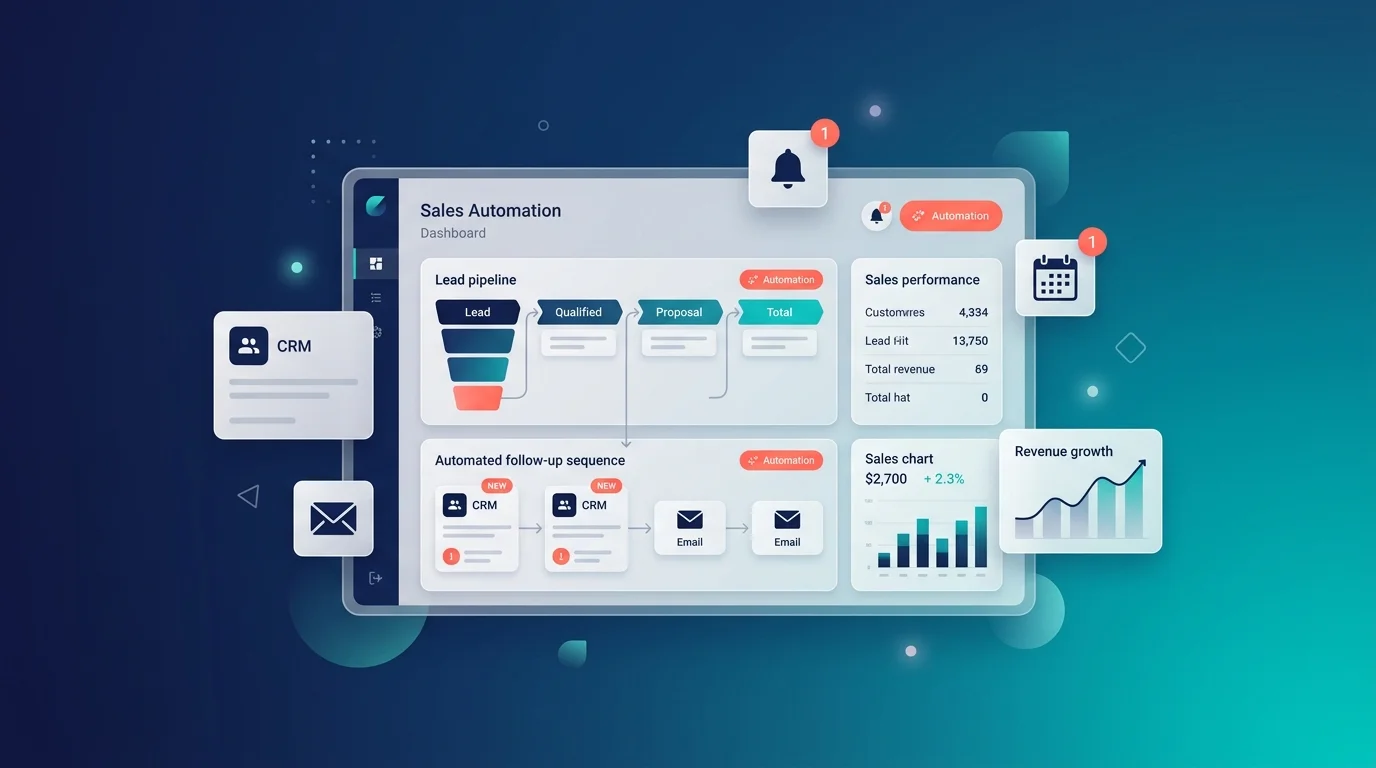
What Is Sales Automation? 2026 Guide, Tools & Real Costs
Sales automation is using software to handle the repetitive parts of selling — capturing leads, scoring them, logging activity, sending follow-ups and building reports — so your team spends its time on conversations instead of admin. Salesforce research found sales reps spend only 28% of their time actually selling. Automation is how you get the other 72% back.
This guide covers what it is, what it genuinely costs in 2026 including the AI fees nobody budgets for, and which tools fit a small business.
Table of Contents
What is sales automation?
Sales automation, sometimes called sales process automation, is the practice of using software to do sales tasks that a person would otherwise do by hand.
Think of it like a dishwasher for your sales admin. You still cook the meal and you still decide the menu. The machine handles the boring, repetitive part that nobody wants to do and that gets done badly when everyone is busy.
A sales automation system is the software that runs it. That usually means a CRM with automation built in, sometimes plus a separate outbound tool, and increasingly plus an AI agent that handles conversations on its own.
Sales automation vs sales intelligence vs marketing automation
These three get mixed up constantly, and keeping them apart makes buying decisions much easier.
| What it is | Simple version | |
|---|---|---|
| Sales automation | Software doing sales tasks | The doing |
| Sales intelligence | Gathering and analysing data to decide what to do | The thinking |
| Marketing automation | Software managing marketing across channels | The attracting |
Sales automation executes. Sales intelligence decides. Marketing automation fills the top of the funnel and hands over.
They should talk to each other. Your marketing tool should pass leads to your sales tool automatically, and your sales tool should send results back so marketing learns which types of company actually buy. When that loop is broken, both teams work from guesses.
What can a sales automation system actually do?
Here are the tasks that get automated most often, roughly in order of how much time they save:
- Capturing leads from forms, chat, ads and calls, straight into your CRM
- Scoring leads so the best ones surface first instead of sitting in a list
- Logging activity — emails, calls, meetings — without anyone typing it up
- Sending follow-ups as timed sequences rather than whenever someone remembers
- Updating the pipeline as deals move, instead of a Friday afternoon data-entry session
- Building reports in real time rather than in a spreadsheet
- Drafting messages with AI, which a rep then personalises
- Forecasting based on live pipeline data instead of gut feel
- Transcribing calls and pulling out the action items automatically
IBM published a useful proof point here: a company called Avid Solutions used automation to cut its customer onboarding time by 25%. That is the shape of the win — not magic, just removing steps.
Sales process automation vs automation of sales channels
Two phrases that sound similar and mean different things.
Sales process automation is about your internal steps — the pipeline, the handoffs, the reporting, the follow-up rules. It makes your existing process run itself.
Automation of sales channels is about the places customers reach you — your website, WhatsApp, Instagram, email, the phone. It makes each channel answer on its own.
Most businesses need both, and most buy only the first. That is why so many companies have a beautifully automated CRM and still miss a customer who messaged their Instagram at 9pm.
Sales automation benefits: why automating your sales process pays
Automating your sales process is not really about doing the same work faster. It is about the work that currently does not happen at all.
The speed-to-lead numbers
This is the most important research in the field, and it explains why automation pays for itself.
Lead Response Management research conducted through MIT with InsideSales tracked more than 15,000 leads. It found that companies responding within five minutes were roughly 21 times more likely to qualify a lead than those waiting 30 minutes, and around 100 times more likely to make contact at all. Harvard Business Review’s follow-up work in 2011 found that replying within an hour made you 60 times more likely to qualify a lead than waiting a day.
Now the gap that creates the opportunity:
| What the research found | Source |
|---|---|
| Average B2B lead response time: 42–47 hours | Aggregated 2026 benchmarks |
| 63.5% of 1,000 companies never responded at all | RevenueHero, 2024 |
| 74% of 573 businesses missed the five-minute window | Blazeo, 2026 |
| Roughly 1 in 4 leads is routed to the wrong place | LeanData |
Most of your competitors reply in two days, or never. Automation replies in seconds.
Two honesty notes. Several of these studies come from companies selling lead-response software, so treat the figures as credible but not disinterested. And the exact multipliers vary between studies — the direction has held for nearly two decades, the precise numbers have not.
The benefits, ranked by impact
1. You stop losing leads to silence. This is the biggest one by a wide margin, for the reasons above. Everything else is optimisation.
2. Your reps get their week back. Salesforce found reps spend only 28% of their time selling. Automating logging, reporting and data entry moves that number directly.
3. Your team is happier. The same Salesforce research found 89% of workers were more satisfied with their jobs when automation was part of them. Nobody enjoys copying data between systems.
4. Your data becomes trustworthy. Manual entry produces gaps and typos, and gaps make forecasts fiction. Automated capture fixes the input, which fixes everything downstream.
5. Follow-up becomes consistent. A human forgets the fifth touch. A sequence does not. Most deals are lost to no follow-up rather than to a competitor.
6. It costs far less per conversation. Published comparisons put automated handling at roughly $0.50 per conversation against about $6.00 for a human, which means you can afford to engage every enquiry rather than only the ones that complete a form.
The honest limits nobody mentions
Three things most articles on this topic skip.
Automation does not beat a fast human — it beats a slow one. Drift’s research found that live chat leads receiving an immediate human response converted at roughly four times the rate of chatbot-only interactions. The winning setup is automation for speed and screening, with a person taking over quickly. Not automation instead of people.
Speed can be overdone. There is a well-documented pattern where companies wire up instant automated calling, hit sub-minute response times, and watch win rates fall — because a prospect who has barely finished reading the confirmation page finds an immediate phone call intrusive rather than impressive.
Bad data automates badly. If your contact records are a mess, automation spreads the mess faster. Clean up before you scale up.
And set realistic expectations on volume: published benchmarks put e-commerce lead conversion around 1–3% and B2B SaaS around 2–5%. Automation improves your baseline. It does not turn thin traffic into a pipeline.
What sales automation really costs in 2026
Here is where most guides go quiet. Let’s not.
CRM and sales automation pricing, compared
Across the category, per-seat pricing runs roughly $14 to $165 per user per month. These are published 2026 rates, cross-checked across several pricing trackers in July and August 2026.
| Platform | Entry | Mid tier | Top tier | AI included? |
|---|---|---|---|---|
| Markleyo AI | $14.50/month flat | — | — | ✅ Included |
| Zoho CRM | Free (3 users), then $14/user | $23 Professional | $40 Enterprise, $52 Ultimate | ✅ Zia from $14 tier |
| Pipedrive | $14/seat Essential | $29 Advanced, $39 Growth | $59 Premium | ❌ Add-on |
| HubSpot | Free CRM, then ~$15–20/user Starter | $90/user Professional | Enterprise higher | ❌ Add-on |
| Freshsales | ~$9/user Growth | Pro | Enterprise | ✅ Included |
| Salesforce | $25/user Starter Suite | $100/user Pro Suite | $165 Enterprise | ❌ Add-on |
| Apollo.io | Free tier | Paid tiers | — | Partial |
| lemlist | $55/seat | — | — | Partial |
Two things jump out. Zoho includes its AI assistant from the $14 tier, which almost nothing else does. And HubSpot’s jump from Starter to Professional is roughly six times the price — a cliff, not a step.
The AI add-on nobody budgets for
This is the finding that should change your shortlist, and it is the reason this article exists.
Most major CRMs charge for AI as a separate per-seat add-on, on top of the seat you already bought.
| CRM | AI add-on | Cost at 20 seats per year |
|---|---|---|
| Salesforce Einstein | $60/user/month | $14,400 |
| HubSpot Breeze | $50/user/month | $12,000 |
| Pipedrive AI | $36/user/month | $8,640 |
| Zoho Zia | $23/user/month | $5,520 |
| Freshsales, Close, Attio, Monday | Included at every tier | $0 |
Read the Salesforce row again. $14,400 a year for the AI alone, before you pay for a single Salesforce seat. On HubSpot Professional at $90 a seat plus Breeze at $50, you are at $140 per person per month — $2,800 a month for a 20-person team.
The AI add-on frequently costs more than the CRM underneath it. Nobody puts that in a pricing table, and it is the fastest-growing line on CRM invoices.
What you pay at 3, 10 and 25 seats
Per-seat pricing looks cheap at three people and painful at twenty-five. Here is the same software at three team sizes:
| Team size | Zoho Standard ($14) | Pipedrive Advanced ($29) | HubSpot Pro ($90) | Salesforce Pro ($165) |
|---|---|---|---|---|
| 3 seats | $42/mo | $87/mo | $270/mo | $495/mo |
| 10 seats | $140/mo | $290/mo | $900/mo | $1,650/mo |
| 25 seats | $350/mo | $725/mo | $2,250/mo | $4,125/mo |
Two costs to add on top. Salesforce applies a Premier Success surcharge of around 30% on support. And per-seat AI, if your platform charges for it, scales the same way.
One useful threshold from the research: once you pass roughly 15 to 20 seats, stacked per-seat SaaS bills routinely cost more per year than building custom automation once. That is worth knowing before you sign a three-year contract.
Best sales automation tools for small businesses
Small businesses have a different problem from enterprises: no admin to configure things, no budget for six subscriptions, and nobody free to answer at 9pm.
1. Markleyo AI — best for automating the channels, not the pipeline
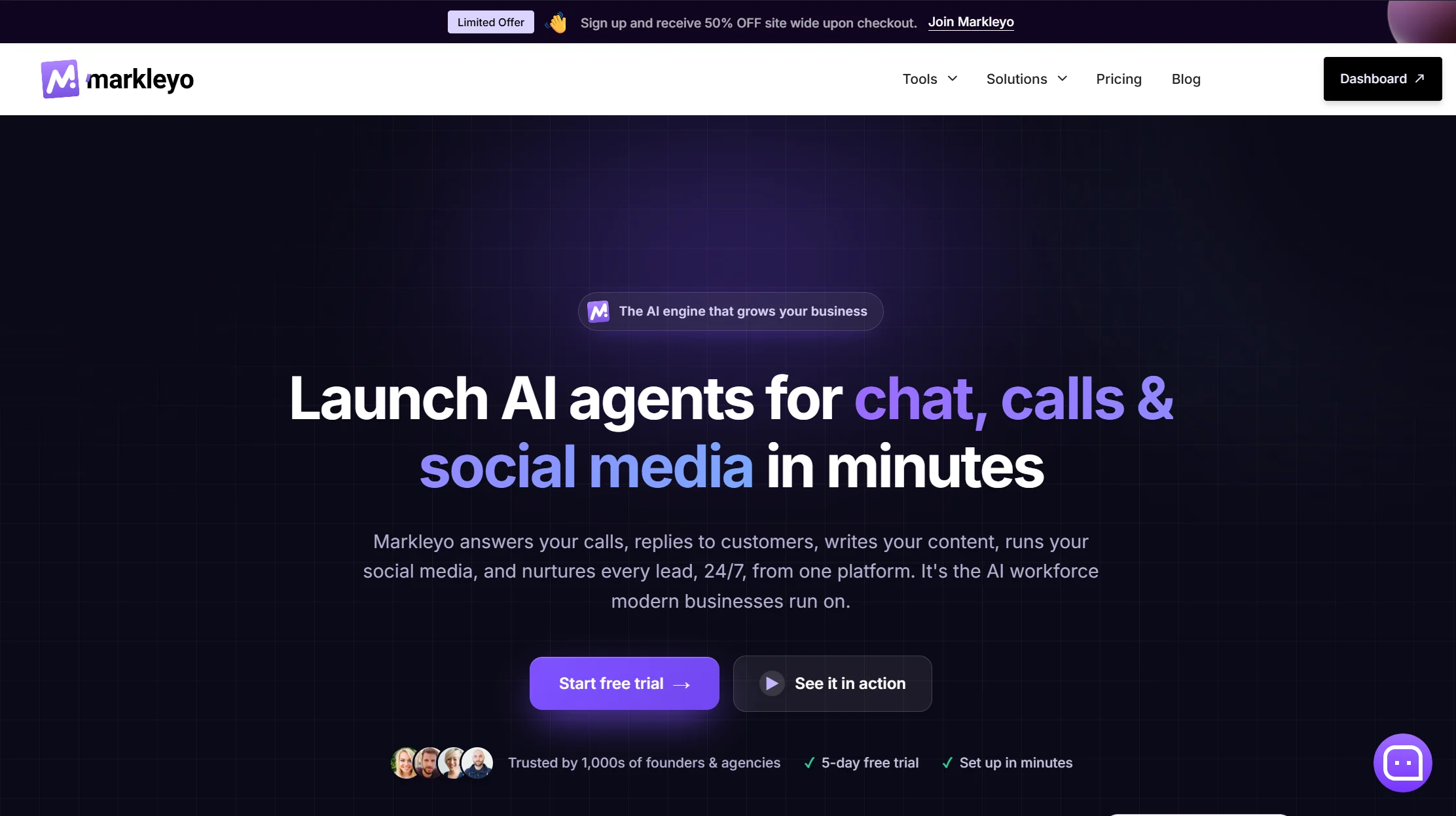
Price: From $14.50/month flat · 5-day free trial
Let me be clear about what this is, because it is a different category from everything above. Markleyo is not a CRM. There is no pipeline view, no deal stages, no forecasting, no territory management. If you need to manage a pipeline, pick Zoho, Pipedrive or HubSpot.
What it does is the other half — automation of sales channels. A CX chatbot agent answers on your website, WhatsApp, Telegram, Instagram and Messenger, trained on your own content, qualifying visitors and booking straight into Calendly or Cal.com. An AI calling agent answers and places real phone calls and books appointments — the piece almost nothing else on this list does. A marketing bot runs WhatsApp and Telegram follow-up campaigns. An AI copywriter drafts the emails and landing pages behind them. All on one flat fee with the AI included — no per-seat multiplier, no AI add-on.
That matters for the speed-to-lead numbers above. If a five-minute reply is worth 21 times a 30-minute one, the tool that answers chat and rings the phone and follows up on WhatsApp is closing that gap on three channels at once.
The pairing most small businesses actually want: a cheap CRM for the pipeline plus conversation automation for the channels. Zoho at $14 plus Markleyo at $14.50 is about $28.50 a month for both halves — against $140 per person per month for HubSpot Professional with Breeze AI.
Watch out for: no CRM features, no ticket queues, no live database lookups, and fewer public reviews than the established CRMs.
See the Markleyo AI chatbot page, the AI calling agent, or the pricing page.
2. Pipedrive — best visual pipeline
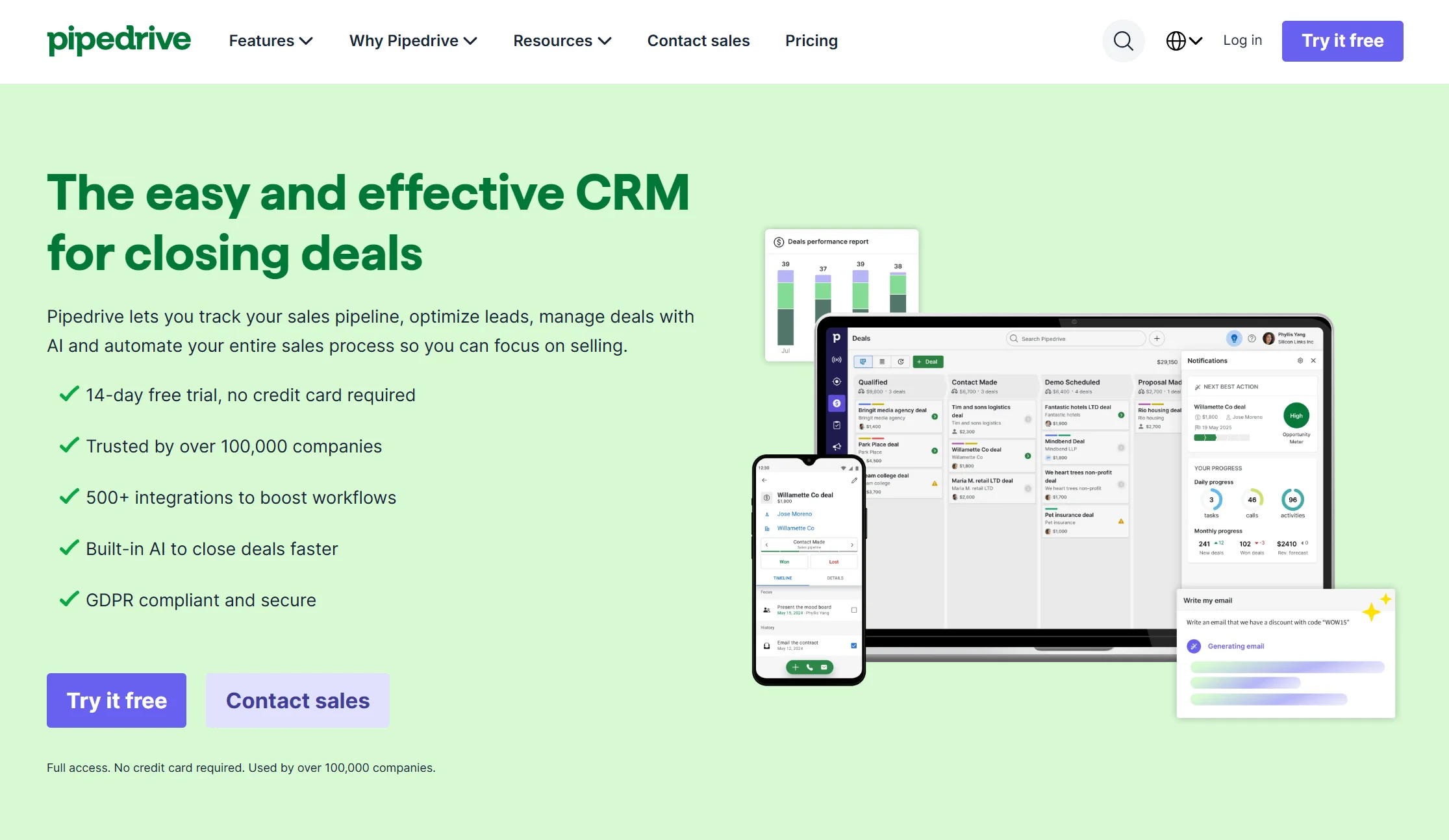
Price: Essential $14/seat/month, Advanced $29, Growth $39 annual, Premium $59.
Pipedrive was built by salespeople frustrated with enterprise CRMs, and it shows — the visual pipeline is the clearest in the market and reps adopt it fast. It has excellent email automation, AI-powered deal recommendations, and the broadest integration ecosystem among sales-native CRMs. For 15 reps on Advanced it runs about $5,220 a year, roughly half of Salesforce Starter.
Watch out for: AI is a $36/user/month add-on. And if your goal is automatic relationship data capture with minimal manual upkeep, Pipedrive is not the strongest choice.
Verdict: the easiest CRM to actually get a team using. Best for outbound-focused small teams.
3. HubSpot — best free starting point
Price: Free CRM. Sales Hub Starter around $15–20/user/month. Professional $90/user/month.
HubSpot’s free CRM is widely considered the best entry point in the market, and Starter at around $15 a seat adds email sequences and meeting booking. If your marketing already runs on HubSpot, the integration argument is strong.
Watch out for: the jump from Starter to Professional is roughly six times the price. Avoid Professional until you have validated your sales process and genuinely need the reporting depth. Breeze AI is another $50/user/month.
Verdict: start free, upgrade to Starter, and think hard before Professional.
4. Freshsales — cheapest paid entry with AI included
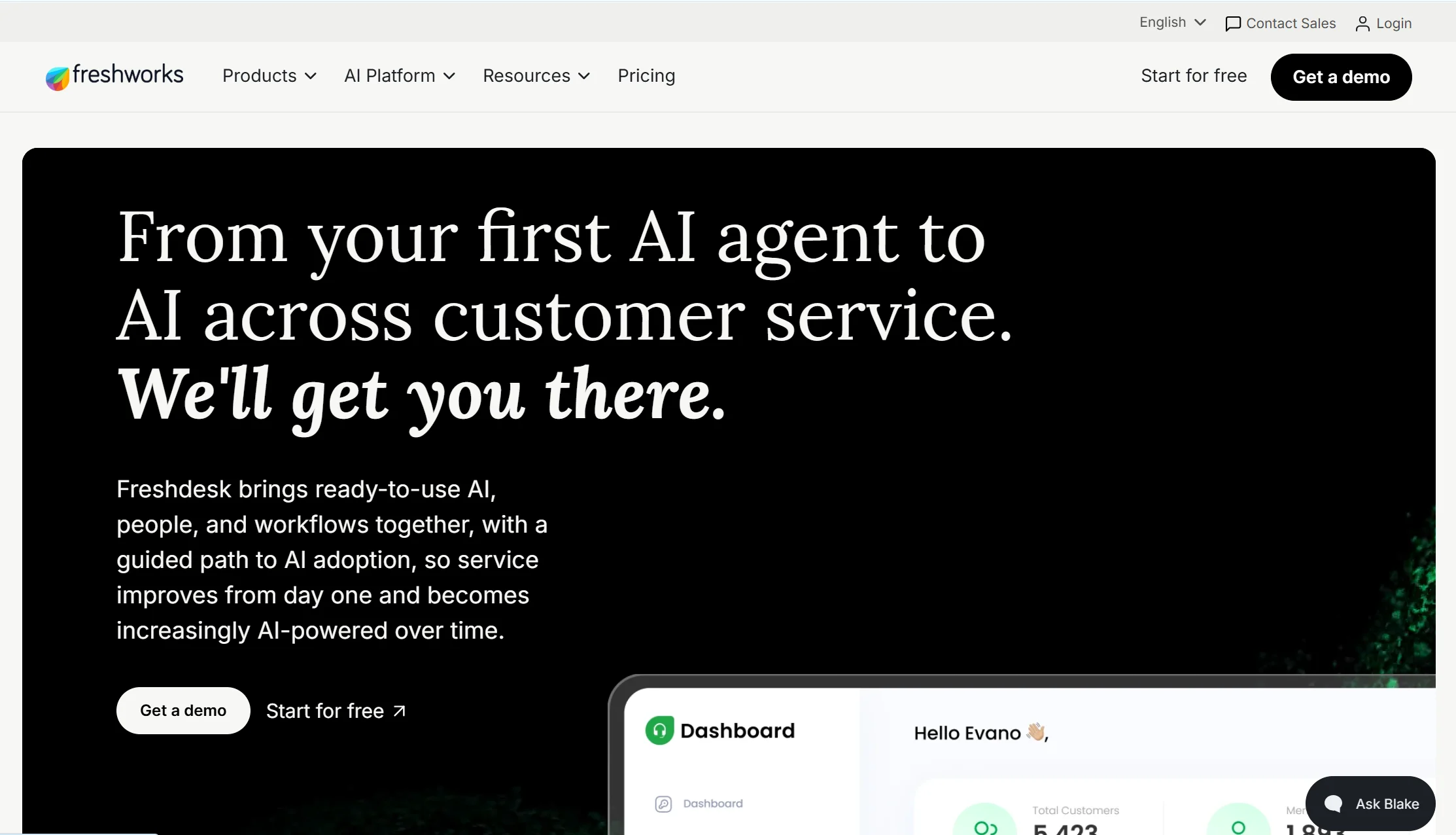
Price: Growth from around $9/user/month.
Freshsales is the budget option that does not gate its AI. Alongside Close, Attio and Monday, it includes AI at every tier rather than selling it separately — which at 20 seats saves you the $5,520 to $14,400 a year the bigger platforms charge.
Watch out for: less mature than Pipedrive or Zoho on integrations and reporting depth.
Verdict: the cheapest way to get a CRM with AI included. Genuinely underrated on cost.
5. Zoho CRM — best value, and AI is included
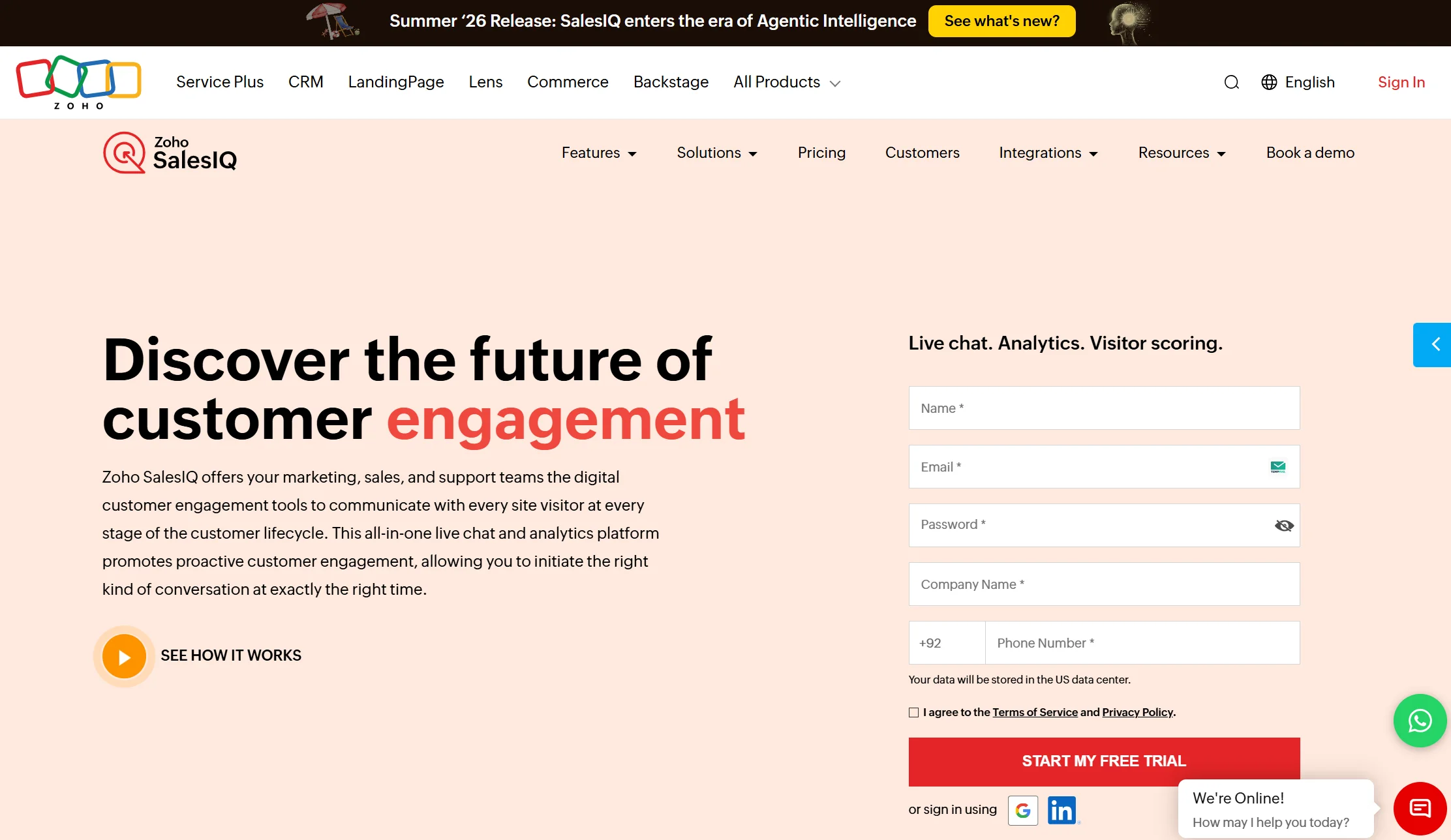
Price: Free for up to 3 users. Standard $14/user/month annual, Professional $23, Enterprise $40, Ultimate $52.
Zoho is the price-to-feature leader in 2026 and it is not close. Workflow rules, cadences and the Zia AI assistant are included from the $14 Standard tier — where Pipedrive, HubSpot and Salesforce all charge extra. Zia does lead scoring, email sentiment analysis and anomaly detection. HubSpot Sales Hub Professional costs more per seat than Zoho’s top Ultimate tier.
Watch out for: per-tier feature limits on custom fields, workflows and scheduled functions are easy to hit as you grow, and teams often find the automation they need sits one tier up. Map your requirements against the limit tables before committing. It also needs more setup time than Pipedrive and can feel less polished.
Verdict: the best value sales automation system for a small business, especially if you use other Zoho apps.
6. Apollo.io — best free outbound prospecting
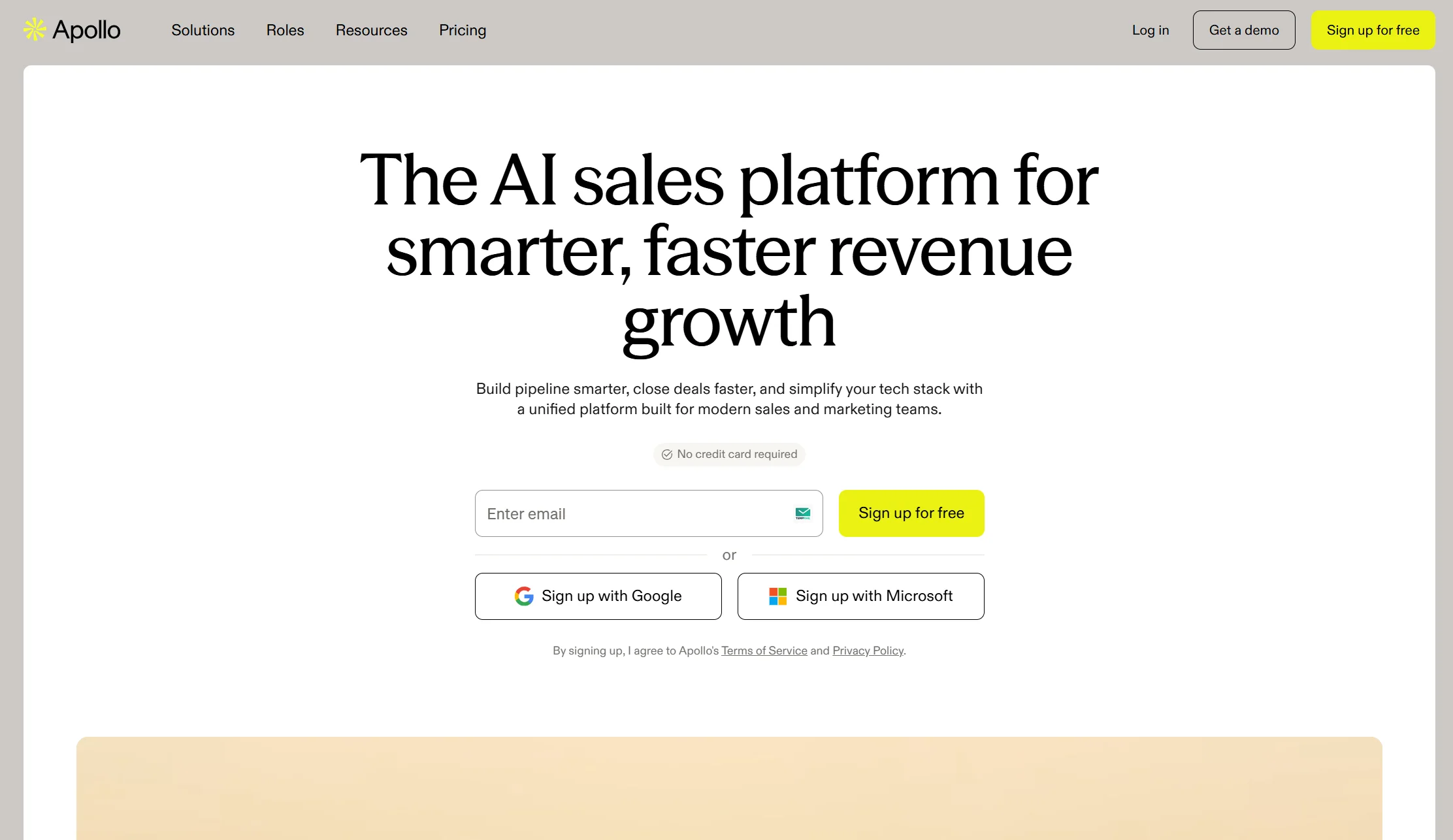
Price: Free tier available, then paid plans.
If your problem is finding prospects rather than managing them, Apollo combines a contact database with sequencing. The free tier is genuinely usable for testing outbound, which is rare in this category.
Watch out for: data accuracy varies by region and industry, so verify before you send at volume.
Verdict: the best free way to start outbound. Pair with a CRM rather than replacing one.
7. lemlist — best focused outbound sequencing
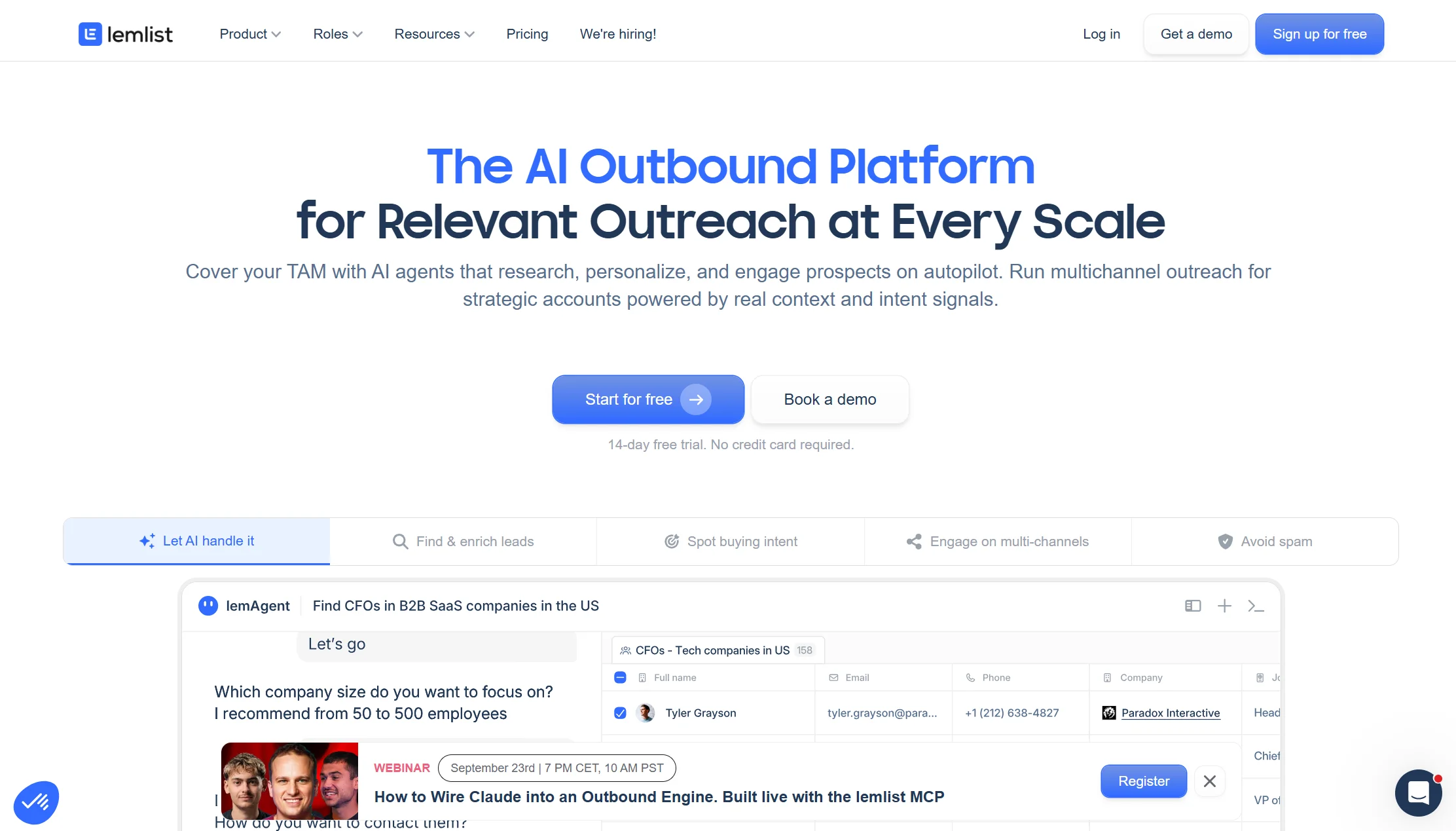
Price: From $55/seat/month.
lemlist is a dedicated sales-engagement tool for cold email sequences with personalisation and deliverability tooling. It does one job properly.
Watch out for: at $55 a seat it is expensive next to a CRM that includes basic sequences.
Verdict: worth it if outbound email is your main channel. Overkill otherwise.
8. Salesforce — powerful, and priced for enterprises
Price: Starter Suite $25/user/month, Pro Suite $100, Enterprise $165. Einstein AI $60/user/month. Premier Success support adds roughly 30%.
Salesforce handles everything from lead scoring to territory management to configure-price-quote to partner channel management. At real scale it is unmatched.
Watch out for the SMB trap. Starter Suite sounds approachable at $25 a seat, but the things most small teams actually need — forecasting, automation, custom reports — push you to Pro Suite at $100 a seat. At that point Pipedrive, Zoho or HubSpot typically deliver the same practical value for less than half the cost and far less setup. Features that cost $75 or more per user on Salesforce are included at Zoho’s $23 Professional tier.
Verdict: the right answer above roughly 200 users. The wrong answer below it.
Full comparison table: 8 sales automation tools
| Tool | From | AI included? | Free plan? | Best for |
|---|---|---|---|---|
| Markleyo AI | $14.50/mo flat | ✅ Included | ❌ 5-day trial | Channel automation, not CRM |
| Zoho CRM | $14/user/mo | ✅ Zia from entry tier | ✅ 3 users | Best overall value |
| Pipedrive | $14/seat/mo | ❌ +$36/user | ❌ Trial | Visual pipeline, adoption |
| HubSpot | Free, then ~$15/user | ❌ +$50/user | ✅ Free CRM | Best free start |
| Freshsales | ~$9/user/mo | ✅ Included | ❌ Trial | Cheapest with AI |
| Apollo.io | Free tier | Partial | ✅ Yes | Outbound prospecting |
| lemlist | $55/seat/mo | Partial | ❌ | Cold email sequences |
| Salesforce | $25/user/mo | ❌ +$60/user | ❌ | 200+ users |
AI sales agents: what changed in 2026
This is the part that dates most sales automation guides, including the ones on very large domains.
Until recently, “AI in sales” meant assistance: the software suggested a lead score, drafted an email, or summarised a call, and a human did the work. That is a copilot.
In 2026 the shift is to AI agents that complete the task themselves — an agent that answers a website visitor, qualifies them against your criteria, books the meeting in a rep’s calendar, and logs it in the CRM, with no human in the loop until the meeting happens.
The practical differences worth understanding:
| AI copilot | AI agent | |
|---|---|---|
| What it does | Suggests and drafts | Acts and completes |
| Who finishes the task | Your rep | The software |
| Typical pricing | Per seat, per month | Per resolution, per conversation, or flat |
| Best for | Making 5 humans faster | Handling volume you cannot staff |
Why the pricing model matters more than the feature. Copilots are billed per seat, so your bill rises when you hire. Agents are usually billed per action, so your bill rises when you get busy — and when the agent works well. A few tools bundle agents at a flat rate, which is the only model where a good month does not cost you more.
Two cautions. Agentic claims run well ahead of reality — vendors quote resolution rates from 59% to 83%, and independent benchmarks across adjacent categories typically land between roughly 50% and 65%. And an agent is only as good as the content it learns from. A vague pricing page produces a vague agent.
Inside sales automation vs field sales automation
Inside sales means selling remotely — phone, email, video, chat. Field sales means going to the customer.
They automate very differently, and buying the wrong shape wastes money.
Inside sales automation focuses on volume and speed: email sequences, dialler integration, call recording and transcription, chat and chatbot capture, lead scoring, and automatic activity logging. Because inside sales is high-volume and screen-based, almost everything can be automated, and speed-to-lead is the metric that matters most. This is where the tools in this guide shine.
Field sales automation focuses on mobility: mobile CRM access, route planning, offline data capture, and voice-to-text notes from the car. As IBM’s own analysis notes, field teams depend on having updated information wherever their sales calls take them, so the goal is a single source of truth that reps on the road and staff in the office both work from.
The practical rule: if your team sells from a desk, automate the conversation. If your team sells from a car, automate the record-keeping.
How to integrate sales automation with CRM software
Integration is where most sales automation projects quietly fail. A lead sitting in a chat transcript is not a lead — it becomes one when it lands in your CRM with the right fields filled and the right owner assigned.
Step 1 — Pick the CRM first, then the automation around it. Your CRM is the system of record. Choose it, then choose tools that connect to it. Doing this backwards means retrofitting integrations later.
Step 2 — Map your fields before you connect anything. Write down exactly which piece of information goes into which CRM field. If your CRM has a “Budget Range” field, your chatbot needs to write to it — not dump everything into the notes box as free text.
Step 3 — Choose your connection method. Native integrations are best: fewer moving parts, real-time, and supported by both vendors. Zapier or Make are the fallback when no native option exists, and they add a delay. A direct API build is for teams with a developer.
Step 4 — Set the owner assignment rule. A lead with no owner sits unclaimed, which destroys the speed advantage you just paid for. Decide now: round robin, by territory, by deal size, or by product.
Step 5 — Make the push real-time, not scheduled. A 15-minute sync delay undoes the five-minute rule entirely. Given that research suggests roughly one in four leads is already routed incorrectly, a timed sync automates the delay rather than removing it.
Step 6 — Carry the conversation history across. Your rep should see what the prospect already said. Making a qualified lead repeat themselves is the fastest way to lose them.
Step 7 — Send a test lead end to end. Fill in your own form, watch it appear in the CRM, check every field, confirm the owner was assigned, and time how long it took. Do this before launch, with your own eyes.
Step 8 — Set up duplicate handling. Two tools writing to the same CRM will eventually create duplicate records. Decide the matching rule — usually email — before it becomes a cleanup project.
Step 9 — Review weekly for the first month. Look at what landed badly and fix the mapping. Integrations drift as you add tools.
How to start automating your sales process
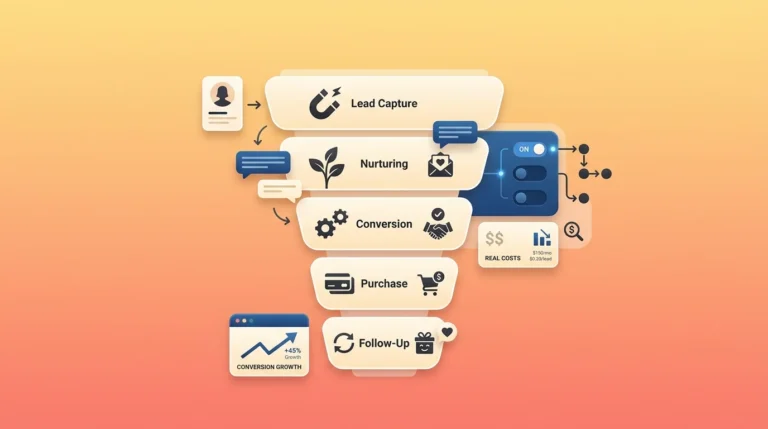
Automating sales process steps works best in a specific order. The most common mistake is trying to automate everything at once. Do it in this order instead.
Step 1 — Find where you lose leads. Check your inbox, your missed calls and your unanswered messages from last week. Count how many enquiries got no reply at all. That number is your business case, and for most companies it is uncomfortable.
Step 2 — Automate the first reply. Nothing else on this list matters as much. A chatbot, an auto-responder, an AI agent — whatever answers in seconds rather than in two days.
Step 3 — Automate capture into your CRM. Get every lead into one place automatically, with the source recorded, so you can see which channels actually produce revenue.
Step 4 — Automate follow-up sequences. Three to five touches, spaced out, that stop the moment someone replies. Most deals are lost to no follow-up rather than to a competitor.
Step 5 — Automate activity logging. This is the one your reps will thank you for, because nobody enjoys writing up calls.
Step 6 — Automate reporting. Once your data is clean, real-time dashboards replace the Friday spreadsheet.
Step 7 — Add lead scoring and predictive insights last. Scoring only works on good data, so it belongs after capture and logging are solid — not before.
Step 8 — Keep a human in the fast lane. Given that immediate human responses convert several times better than bot-only, your best automation should end with a person, quickly.
Realistic timeline: a small business can complete steps one to four in a fortnight. Steps five to seven take a quarter. Anyone promising full automation in a week is selling something.
Frequently asked questions
What is sales automation?
Sales automation is using software to handle repetitive sales tasks — capturing leads, scoring them, logging activity, sending follow-ups and building reports — so your team spends more time selling. Salesforce research found reps spend only 28% of their time actually selling; automation is how you recover the rest. A sales automation system usually means a CRM with automation built in, sometimes plus a dedicated outbound tool and an AI agent for conversations.
What are the main sales automation benefits?
Six, in order of impact: you stop losing leads to slow replies, which is by far the biggest; your reps get admin time back; job satisfaction rises — Salesforce found 89% of workers were more satisfied when automation was part of their role; your data becomes accurate enough to forecast with; follow-up becomes consistent; and cost per conversation drops from roughly $6.00 for a human to around $0.50 automated.
How much does sales automation cost in 2026?
Per-seat pricing across the category runs roughly $14 to $165 per user per month. Zoho CRM starts at $14 with AI included, Pipedrive at $14, Freshsales around $9, HubSpot has a free CRM with Starter around $15, and Salesforce runs $25 to $165. The cost most people miss is the AI add-on: Salesforce Einstein is $60/user/month, HubSpot Breeze $50, Pipedrive AI $36 — at 20 seats that is $8,640 to $14,400 a year on top of your seats.
What are the best sales automation tools for small businesses?
For overall value, Zoho CRM at $14 per user with Zia AI included. For the easiest team adoption, Pipedrive. For a free start, HubSpot’s free CRM. For the cheapest paid plan with AI included, Freshsales. For automating conversations across your website, WhatsApp and phone rather than managing a pipeline, Markleyo AI at $14.50 flat. Many small businesses run a cheap CRM plus a conversation tool, which together cost less than one seat of HubSpot Professional with AI.
How do I integrate sales automation with my CRM?
Pick the CRM first, then map exactly which data goes into which field, then connect — natively where possible, via Zapier or Make where not. Set an owner-assignment rule so leads are never unclaimed, make the sync real-time rather than scheduled, and carry the conversation history across so reps do not make prospects repeat themselves. Then send a test lead end to end and check every field yourself before launch.
What is the difference between sales process automation and sales intelligence?
Sales process automation is the doing — software executing tasks like follow-ups, logging and reporting. Sales intelligence is the thinking — gathering and analysing data to decide which leads to prioritise and what to say. You want both: automated actions driven by intelligent insight. Automation without intelligence sends the same message to everyone; intelligence without automation produces reports nobody acts on.
Can AI agents replace sales reps?
No, and the evidence is against trying. Drift’s research found live chat leads getting an immediate human response converted at roughly four times the rate of chatbot-only interactions. Vendor-claimed AI resolution rates run from 59% to 83%, while independent benchmarks in adjacent categories typically land between 50% and 65%. The setup that works is AI handling speed, screening and repetitive volume, with a person taking the conversations worth their time.
Is sales automation worth it for a very small team?
Often more than for a large one, because you have nobody spare. A two-person business missing evening enquiries loses a larger share of its pipeline than a company with a night shift. The entry cost is also low: Zoho is free for three users, HubSpot’s CRM is free, and Apollo has a free tier. Start with automating the first reply and lead capture — that alone usually pays for the software.
The bottom line
Sales automation is not really about efficiency. It is about not losing leads to silence — and with average B2B response times running 42 to 47 hours and nearly two thirds of companies in one test never replying at all, that is where the money is.
Pick by where you are:
- No CRM yet, no budget? → HubSpot free CRM or Zoho free for three users.
- Want the best value with AI included? → Zoho CRM at $14 per user.
- Want your team to actually use it? → Pipedrive.
- Cheapest paid plan with AI? → Freshsales.
- Losing leads on chat, WhatsApp and the phone? → Markleyo AI at $14.50 flat, alongside a CRM.
- Building an outbound motion? → Apollo.io free, then lemlist.
- Above 200 users? → Salesforce.
Before you buy anything, do two things. Count last week’s unanswered enquiries — that is your business case. And price your chosen tool at the team size you will be in a year, with the AI add-on switched on. Per-seat software that costs $87 a month at three people costs $725 at twenty-five, and the AI can cost more than the CRM.
Losing leads because nobody answers after hours? Start a free Markleyo AI trial — website chat, WhatsApp, Telegram and a real AI phone agent that answers and books appointments, on one flat plan from $14.50/month.