12 Best AI Chatbot Platforms for Websites (Real Pricing)
The best AI chatbot platforms for websites in 2026 are Markleyo AI, Tidio, Chatbase, Crisp, Elfsight, Freshchat, LiveChat, Tawk.to, Chatwoot, HubSpot, Intercom, and Zendesk. Every one of them can actually be installed on your website — which sounds obvious until you notice how many “best chatbot” lists recommend tools that cannot. This guide compares all twelve on published 2026 pricing, and shows you which billing model will quietly cost you the most.
Table of Contents
Quick answer: Which AI chatbot platform for websites should you pick?
If you read one section, read this one.
| You are… | Best pick | Why |
|---|---|---|
| A small business wanting chat, calls, and campaigns in one bill | Markleyo AI | Flat price, AI included, covers website plus WhatsApp and phone |
| A small online store | Tidio | Best all-rounder for ecommerce, real free plan |
| A solo founder needing one bot on one site | Chatbase | Fastest way to train a bot on your own pages |
| A small team sharing an inbox | Crisp | Flat price with seats included |
| Someone who wants it live in ten minutes | Elfsight | No-code widget, works on any site builder |
| A team already using Freshworks tools | Freshchat | Free for up to 10 agents |
| A team where humans answer first | LiveChat | Best agent experience, 200+ integrations |
| A business with no budget at all | Tawk.to | Genuinely free live chat, forever |
| A technical team that wants to own its data | Chatwoot | Free and open source if you self-host |
| A team already running HubSpot CRM | HubSpot | Chatbot bundled with the CRM you have |
| A funded company wanting the strongest AI | Intercom | Best AI resolution quality, highest cost |
| A large team with compliance rules | Zendesk | Deepest platform, most integrations |
What is an AI chatbot platform for websites?
An AI chatbot platform for websites is software that puts a chat window on your site and answers visitors’ questions automatically, using AI trained on your own content.
The key phrase is on your site. You paste a small piece of code into your website, a chat bubble appears in the corner, and the platform handles everything behind it — reading your pages, writing replies, and passing hard questions to a human.
What makes a platform a website chatbot — and what doesn’t
This matters more than you’d think, because a lot of comparison articles get it wrong.
Plenty of “best AI chatbot” lists recommend ChatGPT, Claude, Gemini, or Perplexity. Those are excellent tools, and they are not website chatbot platforms. You cannot embed them on your website as a customer chat widget. They are general-purpose assistants for you, the business owner — not for your visitors.
Here’s the simple test. A website chatbot platform must give you:
- An embeddable widget — a script, plugin, or app you install on your site.
- Training on your own content — your pages, documents, and FAQs, not the general internet.
- A place for humans to take over — an inbox where your team sees the conversation.
- Visitor context — knowing what page someone is on and what they’ve asked.
If a tool can’t do all four, it’s a different product wearing a similar name. Every platform in this guide can.
The three billing models, and why they decide your bill
The pricing model matters more than the sticker price. There are three, and they behave very differently as you grow.
| Model | Example platforms | You pay for | What happens when you get busy |
|---|---|---|---|
| Per agent (seat) | LiveChat, Freshchat, Zendesk, Intercom | Each person on your team | Bill rises when you hire, not when traffic rises |
| Per conversation or resolution | Tidio Lyro, Intercom Fin, Zendesk AI | Each chat or each AI answer | Bill rises exactly when you’re busiest |
| Flat monthly | Markleyo AI, Crisp, Elfsight | A fixed fee | Bill doesn’t move |
Here’s the number that makes this concrete. One 2026 comparison calculated that for a site handling 500 resolved AI conversations per month, the usage-based path costs around $495 against $19 flat.
Same work. Twenty-six times the price. That gap is the single most important thing on this page.
Think of it like electricity versus a flat-rate broadband bill. Usage pricing feels fair when you’re small and starts hurting the moment your traffic works.
What to look for before you choose
Five things, in the order they actually matter:
- How it learns your content. The best platforms scan your website automatically and re-check it regularly. The weakest make you write every answer by hand.
- What happens at the handover. When the AI gets stuck, can a person take over with the full conversation visible? Losing that history is the fastest way to annoy someone.
- Where else it works. If half your enquiries come through WhatsApp or Instagram, a website-only tool solves half your problem.
- What the free plan actually includes. Free tiers vary enormously — from unlimited human chat to 50 AI messages a month.
- Your cost in a busy month. Not an average month. Price your best week, because that’s when the meter runs hardest.
The 12 best AI chatbot platforms for websites
Every platform below can be installed on a website today. They’re judged on the same five tests: real cost at real volume, what the meter runs on, how it learns your content, channel coverage, and human handover.
1. Markleyo AI — best all-in-one platform with flat pricing
Price: From $14.5/month · 5-day free trial
Best for: Small businesses that also get enquiries by WhatsApp, Telegram, or phone
Watch out for: Not a help desk, and a newer brand than the incumbents
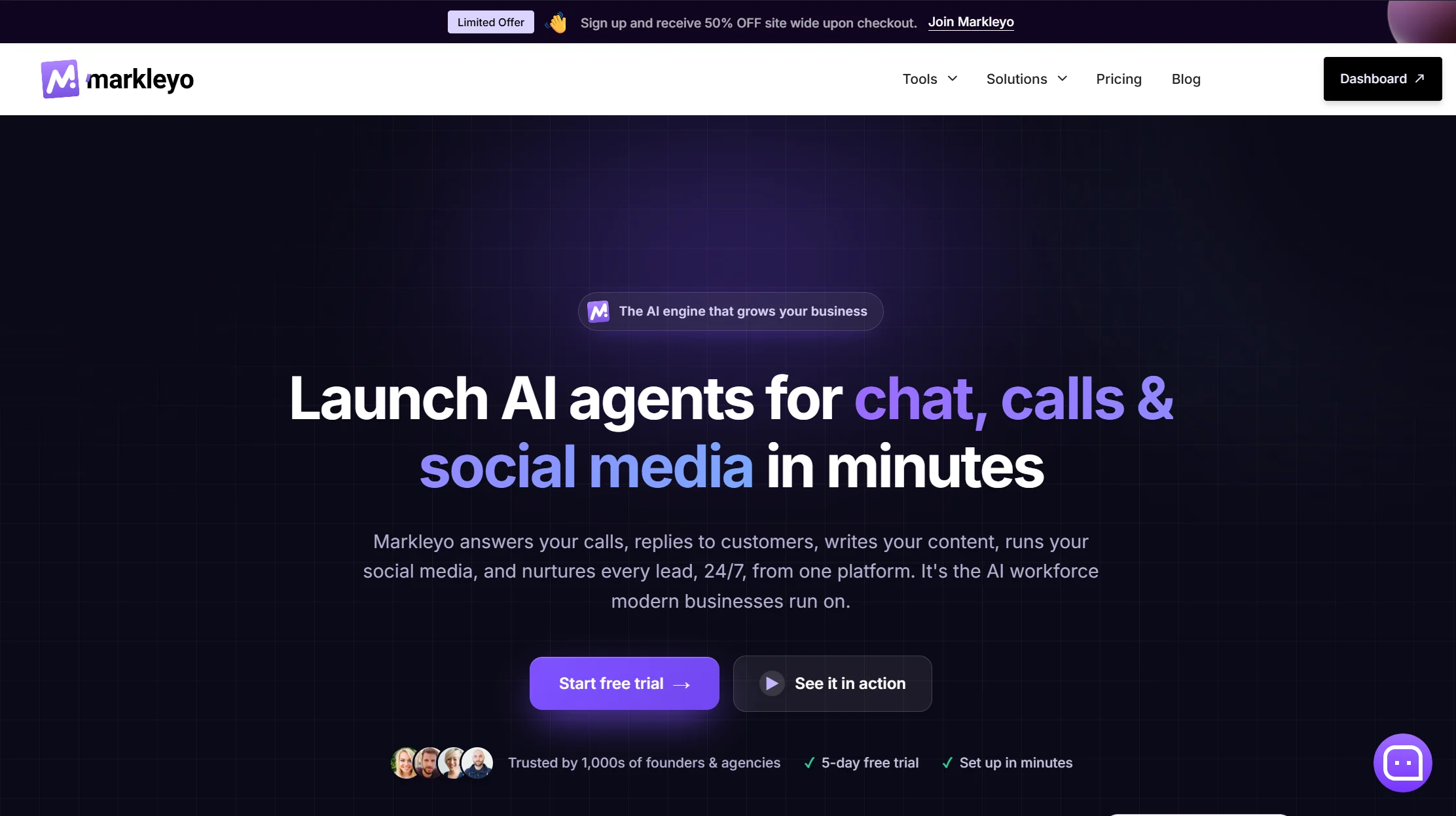
Markleyo takes the flat-rate side of the argument above and applies it to everything. One monthly price with the AI included — no per-seat multiplier, no per-conversation counter, no per-resolution fee. Your busiest month costs the same as your quietest.
The website chatbot is the core: you train it on your site, docs, text, or FAQs, then embed it on unlimited websites. It answers instantly in 70+ languages, recommends products, captures leads, books demos, and hands over to a human when needed.
What sits alongside it is the real differentiator. The same knowledge base powers a WhatsApp, Telegram, Instagram, and Messenger agent, an AI calling agent that answers and places real phone calls and books appointments, a marketing bot for broadcast campaigns, a social media suite, and an AI copywriter. Most platforms on this list stop at the edge of your website. This one doesn’t.
Run the comparison from the section above. At 500 AI conversations a month, usage-based platforms land around $495. Markleyo Complete starts at $14.5— and that’s before counting the phone agent, which is a separate $49–149 product almost everywhere else.
Honest trade-offs. There are no ticket queues, SLA timers, or agent workload dashboards, so if you’re running a structured support desk, pick Freshchat or Zendesk instead. It doesn’t do live database lookups, so it can’t read an individual order record. And it has fewer public reviews than Tidio or LiveChat, which have years of head start.
Compare it directly on the Markleyo AI chatbot for websites page or the pricing page.
2. Tidio — best all-rounder for small online stores
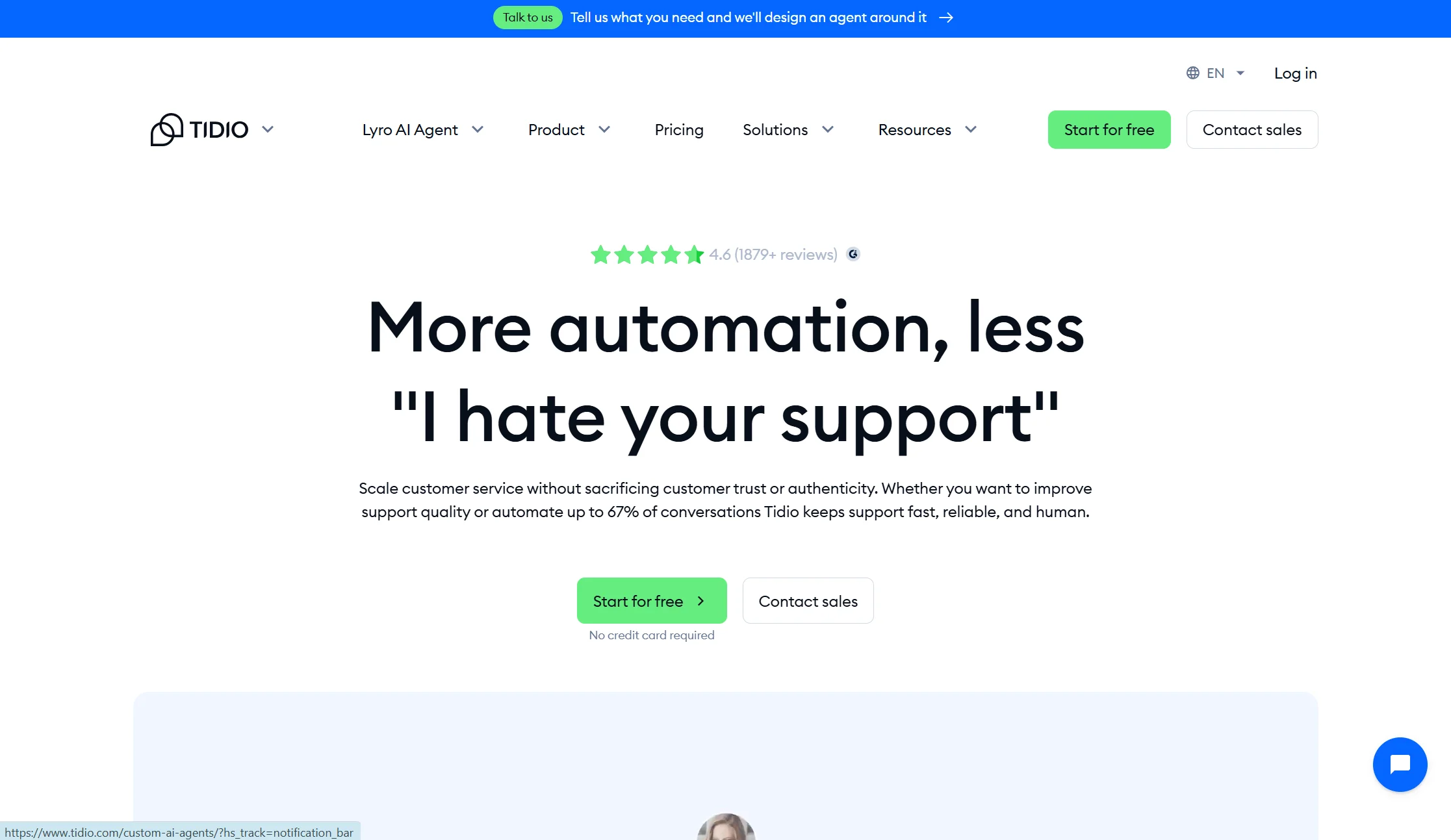
Price: Free plan with 50 conversations/month; Starter $24.17/month billed annually; Growth from $49.17/month; Plus from $749/month
Best for: Small ecommerce businesses, especially on Shopify
Watch out for: Add-ons stack fast, and conversation billing punishes traffic
Tidio is the most popular starting point on this list, and it earns it. It combines live chat, an AI chatbot called Lyro, and a help desk, built primarily for small ecommerce businesses. If you run a Shopify store and want a widget live in under five minutes, Tidio fits well — the Shopify integration is native, the widget looks clean, and a free plan lets you test it. It’s used by over 300,000 businesses and Lyro answers in 12 languages.
Then the pricing. The base plan looks affordable, but Lyro and Flows are billed as separate add-ons, so a store that needs real automation can end up around $80 a month. Reviewers also note that conversation-based billing scales expensive on high-traffic sites. On the free and Starter plans, the 50 Lyro AI conversations are a lifetime allowance rather than monthly.
Verdict: the best-rounded product here for a small store. Price the add-ons before you commit, not after.
3. Chatbase — cheapest way to get a bot trained on your site
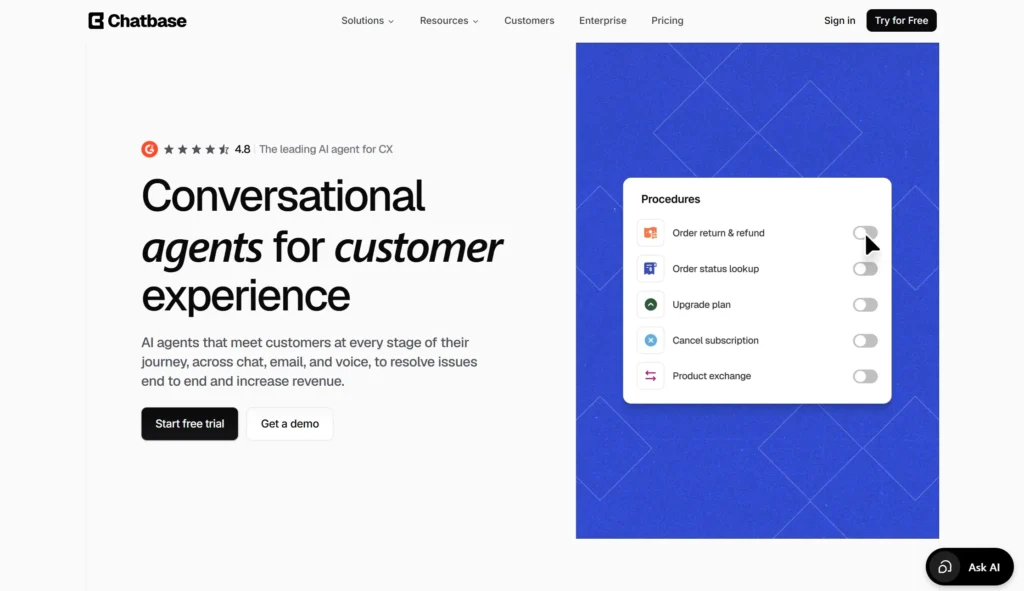
Price: Free plan with 50 credits/month; Hobby $32/mo annual (500 credits, 2 seats); Standard $120/mo annual; Pro $400/mo annual
Best for: Solo founders who need one good bot on one website
Watch out for: Credits run out, and it’s not a support platform
Chatbase does one job well: turn your website, PDFs, and help articles into a working AI bot in an afternoon. For a business whose questions are predictable and already answered somewhere on the site, that’s often the whole requirement.
The limits are real. Each AI reply costs 1–6 credits depending on the model, so a top-end model burns six credits per reply versus one on a standard model. Every plan includes just one AI agent, and if credits run out the bot goes offline unless auto-recharge is on. Removing the “Powered by Chatbase” branding costs $1,188 a year.
Verdict: superb value for a single site. That branding fee costs more per year than several all-in-one plans, so factor it in.
4. Crisp — best flat-priced shared inbox
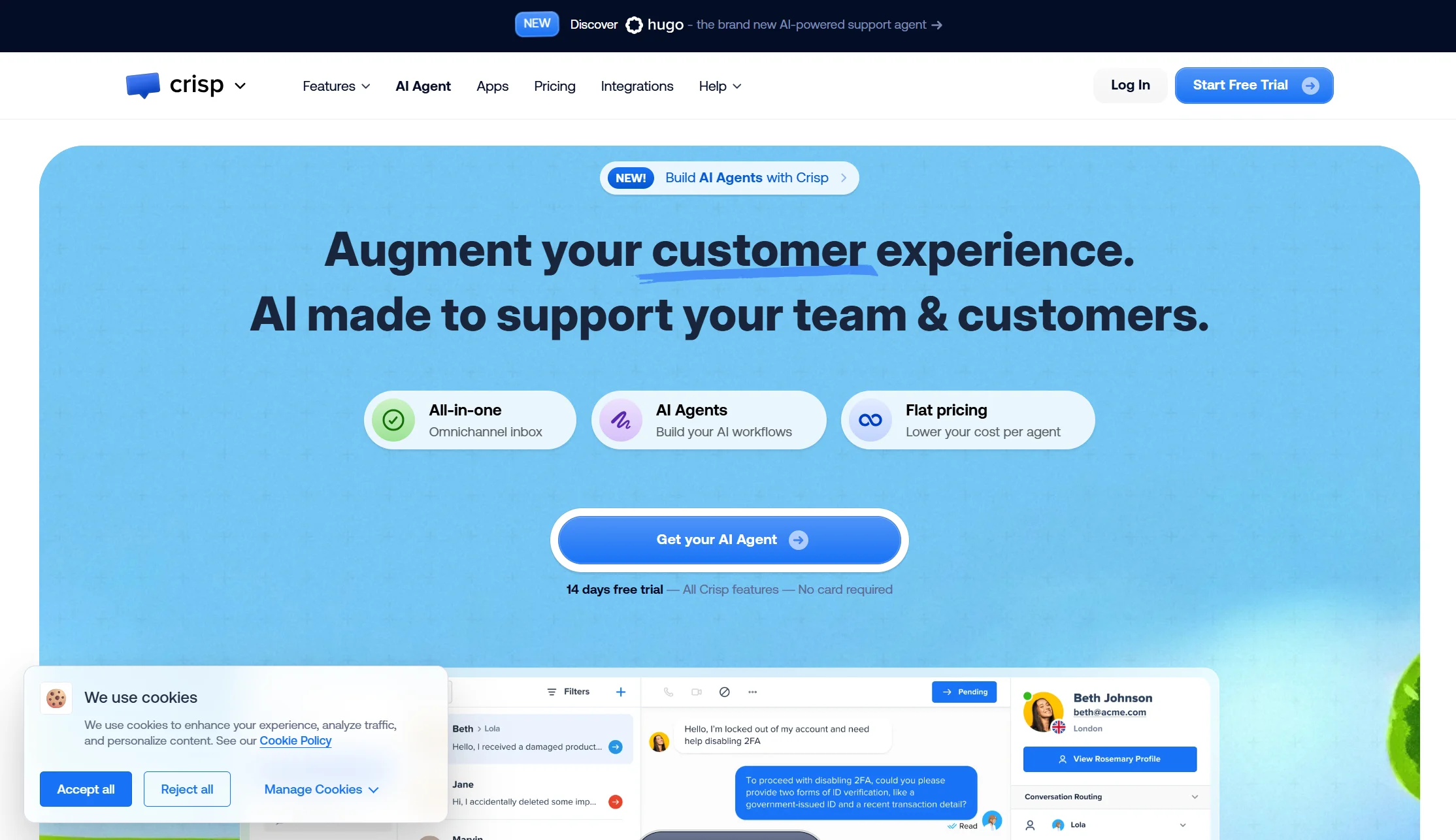
Price: Free plan with 2 seats; Mini $45/mo (4 seats); Essentials $95/mo (10 seats); Plus $295/mo (20 seats); $10 per extra agent
Best for: Small teams where three or four people all answer messages
Watch out for: The AI allowance is thin relative to price
Crisp prices by workspace, not by person or conversation. Four seats for $45 flat is cheaper than one seat on several platforms here, and there’s no meter ticking while you sleep.
Its weakness is automation depth. The included AI allowance is small relative to plan price if automation is your main goal.
Verdict: the right answer to “we need a shared inbox that doesn’t punish us for being busy.” The wrong answer to “we want a bot that closes most chats alone.”
5. Elfsight — easiest no-code widget for any website
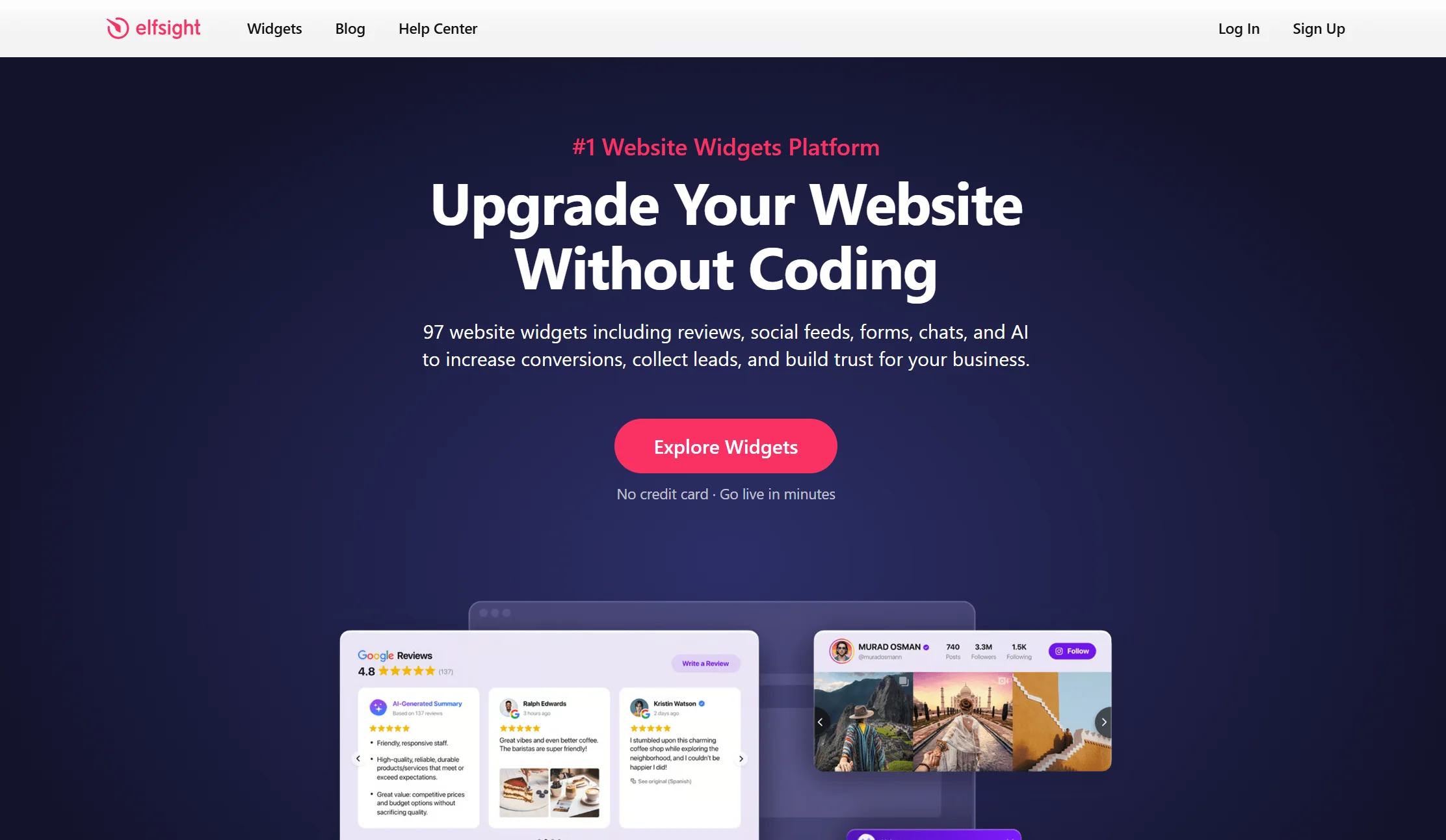
Price: Free plan with 50 AI messages per month; paid tiers above that
Best for: Anyone who wants a chatbot live today without touching a developer
Watch out for: The free AI allowance is small, and it’s a widget rather than a platform
Elfsight is the fastest route from “I want a chatbot” to “there’s a chatbot on my site.” It’s a no-code AI-powered widget designed for quick deployment on any website — it trains on your data and handles FAQ automation and lead capture. The reviews back it up: roughly 4.8 out of 5 across 880+ reviews, with a G2 Leader badge.
Be clear about what it isn’t. It’s a widget product, not a full customer service platform — so expect lighter reporting and fewer team features than a Freshchat or LiveChat.
Verdict: the best pick if speed of setup matters most, especially on Wix, Squarespace, or a site builder without a plugin ecosystem.
6. Freshchat — best free plan for a real team
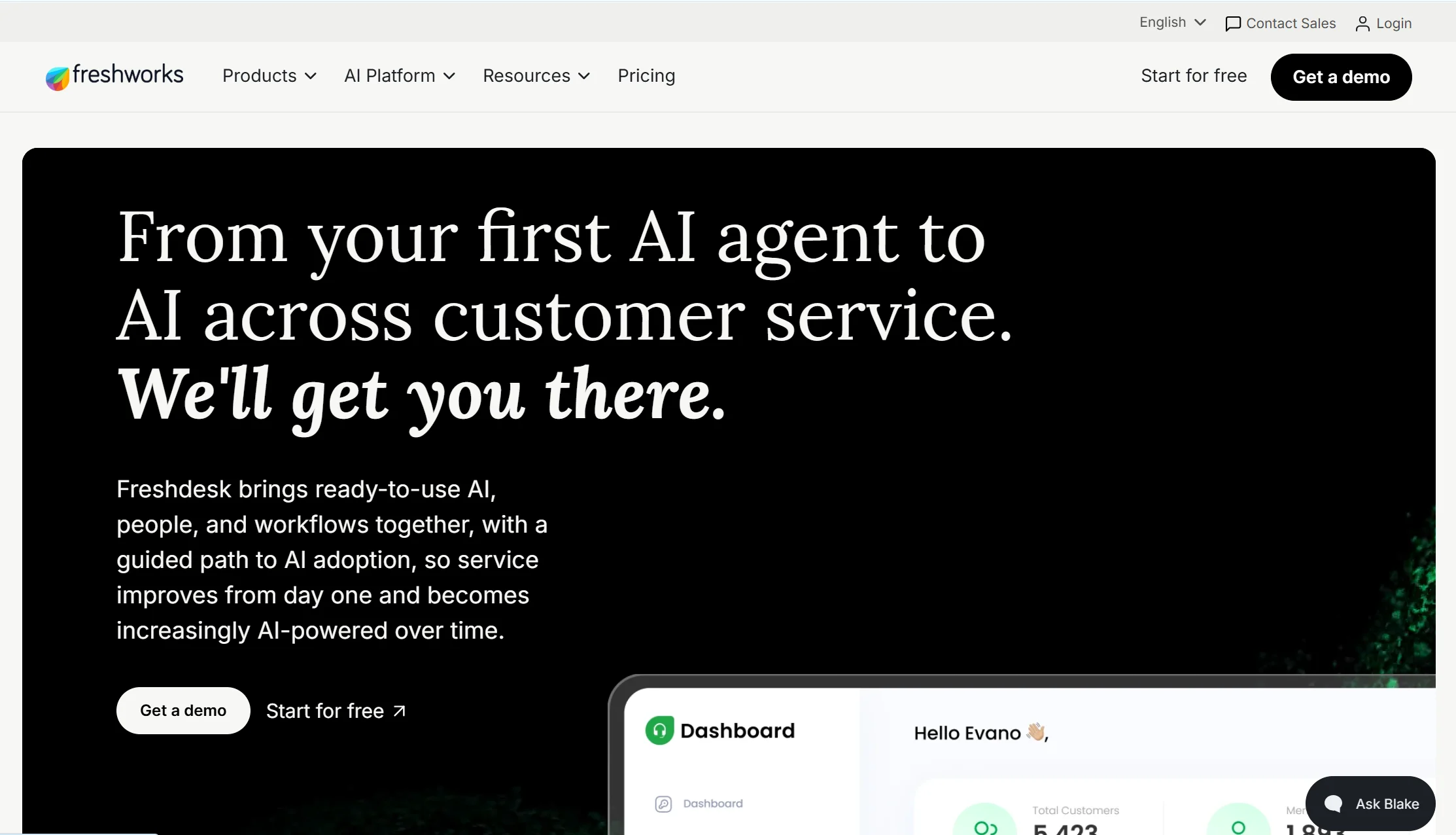
Price: Free plan for up to 10 agents; Growth $19/agent/month, Pro $49/agent/month, Enterprise $79/agent/month, billed annually
Best for: Teams already using Freshdesk or Freshsales
Watch out for: AI billed separately, and it shines mainly inside its own ecosystem
Ten free agents is the most generous free team plan here by a distance. Freshchat sits between budget tools like Tawk.to and enterprise platforms like Zendesk, offering a generous free plan, a basic AI chatbot called Freddy, and native ties to Freshdesk and Freshsales. The widget supports rich messaging — images, carousels, quick replies, and CSAT surveys — and Freddy handles intent detection and routine resolution before handing off to a human.
The recurring criticisms are worth knowing. Reporting and analytics feel limited unless you upgrade, notifications can lag at high volume, Freddy AI sessions are billed separately, and the product is at its best only when you’re already on other Freshworks tools.
Verdict: excellent value if you’re in the Freshworks world already. Less compelling if you’re not.
7. LiveChat — best experience for human-first teams
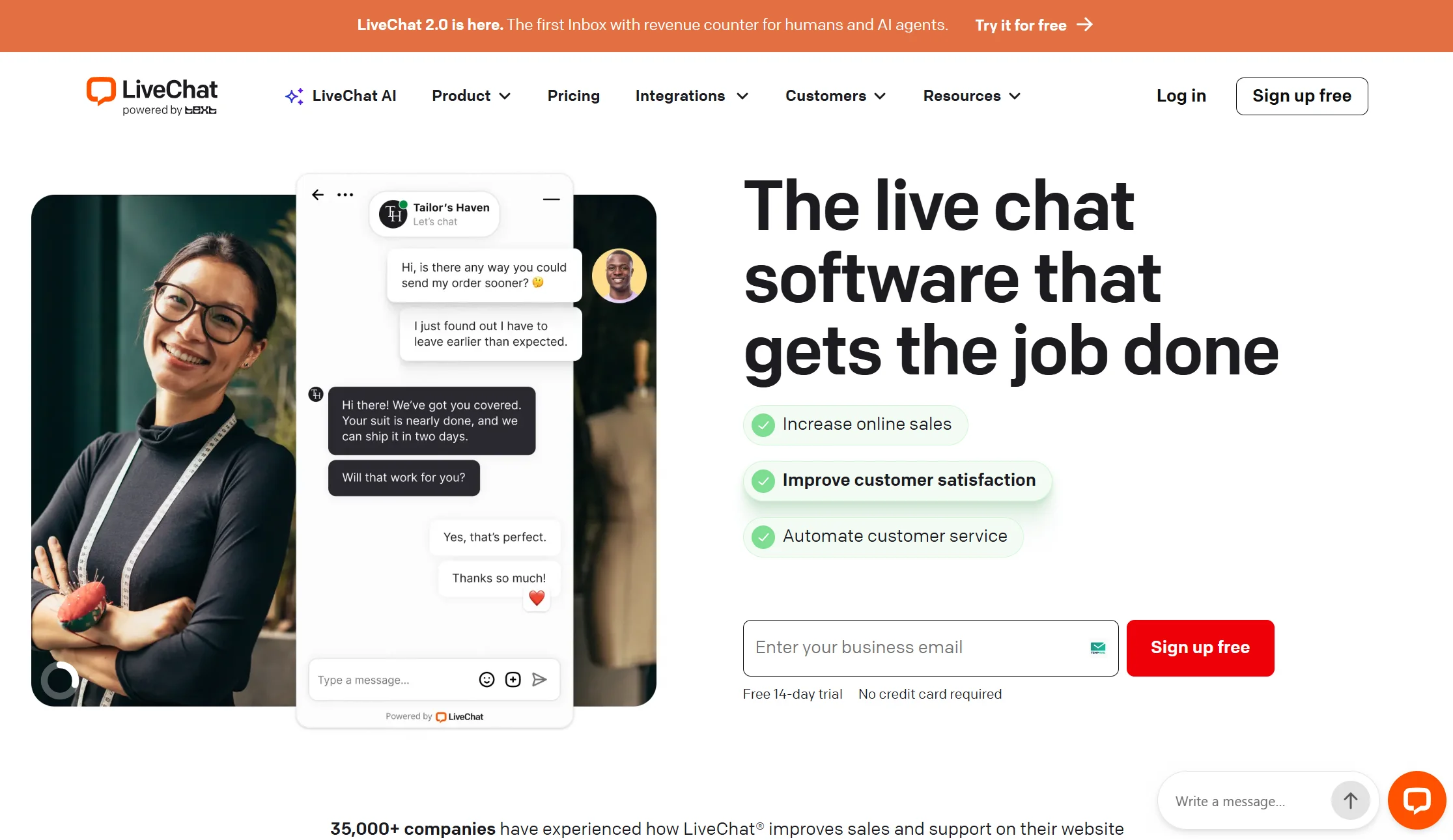
Price: Starter $19/agent/month annual ($25 monthly, single user); Team $49/agent/month annual; Business $79/agent/month annual. The ChatBot AI add-on is a separate product from Essential $19/user/month annual
Best for: Teams where real people answer first and AI is backup
Watch out for: The AI isn’t native, and there’s no free plan
LiveChat is one of the most polished live chat experiences on the market. The agent interface is fast, the chat widget is clean, and typing indicators, canned responses, and file sharing work smoothly. If your strategy is human agents first and AI second, LiveChat is a strong foundation, with over 200 integrations across CRM, ecommerce, analytics, and help desk tools.
The catch is architectural. AI is bolted on through ChatBot.com rather than being native, and there’s no free plan — only a 14-day trial. That means two products, two bills, and two dashboards.
Verdict: the best agent experience here. Buy it for your team’s comfort, not for automation.
8. Tawk.to — best genuinely free live chat
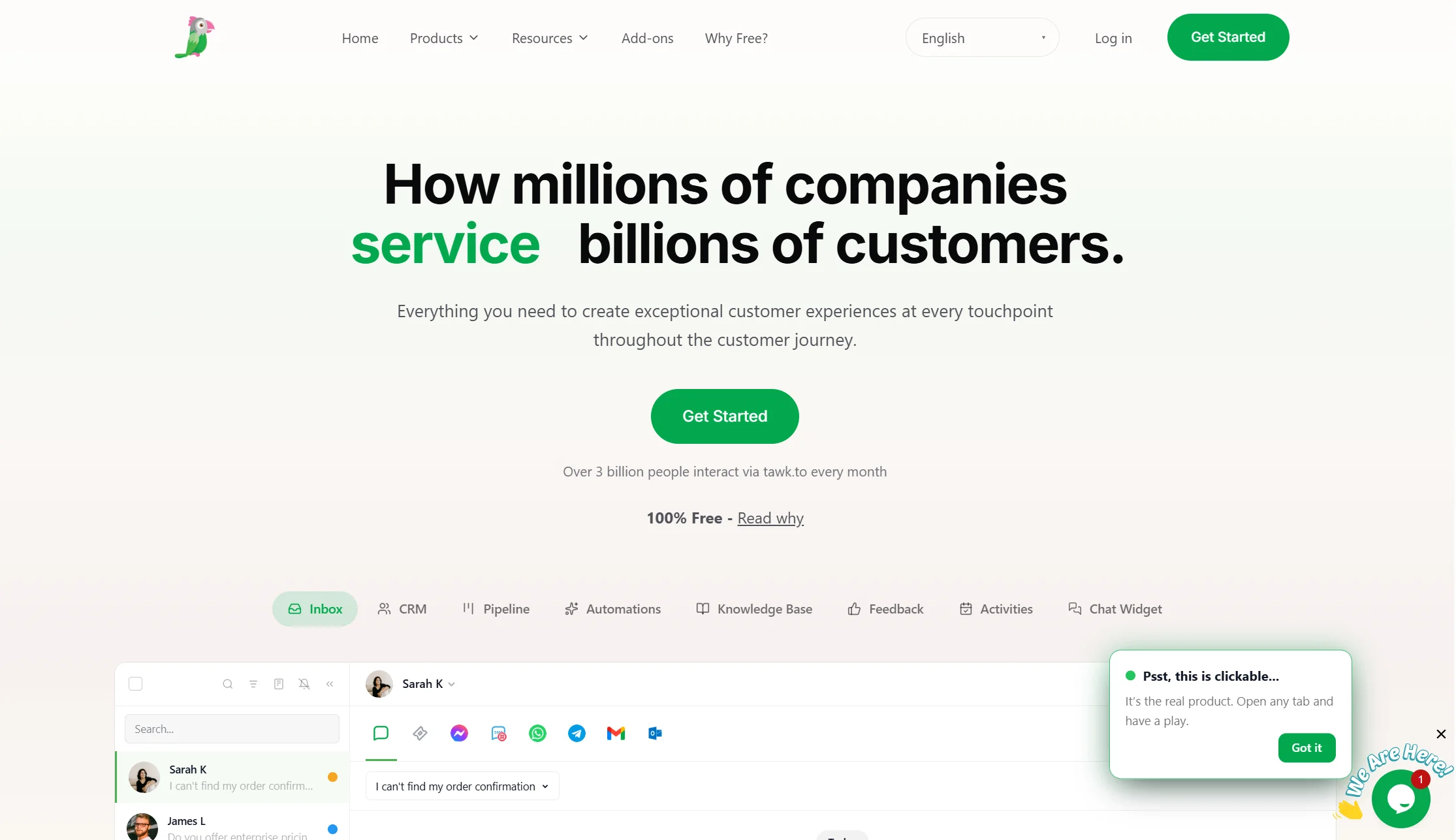
Price: Free, permanently
Best for: Businesses with no software budget at all
Watch out for: Basic AI, so it’s mostly a human tool
Tawk.to offers unlimited live chat on its free plan, which is remarkable and slightly hard to believe until you use it. For a small business that wants to catch enquiries and reply personally, it may genuinely be enough.
What you don’t get is meaningful AI. It’s a live chat tool with a free price, not an AI platform.
Verdict: start here if budget is zero. Move when you’re tired of answering the same question forty times.
9. Chatwoot — best open-source platform
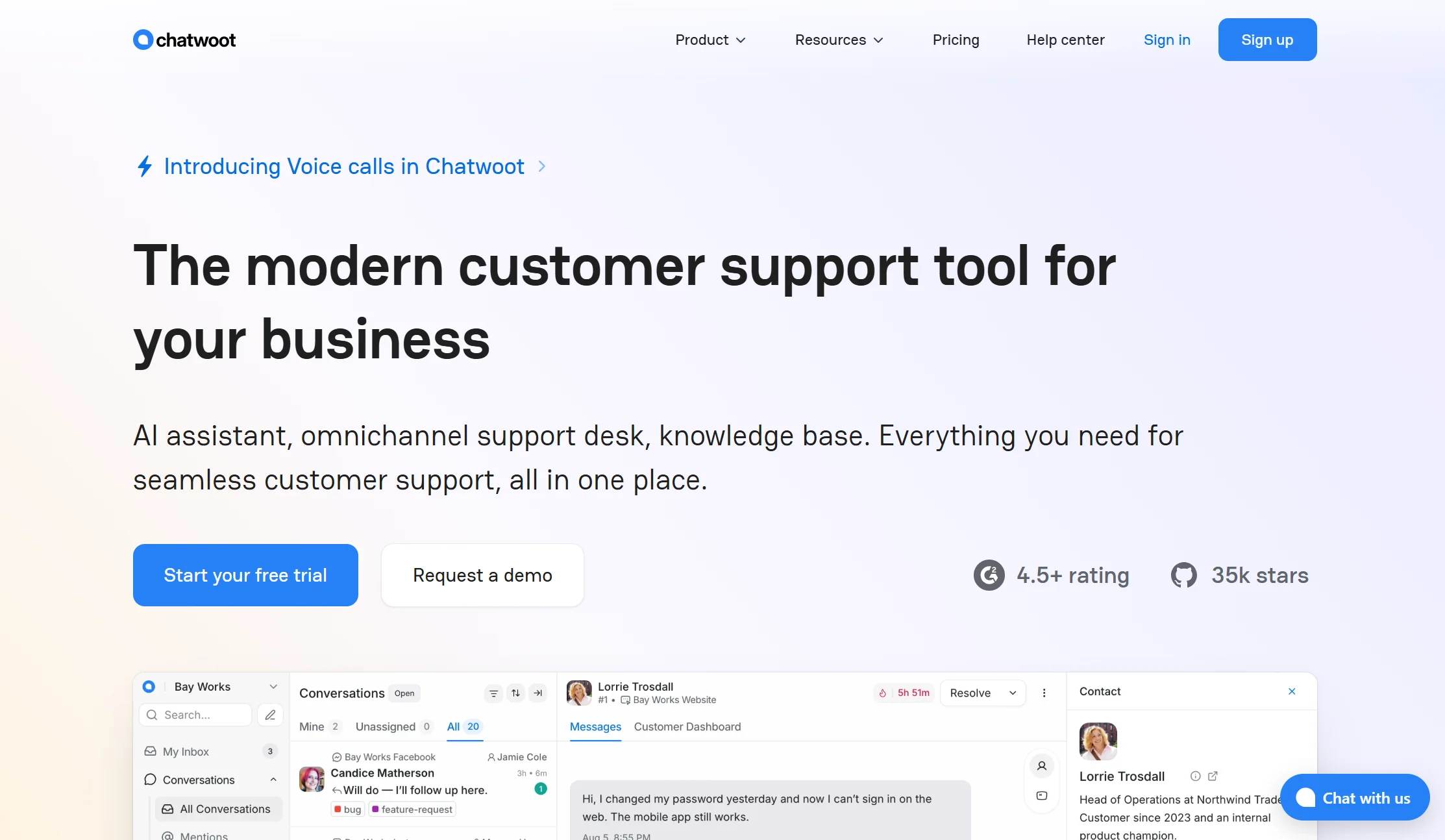
Price: Self-hosted Community Edition is free and open source. Cloud: Hacker free (2 agents, 500 conversations/month, live chat only, 30-day retention); Startups $19/agent/month; Business $39; Enterprise $99, billed annually
Best for: Technical teams that want to own their data
Watch out for: Free means you run the servers
If you want a chat platform with no meter and no vendor holding your conversation data, Chatwoot is the answer. Its free cloud tier also allows 500 conversations a month against Tidio’s 50.
Be realistic about the cost of free. Self-hosting is free with the open-source version, but you handle all maintenance, updates, infrastructure, and external messaging costs yourself. Deployment requires real technical expertise, and feature depth is less than commercial platforms.
Verdict: genuinely $0 if you have a developer. A liability if you don’t.
10. HubSpot — best if you already run HubSpot CRM
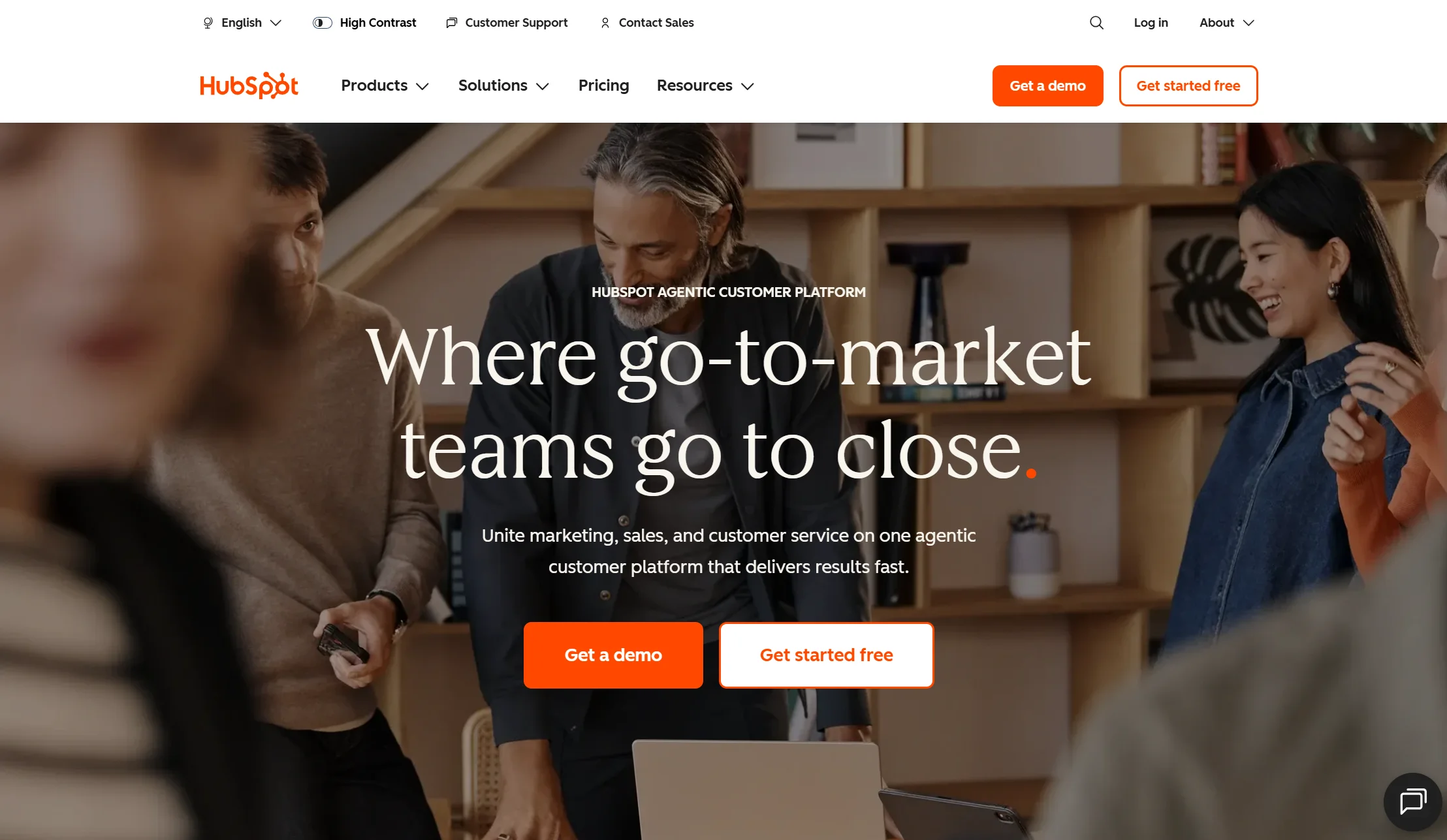
Price: Live chat and the chatbot builder are included in Sales Hub plans · free tier available
Best for: Teams whose CRM is already HubSpot
Watch out for: The free chatbot is rule-based, not AI
The argument for HubSpot is simple: every chat conversation lands against the right contact record automatically, with no integration work. If your sales process lives in HubSpot, that’s worth a lot.
The important limitation: HubSpot’s free-tier chatbot is rule-based only — it follows the buttons you build rather than understanding open questions. Real AI sits on paid Hub tiers.
Verdict: the obvious choice for existing HubSpot customers. Not worth adopting HubSpot for.
11. Intercom — best AI resolution quality, at the highest price

Price: Essential $29, Advanced $85, Expert $132 per seat per month on annual billing · Fin AI charges $0.99 per outcome with a 50-outcome monthly minimum
Best for: Funded SaaS companies that want the most capable AI agent
Watch out for: Unpredictable cost, plus a rebrand and a pending acquisition
Fin is widely regarded as the strongest AI support agent on the market, and Intercom’s Messenger is the widget others copy. If budget isn’t the constraint, it’s a serious option.
Three things to know first. Fin is billed at $0.99 per AI resolution on top of the per-seat plan, which makes total cost hard to predict at scale. An outcome is billed when the customer confirms resolution, when the customer doesn’t ask for more help, or when Fin completes a workflow — including handoffs to a human. And there’s corporate change underway: the company renamed itself Fin in May 2026, then signed an agreement in June 2026 to be acquired by Salesforce for around $3.6 billion. The deal is signed, not closed.
Verdict: the best AI here and the most expensive. Model your busy month carefully before signing anything long.
12. Zendesk — best for large teams with compliance needs
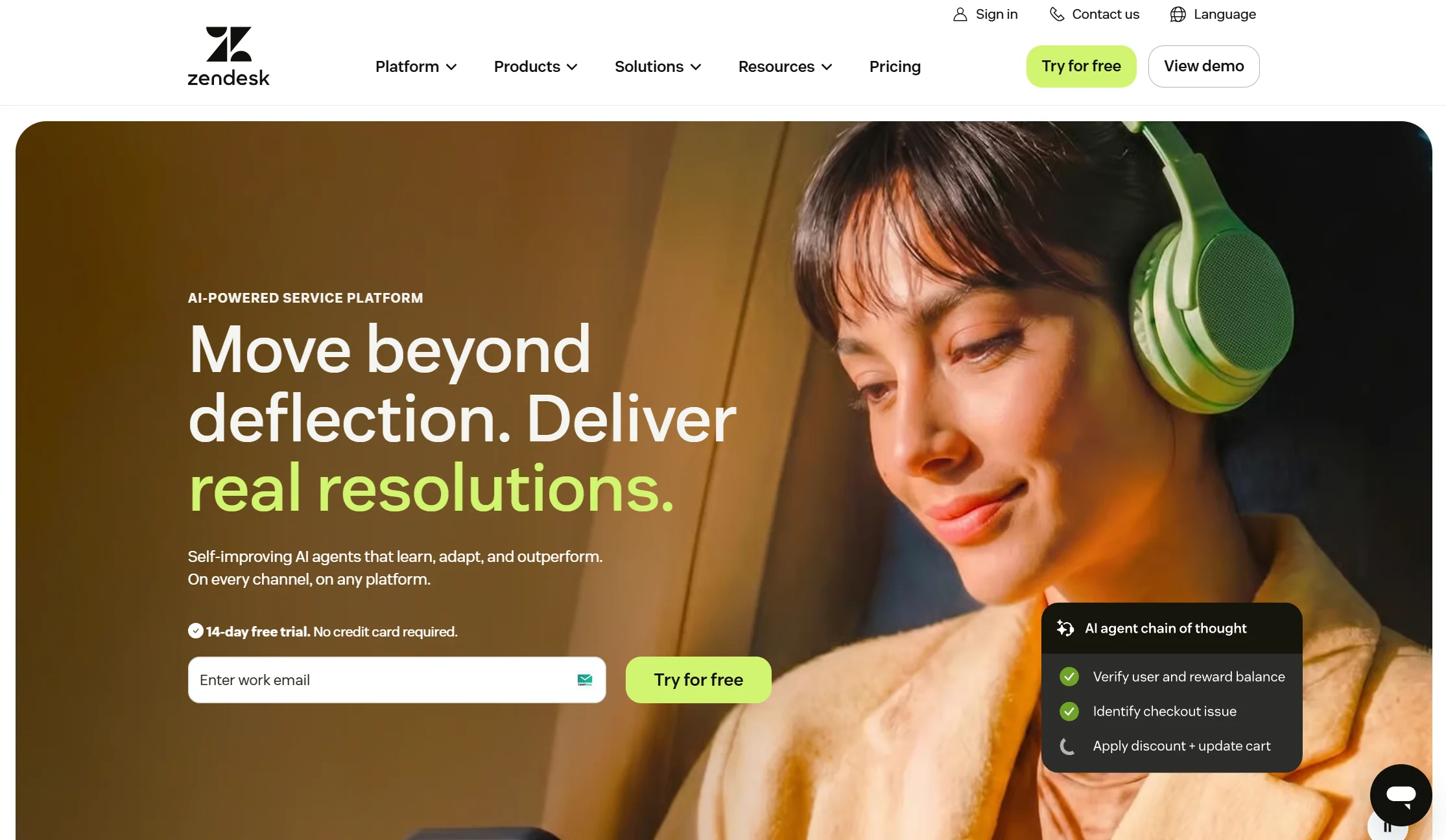
Price: Suite plans run $55 to about $169 per agent per month on annual billing, with no free plan · automated resolutions at $1.50 committed or $2.00 pay-as-you-go
Best for: Enterprises with large support floors and audit requirements
Watch out for: The strictest AI meter on this list
Zendesk is the most complete platform here — ticketing, chat, voice, help centre, and reporting, with an integration for nearly everything. For a big operation with compliance requirements, it’s the safe institutional choice.
It is not, however, an escape from usage billing. Only 5 to 15 automated resolutions per agent per month are free, and past that the overage has been auto-charged and uncapped since January 2026.
Verdict: buy it for capability and scale. Never for cost or simplicity.
Full comparison table: all 12 platforms side by side
| Platform | Starting price | What the meter runs on | Free plan? | Best for |
|---|---|---|---|---|
| Markleyo AI | $14.5/mo | Nothing — flat, AI included | ❌ 5-day trial | All-in-one across channels |
| Tidio | $24.17/mo annual | Conversations + AI add-on | ✅ 50 conv/mo | Small online stores |
| Chatbase | $32/mo annual | Credits (1–6 per reply) | ✅ 50 credits | One bot, one site |
| Crisp | $45/mo flat | Nothing — flat by workspace | ✅ 2 seats | Small team inbox |
| Elfsight | Free tier + paid | AI messages | ✅ 50 AI msgs/mo | Fastest no-code setup |
| Freshchat | $19/agent/mo annual | Agents + separate AI sessions | ✅ 10 agents | Freshworks users |
| LiveChat | $19/agent/mo annual | Agents + separate AI product | ❌ 14-day trial | Human-first teams |
| Tawk.to | $0 | Nothing | ✅ Unlimited chat | Zero budget |
| Chatwoot | $0 self-hosted | Nothing (self-hosted) | ✅ 500 conv/mo | Own your data |
| HubSpot | Free tier | Bundled with Hub tier | ✅ Rule-based only | Existing HubSpot CRM |
| Intercom | $29/seat/mo | Seats + $0.99 per outcome | ❌ | Strongest AI, high cost |
| Zendesk | $55/agent/mo | Seats + $1.50–2.00 per resolution | ❌ | Large teams, compliance |
Best AI chatbot platforms for websites by budget
Price bands make this easier than feature lists, because most people know their budget before they know their requirements.
Budget: free to $25 a month
Best for solo founders, new sites, and anyone testing whether a chatbot helps at all. Free plans vary enormously in what they actually give you:
| Platform | What the free plan includes | Real limitation |
|---|---|---|
| Tawk.to | Unlimited live chat | No meaningful AI |
| Freshchat | Up to 10 agents | AI billed separately |
| Chatwoot | 2 agents, 500 conversations/mo | Live chat only, 30-day retention |
| Tidio | 50 conversations/mo | AI allowance is one-off, not monthly |
| Elfsight | 50 AI messages/mo | Runs out fast on a busy site |
| HubSpot | Chatbot builder + CRM | Rule-based only, no AI |
| Chatbase | 50 credits/mo | One reply can cost up to 6 credits |
The honest limit: every free AI tier here caps something low enough that a growing site outgrows it within weeks. Free plans are for testing, not building.
Mid-market: $25 to $100 a month
This is where most small businesses land, and where the billing model starts to matter.
- Markleyo AI ($14.5/mo) — the widest coverage per dollar, since it includes phone and messaging channels.
- Crisp ($45 flat) — best if several people need inbox access.
- Chatbase ($32) — best pure AI answers on one site.
- Tidio (~$49–80 all-in) — best for stores, once you add Lyro and Flows.
- Freshchat / LiveChat ($19–49/agent) — fine for two or three agents, expensive at ten.
Premium: $100 and above
Worth it when support volume is genuinely high or compliance requires it.
- Intercom — best AI quality, per-outcome billing.
- Zendesk — deepest platform, strictest AI meter.
- Tidio Plus ($749) — where Tidio bundles AI properly.
One warning that applies across every band: per-seat and per-resolution plans look cheap at the entry tier and expensive at the tier you’ll actually be on in a year. Price the future, not the trial.
What are the best AI chatbot platforms for small business websites?
Small business websites have a specific shape of problem. You have limited traffic, no dedicated support person, and no appetite for a bill that moves around.
Ranked for exactly that:
- Markleyo AI — one flat bill covering website chat plus WhatsApp, Telegram, and phone. No per-seat fee, so hiring your second and third employee doesn’t raise your software cost.
- Tidio — best balance of price and capability if your site is a shop.
- Crisp — best when three or four people share the replies.
- Chatbase — best if you just want good answers on one site, cheaply.
- Tawk.to — best when the budget is genuinely zero.
Notice who’s missing: Intercom and Zendesk. Both are excellent, and both are built for support teams larger than most small businesses will ever have. Paying enterprise prices for enterprise features you’ll never open is the most common and most expensive mistake in this category.
Two questions that will settle your choice faster than any comparison table:
“If my traffic triples next month, does my bill triple?” On per-conversation and per-resolution platforms, yes. On flat plans, no.
“Where do my enquiries actually arrive?” If half come through WhatsApp or Instagram DMs, a website-only platform solves half your problem — and you’ll end up paying for a second tool anyway.
How do you add an AI chatbot to your website?
Every platform here installs one of three ways, and none of them requires writing code.
Step 1 — Choose your installation method. You typically get one of three options: a widget script, a WordPress plugin, or a no-code embedded platform. The script works anywhere; the plugin is easier on WordPress; the no-code route suits Wix and Squarespace.
Step 2 — Paste the code into your site. On WordPress, use a header-and-footer plugin or your theme’s custom code box. On Wix, Squarespace, or Shopify, there’s a custom-code or app-embed panel in settings. It’s one copy-and-paste, not development work.
Step 3 — Train it on your real content. Point it at your website, upload your FAQs, and add your policies. This is the step that decides whether your bot is good — a vague pricing page produces a vague bot. Good platforms re-scan your site automatically so answers stay current.
Step 4 — Build the conversation flow. Keep the tone friendly and conversational, and break big information into short, manageable steps. Don’t try to script everything; let the AI handle open questions and reserve flows for the two or three things that must happen in order, like booking or lead capture.
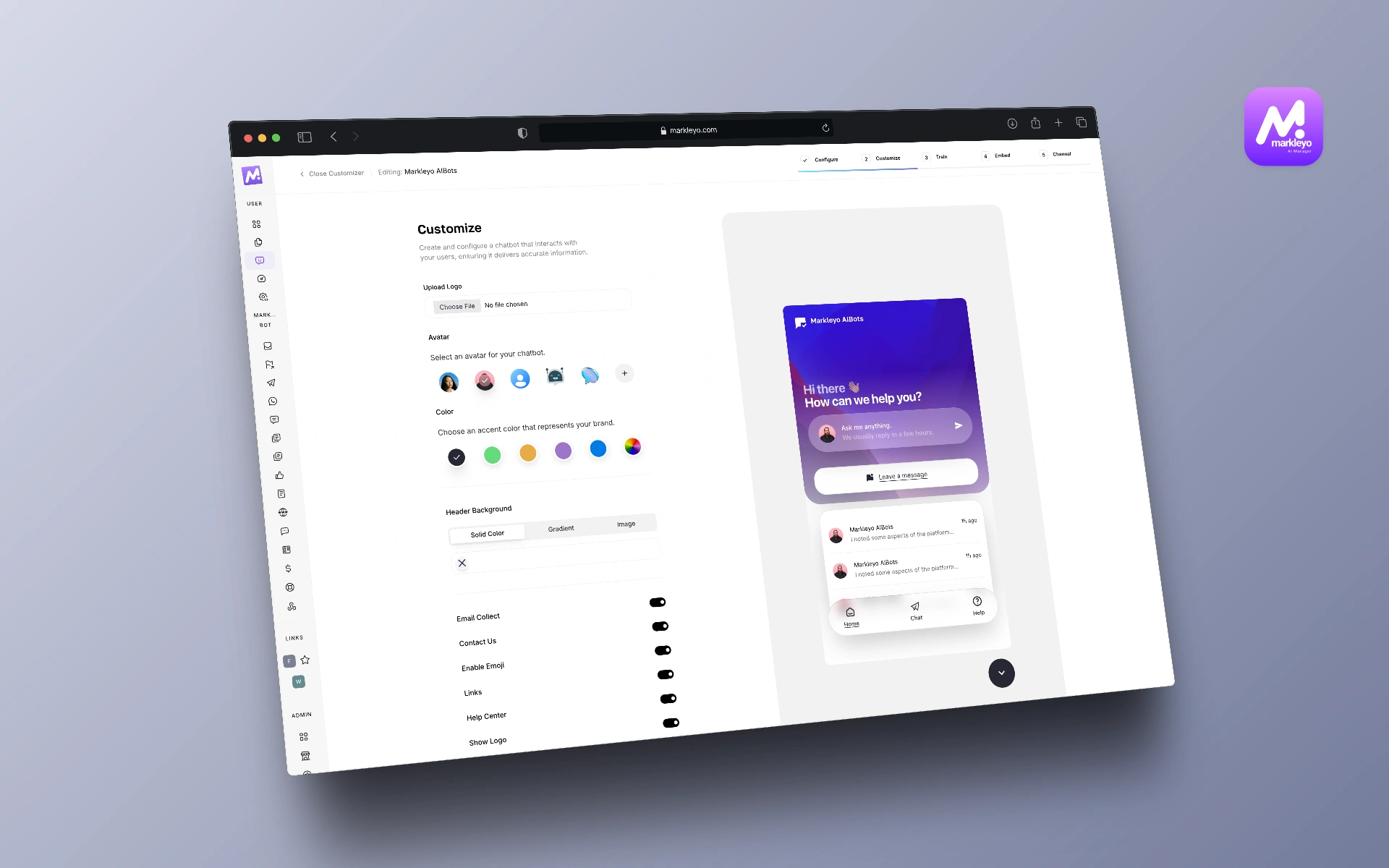
Step 5 — Match it to your brand. Customise the colours, icons, and avatar so the bot looks like part of your site. A widget that clashes with your design reads as spam and people won’t click it.
Step 6 — Set up the human handover. Decide what happens when the AI is stuck, and check the conversation history carries across to the person taking over.
Step 7 — Test, then keep testing. The best bots get better over time — track where people drop off and add shortcuts for frequently used items. Run it, watch it, and fix it. Ask it five real questions from your inbox, including one it should fail, and watch how it fails.
Step 8 — Check it on a phone. Most website traffic is mobile. A chat bubble covering your “Buy” or “Contact” button costs you money.
Realistic time: about ten minutes to install, and an afternoon to make it genuinely good.
How we picked and compared these 12 platforms
Five tests, in this order:
- Can it actually go on a website? This sounds trivial. It isn’t — many “best AI chatbot” lists include general-purpose assistants that cannot be embedded as a customer widget. Every platform here can.
- What the meter runs on. Per seat, per conversation, per resolution, or flat. This predicts your bill better than the entry price.
- Real cost at real volume. What you pay in a busy month with add-ons included, not the trial price.
- How it learns your content. Automatic site scanning and refresh, versus hand-written answers.
- Human handover. Whether a person can take over cleanly with history intact.
Prices were checked against vendor pricing pages and dated third-party pricing trackers in July and August 2026. Where a platform’s AI is sold as a separate product — LiveChat’s ChatBot add-on, Tidio’s Lyro, Freshchat’s Freddy sessions — we say so, because the headline price is not the price you’ll pay.
We excluded tools that can’t be embedded on a website, however good they are at other things, and tools whose pricing isn’t published. “Contact us” is not a number.
Frequently asked questions About AI Chatbot Platforms for Websites
What is the best AI chatbot platform for a website?
It depends on your billing preference and your channels. For flat, predictable pricing with the AI included, Markleyo AI at $14.5/month covers website chat plus WhatsApp, Telegram, and phone. For a small online store, Tidio is the best-rounded. For the strongest AI regardless of price, Intercom. For zero budget, Tawk.to. The billing model matters more than the feature list — at 500 resolved AI conversations a month, usage-based pricing costs around $495 against roughly $19 flat.
Are ChatGPT and Claude website chatbot platforms?
No, and this trips up a lot of comparison articles. ChatGPT, Claude, Gemini, and Perplexity are general-purpose AI assistants for you to use directly. They cannot be embedded on your website as a customer-facing chat widget, they don’t come with a team inbox, and they don’t train specifically on your site content for visitors. They’re genuinely useful tools — just not for this job.
Is there a free AI chatbot platform for websites?
Yes, several, with different shapes of generosity. Tawk.to offers unlimited free live chat, Elfsight gives 50 AI messages a month, and HubSpot’s free chatbot is rule-based only. Freshchat’s free plan covers up to 10 agents and Tidio’s covers 50 conversations a month. Chatwoot’s cloud free tier allows 2 agents and 500 conversations monthly, and its self-hosted version is free and open source. Free tiers are for testing, not for building a business on.
How much do AI chatbot platforms for websites cost?
Free to several hundred dollars a month. Entry paid plans cluster around $19 to $45. Most small businesses land between $25 and $100 once add-ons are included. Enterprise platforms run past $150 per agent per month before AI fees. The number that matters isn’t the entry price — it’s what you pay in your busiest month with every add-on switched on.
Do I need coding skills to add a chatbot to my website?
No. You typically choose between a widget script, a WordPress plugin, or a no-code embedded platform, and all three are copy-and-paste. Installation takes about ten minutes. The part that takes real effort is writing your policies and FAQs clearly enough for the bot to repeat them accurately.
Which platform is best for a WordPress website?
Most platforms here work on WordPress via a plugin or a header snippet. Markleyo AI has a native WordPress integration, and Elfsight, Tidio, Tawk.to, and Chatbase all install easily. The differentiator on WordPress isn’t installation — it’s whether the platform re-scans your site automatically as you publish new posts and pages, so your bot stays current without manual work.
Will an AI chatbot slow down my website?
A well-built one loads after your page content and shouldn’t meaningfully affect your speed scores. Two things to check: that the widget loads asynchronously, and that you’re not accidentally running two chat widgets at once. Running two is surprisingly common after switching platforms, and it both slows your page and confuses visitors.
Can one platform cover my website and my social messages?
Some can, and it’s worth checking before you buy two tools. Markleyo AI covers website chat, WhatsApp, Telegram, Instagram, and Messenger from one inbox. Tidio and Crisp cover website plus Facebook and WhatsApp. Freshchat and Zendesk cover multiple channels on higher tiers. Website-only platforms like Chatbase and Elfsight do their job well but leave your DMs unanswered.
The bottom line: which AI chatbot platform should your website use?
Most comparison articles in this category recommend at least one tool you can’t actually install on a website. Start by ruling those out, then choose on the thing that will decide your bill: the billing model.
Pick by the problem you actually have:
- Want a bill that doesn’t move? → Markleyo AI or Crisp.
- Running a small online store? → Tidio.
- Just need good answers on one site? → Chatbase.
- Need it live in ten minutes? → Elfsight.
- Already using Freshworks or HubSpot? → Freshchat or HubSpot.
- Humans answer first, AI second? → LiveChat.
- Budget is genuinely zero? → Tawk.to, or Chatwoot if you have a developer.
- Want the strongest AI and have the budget? → Intercom.
- Large team with compliance rules? → Zendesk.
Before you commit, do the calculation almost nobody does. Take your busiest recent month, count the conversations, and price it on each platform’s real rates with add-ons switched on. Then look at the annual figure. The winner is almost never the platform with the lowest number on the pricing page.
Want the flat-price option? Start a free Markleyo AI trial — install the widget in minutes, and get WhatsApp, Telegram, an AI calling agent, and campaign tools on the same plan.