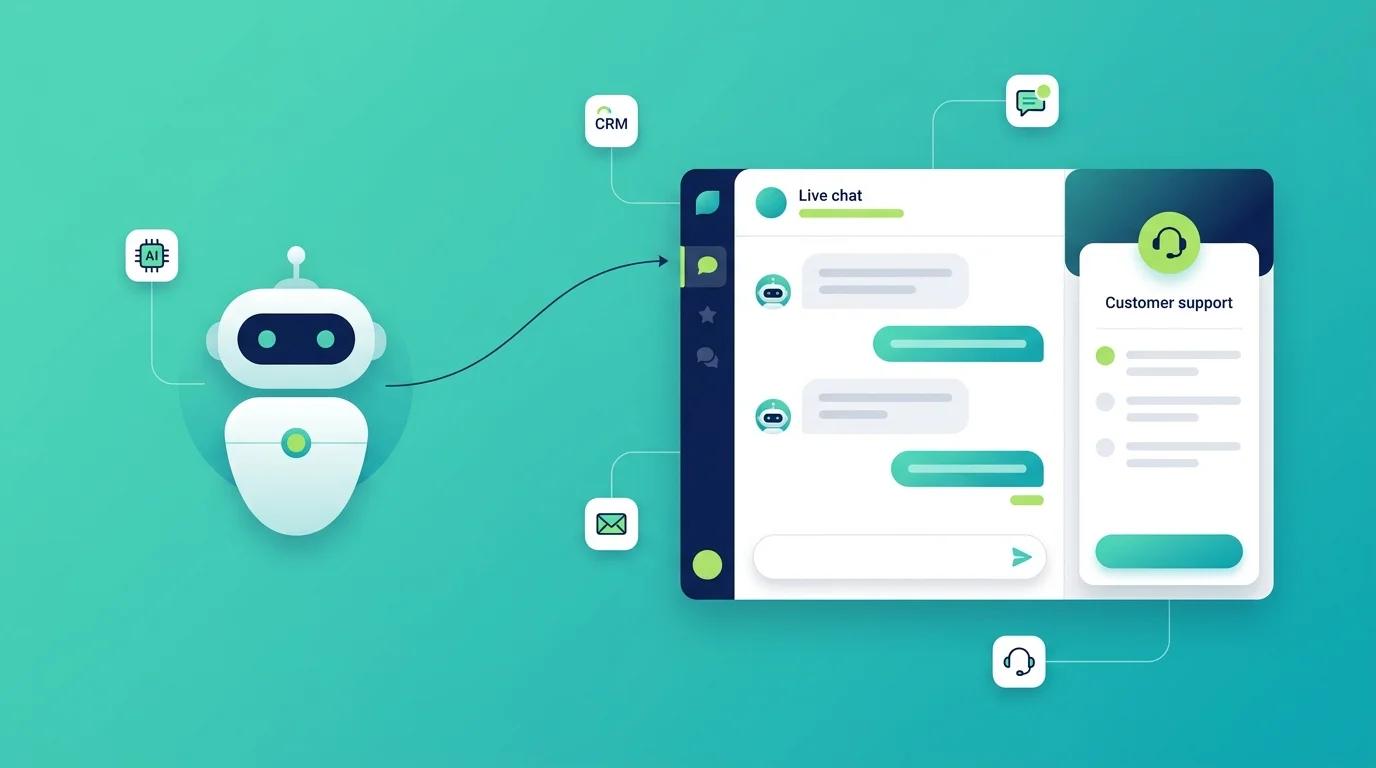
A real estate chatbot is a small assistant that lives on your website and messaging apps. It talks to buyers and renters, answers their questions about a property, asks what they are looking for, and books a viewing straight into your calendar. It works at 2am on a Sunday, which is when a lot of people browse homes.
That last part is the whole reason agents buy one. Most property enquiries arrive outside office hours. If nobody replies, the person simply clicks the next listing.
Table of Contents
What is a real estate chatbot?
A real estate chatbot is software that chats with people about property, using plain language, without a human agent needing to be there.
It sits on your website, your Facebook page, WhatsApp, or Instagram. A visitor types a question like “is this house still available?” and the bot answers right away. It can pull details from your listings, ask the visitor a few questions back, and save their answers as a lead in your CRM.
Older versions followed a fixed script with buttons. Newer ones use AI, so they understand questions written in any order and can handle things the script never planned for. Most tools today mix both. Buttons keep simple paths fast, and AI covers everything else. If you are weighing this against a live chat team, we compared the two in AI chatbot vs live chat.
What are the core benefits of using an AI chatbot in real estate?
The benefit is not that it replaces you. It is that it handles the first five minutes so you can spend your time on people who are ready to buy.
Here is what agents get out of it:
- You stop losing after hours leads. Evenings and weekends are peak browsing time for property. A bot replies instantly at any hour.
- Leads arrive already sorted. The bot asks about budget, area, property type, and timeline before it reaches you. You can see who is serious.
- Viewings get booked without the back and forth. No more six messages to agree on a time.
- Your team does less repeat work. The same twenty questions get asked over and over. The bot answers them.
- Nothing gets forgotten. Every chat is saved, so slow movers can be followed up months later.
Speed matters more than most people expect. A buyer who gets an answer in under a minute is far more likely to keep talking than one who waits until the next morning. This is the idea behind speed to lead, and in property it is unusually strong, because most buyers are messaging three or four agents at once.
What can a real estate chatbot actually do?
These are the jobs a property bot handles well.
Qualify leads. It asks the questions you would ask on a first call. Budget, preferred area, number of bedrooms, buying or renting, and how soon they want to move. If you have never set rules for this, start with what lead qualification means and build your questions from there.
Answer listing questions. Price, size, floor, parking, service charge, pet rules, and whether the property is still on the market.
Book viewings. It checks your calendar, offers free slots, and confirms the appointment. Good ones send a reminder too.
Pass people to a human. When the question gets complicated, the bot hands the chat to an agent and passes along everything said so far.
Handle tenant requests. For property managers, it logs maintenance issues, answers rent questions, and tells people when their contract ends.
Follow up quietly. Property is a slow purchase. A bot can run a follow up sequence weeks later without anyone remembering to do it.
Real estate chatbot features that improve client experience
Not every feature matters. These are the ones clients actually notice.
| Feature | Why clients care |
|---|---|
| Instant replies, any hour | They get an answer while they are still interested |
| Calendar booking | They pick a viewing slot themselves in a few taps |
| CRM sync | They are not asked the same questions twice |
| Live listing data | They get the real price and real availability |
| Human handoff | They are never stuck in a loop with a bot |
| Multiple languages | They can ask in the language they think in |
| Works on WhatsApp and Instagram | They talk where they already are |
A chatbot that cannot see your live listings will eventually tell someone a sold house is available. That one mistake costs more trust than the bot saves in time, so listing sync is worth checking before anything else. The same goes for connecting the bot to your CRM, because a lead that never reaches your pipeline may as well not exist.
What does a real estate chatbot example look like?
Here is a short example of a lead qualification flow. You can copy this as a starting template.
Bot: Hi, are you looking to buy or rent? Visitor: Buy. Bot: Great. Which area are you looking in? Visitor: North side, near good schools. Bot: Got it. What budget range are you working with? Visitor: Around 300k. Bot: Thanks. I have 4 homes near good schools under 320k. Want me to send them over, or book you a viewing this week? Visitor: Book a viewing. Bot: Saturday 11am or Sunday 2pm?
That conversation takes about forty seconds. It produces a named lead with a budget, an area, an intent, and a confirmed appointment. An agent doing this by phone would spend ten minutes and only reach the people who picked up.
How do you add a chatbot to a real estate website?
You do not need a developer for most tools. The usual steps look like this.
- Pick a platform and start a free trial.
- Feed it your listings. Connect your property feed, or upload a sheet of your current homes. This step is really training the chatbot, and the quality of what you feed it decides how good the answers are.
- Choose a template. Most tools ship a real estate template with lead questions already written.
- Edit the questions so they sound like your agency, not like a robot.
- Connect your calendar and CRM so bookings and leads land where your team already works. Markleyo connects to Calendly and Cal.com for this.
- Test it yourself. Ask it awkward questions. Try to break it.
- Add the code to your site. On WordPress this is a plugin, and we wrote a step by step for adding an AI chatbot to WordPress. On a custom built site it is one line pasted before the closing body tag.
Set aside an afternoon for the first version. Then improve it over the following weeks, because the real questions visitors ask will be different from the ones you guessed.
What does a real estate chatbot cost?
Pricing usually works one of three ways, and the difference matters a lot once you grow.
- Flat monthly fee. You pay the same whatever happens. Easiest to plan around. Markleyo starts at $21.60 per month.
- Per seat. You pay for each agent who uses it. Fine for a solo agent, expensive for a brokerage.
- Per conversation. You pay for each chat. This looks cheap at first and then climbs in a busy month.
One extra cost catches people out. If you run your bot on WhatsApp, Meta charges its own messaging fee on top of whatever your chatbot platform charges. It is about $0.025 per message in many regions. On its own that is tiny. Across a few thousand conversations a month, it is not.
Free plans exist and are genuinely useful for testing. They normally cap your chats, remove the branding controls, and lock the CRM integration, which is the part you actually need. Before you commit to any plan, it helps to decide how you will measure the return, so you can tell whether the bot is paying for itself.
Where do real estate chatbots fall short?
It is worth knowing the limits before you buy.
A bot is bad at negotiation. It cannot read hesitation in someone’s voice or decide to drop the price. It is also weak on local knowledge that is not written down anywhere, like which street floods or which block has a difficult management company.
It will annoy people if it loops. If a visitor asks something off script twice and the bot keeps repeating itself, you lose them. Always set up a human handoff.
And it cannot fix bad listings. If your photos are poor and your prices are wrong, faster replies will not help.
The honest summary is this. A chatbot is excellent at the repetitive front end of your job, and poor at the human middle of it.
How do you choose the best real estate chatbot platform?
Judge tools on five things, in this order.
- Does it sync with your live listings? If not, skip it.
- Does it connect to your CRM? Leads trapped inside a chat tool are nearly worthless.
- Can it book into your real calendar? Google Calendar, Calendly, or Cal.com.
- Does it work on the channels your buyers use? For most agencies that means your website plus WhatsApp.
- Is the pricing predictable? Check what happens in your busiest month, not your quietest.
For reviews, look at G2, Capterra, and Trustpilot rather than vendor blog roundups. Almost every “top 10 real estate chatbots” article is written by one of the companies on the list, and they always rank themselves first.
If you run a single office rather than a national brand, our guide to chatbots for local businesses covers the smaller setup in more detail.
Frequently Asked Questions
What is a real estate chatbot?
It is an automated assistant on your website or messaging apps that answers property questions, qualifies leads, and books viewings without a human agent present.
Can a chatbot qualify real estate leads?
Yes. It asks about budget, location, property type, and timeline, then saves the answers to your CRM so agents see sorted leads instead of raw enquiries.
Can a real estate chatbot book property viewings?
Yes. It connects to your calendar, offers open slots, confirms the appointment, and can send a reminder before the viewing.
Do I need to know how to code?
No. Most platforms give you a real estate template and a single line of code or a WordPress plugin to install it.
Does it work for rentals and property management?
Yes. The same bot can log maintenance requests, answer rent and contract questions, and screen tenant applications.
Will it replace real estate agents?
No. It handles the repeated early questions. Negotiation, viewings, and closing stay with people.
Ready to see one working on your own listings? Try the Markleyo AI chatbot and have your first property bot answering buyers this afternoon.