Best AI Chatbot for Local Business: 10 Tools Compared
The best chatbot software for local businesses in 2026 is Markleyo AI, Tidio, Rosie, Goodcall, Chatbase, Tawk.to, Smith.ai, ManyChat, Cal.com, and Crisp. Local businesses need something most chatbot articles ignore: the ability to answer the phone and book an appointment, not just reply to website messages. This guide compares all ten on real 2026 pricing and tells you which ones actually do both.
Table of Contents
Quick answer: Which chatbot for local business should you pick?
If you read one section, read this one.
| You are… | Best pick | Why |
|---|---|---|
| A local business that wants chat, calls, and booking in one bill | Markleyo AI | One flat price covers website chat, WhatsApp, and real phone calls |
| A service business wanting affordable website chat | Tidio | Best balance of live chat and AI for local services |
| A plumber, HVAC or electrical company | Rosie | Flat-rate phone answering built for the trades |
| A business with lots of calls and several locations | Goodcall | Unlimited minutes, strong multi-location dashboard |
| A business on the tightest budget wanting AI answers | Chatbase | Cheap bot trained on your own website |
| A business with no budget at all | Tawk.to | Genuinely free live chat, forever |
| A law firm or professional practice | Smith.ai | Real humans back up the AI on complex calls |
| A business whose customers message on WhatsApp or Instagram | ManyChat | Handles the Meta channels most cleanly |
| A clinic that needs compliant booking | Cal.com | Open source, HIPAA and SOC 2 certified |
| A small team sharing one inbox | Crisp | Flat price with seats included |
Why local businesses need different chatbot software
What is chatbot software for local businesses?
Chatbot software for local businesses is a tool that talks to your customers automatically — on your website, in WhatsApp, or over the phone — and turns those conversations into booked appointments.
That last part is the difference. An AI chatbot for local business owners measures success in appointments booked. A chatbot built for a software company measures success in tickets closed. Same technology, completely different job.
One competitor in this space puts it well: most AI chatbots were built for software companies handling support tickets. If you run an HVAC business, a hair salon, or a plumbing company, you need something different — a tool that qualifies leads, books appointments, and tells you which conversations are worth your time.
Local businesses get asked a small, predictable set of questions: Are you open on Sunday? Do you cover my area? How much is a filling? Can I get in this week? A chatbot trained on your own website handles almost all of that.
The missed-call problem, in numbers
Here is the real reason local businesses lose money, and it has nothing to do with your website.
One 2024 study of 85 businesses found that only 37.8% of incoming calls are answered by a live person, 85% of missed callers never call back, and the average small business loses an estimated $126,000 a year to missed calls.
Two honest caveats on that figure: it comes from a vendor in this market, and 85 businesses is a small sample. Treat the $126,000 as an illustration rather than a precise number for your business. But the direction is not in doubt, and other sources agree: small service businesses lose 20–30% of potential bookings because calls go unanswered during evenings, weekends, and peak hours.
Picture how it actually happens. It’s 9:40pm and someone’s boiler has stopped working. They Google “emergency plumber near me,” land on your site, see a contact form, and think I’ll just call someone else. They call the next plumber. That plumber’s phone is answered on the first ring by an AI that books them for 7am. By morning you have nothing — not even a form submission to follow up.
Medical clinics face the same problem from the other direction: missed calls at a swamped front desk. Plumbers, HVAC teams, and electricians live and die by after-hours lead capture.
And when appointments do get booked, they get missed. In healthcare, missed appointments cost providers an estimated $150 billion annually. A chatbot that sends a confirmation and two reminders fixes a surprising share of that.
Chat widget or phone answering — which do you actually need?
This is the question that decides everything, and almost no article asks it.
There are really two separate products being sold to local businesses:
- A chat widget — the little message bubble on your website. Good for people already browsing your site.
- An AI receptionist — software that answers your actual phone number. Good for people who found you on Google Maps and pressed “Call.”
Most local businesses need both, because their customers arrive both ways. Here is how to tell which matters more for you:
| If your customers mostly… | You need | Because |
|---|---|---|
| Browse your website before deciding | A chat widget | They’re comparing options and have questions |
| Find you on Google Maps and press Call | An AI receptionist | They’re ready to book and will not fill in a form |
| Message you on WhatsApp or Instagram | Social channel coverage | Their thumb is already in the app |
| Do all three | A tool that covers all three | Otherwise you’re buying two or three subscriptions |
That last row is the point. Buying a chat widget for around $30–50 a month plus an AI receptionist for $49–149 a month gets expensive fast. A single tool covering both is usually cheaper than either pair.
The four pricing models, and which one suits a local business
The billing model will decide your bill far more than the headline price.
There are four AI receptionist pricing models in 2026. Entry hybrids start as low as $14–$29/month, flat plans cluster at $49–$149, premium and per-call services run $300–$600 or more, and enterprise or quote-only platforms run far higher.
| Model | Example tools | You pay for | Best for a local business? |
|---|---|---|---|
| Flat monthly | Markleyo AI, Rosie, Voksha | A fixed fee, regardless of volume | ✅ Usually the right answer |
| Per minute | Ruby, PATLive | Every minute the AI or human talks | ❌ Punishes busy weeks |
| Per call | AIRA, Upfirst | Each call answered | ⚠️ Fine at low volume only |
| Hybrid AI + human | Smith.ai | AI, plus a fee when a person takes over | ⚠️ Worth it for high-value calls |
Two useful data points. Per-minute pricing looks cheapest per unit at scale but the real all-in rate runs $0.13–$0.31 per minute, higher than the advertised base fee. And flat-rate pricing is almost always cheaper than per-minute for businesses with 20 or more calls a day — at 100 calls a month, flat-rate AI costs around $49 against $800–$1,100 for per-minute human answering.
For most local businesses, flat monthly wins. Your busy season is exactly when you have the least time to watch a usage dashboard.
The 10 best chatbot software options for local businesses
Every tool below is judged the same way: can it answer the phone, can it book an appointment, what it really costs, and which channels it covers.
1. Markleyo AI — best all-in-one for chat, calls, and booking
Price: From $14.5/month · 5-day free trial
Best for: Local businesses that get enquiries by website, WhatsApp, and phone
Watch out for: Not a ticketing system, and a newer brand than the phone specialists
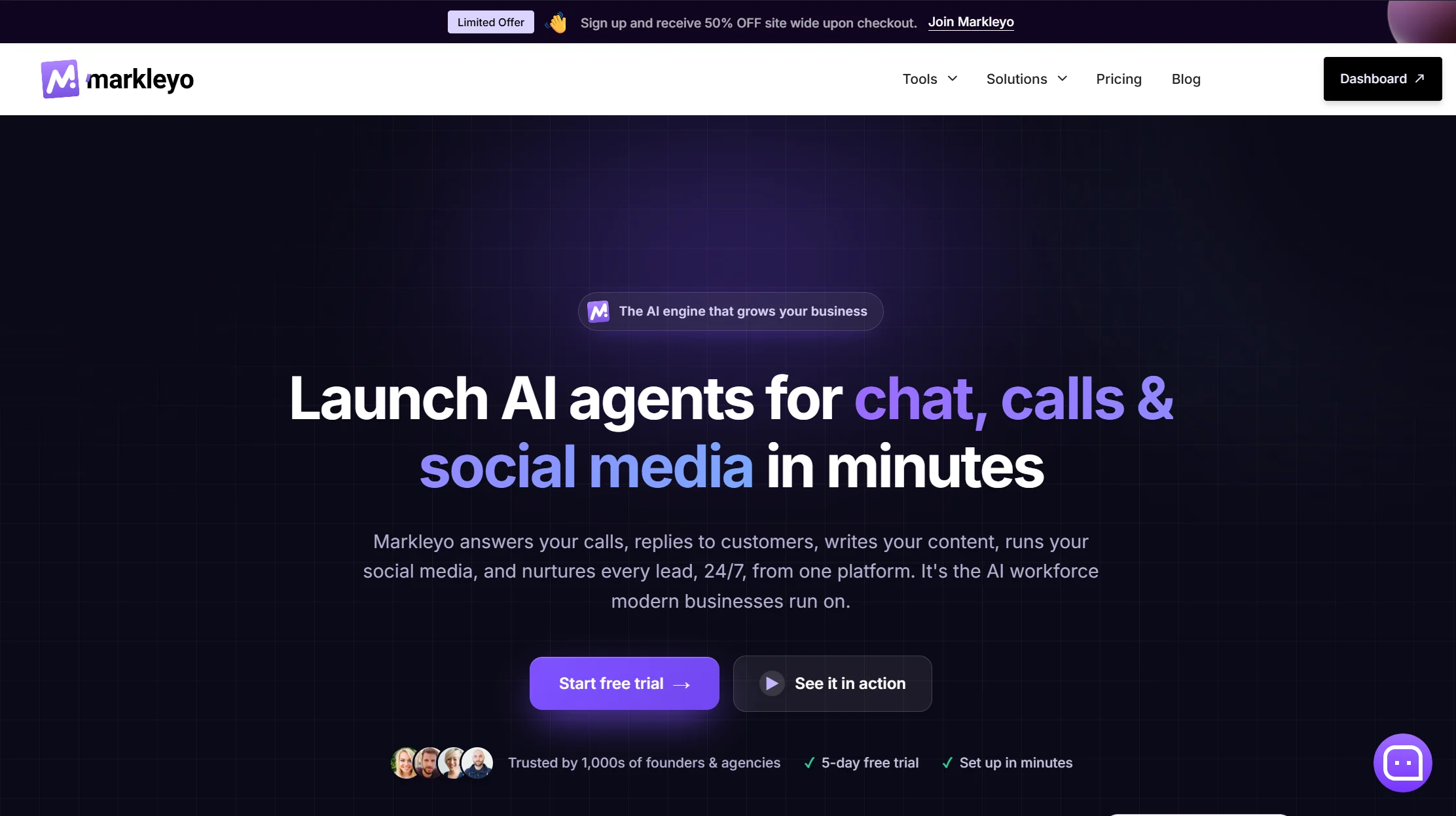
Markleyo is the rare tool that covers both halves of the local business problem in one subscription.
Its CX chatbot agent handles your website, WhatsApp Business, Telegram, Instagram, and Messenger from one inbox, trained on your own site, docs, and FAQs — so it answers your hours, service area, and pricing questions correctly. Its AI calling agent answers and places real phone calls in a natural human voice, qualifying the caller and booking the appointment live. Both connect to Calendly and Cal.com, so bookings land in your real calendar.
You also get a marketing bot for WhatsApp and Telegram follow-up campaigns, a social media suite that writes and schedules posts, an AI copywriter, and a no-code agent builder to chain them together. All six share one knowledge base — you describe your business once and every agent knows it.
The cost comparison is where it lands for a local business. A chat widget plus a separate AI receptionist typically runs $80 to $200 a month combined. Markleyo Complete starts at $14.5/month, with no per-minute, per-call, or per-conversation meter. Your busiest month costs the same as your quietest.
Two things here are genuinely uncommon. Telegram, which almost nothing in this category supports and which matters enormously in South Asia, the Middle East, and Eastern Europe. And outbound calls — most AI receptionists only answer; Markleyo can also ring a lead back.
Honest trade-offs. It isn’t a help desk: no ticket queues, no SLA reporting. The phone specialists below have deeper vertical plumbing — Rosie connects to Jobber and ServiceTitan, Smith.ai connects to Clio and Filevine — so if your trade software is central to your day, check integrations first. And it’s a younger brand than Tidio or Smith.ai, with fewer public reviews.
See the Markleyo AI chatbot page, or the pricing page.
2. Tidio — best affordable website chat for local services
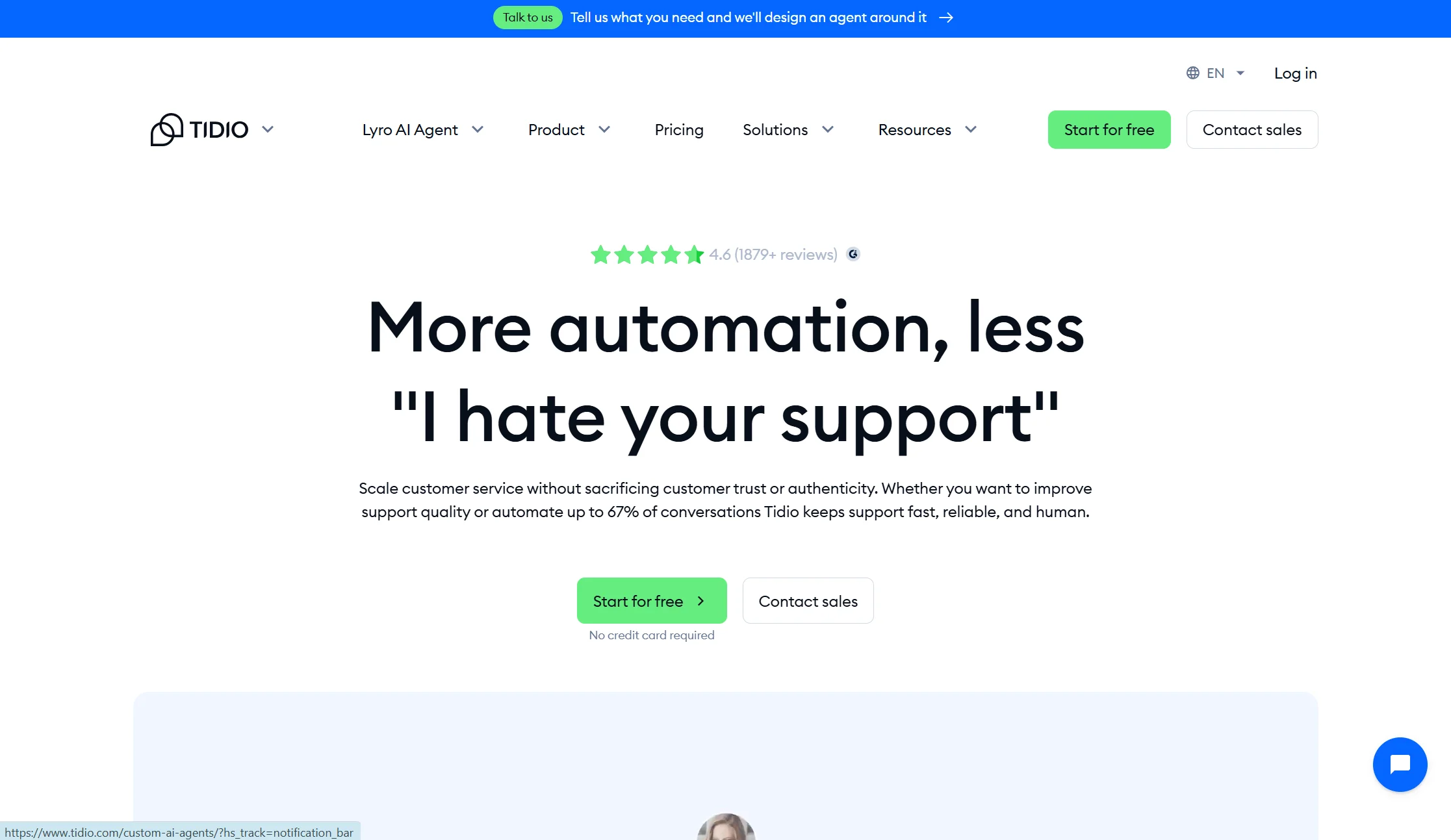
Price: Free plan with 50 conversations/month; Starter from $24.17/mo annual; Growth from $49.17/mo annual; Lyro AI add-on from $32.50/mo annual
Best for: Service businesses that mainly need the website widget working well
Watch out for: Three separate billing meters, and a lifetime AI cap
Tidio is the most common recommendation for local service businesses, and it earns it. It is the most balanced option for most local service businesses, combining live chat, button-based chatbot flows, and Lyro AI natural language understanding in one platform. Setup is genuinely quick — around 2 to 4 hours for a non-technical user building a basic booking flow, based on G2 and Capterra reviews from 2025–2026.
The pricing needs watching. Billable Conversations, Lyro AI conversations, and Flow triggers bill separately — you are juggling three quotas in parallel. On Free and Starter the 50 Lyro conversations are a lifetime pool, not monthly, so once they’re gone Lyro stops replying.
Verdict: the best website-first pick. It won’t answer your phone, so pair it with something that does if calls are your main channel.
3. Rosie — best phone answering for trades and home services
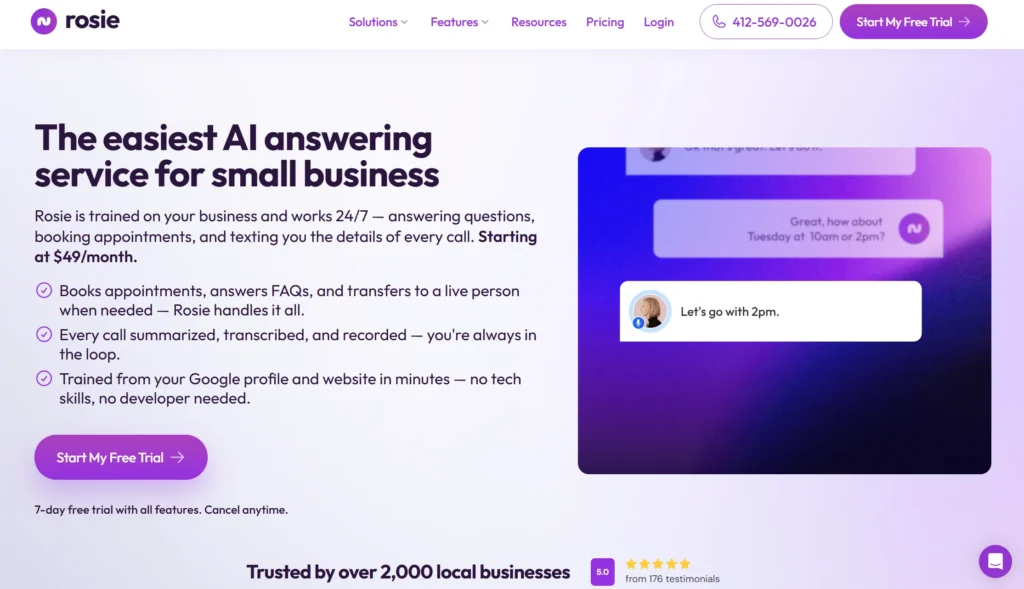
Price: Professional $49/month (unlimited minutes, message taking, FAQ support); Scale $149/month (adds appointment links, call transfers, SMS); Growth tier above that · tiers also reported as $49 for 250 minutes, $149 for 1,000, $299 for 2,000
Best for: Plumbers, HVAC companies, electricians, and other trades
Watch out for: You need an existing phone system, and booking is gated to a higher tier
Rosie is built specifically for the trades, and that focus shows. It’s the pick for home services contractors, with Jobber and ServiceTitan integrations. It has flat-rate pricing with no hidden per-minute fees, and engages callers by answering their specific questions using your business data rather than dumping them into voicemail.
Two practical notes. Rosie requires you to have an existing phone system to forward calls to — it isn’t a standalone number. And appointment links and call transfers sit on the $149 Scale plan, not the $49 entry plan, so price the tier you actually need.
Verdict: the strongest trades-specific phone pick. Note that its published minute allowances differ between sources, so confirm your tier before signing.
4. Goodcall — best flat-rate phone answering with unlimited minutes
Price: From $79/month for 100 unique monthly callers · unlimited minutes with a cap on unique customers per month
Best for: Businesses with long calls, or several locations
Watch out for: The cap is on unique callers, not minutes — check which limit you’ll hit
Goodcall flips the usual model: instead of capping your talking time, it caps how many different people call you. If your calls run long — consultations, quotes, intake — that’s a much friendlier shape.
Two useful strengths. It answers customer questions using content from your website or your Google Business Profile page, collects lead information during calls, and syncs through Zapier. It also has a flexible, easy-to-configure workflow builder, and for multi-location businesses its centralised dashboard offers the best management experience.
Verdict: the right pick if you have long calls or more than one location. Published prices vary between $59 and $79 across sources, so verify directly.
5. Chatbase — cheapest way to get AI answers on your website
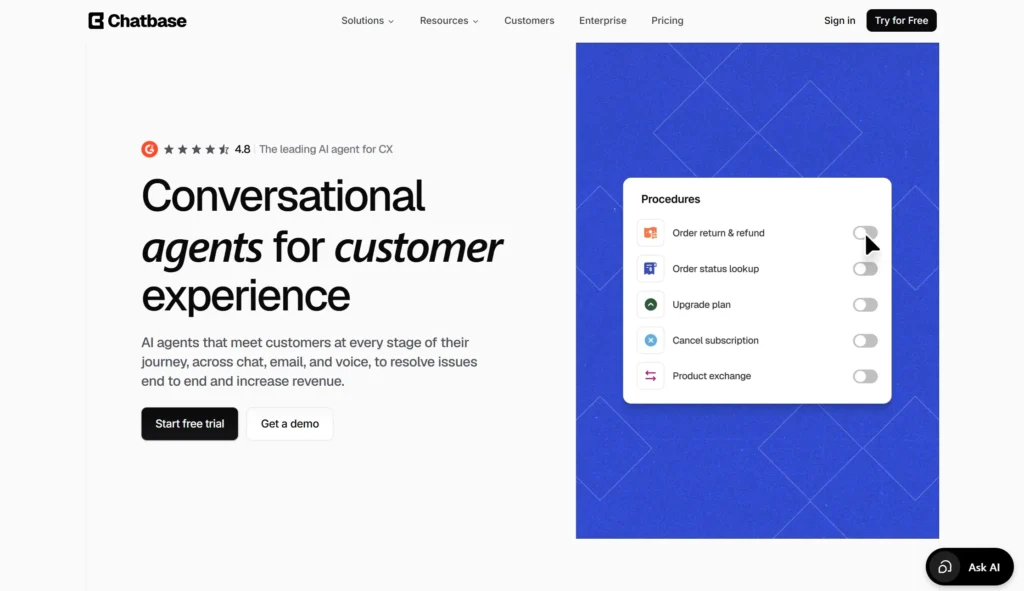
Price: Free plan with 50 credits/month; Hobby $32/mo annual; Standard $120/mo annual; Pro $400/mo annual
Best for: Local businesses that want a bot trained on their own site, cheaply
Watch out for: Credits run out, and it isn’t a full support tool
Chatbase turns your website, service pages, and FAQ documents into a working bot in an afternoon. For a local business, that’s often all you need — your questions are predictable and the answers are already written on your site.
Be clear on the limits. Chatbase is not a full help desk; it’s useful for AI answers but may not replace a shared inbox, ticketing system, phone follow-up process, or advanced human handoff workflow. Each reply costs 1–6 credits depending on the model, and if credits run out the bot goes offline unless auto-recharge is on.
Verdict: excellent value for website answers. No phone, no booking calendar of its own.
6. Tawk.to — best genuinely free live chat
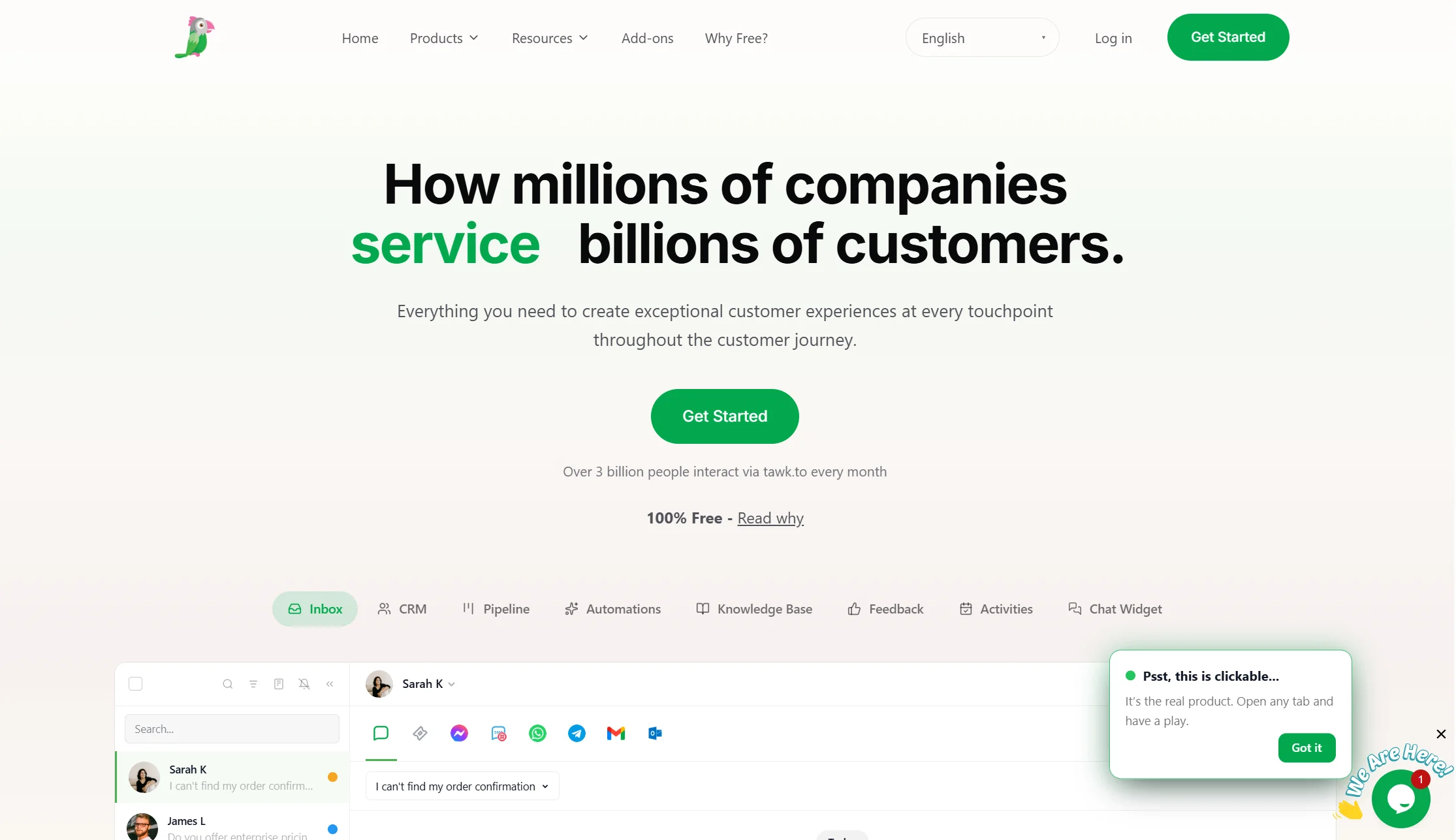
Price: Free, permanently
Best for: Local businesses with zero software budget
Watch out for: Weak AI, so it’s mostly a human tool
Tawk.to is free forever and it works. For a local business that just wants to catch after-hours enquiries and call people back in the morning, that may genuinely be enough. You can create canned replies for service areas, emergency availability, maintenance plans, and appointment booking, and use an offline form to collect name, phone number, email, ZIP code, service needed, and urgency. Review missed chats every morning and call back high-priority leads first — it addresses a real business problem, because customers who visit after hours can still leave enough information for follow-up.
The honest limit: Tawk.to is excellent for free live chat, but its AI and automation capabilities are not as advanced. It also offers optional hired chat agents, though if an outside agent misunderstands your pricing, service area, or booking rules they can create confusion — so use clear scripts and review transcripts.
Verdict: start here if budget is truly zero. Upgrade when you’re tired of the morning callback list.
7. Smith.ai — best when calls are too valuable to leave to AI alone
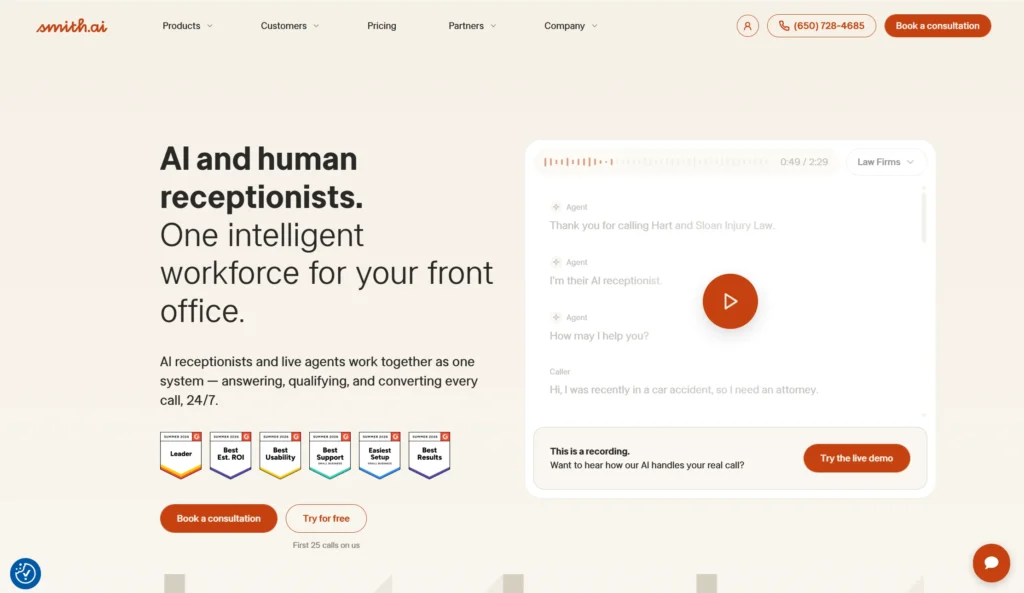
Price: Reported from around $95/month for roughly 60 calls, though exact pricing sits behind a contact form · human agent handoff at $3 per call
Best for: Law firms, accountants, and practices where one call is worth thousands
Watch out for: Pricing isn’t published, and it’s the priciest option here
Smith.ai is the hybrid model: AI answers routine calls, and a real person takes over when the call matters. It has over 10 years of experience and 20 million calls answered, backed by a network of 500-plus North American live agents, with deep integrations across 7,000-plus business tools including Clio, Filevine, Lawmatics, HubSpot and Salesforce.
The human safety net is real, and intake workflows — conflict checks, lead qualification, CRM logging — are mature. That combination is why it dominates legal.
Verdict: if a single missed call costs you a $5,000 client, paying more for a human backstop is rational. For a salon taking $40 bookings, it isn’t.
8. ManyChat — best for WhatsApp and Instagram enquiries
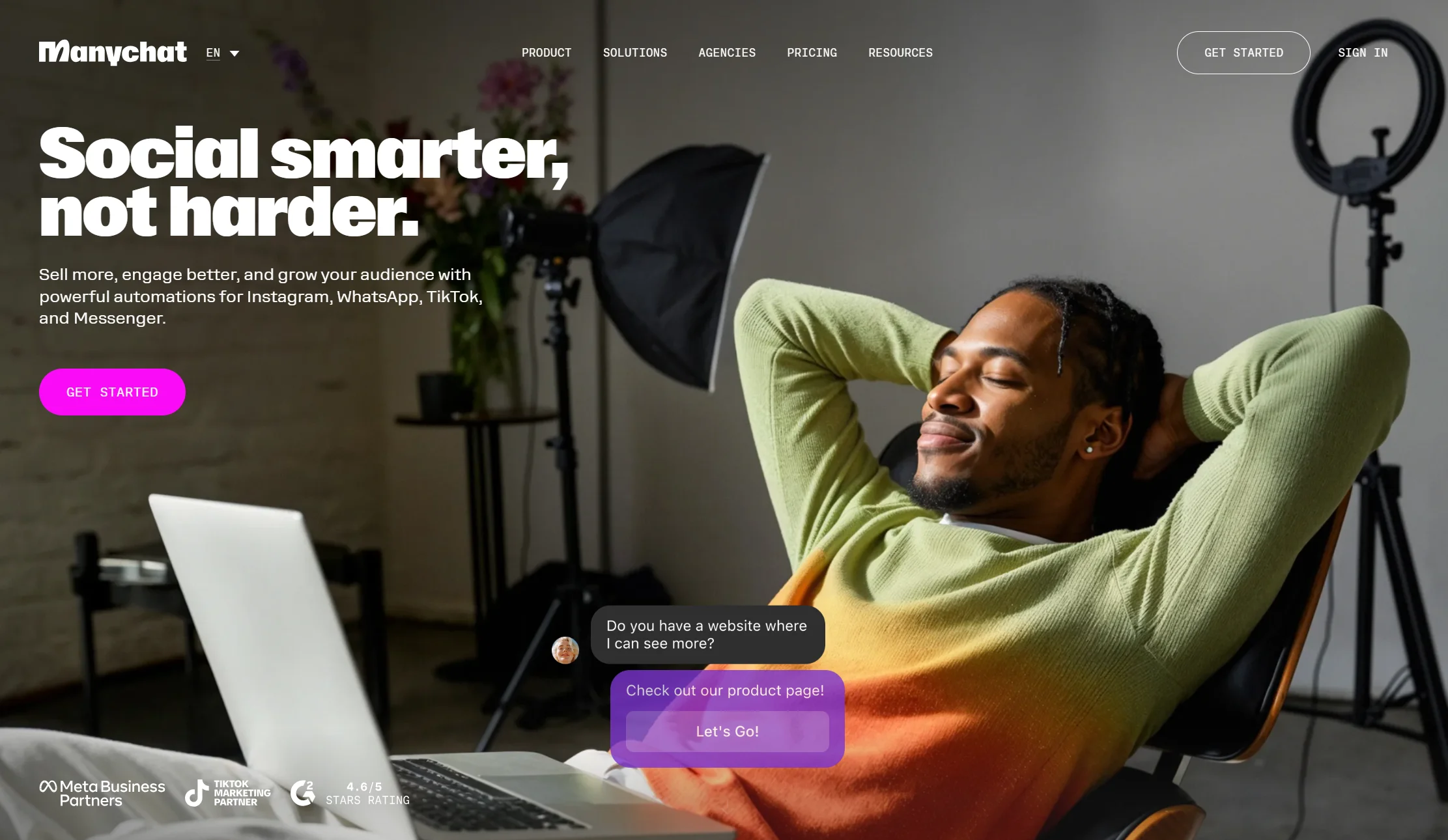
Price: Free plan with 25 active contacts; Essential $14/mo annual ($17 monthly) for 250 contacts; Pro $29/mo annual ($39 monthly) for 2,500 · AI features are a separate add-on at about $29/month
Best for: Local businesses whose customers message on Instagram or WhatsApp
Watch out for: Billed by audience size, and the AI costs extra
If most of your enquiries arrive as Instagram DMs — very common for salons, gyms, restaurants, and studios — ManyChat is the specialist. It handles the Meta and WhatsApp channel most cleanly.
Two cautions. Its March 2026 repricing cut the free plan to 25 active contacts and added overage fees on every paid tier. Because you’re billed per person who interacts with your automation, a single popular post can push you into overage. And the AI is not included in any plan.
Verdict: the best Meta-channel tool. Weak fit if your website and phone matter more than your DMs.
9. Cal.com — best booking-first tool, with voice and compliance
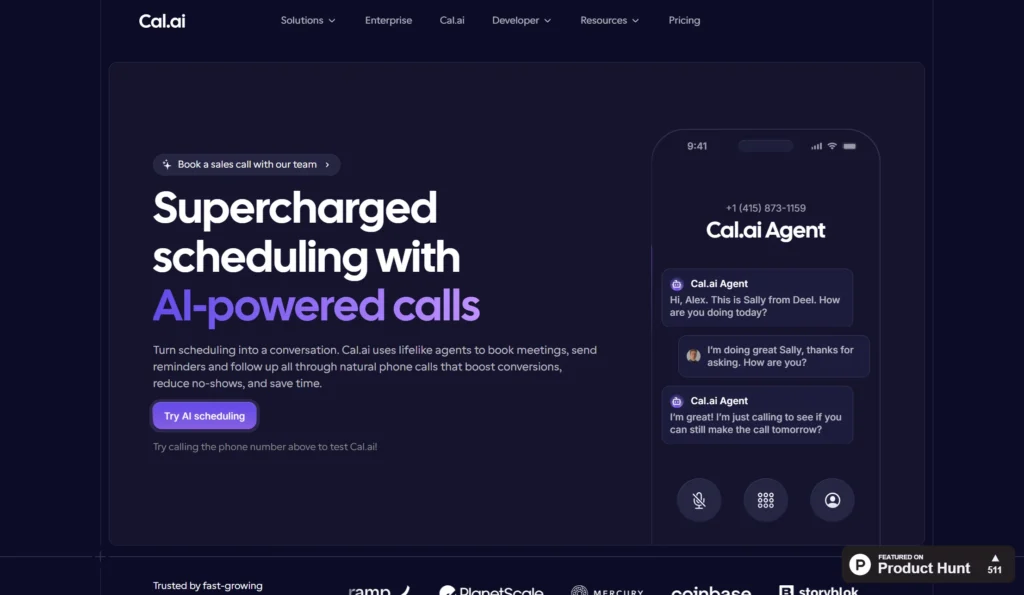
Price: Free self-hosted (open source); paid cloud tiers published on site
Best for: Clinics and practices that need certified, compliant booking
Watch out for: It’s a scheduling platform first, not a support chatbot
Cal.com approaches this from the calendar rather than the chat window. Its standout capability is Cal.ai, a voice-based AI phone agent that handles appointment booking over voice calls, making it suited to businesses where customers primarily book by phone. The open-source foundation gives technical teams full control to self-host and customise, and its compliance credentials are strong: HIPAA, SOC 2, and ISO 27001 certified.
For a dental practice or medical clinic, that compliance list is not a nice-to-have — it’s the reason to shortlist it.
Verdict: the best fit for regulated appointment businesses. Expect to pair it with something that answers general questions.
10. Crisp — best flat-priced shared inbox for a small team
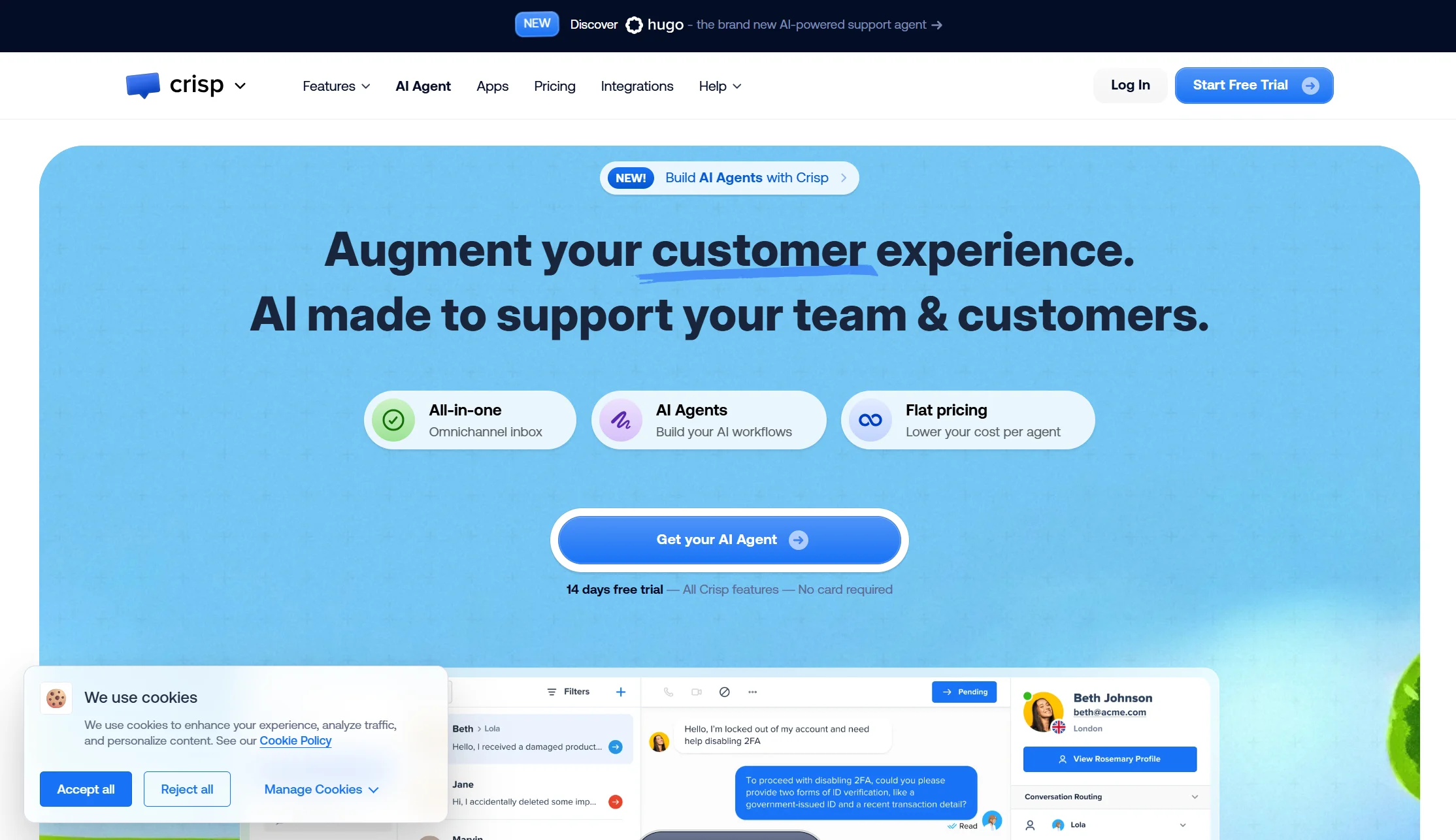
Price: Free plan with 2 seats; Mini $45/mo (4 seats); Essentials $95/mo (10 seats); Plus $295/mo (20 seats); $10 per extra agent
Best for: Local businesses where three or four staff all answer messages
Watch out for: The AI allowance is thin for the price
If your problem isn’t automation but coordination — reception, two technicians, and the owner all replying from their phones — Crisp is excellent value. Four seats for $45 flat, with no conversation counter, beats per-seat pricing for a small team.
The included AI allowance is small relative to plan price if automation is your main goal.
Verdict: the best answer to “we need one shared inbox,” not “we need a robot.”
Full comparison table: all 10 tools side by side
| Tool | Starting price | Answers phone calls? | Books appointments? | Free plan? | Best for |
|---|---|---|---|---|---|
| Markleyo AI | $14.5/mo | ✅ Inbound and outbound | ✅ Calendly, Cal.com | ❌ 5-day trial | Chat + calls + booking in one |
| Tidio | $24.17/mo annual | ❌ | ✅ Via flows | ✅ 50 conv/mo | Website chat for services |
| Rosie | $49/mo | ✅ | ⚠️ $149 tier | ❌ | Trades and home services |
| Goodcall | ~$79/mo | ✅ Unlimited minutes | ✅ | ❌ | Long calls, multi-location |
| Chatbase | $32/mo annual | ❌ | ❌ | ✅ 50 credits | Cheap website answers |
| Tawk.to | $0 | ❌ | ⚠️ Manual | ✅ Free forever | Zero budget |
| Smith.ai | ~$95/mo | ✅ + live humans | ✅ | ❌ | Law firms, high-value calls |
| ManyChat | $14/mo annual | ❌ | ✅ Via flows | ✅ 25 contacts | Instagram and WhatsApp DMs |
| Cal.com | Free self-hosted | ✅ Via Cal.ai | ✅ Core function | ✅ Open source | Compliant clinic booking |
| Crisp | $45/mo flat | ❌ | ⚠️ Basic | ✅ 2 seats | Small team shared inbox |
Best chatbot platforms for local businesses by business type
The right tool changes a lot depending on what you actually do.
Which chatbot is best for home services — plumbers, HVAC, electricians?
Your problem is after-hours emergencies and quoting. Home services businesses live and die by after-hours lead capture, and booking the visit is the natural next step.
- Rosie if the phone is your main channel and you use Jobber or ServiceTitan.
- Markleyo AI if you also get WhatsApp enquiries and want outbound callbacks on one flat bill.
- Tawk.to if you have no budget and can work a morning callback list.
One question to ask any vendor before buying, borrowed from a competitor and genuinely excellent: “When a homeowner contacts me at 11pm saying they might have a gas leak, what does your chatbot do, and how does it handle the urgency?” Tools built for local service businesses will have a specific, thoughtful answer. Tools built for SaaS companies will give you a generic response about custom flows.
Which chatbot is best for clinics, dentists, and medical practices?
Your problem is a front desk that cannot answer every call, plus no-shows. The core problem is missed calls at a swamped front desk — chat absorbs the routine booking volume so phones are free for the cases that need them.
- Cal.com if compliance matters, given its HIPAA, SOC 2, and ISO 27001 certifications.
- Goodcall if calls are long and you have more than one location.
- Markleyo AI for the flat-price combination of chat, calls, and reminder follow-up.
Whatever you pick, turn on confirmations and reminders. Booking chatbots reduce no-shows by sending an immediate confirmation, a reminder 24 hours before, and a same-day nudge, and some handle rescheduling automatically — turning a missed appointment into a rebooked one rather than lost revenue.
Which chatbot is best for salons, gyms, and appointment businesses?
Your enquiries arrive in Instagram DMs as often as on your website.
- ManyChat for pure Instagram and WhatsApp DM automation.
- Markleyo AI if you want DMs, website chat, and phone in one place.
- Tidio if your website does the heavy lifting and you want it cheap.
Which chatbot is best for restaurants and local retail?
Your questions are hours, bookings, menu, parking, and “are you open now?” — highly repetitive and perfect for automation.
- Goodcall or a restaurant-focused voice tool for phone reservations.
- Markleyo AI for WhatsApp ordering enquiries plus phone plus social posting.
- Tawk.to if you simply need after-hours messages captured.
What are the recommended platforms for small business messaging automation?
Messaging automation means sending the right message at the right moment without you typing it — a booking confirmation, a reminder, a follow-up to someone who went quiet, or a seasonal offer to past customers.
For a local business, three kinds of automated message earn their keep:
- Booking confirmations and reminders, which cut no-shows.
- After-hours auto-replies that capture a name and number instead of losing the lead.
- Follow-ups to past customers — the annual service reminder, the six-month check-up, the “we’ve got Saturday slots” nudge.
Recommended platforms, by what you need most:
| Need | Platform | Why |
|---|---|---|
| All three, in one flat bill | Markleyo AI | Broadcast campaigns on WhatsApp and Telegram, plus chat and calls |
| Instagram and Facebook DM automation | ManyChat | The cleanest Meta-channel tool |
| Website chat with simple flows | Tidio | Easy automation builder, low entry price |
| Shared inbox with team replies | Crisp | Flat price, seats included |
| Phone-based follow-up | Rosie or Goodcall | Message taking and SMS on higher tiers |
One practical warning that applies to every tool here: WhatsApp messages carry Meta’s own per-conversation fees on top of your subscription, whichever platform you use. Budget for those separately, and check your local rate — they vary by country.
Which chatbot solutions integrate with local business websites?
Nearly all of them, and it’s easier than most owners expect.
How to add a chatbot to your local business website
The process is the same across almost every tool on this list.
Step 1 — Sign up and get your code snippet. Every tool gives you a short piece of JavaScript.
Step 2 — Paste it into your site. On WordPress, use a header-and-footer plugin or your theme’s custom code box. On Wix, Squarespace, or Shopify, there’s a custom-code or app-embed panel in settings. Most tools require copy-pasting a code snippet into your website’s header, which most website builders make easy — and some managed services handle setup for you.
Step 3 — Feed it your real content. This is the step that decides whether your bot is good. Upload your FAQs, service descriptions, pricing guidance, booking policies, and preparation instructions, and add website pages explaining services, locations, appointment rules, and next steps.
Step 4 — Connect your calendar. Real-time calendar integration is the baseline for a local business: the bot must read your actual availability so it cannot double-book you.
Step 5 — Test it with real questions. Test the bot with 25 real customer questions taken from emails, phone calls, and contact forms, then fix weak answers by improving the source content rather than just editing the bot. That last part is the professional move — a vague policy page produces a vague bot.
Step 6 — Put it on your busiest pages and check it on a phone. Embed the chatbot on high-traffic service pages, then review transcripts weekly and add missing answers to the knowledge base.
Realistic time investment: 2 to 4 hours for a non-technical person to build a basic booking flow. Expected payoff: a rough estimate for a small service business is 3 to 8 staff hours saved per week if the chatbot handles repetitive questions about services, availability, pricing ranges, policies, and booking steps — though that depends heavily on your traffic and how often people ask the same things.
Can a chatbot work on Google Business Profile and WhatsApp too?
This matters more for local businesses than for anyone else, because Google Maps is where you get found.
The answer is yes, but not automatically. Google’s Business Profile messaging features support AI chatbot integrations, meaning visitors can start a booking conversation directly from your Google Business Profile, and Meta’s WhatsApp Business API supports the same for WhatsApp enquiries. But these require separate configuration — they are not automatic. ManyChat handles the Meta and WhatsApp channel most cleanly, while Google Business Profile integration varies by platform and may require verification of your business listing.
So: verify your Google listing first, then ask each vendor specifically whether they support Google Business Profile messaging. Many will say “we support all channels” and mean website, Facebook, and Instagram.
How we picked and compared these 10 tools
We scored every AI chatbot for local business use on the same five tests, in this order:
- Can it answer the phone? For a local business this is the single highest-value capability, and most chatbots cannot do it.
- Can it book into a real calendar? Reading live availability, not just collecting a name.
- What does it really cost at your busy time? Flat, per minute, per call, or per contact.
- Does it cover where your customers actually are? Website, phone, WhatsApp, Instagram, Google Business Profile.
- Can a human take over cleanly? With the conversation history intact.
Prices were checked against vendor pricing pages and dated third-party pricing trackers in July and August 2026. Where sources disagreed — Rosie’s minute allowances and Goodcall’s entry price both vary between trackers — we say so in the entry instead of picking whichever number suited the argument. Where a vendor publishes no price, we say that too.
One more piece of advice worth more than any comparison table: always use the free trial before committing, and call the AI yourself 10 or more times with realistic scenarios to evaluate voice quality, comprehension, and accuracy. Ten minutes of that will tell you more than ten articles.
Frequently Asked Questions About AI Chatbot for Local Business
What is the best chatbot for a local business?
It depends on how your customers reach you. If they mostly call, an AI receptionist like Rosie or Goodcall answers the phone. If they mostly browse your website, Tidio or Chatbase is cheaper and simpler. If they arrive by all three routes — website, phone, and WhatsApp or Instagram — Markleyo AI covers all of them on one flat plan, which usually costs less than buying a chat widget and a phone service separately.
Can a chatbot really answer my business phone?
Yes, and this is now a mature category. Voice-based AI phone agents handle appointment booking over calls, and tools like Rosie, Goodcall, and Markleyo’s calling agent answer in seconds at any hour. The pragmatic setup in 2026 is AI-first with human escalation — the AI handles routine volume and hands off the calls that genuinely need a person. Test it yourself by calling repeatedly before you commit.
How much does chatbot software for local businesses cost?
Website chatbots run from free to about $50/month for a small business. Phone answering runs more: flat plans cluster at $49–$149/month, entry hybrids start at $14–$29, and premium or per-call services run $300–$600 or more. Most service businesses land around $150 to $250 a month once phone answering is included — which is why an all-in-one flat plan at $14.5 changes the maths if it covers what you need.
Can a chatbot book appointments in my calendar?
Yes, if it has real-time calendar integration — that’s the baseline feature to insist on. The bot must read your actual availability in Google Calendar, Outlook, Calendly, or Cal.com so it cannot double-book. Be careful with tiers, though: some tools gate booking behind a higher plan, so Rosie’s appointment links sit on the $149 Scale plan rather than the $49 entry plan.
Will a chatbot reduce no-shows?
It helps, and this is one of the clearest wins. Booking chatbots send an immediate confirmation, a reminder 24 hours before, and a same-day nudge, and some handle cancellations and rescheduling automatically, turning a missed appointment into a rebooked one rather than lost revenue. Given that missed appointments cost healthcare providers an estimated $150 billion annually, even a modest improvement pays for the software.
Do I need technical skills to set this up?
No. Most tools install by pasting one line of code into your website, and some managed services do the setup for you. Building a basic booking flow takes a non-technical person about 2 to 4 hours. The part that takes real effort isn’t technical — it’s writing your service areas, prices, and policies clearly enough for the bot to repeat them.
Is there a free chatbot for local businesses?
Yes, with limits. Tawk.to is free live chat forever, though its AI is basic. Tidio’s free plan covers 50 conversations a month. Chatbase gives 50 AI credits monthly. Cal.com is free if you self-host it. There is, however, no genuinely free AI phone answering service — every tool that answers your actual phone charges, starting around $25 to $49 a month.
Should I choose AI or a human answering service?
Depends on what a call is worth. For routine calls like scheduling, FAQs, and lead capture, AI receptionists answer faster than humans, and AI is dramatically cheaper — often 10 to 20 times less per call — never puts callers on hold, answers every call simultaneously, and works around the clock, while humans remain better at emotionally difficult or unusual calls. If one client is worth thousands, a hybrid like Smith.ai is worth the premium. If your average job is under a few hundred, AI-only is the sensible choice.
The bottom line: which chatbot software should your local business use?
Most chatbot articles compare tools built for software companies. Local businesses have a different problem: the phone rings at 9pm, nobody answers, and that customer books with someone else.
Pick by how your customers reach you:
- They call, and you miss calls? → Rosie for trades, Goodcall for long calls or multiple locations.
- They call and message and DM you? → Markleyo AI, one flat price across all three.
- They browse your website first? → Tidio or Chatbase.
- They DM you on Instagram? → ManyChat.
- Every call is worth thousands? → Smith.ai, with humans as backup.
- You run a clinic with compliance rules? → Cal.com.
- Three staff share the replies? → Crisp.
- Budget is genuinely zero? → Tawk.to, today.
Before you commit, do the calculation almost nobody does. Count how many calls you missed last week — check your phone’s missed-call log, it takes two minutes. Multiply by what an average job is worth to you. That number, not the pricing page, tells you what you should be willing to spend.
Get chat, calls, and booking in one plan? Start a free Markleyo AI trial — your website chat, WhatsApp, Telegram, and a real AI phone agent that books appointments, all on one flat price.