Best Whatsapp Chatbot In 2026: 12 Tools + Meta Fees
The best AI chatbot for WhatsApp in 2026 is Markleyo AI for flat all-in-one pricing, ManyChat for creators, Wati for team inboxes, AiSensy for broadcast campaigns, and Interakt for Shopify stores. But here is what almost every comparison leaves out: you pay two bills, not one. The platform charges you, and Meta charges you separately for every message your business sends. On a busy WhatsApp account, Meta’s share is often the bigger half. This guide shows both.
Table of Contents
Quick answer: which is the best WhatsApp chatbot for you?
| You are… | Best pick | Why |
|---|---|---|
| A small business wanting WhatsApp, website chat, and phone in one bill | Markleyo AI | Flat price, adds Telegram and real phone calls |
| A creator or coach running Instagram and WhatsApp funnels | ManyChat | Easiest flow builder, best Meta-channel automation |
| A support team that needs a shared WhatsApp inbox | Wati | Best inbox experience, WhatsApp-focused |
| A D2C brand sending lots of broadcast campaigns | AiSensy | Lowest platform fee, built for volume |
| A Shopify store, especially in India | Interakt | Deepest native Shopify integration |
| A store that wants WhatsApp commerce plus CRM | Gallabox | Catalogue, payments, and CRM in one |
| An online store wanting AI support, not marketing | Tidio + Lyro | Trains on your products, but sends no broadcasts |
| Someone who just wants a bot trained on their documents | Chatbase | Fastest setup, no broadcasts |
| A team handling many channels at high volume | Respond.io | Best multichannel shared inbox |
| A team that wants full control over the AI | Botpress | Most customisable, steeper learning curve |
| A developer team building something custom | Twilio or 360dialog | Raw API access, you build the rest |
| A large enterprise support operation | Intercom (Fin) | Strongest AI resolution, highest cost |
What is a WhatsApp AI chatbot, and how does it work?
A WhatsApp AI chatbot is software that replies to your customers inside WhatsApp automatically. It answers questions in normal language, qualifies leads, sends order updates, books appointments, and passes the hard conversations to a real person.
WhatsApp is worth automating because of where it sits. It has over 2.9 billion users, and messages actually get read — open rates in the first 15 minutes are far higher than email. But a business getting 200 messages a day cannot answer them all by hand.
Why you need the WhatsApp Business API
This is the part that surprises people, so let us be clear about it.
You cannot bolt a chatbot onto the normal WhatsApp Business app. Real automation runs on the WhatsApp Business API, and you cannot access that directly. You have to go through a BSP, which stands for Business Solution Provider, or a no-code platform that wraps one. BSPs charge a markup, a monthly fee, or both.
A BSP is a company Meta has approved to resell API access. They handle the technical relationship with Meta, provision your phone number, and add tooling on top: chatbot builders, team inboxes, broadcast tools, and analytics. The major BSPs in 2026 are Wati, Interakt, AiSensy and Gallabox, plus enterprise options like 360dialog, Twilio, Bird and Infobip.
Getting set up means business verification and approval from Meta. Most good platforms walk you through it.
One safety rule matters more than any feature: only use an official API provider. Unofficial tools that automate the regular WhatsApp app can get your phone number banned, and you lose the number, the chat history, and every customer attached to it.
The two bills nobody tells you about
Here is the single most important thing on this page.
When you run a WhatsApp chatbot, two separate companies charge you:
- The platform. Your monthly software subscription. This is the price you see advertised.
- Meta. A fee for every message your business sends. This is the price nobody advertises.
Most comparison articles only show bill number one. That is like quoting the price of a car and not mentioning petrol.
How big is Meta’s share? One published breakdown of a real store sending 80,000 conversations a month came to a base subscription of ₹25,000, conversation overage of ₹15,000, and Meta charges of ₹36,000 — a total of ₹76,000 a month.
Meta’s slice is about 47% of that bill. Nearly half the cost, invisible in every pricing table.
What Meta charges in 2026
Meta’s billing changed fundamentally, and a lot of articles still describe the old system. Pricing moved to per-message billing on 1 July 2025. Meta now charges for each delivered marketing, utility, and authentication template, based on the message category, the recipient’s market, and your volume tier. Conversation-based billing for business-initiated template traffic was retired.
So if you read anywhere that WhatsApp charges “per 24-hour conversation,” that information is more than a year out of date.
There are four message categories, and they cost very different amounts:
| Category | What it is | Roughly what it costs |
|---|---|---|
| Marketing | Promotions, offers, cart reminders | Most expensive |
| Utility | Order updates, receipts, reminders | Much cheaper |
| Authentication | One-time passcodes | Cheap |
| Service | Your replies inside the 24-hour window | Free until 1 October 2026 |
The rate depends on where your customer is, not where you are. As of 1 April 2026, marketing template rates ranged from about $0.0109 for recipients in Turkey to $0.1597 in the Netherlands. Utility and authentication ranged from roughly $0.0008 in Colombia to $0.0550 in Germany. A business in Germany messaging a customer in Brazil pays the Brazil rate.
Some published examples to make it concrete:
| Country | Marketing | Utility |
|---|---|---|
| United States | ~$0.025 | — |
| Mexico | ~$0.0436 | ~$0.0080 |
| Indonesia | ~$0.0271 | ~$0.0036 |
| India (from 1 July 2026) | ₹0.8631 | ₹0.115 |
| Germany | High end of range | ~$0.0550 |
Four more rules decide your bill:
- Marketing never gets a volume discount. Utility and authentication have volume tiers that reset monthly, but marketing is explicitly excluded. The US marketing rate is the same whether you send 100 messages or 10 million. That is deliberate on Meta’s part, to keep promotional blasting expensive.
- Volume tiers are marginal, not retroactive. If an India utility workload crosses 25 million messages by one message, the first 25 million stay at the higher rate and only the next message gets the cheaper tier.
- Rates change four times a year. Meta typically updates its rate cards on the first day of each quarter.
- Only delivered messages bill. Failed sends are free. But you do pay for delivered messages a user later marks as spam, and your quality rating takes a hit, which can cap how much you are allowed to send in future.
One piece of good news is coming. Meta is launching a max-price option through its Marketing Messages API during 2026: you set the maximum you are willing to pay per delivered marketing message, and Meta charges the lower of your maximum and the market rate.
What changes on 1 October 2026
This is the most important date in this article, and almost nobody is writing about it.
Right now, replying to a customer inside the 24-hour window after they message you is free. Meta made service conversations fully free and unlimited on 1 November 2024, removing the previous cap of 1,000 free monthly service conversations.
That is ending. From 1 October 2026, Meta charges for utility templates sent inside the customer service window, and for free-form replies. Utility templates lose their free status inside the window. Free-form replies get billed as either a service message or a Meta Business Agent message, depending on who is answering.
Two details worth knowing. Meta split non-template messages into those two categories on 1 July 2026: service messages cover anything answered by a person or a third-party AI, while Meta Business Agent messages run on Meta’s own AI platform. Only one charge ever applies per message, never both. Service message charges begin on 1 October at the same per-message rate as utility and authentication templates in that country, and unlike templates they get no volume discount at all.
If you use Meta’s own AI agent instead, the pricing works differently again. From 1 August 2026 Meta charges one global rate of $2 per 1 million tokens for Meta Business Agent. A typical message may use roughly 20,000 to 25,000 tokens, so around $0.04 to $0.05 — but that is an estimate, because actual cost follows token usage rather than a fixed per-message price.
What this means for you, plainly: the cost of answering customers is about to appear on a bill where it used to be free. If your bot handles a lot of inbound support, budget for it now. Meta had not published the exact October rates when this article went live, but committed to releasing them by 1 September 2026, so check before that month starts.
The 12 best AI chatbots for WhatsApp
Every tool is judged the same way: what the platform costs, whether it can send broadcasts, which channels it covers, and how honest it is about Meta’s fees on top.
1. Markleyo AI — best all-in-one for WhatsApp, website, and phone
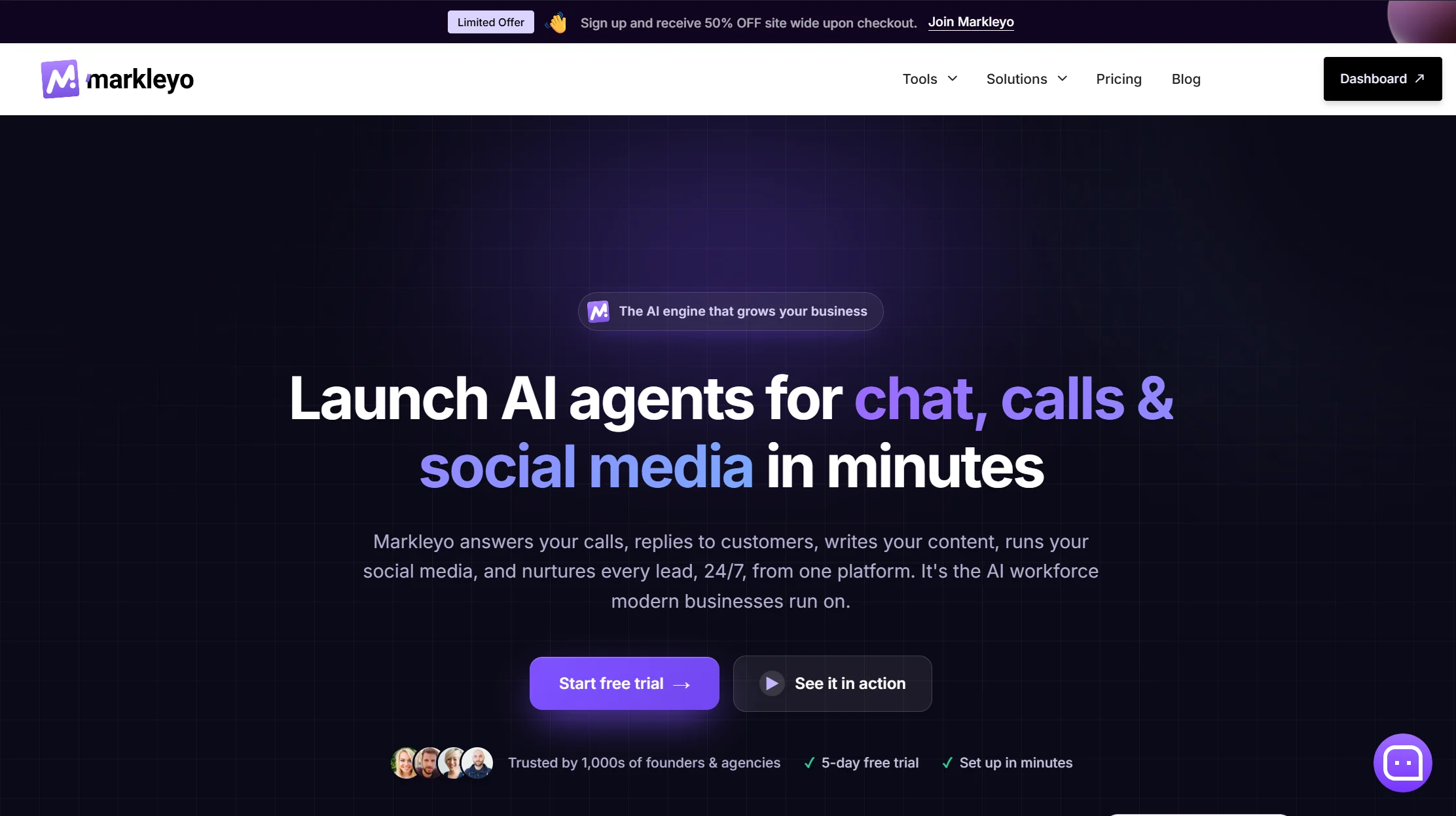
Price: From $14.5/month · 5-day free trial · Meta message fees extra
Best for: Small businesses that get enquiries on WhatsApp, their website, and by phone
Watch out for: Not a help desk, and a newer brand than the specialists
Markleyo’s argument is that WhatsApp is rarely the only place your customers message you. Its CX chatbot agent covers WhatsApp Business, Telegram, Instagram, Messenger, and your website from one inbox, trained on your own site, docs, and FAQs, replying in 70+ languages. A marketing bot runs WhatsApp and Telegram broadcast campaigns. An AI calling agent answers and places real phone calls and books appointments. A social media suite and AI copywriter round it out. All six share one knowledge base and one flat bill.
Two things here are genuinely rare in this category. Telegram — almost nothing on this list supports it, and it matters enormously across South Asia, the Middle East, and Eastern Europe. And phone calls — not one other tool in this comparison answers a ringing phone.
It also addresses two complaints reviewers commonly raise about ManyChat: that translating a bot into several languages is painful, and that you have to write separate messages for each channel. One shared knowledge base across 70+ languages handles both.
Honest trade-offs. There are no ticket queues or SLA dashboards, so this is not a support desk. It does not read live store data, so it cannot look up an individual order the way Interakt or Tidio can. And it has fewer public reviews than Wati or ManyChat.
One thing to verify yourself, as with every vendor here: confirm the WhatsApp connection route and official API status before you commit. That check protects your phone number, and it is the right question to ask every platform on this page.
See the Markleyo AI chatbot for WhatsApp page, the WhatsApp and Telegram marketing bot, or the pricing page.
2. ManyChat — best for creators and Meta-channel funnels
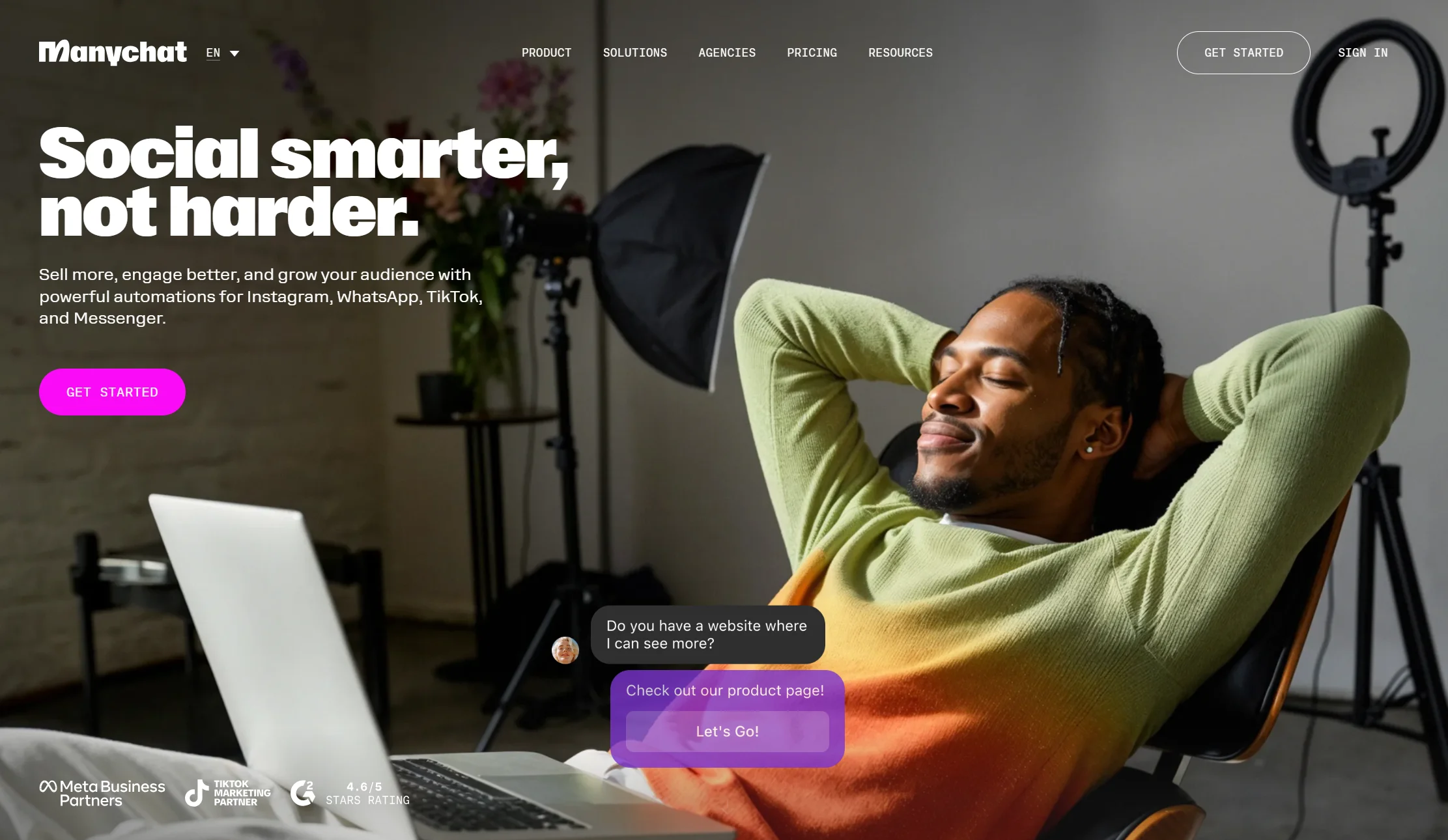
Price: Free plan with 25 active contacts, but WhatsApp is not available on free. Essential $14/month annual ($17 monthly) for 250 contacts; Pro $29/month annual ($39 monthly) for 2,500. AI features cost about $29/month extra.
Best for: Creators, coaches, and small businesses running Instagram-plus-WhatsApp funnels
Watch out for: Billed by audience size, no WhatsApp on free, AI costs extra
ManyChat has the friendliest flow builder in the category and by far the largest library of tutorials. If your funnel starts with an Instagram Reel and moves into DMs, nothing beats it.
Three things to price in. WhatsApp is locked behind a paid plan entirely. You are billed by active contacts — anyone who interacts with your automation in a month, and they keep counting until you delete them, so a popular post can push you into overage. And the AI Step is a paid add-on on top of Pro or Business, so the “$29 plan” is really $58 if you came for the AI.
Verdict: the best marketing automation tool here. Weakest on multilingual support and per-channel message duplication.
3. Wati — best shared WhatsApp inbox
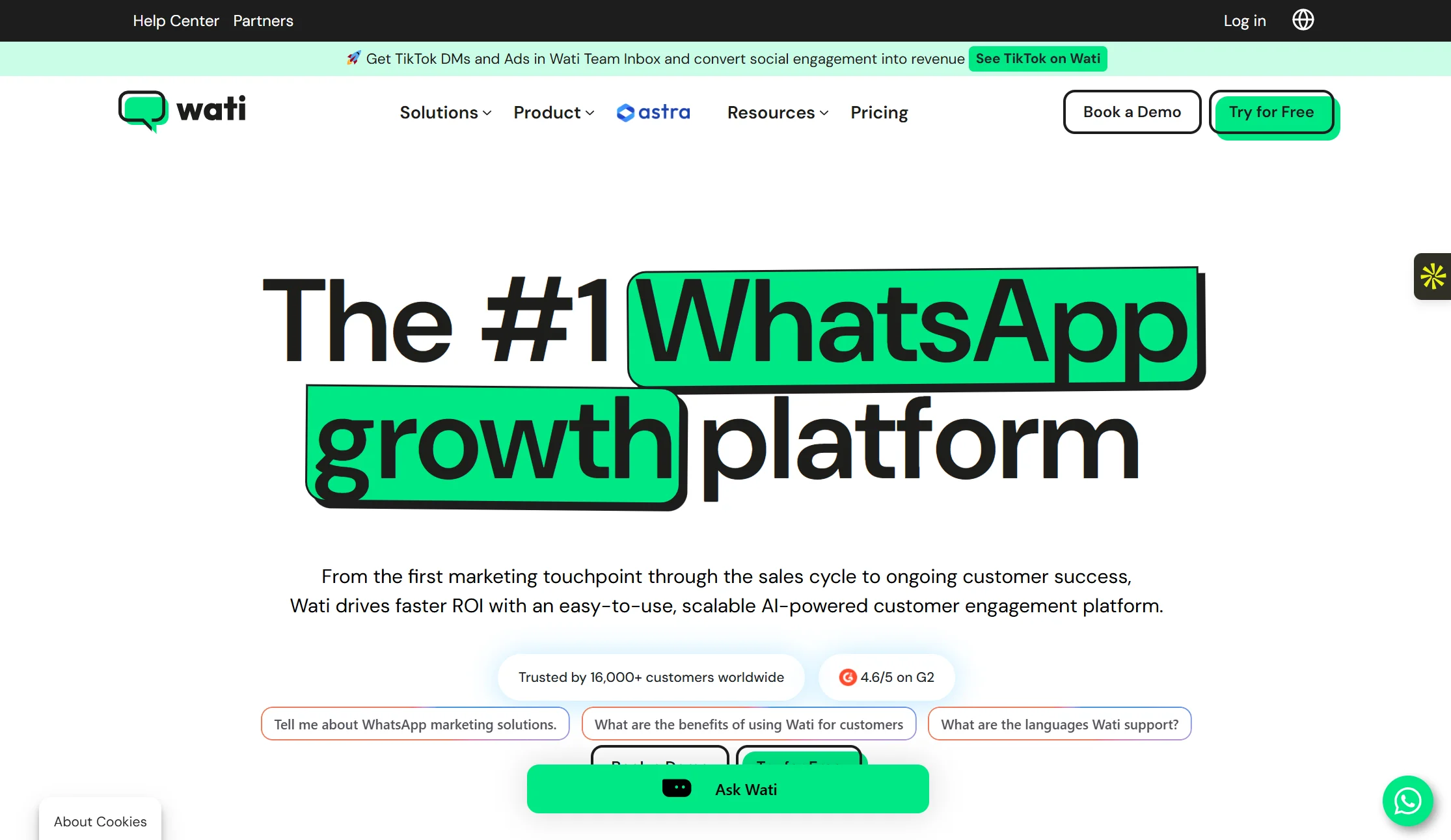
Price: From around ₹2,499/month (Growth), hard-capped at 3 users, with roughly a 20% markup on Meta rates. Reported at about $59/month for Growth internationally.
Best for: Support teams that need several people answering WhatsApp properly
Watch out for: Seat caps, and a markup on top of Meta’s rates
Wati is the WhatsApp-first specialist most teams shortlist, and its inbox is the reason. It is one of the largest WhatsApp BSPs by user count, serving more than 8,000 businesses, with pre-built integrations for Zoho, HubSpot, Salesforce, Shopify, WooCommerce and Razorpay alongside a strong agent inbox.
Two costs to model. The Growth plan is hard-capped at 3 users, so a growing team upgrades quickly. And the roughly 20% markup on Meta’s rates compounds at volume — on a ₹36,000 Meta bill that is another ₹7,200 a month.
Verdict: the best pick if your priority is humans answering WhatsApp well. Check the seat cap against your team size first.
4. AiSensy — best for broadcast-heavy campaigns
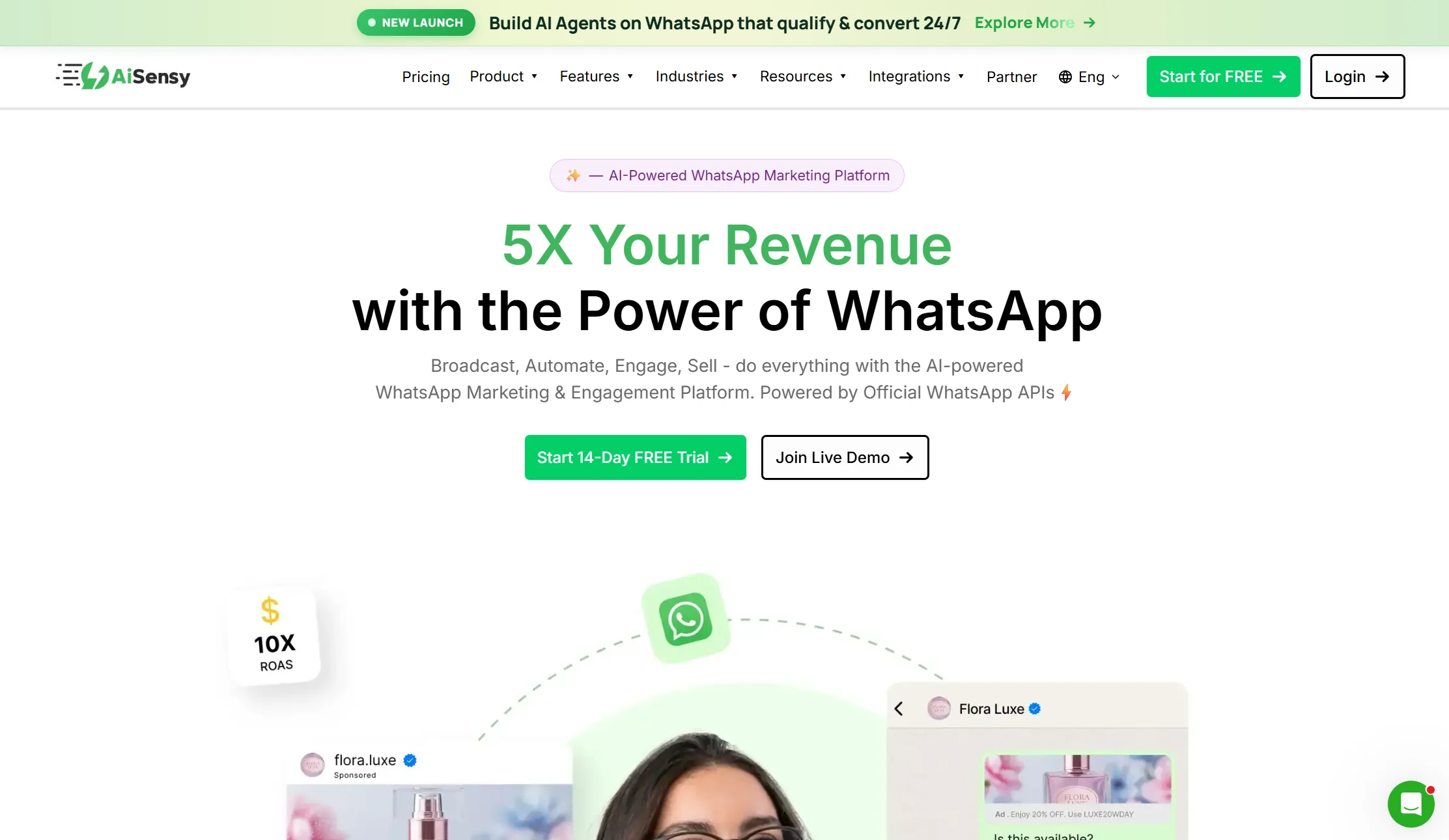
Price: Free Forever plan, then Basic from ₹1,500/month with 5 agents included; the chatbot is a ₹2,000–2,500/month add-on. Around $79/month for Basic internationally. One published month-one total for a 10-agent team sending 15,000 conversations came to about $158.
Best for: D2C brands running frequent WhatsApp campaigns
Watch out for: The chatbot is an add-on, not included
AiSensy is the volume specialist. It has one of the lowest platform fees in the market, is cheapest at scale, and offers click-to-WhatsApp ad integration with Meta Ads Manager plus a built-in chatbot builder. It also advertises no markup on Meta template fees and support for 10-button templates.
The catch is the unbundling: the platform fee is low precisely because the chatbot costs extra.
Verdict: the cheapest route to high-volume WhatsApp marketing. Add the chatbot add-on to your maths before you compare it with anything else.
5. Interakt — best native Shopify integration

Price: Starter ₹999/month, but that tier is Instagram-only on monthly billing — WhatsApp needs quarterly or longer. Growth around ₹2,499/month with unlimited agents, or about $99 internationally. AI is roughly a ₹10,000/month add-on; the Advanced plan at about $167 bundles some in.
Best for: Shopify stores that want order flows running on WhatsApp
Watch out for: WhatsApp is not on monthly billing, and AI is expensive
Interakt is the Haptik and Reliance Jio sub-brand focused on D2C and Shopify, and it has the deepest native Shopify integration in India: abandoned cart, order updates, post-purchase reviews and cash-on-delivery confirmation all work natively. For a store, those flows are the entire point.
Two traps. The cheap Starter plan does not include WhatsApp on monthly billing. And the AI add-on is one of the priciest here, so check whether the bundled Advanced tier works out cheaper for you.
Verdict: the best Shopify-plus-WhatsApp combination available. Read the billing-term small print carefully.
6. Gallabox — best for WhatsApp commerce plus CRM
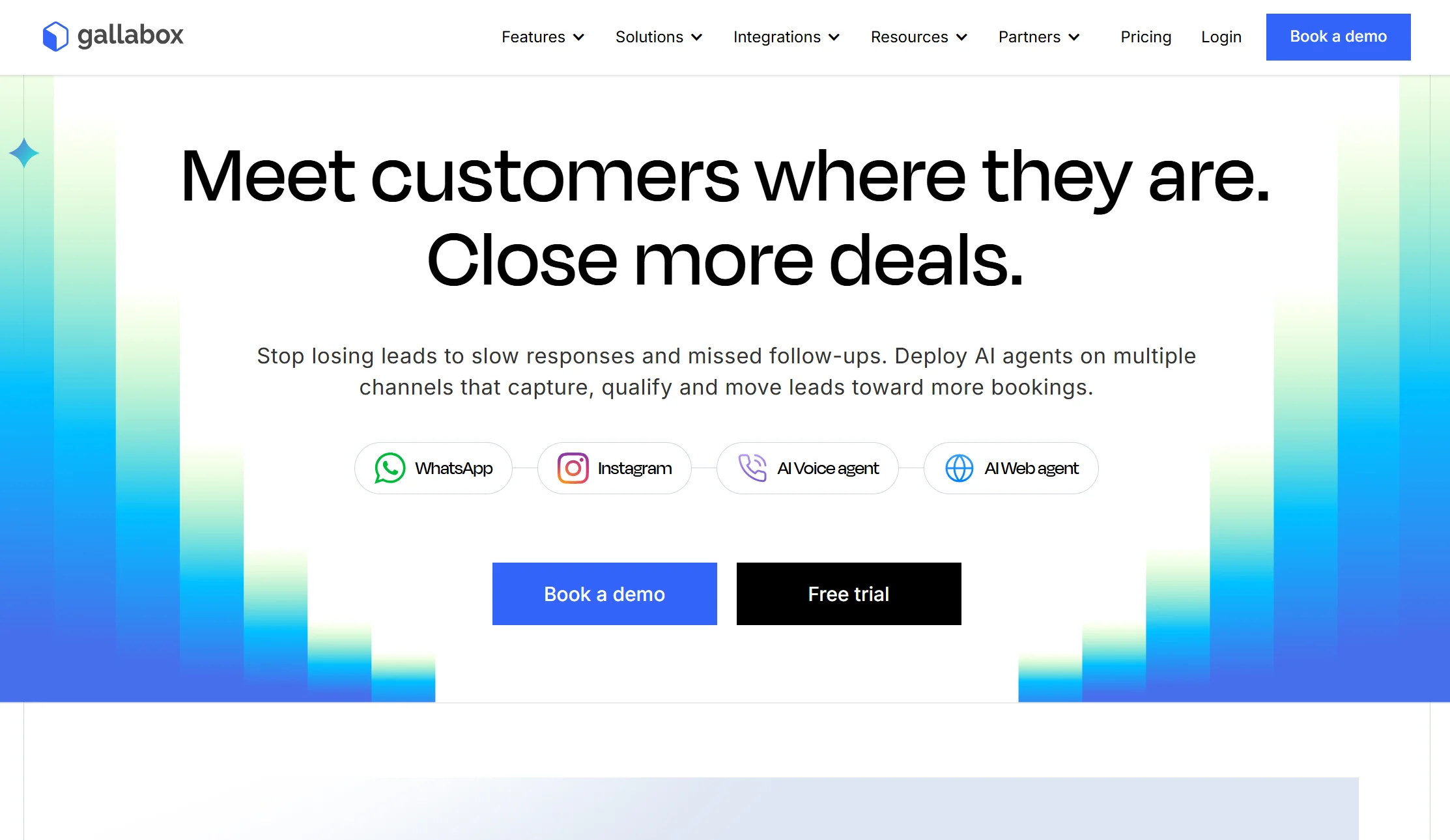
Price: Plan fees from around ₹2,999 to ₹5,999+ per month, with 3 users on the entry tier, per-seat fees beyond the defaults, and Meta conversation rates on top. It runs an AI-credit model with top-ups.
Best for: Stores that want catalogue, payments, and CRM inside WhatsApp
Watch out for: Advanced integrations are gated to Enterprise
Gallabox bills conversations at Meta rates with minimal markup, so plan and seat fees are the main spend. That is more transparent than a percentage markup, and easier to forecast. It leans harder into WhatsApp commerce and CRM, where Wati leans into broadcast and template campaigns. It also supports native payment collection or integration with gateways like Razorpay, so you can send payment links inside the chat.
Advanced integrations sit on the Enterprise tier, so confirm your must-have integration is available on the plan you are actually buying.
Verdict: the strongest commerce-and-CRM blend, with the most honest conversation pricing of the specialists.
7. Tidio with Lyro — best AI support for online stores
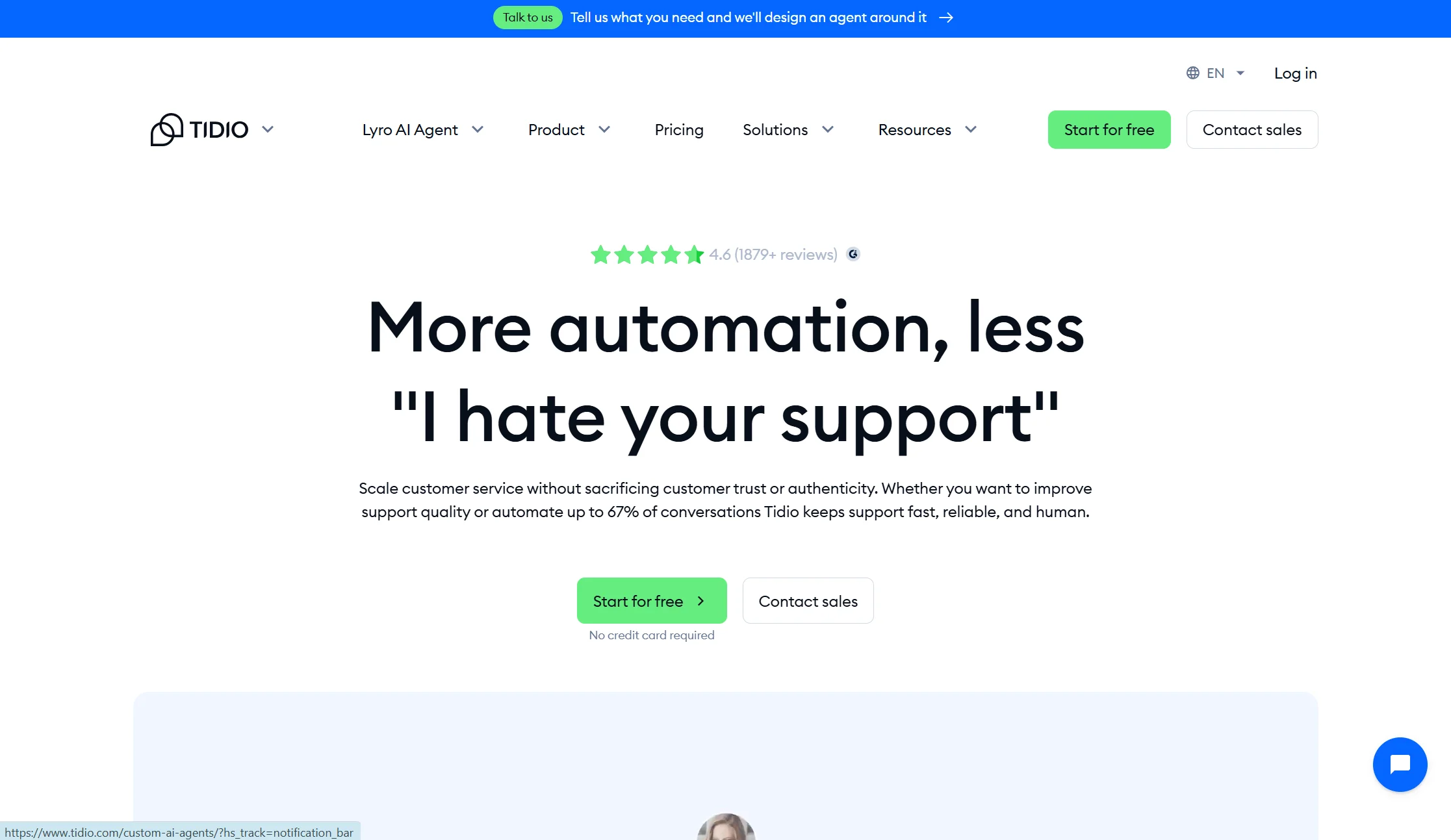
Price: Free plan with 50 conversations/month. Starter from $24.17/month annual, Growth from $49.17/month annual, and the Lyro AI add-on from $32.50/month annual.
Best for: Ecommerce stores wanting AI support across WhatsApp and their website
Watch out for: No WhatsApp broadcasts at all, and three separate billing meters
Tidio’s AI agent, Lyro, trains on your website, documents, and Shopify or WooCommerce products, then answers on its own. A Suggestions view shows you which answers need work, and AI Actions let it check order status or send an email. The same bot runs on WhatsApp, your website, Facebook and Instagram.
The hard limit: Tidio cannot send WhatsApp broadcasts. It is a support tool, not a marketing one. Billable Conversations, Lyro AI conversations and Flow triggers also bill separately, so you are tracking three quotas at once. And on Free and Starter, the 50 Lyro conversations are a lifetime pool rather than a monthly one — once they are gone, Lyro stops replying.
Verdict: excellent for support. Useless for campaigns, so pair it with something else if you need both.
8. Chatbase — cheapest way to get an AI bot on WhatsApp
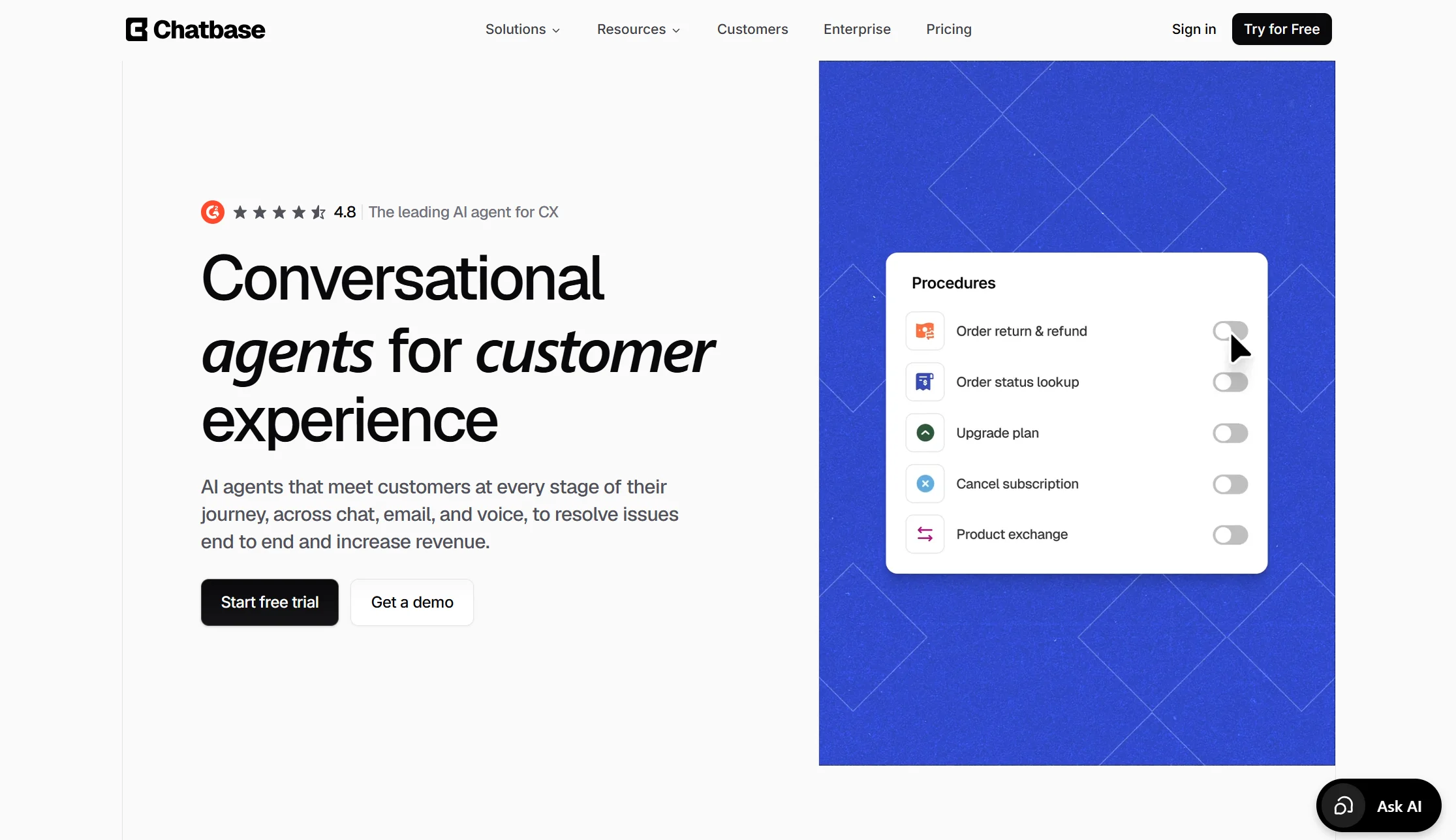
Price: Free plan with 50 credits/month. Hobby $32/month annual for 500 credits; Standard $120/month annual.
Best for: Solo founders who need one bot trained on their own documents
Watch out for: No custom flows, no WhatsApp broadcasts, and credits that run out
Chatbase does one thing extremely well. You upload documents or paste website links, and minutes later a bot answers questions about your business. Its Suggestions feature flags knowledge gaps automatically, and AI Actions let it do things like look up an order.
What it cannot do: build custom chatbot flows, or send WhatsApp broadcasts. Each AI reply also costs between 1 and 6 credits depending on the model you pick, and the bot goes offline when credits run out unless auto-recharge is switched on.
Verdict: the fastest and cheapest way to a working AI bot. Not a marketing platform, and it does not pretend to be.
9. Respond.io — best multichannel shared inbox at scale
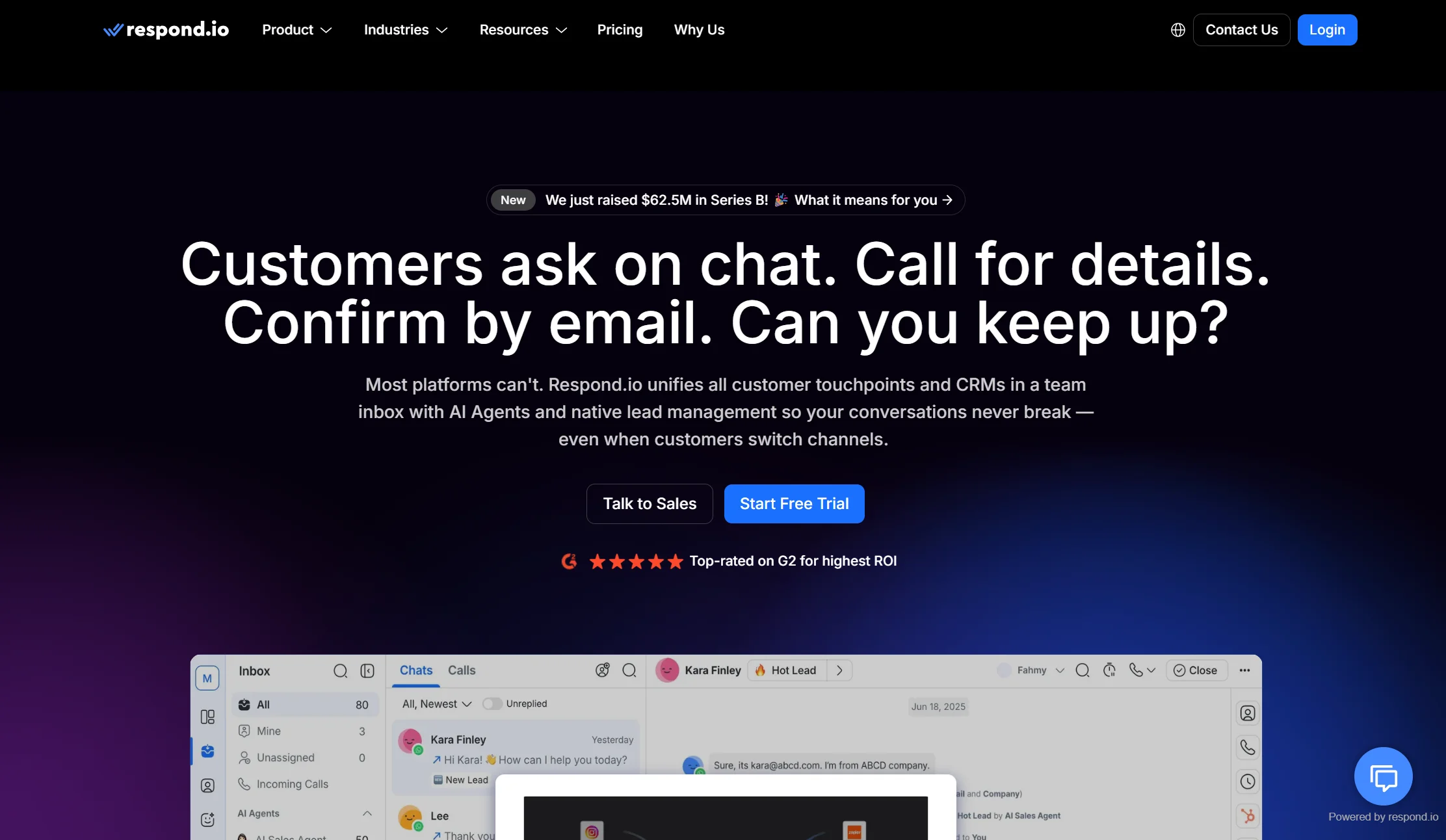
Price: Starter around $79/month, Growth around $159, Advanced around $279. Verify current rates before committing.
Best for: Teams of several people handling high volume across many channels
Watch out for: Billing scales on contacts and users
Respond.io is an inbox rather than a bot builder. WhatsApp, Instagram, Messenger, Telegram, SMS and email all land in one place, with assignment, internal notes, and routing between team members. If three people are currently fighting over one WhatsApp account, this is the category that fixes it.
Its automation is more rule-based than genuinely conversational, and both meters — contacts and seats — climb together as you grow.
Verdict: right for a support or sales team at volume. Overkill and overpriced for a solo operator.
10. Botpress — most customisable AI
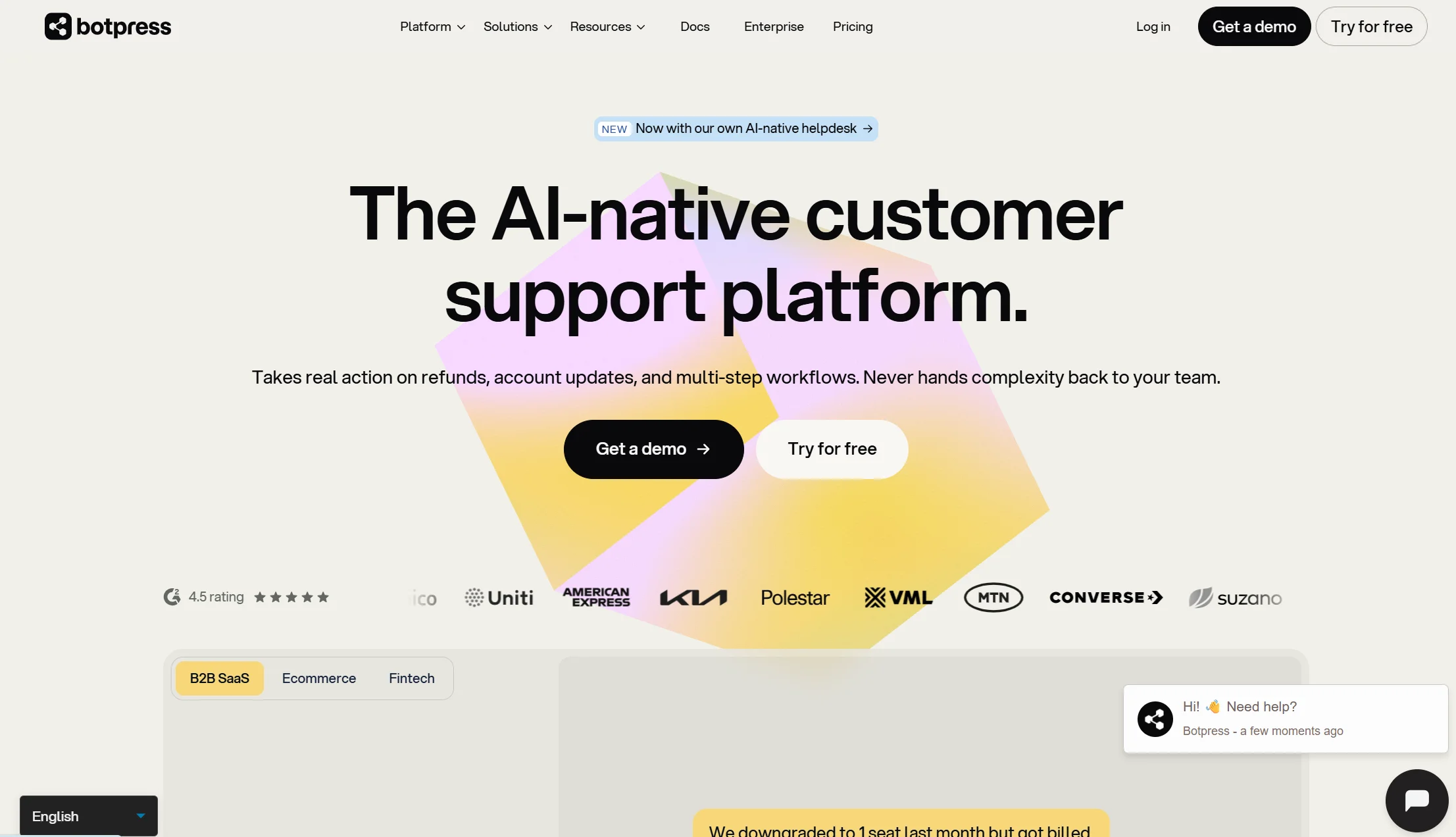
Price: Free plan up to 500 messages, then pay-as-you-go from about $5/month. Higher published tiers run $150/month annual (Plus) and $750/month annual (Team).
Best for: Teams that want to shape exactly how the AI behaves
Watch out for: Steep learning curve, and test conversations consume your quota
Botpress is the most sophisticated AI builder here. You can train on a custom knowledge base, set a specific personality, summarise conversations automatically, interpret uploaded images, and auto-translate into the user’s language. You can send WhatsApp broadcasts using message templates, and publish to WhatsApp plus nine other channels.
The honest warnings: the flow builder is genuinely hard for beginners, marketing features on non-WhatsApp channels are limited, and building and testing the bot spends the same quota as running it.
Verdict: the right pick if you have a developer and want control. Overkill for a bot that answers your opening hours.
11. Twilio or 360dialog — best for developer teams
Price: Pay-per-message on top of Meta rates. Twilio-style providers typically add a per-message fee — around ₹0.45 per message in India, for example, on top of Meta’s standard rates.
Best for: Engineering teams building a fully custom integration
Watch out for: You build everything else yourself
360dialog and Twilio are the picks for a development team or agency building a custom integration. They give you clean API access and get out of the way. There is no inbox, no flow builder and no broadcast interface — you write those.
There is a real threshold where this becomes the cheaper path. One agency’s cost model, validated across a dozen client builds, puts the crossover at roughly ₹1.5 lakh per month in total costs. Above that, a custom integration beats subscription plus markup.
Verdict: the correct answer above serious volume, and the wrong answer below it.
12. Intercom (Fin) — best AI resolution, highest cost

Price: Essential $29, Advanced $85, Expert $132 per seat per month on annual billing, plus $0.99 per AI outcome with a 50-outcome monthly minimum.
Best for: Large support teams that want the most capable AI agent
Watch out for: Two meters plus Meta’s, and corporate upheaval
Fin is widely considered the strongest AI support agent available, and it covers WhatsApp alongside website, Instagram, Messenger and SMS, with WhatsApp broadcasts through templates.
Three things before you shortlist it. An outcome is billed when the customer confirms resolution, when the customer does not ask for more help, or when Fin completes a workflow — including a handoff to a human. The company renamed itself Fin in May 2026, then signed an agreement in June 2026 to be acquired by Salesforce for around $3.6 billion, which is signed but not yet closed. And on WhatsApp you are now paying three parties: seats, outcomes, and Meta.
Verdict: the best AI here and the most expensive way to run WhatsApp. Enterprise-only in practice.
Full comparison table: all 12 WhatsApp chatbots
| Tool | Platform price | WhatsApp broadcasts? | Other channels | Meta fees extra? |
|---|---|---|---|---|
| Markleyo AI | $14.5/mo | Yes | Website, Telegram, Instagram, Messenger, phone | Yes |
| ManyChat | $14/mo annual (no WhatsApp on free) | Yes | Instagram, Messenger, SMS, Telegram | Yes |
| Wati | ~₹2,499 / $59 (3 users) | Yes | WhatsApp-focused | Yes, plus ~20% markup |
| AiSensy | ₹1,500 / $79 (chatbot extra) | Yes | WhatsApp, Instagram | Yes, no markup claimed |
| Interakt | ₹999–2,499 / $99 | Yes | WhatsApp, Instagram | Yes |
| Gallabox | ₹2,999+ (3 users) | Yes | WhatsApp commerce, CRM | Yes, minimal markup |
| Tidio + Lyro | $24.17/mo annual + Lyro | No | Website, Facebook, Instagram | Yes |
| Chatbase | $32/mo annual | No | Website, Instagram, Facebook, email, Slack | Yes |
| Respond.io | ~$79/mo | Yes | All major channels | Yes |
| Botpress | Free to 500 msgs, then from $5/mo | Yes | 9 other channels | Yes |
| Twilio / 360dialog | Per message | Build it yourself | Whatever you build | Yes, plus per-message fee |
| Intercom (Fin) | $29/seat + $0.99/outcome | Yes | Website, Instagram, Messenger, SMS | Yes |
Affordable AI chatbot solutions for WhatsApp marketing
If your budget is tight, the cheapest platform is rarely the cheapest total. Here is how to actually spend less.
The genuinely affordable platforms
| Tool | Entry cost | Best for |
|---|---|---|
| Markleyo AI | $14.5/mo | Everything at once, no meters |
| Botpress | Free to 500 messages, then from $5/mo | Testing, and technical users |
| ManyChat Essential | $14/mo annual | Creators with small contact lists |
| AiSensy | Free Forever, then ₹1,500/mo | High-volume broadcasting |
| Chatbase Hobby | $32/mo annual | A single AI bot, no campaigns |
| Interakt Starter | ₹999/mo | Shopify stores on quarterly billing |
Five ways to cut your Meta bill
This is where the real savings are, because Meta’s fees are often the bigger half.
1. Use utility templates instead of marketing wherever it is honest. An order update is a utility message and costs a fraction of a marketing message. In Mexico that is roughly $0.0080 against $0.0436 — over five times cheaper. Do not miscategorise on purpose, but do not send a genuine shipping update as marketing either.
2. Get your template categories right first time. The category determines the per-message rate, and a template misclassified as marketing when it should be utility costs you more on every send. Poorly structured templates also get rejected regularly, which delays campaigns by days.
3. Reply inside the 24-hour window while it is still free. Answering within a day of the customer’s message costs nothing today. That changes on 1 October 2026, so make the most of it now and re-model afterwards.
4. Route by country where you can. Rates vary enormously, from around $0.0109 for marketing in Turkey to $0.1597 in the Netherlands. Most companies optimise acquisition by country and far fewer optimise messaging cost by country, but for high-volume utility flows like one-time passcodes and shipping alerts it becomes a real margin lever.
5. Stop blasting. Marketing gets no volume discount at any scale, and spam complaints hit you twice: you pay for the message, and your quality rating drops, which caps future volume. Segment properly and send less.
One more thing worth checking: does your platform mark up Meta’s rates? Wati adds roughly 20%. Gallabox bills at Meta rates with minimal markup. AiSensy advertises no markup on template fees. On a large bill, that percentage is real money.
Which WhatsApp chatbot is best for your business type?
Best WhatsApp chatbot for a small business or creator
ManyChat if your funnels start on Instagram and you are comfortable with contact-based billing. Markleyo AI if you want WhatsApp plus your website plus phone on one flat bill with no contact counter. AiSensy if you mainly send campaigns and want the lowest platform fee.
The deciding question for a small business is simple: if my audience doubles, does my bill double? On ManyChat, Wati and Interakt the answer is yes, because they count contacts or seats. On flat plans it is no.
Best WhatsApp chatbot for an ecommerce store
Interakt for the deepest native Shopify flows — abandoned cart, order updates, cash-on-delivery confirmation. Gallabox if you want catalogue browsing and payment links inside the chat. Tidio if your priority is AI support rather than campaigns, since it trains on your products but sends no broadcasts. AiSensy if cart-recovery campaigns at volume are the main use case.
Best WhatsApp AI chatbot for website and WhatsApp together
A lot of businesses need both, and buying two tools is the expensive mistake here. If you want one WhatsApp AI chatbot for website visitors and WhatsApp messages at the same time, the shortlist is short.
Markleyo AI covers your website widget, WhatsApp, Telegram, Instagram and Messenger from one inbox on one flat plan, with the same knowledge base answering everywhere. Tidio covers website, WhatsApp, Facebook and Instagram well, but cannot broadcast. Respond.io covers everything at scale if you have a team. Botpress publishes to WhatsApp plus nine other channels including a website widget.
The thing to check is whether the tool uses one knowledge base across channels, or makes you rebuild for each one. That single detail decides whether adding a second channel takes an hour or a week.
Best WhatsApp chatbot for a large team
Respond.io for the shared inbox and routing. Wati if WhatsApp is overwhelmingly your main channel. Intercom (Fin) if AI resolution quality matters more than cost. Twilio or 360dialog if you have engineers and volume above the custom-build crossover.
How do you add an AI chatbot to your WhatsApp Business account?
This takes longer than a website widget, because Meta has to approve you. Budget a few days, not an hour.
Step 1 — Check what you have. The regular WhatsApp Business app cannot run a real chatbot. You need the WhatsApp Business API, which means going through a platform. If a tool promises automation without API access, walk away — that is how numbers get banned.
Step 2 — Prepare a phone number. You need a number not currently registered to a personal WhatsApp account. Many businesses buy a fresh SIM for this. If you must reuse a number, delete the existing WhatsApp account on it first and accept that the chat history goes with it.
Step 3 — Set up Meta Business Manager and verify your business. Meta will ask for documents proving your business exists: registration papers, a utility bill, a website. Start this early, because verification is the step that takes days.
Step 4 — Pick your platform and connect. Sign up for your chosen tool and follow its onboarding, which links your Meta Business account and provisions your number. Good platforms handle most of this, so ask about it during the trial.
Step 5 — Get your display name approved. Meta reviews your business display name against its rules. Use your actual trading name, not a slogan.
Step 6 — Train the bot on your real content. Upload your FAQs, service list, pricing guidance, opening hours, delivery times and returns policy. This is what decides whether your bot is good — a vague policy page produces a vague bot.
Step 7 — Submit your message templates. Meta pre-approves every template before you can send it. Submit the ones you will actually use — order confirmation, shipping update, appointment reminder — and get the category right, because the category sets the price.
Step 8 — Build your opt-in. You cannot message people who have not opted in. Add a checkbox at checkout, a WhatsApp button on your site, or a click-to-WhatsApp ad. That list is the asset here; treat it accordingly.
Step 9 — Set up human handover. Decide what happens when the bot is stuck, and confirm the conversation history carries across to the person taking over.
Step 10 — Test with real questions, then keep watching. Ask it eight real questions from your inbox, including one it should refuse to answer. Then review transcripts weekly, because every wrong answer is a gap in your content rather than a bug in the AI.
How we picked and compared these 12 chatbots
Five tests, in this order:
- Does it show you both bills? Platform cost and Meta’s per-message fees. A comparison that hides half your invoice is not a comparison.
- Can it send WhatsApp broadcasts? Several popular AI tools cannot, and they do not lead with that.
- What does the platform meter run on? Contacts, seats, messages, or nothing.
- Does it mark up Meta’s rates? Some add around 20%, some add nothing.
- What else does it cover? Website, Instagram, Telegram, phone.
Platform pricing was checked against vendor pricing pages and dated third-party pricing trackers in July and August 2026. Meta’s rates come from published rate cards effective 1 April and 1 July 2026. Where regional and international pricing differed for the same tool — Wati, AiSensy and Interakt all publish different rupee and dollar figures — both are shown rather than one being picked.
Two deliberate choices. We included the WhatsApp specialists most comparisons skip, because for businesses in India, Southeast Asia, the Middle East and Latin America those are the tools that actually matter. And we stated our own product’s limitations in its own entry, because a comparison that only lists strengths is an advert.
Frequently asked questions about best whatsapp chatbot
What is the best WhatsApp chatbot?
It depends on what you are doing. For flat pricing across WhatsApp, website and phone, Markleyo AI at $14.5/month. For Instagram-plus-WhatsApp creator funnels, ManyChat. For a shared support inbox, Wati. For high-volume campaigns, AiSensy. For Shopify order flows, Interakt. For AI support without marketing, Tidio. Whichever you pick, add Meta’s per-message fees to the platform price before comparing, because they are often the larger number.
Do I need the WhatsApp Business API to use a chatbot?
Yes, for real automation. You cannot access the API directly — you have to go through a BSP or a platform that wraps one, and they charge a markup, a monthly fee, or both. Setup requires business verification and approval from Meta. Only use official providers: unofficial tools that automate the regular WhatsApp app risk getting your number banned permanently, and you lose the number and its history.
How much does a WhatsApp chatbot really cost?
Two bills. Platform fees run from free, on Botpress up to 500 messages, to $279/month for Respond.io Advanced, and far more at enterprise level. Meta’s message fees stack on top and vary by country: roughly $0.025 for a US marketing message, around $0.0036 for an Indonesian utility message. On a high-volume account Meta can be nearly half your total — one published example showed ₹36,000 of Meta charges inside a ₹76,000 monthly bill.
Are WhatsApp chatbots allowed for marketing?
Yes, with strict rules. People must opt in first, so cold outbound is not allowed the way it is with email. When a customer messages you, you get a 24-hour window to reply freely. After that you can only reach them with pre-approved templates, and Meta reviews every template before you can send it. Break the rules and WhatsApp can restrict your number. It is excellent for warm audiences and useless for cold outreach.
What is changing on 1 October 2026?
From 1 October 2026, Meta charges for utility templates sent inside the customer service window and for free-form replies, both of which are free today. Free-form replies bill as either a service message or a Meta Business Agent message, at the recipient market’s utility rate, with no volume discount. Meta committed to publishing the exact rates by 1 September 2026. If your bot handles heavy inbound support, model this before October arrives.
Can I use one chatbot on WhatsApp and my website?
Yes, and it is usually cheaper than two tools. Markleyo AI, Tidio, Respond.io, Botpress and Intercom all publish to WhatsApp and a website widget. The detail that matters is whether they use one knowledge base across channels or make you rebuild per channel, because some tools require separate messages for each, which doubles your maintenance work.
Which WhatsApp chatbot is free?
Genuinely free options are limited. Botpress is free up to 500 messages, AiSensy has a Free Forever plan, Chatbase gives 50 credits a month, and Tidio’s free plan covers 50 conversations. Note that ManyChat’s free plan does not include WhatsApp at all. And no free plan covers Meta’s message fees — those you always pay.
Can a WhatsApp chatbot take payments and orders?
Usually through integrations rather than alone. Most platforms connect to Shopify, WooCommerce, your payment provider and your CRM. Gallabox and Interakt support native payment collection or integrate with gateways like Razorpay, letting you send payment links inside the chat. Some support WhatsApp catalogues so customers browse products in the app, though full checkout normally redirects to an external payment page for security reasons.
The bottom line: which WhatsApp chatbot should you choose?
Before you compare features, do the thing almost nobody does: write down both bills. Take last month’s message volume, split it into marketing and utility, multiply by Meta’s rate for your customers’ countries, and add the platform fee. That total is your real cost, and it reorders most shortlists.
Then pick by what you are actually doing:
- WhatsApp, website and phone on one flat bill? → Markleyo AI.
- Instagram and WhatsApp creator funnels? → ManyChat.
- A team sharing one WhatsApp inbox? → Wati or Respond.io.
- High-volume broadcast campaigns? → AiSensy.
- Shopify order flows? → Interakt.
- Commerce and payments in chat? → Gallabox.
- AI support, no campaigns? → Tidio or Chatbase.
- Full control over the AI? → Botpress.
- Engineers and serious volume? → Twilio or 360dialog.
- Enterprise support at any cost? → Intercom (Fin).
And whatever you choose, get your opt-in list right and your template categories right. Those two things will save you more money than switching platforms ever will.
Want WhatsApp, Telegram, website chat, and a real AI phone agent on one flat plan? Start a free Markleyo AI trial — set up in minutes, with one knowledge base answering across every channel.