Best AI Chatbot for Telegram: Setup Guide + 10 Tools
The best AI chatbot for Telegram in 2026 depends on one question almost nobody asks first: do you need it to work in groups? Two of the most popular tools — ManyChat and Botpress — cannot run in Telegram groups at all. This guide covers what Telegram’s free Bot API actually costs you, how to set a bot up step by step, and which of 10 tools fits your situation.
Telegram is also the cheapest major channel to automate. Its Bot API charges nothing per message, while WhatsApp charges Meta’s fee on every single one.
Table of Contents
Quick answer: Which is the best AI chatbot for Telegram?
| You are… | Best pick | Works in groups? | From |
|---|---|---|---|
| A business wanting Telegram plus WhatsApp, website and phone in one bill | Markleyo AI | ❌ No | $14.50/mo |
| Running Telegram groups or channels as a community | Sendpulse | ✅ Full triggers | $10/mo |
| Focused on marketing funnels and lead nurturing | ManyChat | ❌ No | $17/mo |
| Wanting one bot across many channels | UChat | ✅ No triggers | $15/mo |
| Building an advanced AI support bot | Botpress | ❌ No | Free, then $5/mo |
| Needing a bot trained on your docs, cheaply | Chatbase | Limited | $32/mo annual |
| Wanting the fastest Telegram-specific setup | Quickchat AI | ✅ Yes | Free plan |
| Running an online store | Tidio | Limited | $24.17/mo annual |
| Designing structured conversation flows | Landbot | Limited | Free, then ~$45/mo |
| A developer who wants to pay almost nothing | Custom Bot API build | ✅ Full control | ~$5–15/mo hosting |
Why Telegram is the cheapest channel to automate
What is an AI chatbot for Telegram?
An AI chatbot for Telegram is a program that talks to your customers inside Telegram automatically. It answers questions in normal language, captures leads, sends updates, moderates groups, and passes tricky conversations to a real person.
Telegram is worth automating for three reasons. It passed 1 billion monthly active users, with roughly 500 million daily. Its groups hold up to 200,000 members and its channels have unlimited subscribers with no algorithm deciding who sees your post. And unlike every other major messaging channel, sending messages costs you nothing.
That last point deserves a proper explanation, because it is the single biggest thing separating Telegram from WhatsApp.
Telegram’s Bot API is free — here is exactly what that means
According to Telegram’s own Bot API documentation, the Bot API is completely free. There are no per-message charges, no monthly API fees, and no limit on how many bots you create. There is no Business Solution Provider in the middle taking a cut, no application to approve, and no platform minimum. You create a bot, you get a token, and it works.
That has been true since the Bot API launched in 2015, and it holds because Telegram makes its money from Premium subscriptions and Stars rather than from advertising or messaging fees.
There is exactly one paid exception, and it is worth naming so “free” stays honest. Telegram’s official Bots FAQ explains that broadcasting faster than about 30 messages per second requires an optional Paid Broadcasts tier, charged at 0.1 Telegram Stars per message — roughly $0.002. But it is gated behind having at least 100,000 monthly active users and a 100,000-Star balance, so an ordinary business bot never comes close. Telegram also notes that if you do not want paid broadcasts, you can simply spread a big send over 8 to 12 hours to stay under the limit, and that you are only charged for messages successfully delivered.
What does cost money: your chatbot builder subscription, the AI model behind the bot if it uses one, and hosting if you write the code yourself. The messaging itself is free. Telegram even stores your files indefinitely for free — you upload a photo or document once, get a file ID, and can resend it forever at no storage cost.
Telegram vs WhatsApp: the cost comparison nobody publishes
This is where the free API becomes a real number on your invoice.
WhatsApp charges per delivered message through Meta. Published rates run from about $0.0109 for a marketing template in Turkey to $0.1597 in the Netherlands, with the United States around $0.025 and Mexico around $0.0436. Marketing templates get no volume discount at any scale — that is deliberate on Meta’s part, to keep promotional blasting expensive. And from 1 October 2026, Meta begins charging for replies inside the 24-hour service window too, which are free today.
So compare a single campaign:
| Messages sent | WhatsApp (US marketing rate) | Telegram |
|---|---|---|
| 1,000 | $25 | $0 |
| 10,000 | $250 | $0 |
| 100,000 | $2,500 | $0 |
| 1,000,000 | $25,000 | $0 |
Same message, same effort, and the messaging bill is zero on one side.
Telegram also wins on limits that have nothing to do with price:
| Telegram | WhatsApp Business | Messenger | |
|---|---|---|---|
| Bot API cost | Free | Per-message fees | Free, with limits |
| Reply window | None | 24 hours | 24 hours |
| Group size | 200,000 | 1,024 | 250 |
| Channel broadcasts | Unlimited subscribers | Status only | Not available |
| File size limit | 2 GB | 100 MB | 25 MB |
| Bot approval needed | No | Yes, BSP process | Yes, app review |
| Payments in chat | Built in | Limited regions | Limited regions |
The reply window row is the one most people miss. On WhatsApp you have 24 hours to answer freely, then you must send a paid template. On Telegram there is no window at all — you can reply to a customer three weeks later, for free.
The one thing Telegram bots cannot do
Here is the honest limitation, and it is important.
Your bot cannot message someone cold. A user has to start your bot first — by tapping Start, or opening a t.me/yourbot link, or interacting with it in a group. After that you can message them freely, forever. But you cannot buy a list and blast it.
That makes Telegram excellent for inbound enquiries and opted-in audiences, and useless for cold outreach. If your plan was to import contacts and broadcast, Telegram is not the tool.
There is also a practical throttle: Telegram’s API will not send bulk notifications to more than about 30 users per second. Past that you start getting errors. It is a spam control, not a business limit — a bot serving 10,000 users a day never notices it — but if you send to 50,000 people at once, schedule the send over a few hours.
Groups, channels and DMs: the difference that decides your tool
Telegram has three different places a bot can live, and mixing them up is the most expensive mistake in this category.
| What it is | What a bot does there | |
|---|---|---|
| Direct messages | A one-to-one chat between a user and your bot | Answers questions, captures leads, books appointments |
| Groups | Interactive communities, up to 200,000 members | Welcomes new members, moderates, answers when mentioned |
| Channels | One-way broadcast, unlimited subscribers, no algorithm | Auto-posts content, pins announcements |
One useful quirk worth knowing about DMs: in Telegram there is only one ongoing conversation thread per user. Every Telegram account has a single continuous chat with your bot, similar to WhatsApp or Messenger. There is no concept of separate tickets, so your bot needs to handle context across a conversation that may span months.
Which tools actually work in Telegram groups?
This is the finding that should decide your shortlist, and it is buried in the fine print of most comparisons.
Based on published testing by chatbot reviewers who have run these platforms with real clients:
| Tool | Works in Telegram groups? | Group-specific triggers? |
|---|---|---|
| Sendpulse | ✅ Yes | ✅ Yes — join, block, approve, auto-post |
| UChat | ✅ Yes | ❌ No join or leave triggers |
| Quickchat AI | ✅ Yes — DMs, groups and supergroups | Partial |
| ManyChat | ❌ No | — |
| Botpress | ❌ No | — |
| Custom Bot API build | ✅ Full control | ✅ Everything the API allows |
Read that again. ManyChat and Botpress — two of the most recommended Telegram chatbot tools — cannot run in Telegram groups at all. On a platform whose defining feature is 200,000-member groups and unlimited-subscriber channels, that is not a minor gap.
If your Telegram presence is a community, this table matters more than every feature list below. If you only need DMs, it does not matter at all.
How to set up an AI chatbot on Telegram, step by step
Telegram is the easiest major channel to set up on, because there is no approval process. Budget about 15 minutes.
Step 1 — Open BotFather in Telegram. Search for @BotFather in Telegram’s contacts and chats, open it, and tap Start. BotFather is Telegram’s official bot for creating bots. It is how the whole system works.
Step 2 — Create your bot. Send the command /newbot. BotFather asks for a display name — this is what customers see, so use your business name. Then it asks for a username, which must end in bot, like markleyo_support_bot. If the name is taken, try another.
Step 3 — Copy your API token. BotFather immediately gives you a long string of letters and numbers. This is a password. Anyone with it controls your bot, so do not paste it into a public chat, a screenshot, or a GitHub repository.
Step 4 — Set your bot’s picture and description. Still in BotFather, use /setuserpic for an avatar, /setdescription for the text people see before they start, and /setabouttext for the short profile blurb. Skipping this makes your bot look abandoned before anyone talks to it.
Step 5 — Paste the token into your chatbot platform. In your chosen tool, find the Telegram integration, switch it on, and paste the token. It saves and connects immediately. Some platforms now offer a one-click option that skips BotFather entirely — Quickchat AI, for example, lets you add a shared bot to a group from the dashboard with no token to create. The trade-off is that the shared bot carries the vendor’s name and cannot be renamed, so use the BotFather route if you want your own branding.
Step 6 — Train the bot on your real content. Upload your FAQs, service descriptions, pricing guidance, opening hours and returns policy. This is the step that decides whether your bot is any good. A vague policy page produces a vague bot.
Step 7 — Add it to your group, if you need groups. Open your group, tap the name, choose Add members, and search your bot’s username. Then make it an admin if you want it to delete messages, pin posts, or ban users. A non-admin bot in a group can only reply when mentioned.
Step 8 — Set up human handover. Decide what happens when the bot is stuck, and confirm the conversation history travels to whoever takes over.
Step 9 — Test it properly. Open a chat with your bot and ask eight real questions from your inbox, including one it should refuse. Watch how it fails, not just how it succeeds. Then test it in the group as well, because group behaviour differs from DMs.
Step 10 — Read the transcripts weekly. Every question the bot fumbled is a gap in your content, not a bug in the AI.
The 10 best AI chatbots for Telegram
Every tool is judged the same way: what it costs, whether it works in groups, which other channels it covers, and how good the AI actually is.
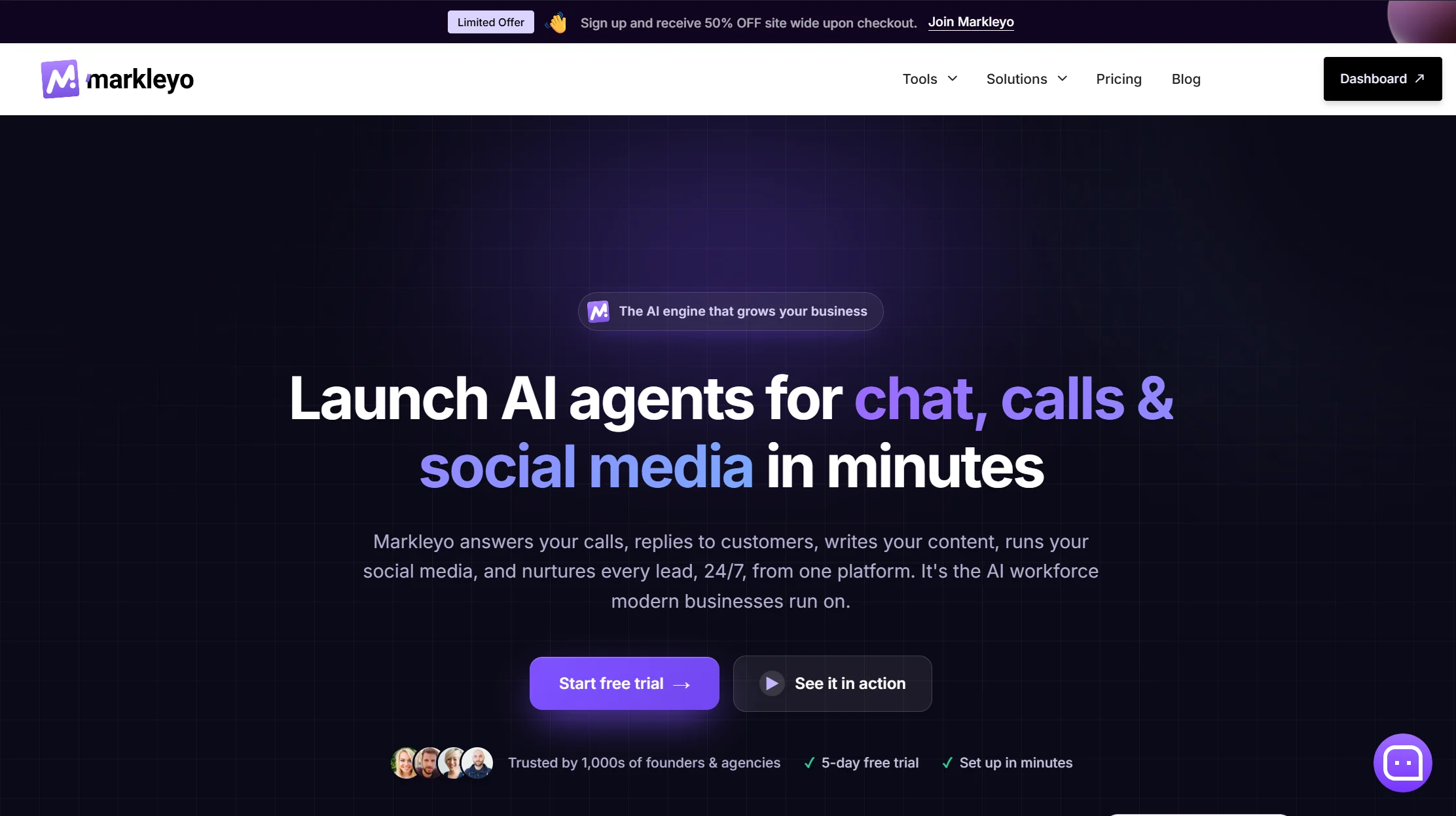
1. Markleyo AI — best all-in-one, and the widest channel coverage
Price: From $14.50/month · 5-day free trial
Best for: Businesses whose customers message on Telegram and WhatsApp, Instagram or the website
Watch out for: Not a help desk; confirm group support before buying if communities matter
Markleyo treats Telegram as a first-class channel rather than an afterthought, which is rarer than it should be. Its CX chatbot agent covers Telegram, WhatsApp Business, Instagram, Messenger and your website from one inbox, trained on your own site, docs and FAQs, replying in 70+ languages. Its marketing bot runs Telegram and WhatsApp broadcast campaigns — and because Telegram charges nothing per message, those campaigns cost you only your subscription.
The part nothing else on this list offers: an AI calling agent that answers and places real phone calls and books appointments. Plus a social media suite and an AI copywriter, all six agents sharing one knowledge base.
That shared knowledge base fixes two problems reviewers repeatedly flag elsewhere. ManyChat is criticised for being hard to translate into multiple languages. Sendpulse requires you to build a separate chatbot for every channel. Markleyo trains once and answers everywhere, in 70+ languages.
Honest trade-offs. There are no ticket queues, SLA timers or agent workload dashboards, so this is not a support desk. It does not read live store databases, so it cannot look up an individual order. It has fewer public reviews than ManyChat or Sendpulse. And as with any vendor here, confirm Telegram group and channel support directly if community management is your main use case — that capability varies more between platforms than any other on this page.
See the Markleyo AI chatbot for Telegram page, the Telegram and WhatsApp marketing bot, or the pricing page.
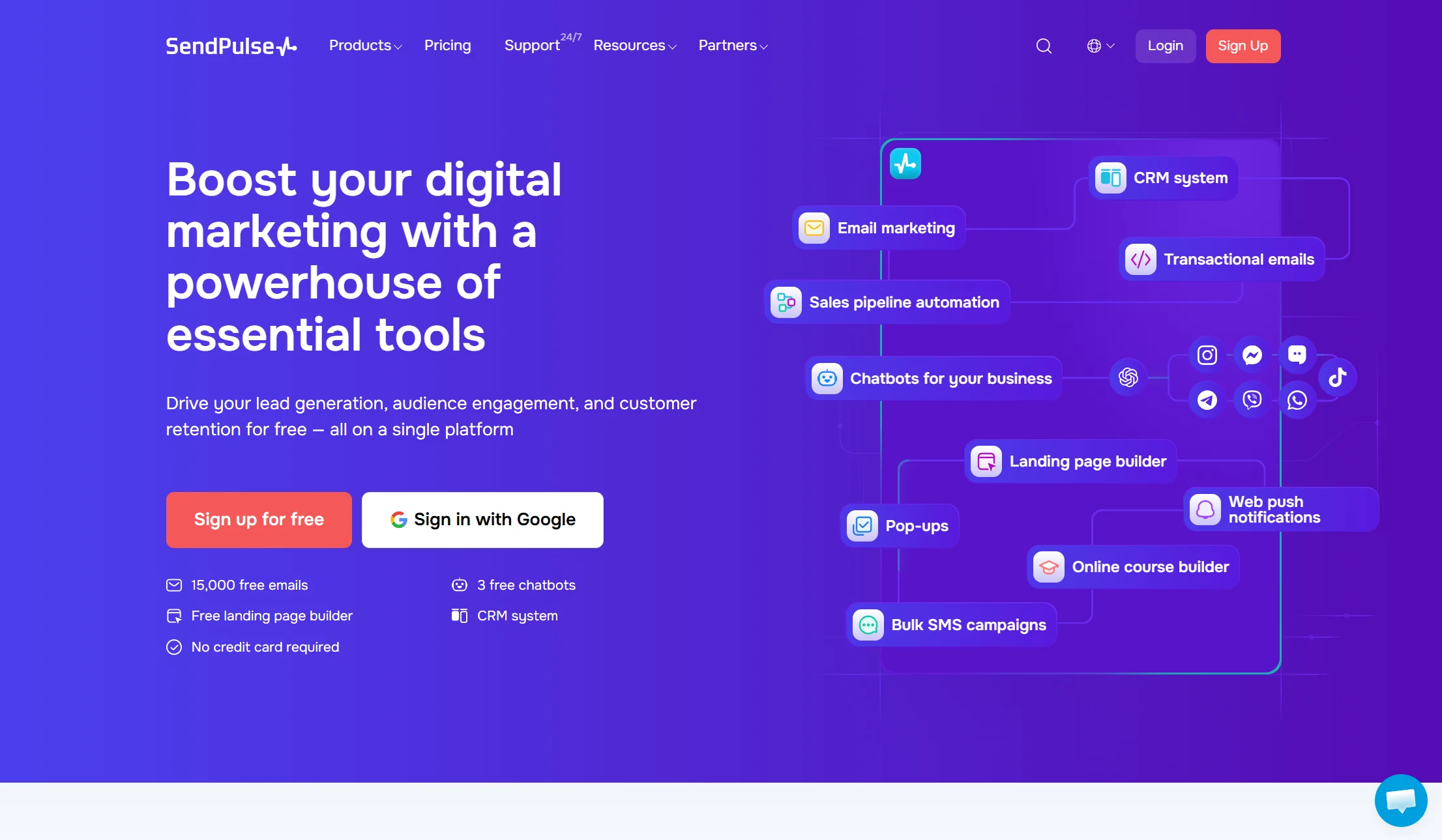
2. Sendpulse — best for Telegram groups and channels
Price: Free plan covering 3 bots and 10,000 messages a month; Pro from $10/month for 500 contacts, scaling with list size
Best for: Community managers and creators running Telegram groups or channels
Watch out for: You must build a separate bot for each channel
If your Telegram presence is a community, Sendpulse is the answer, because it is the only mainstream tool with proper Telegram-specific triggers. It can automatically message someone when they join your group, block or unblock users in groups and channels, and auto-post to your channel when new content appears on your site.
It also broadcasts to everyone who has interacted with your bot, group or channel, includes a flow builder, a live chat inbox and a ChatGPT integration, and covers WhatsApp, Instagram, Facebook, TikTok and Viber alongside Telegram.
The recurring criticisms are fair: the interface is less intuitive than ManyChat or UChat, analytics are limited, and separate bots per channel means real duplicated work.
Verdict: the clear winner for group and channel automation. The one tool here that treats Telegram’s community features as first-class.
3. ManyChat — best marketing funnels, but no groups
Price: Free plan with 25 active contacts, though Telegram requires a paid plan. Essential $14/month annual ($17 monthly) for 250 contacts; Pro $29/month annual ($39 monthly) for 2,500. AI features cost about $29/month extra.
Best for: Lead generation and nurture sequences in Telegram DMs
Watch out for: Cannot be used in Telegram groups. Billed by audience size. AI costs extra.
ManyChat has the friendliest flow builder in the category and the biggest tutorial library. For a coaching business sending a lead magnet to anyone who messages a keyword, then following up with a nurture sequence, it is excellent — broadcasts, sequences, rules, A/B testing and built-in live chat all work well.
Three things to price in honestly. It does not work in Telegram groups, which rules it out for community use entirely. It bills by active contacts — anyone who interacts with your automation in a month, counting until you delete them — and its March 2026 repricing cut the free plan to 25 contacts with overage fees on every paid tier. And the AI Step is a separate add-on, so the “$29 plan” is $58 if you came for AI.
Verdict: the best DM marketing tool here. Completely unsuitable if you run groups.
4. UChat — best single bot across many channels
Price: Free plan available; paid plans from $15/month
Best for: Businesses running one bot across Telegram, WhatsApp, Instagram and more
Watch out for: Works in groups, but with no join or leave triggers
UChat lets you build a chatbot once and deploy it across 13 channels from a single dashboard, which is genuinely useful if a customer might reach you on any of them. It supports keyword recognition and intent detection, has a direct ChatGPT integration, includes live chat, and offers 50-plus integrations including Zapier and Make.
Critically, unlike ManyChat and Botpress, UChat does work in Telegram groups. The limitation is that it lacks Telegram-specific group triggers — you cannot send an automatic message when someone joins or leaves.
The other honest note is the learning curve. UChat is more capable than ManyChat and correspondingly more overwhelming for a beginner.
Verdict: the best omnichannel pick, and a reasonable group option if you do not need join triggers.
5. Botpress — most powerful AI, but no groups
Price: Free plan up to 500 messages; pay-as-you-go from about $5/month; higher published tiers at $150/month annual and $750/month annual
Best for: Technical teams building a sophisticated AI support bot for DMs
Watch out for: Not compatible with Telegram groups. Steep learning curve.
Botpress has the deepest AI toolkit here. You can train it on a custom knowledge base, give it a specific personality, auto-summarise conversations, interpret images users send, and auto-translate into the user’s language. It publishes to Telegram plus nine other channels.
Two hard limits. It cannot be used in Telegram groups. And the flow builder is genuinely difficult for non-technical users, with only basic analytics on the standard plan. Building and testing also consumes the same message quota as running the bot.
Verdict: the strongest AI on this list for DM-based support. Ruled out for community management.
6. Chatbase — cheapest way to get a doc-trained bot
Price: Free plan with 50 credits/month; Hobby $32/month annual (500 credits); Standard $120/month annual
Best for: Founders who want an AI bot trained on their own documents, fast
Watch out for: Credits run out, one agent per plan, steep branding fee
Chatbase turns your website, PDFs and help articles into a working AI bot in an afternoon. Because it understands open questions rather than following buttons, it handles messy real conversations better than a flow builder.
The fine print: each reply costs 1 to 6 credits depending on the model, so a premium model burns six times faster. Every plan includes just one agent, with extras at $300 a year. If credits run out the bot goes offline unless auto-recharge is on. And removing the “Powered by Chatbase” branding costs $1,188 a year.
Verdict: great value for a simple DM bot. Not a Telegram specialist and not a community tool.
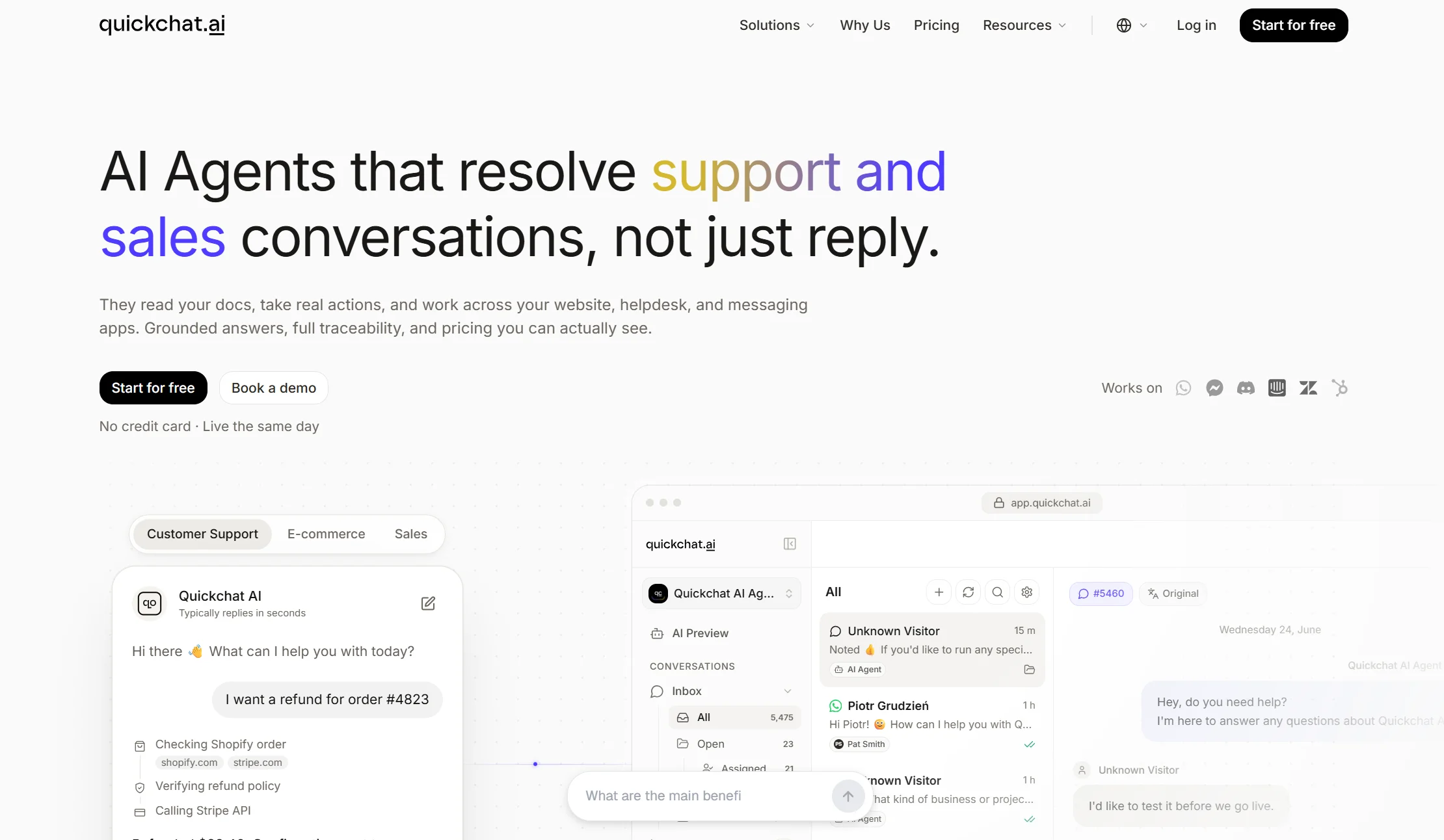
7. Quickchat AI — fastest Telegram-specific setup
Price: Free plan available; paid tiers published on site
Best for: Teams that want a Telegram bot answering in minutes, in DMs and groups
Watch out for: The one-click shared bot cannot be renamed
Quickchat has invested specifically in Telegram, which shows. Beyond the standard BotFather route, it offers a one-click flow that skips BotFather entirely — you add a shared bot to a group from the dashboard, confirm the group, and members get answers by mentioning it or replying to it. Each agent also gets a direct message link, so one click covers DMs as well as groups and supergroups.
The company is admirably clear about the trade-off: that shared bot is named “Quickchat AI” in every chat and cannot be renamed, so you need the BotFather route if you want your own bot name, avatar, or Telegram AI Actions.
You can also set an AI personality and profession, and conversations land in a unified inbox for debugging.
Verdict: the quickest route to a working Telegram bot covering both DMs and groups. Use BotFather if branding matters.
8. Tidio — best if you also sell online
Price: Free plan with 50 conversations/month; Starter from $24.17/month annual; Growth from $49.17/month annual; Lyro AI add-on from $32.50/month annual
Best for: Online stores wanting Telegram alongside website chat
Watch out for: Three separate billing meters, and a lifetime AI cap on lower plans
Tidio’s strength is ecommerce, not Telegram specifically. Its Lyro AI trains on your products and handles product questions and cart recovery, with the same bot running on your website, Facebook and Instagram.
The pricing needs care: Billable Conversations, Lyro AI conversations and Flow triggers bill separately, and on Free and Starter the 50 Lyro conversations are a lifetime pool rather than monthly — once used, Lyro stops replying.
Verdict: pick it for the store, not for Telegram. Group support is limited.
9. Landbot — best structured conversation design

Price: Free plan with 100 chats/month; paid from around $45/month
Best for: Marketing teams that want to design the conversation precisely
Watch out for: Limited AI flexibility, and Telegram is not its focus
Landbot’s block-based visual builder gives you complete control over conversation layout — buttons, sliders, carousels, branching logic. For a structured qualification flow it is excellent, and it integrates with HubSpot, Salesforce, Mailchimp and Google Sheets.
The trade-off is adaptability: because flows are structured, the bot feels restrictive when someone asks something unexpected. And its primary channels are website and WhatsApp, with Telegram less developed.
Verdict: a strong flow builder that happens to reach Telegram, rather than a Telegram tool.
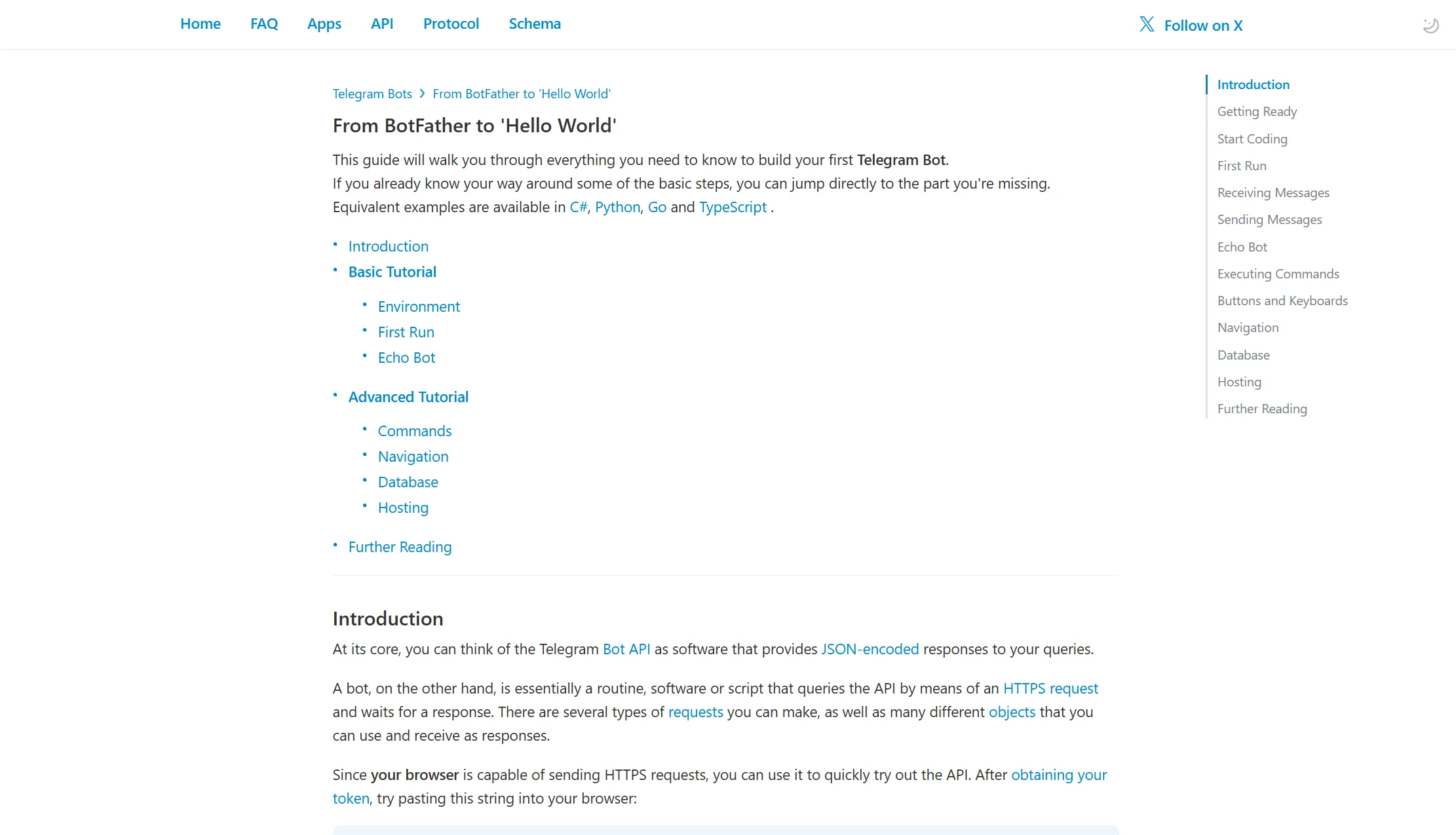
10. Custom build on the Telegram Bot API — cheapest at scale
Price: $0 for the API. Roughly $5–15/month for a small server, plus $10–50/month for AI model calls
Best for: Developers and technical teams who want total control
Watch out for: You build and maintain everything
This deserves a place on the list because Telegram is unusual: the API is so open and so free that a custom build is genuinely viable in a way it is not on WhatsApp.
You get everything the API allows — full group and channel control, admin actions, inline keyboards, payments, mini apps, and 2 GB file handling. Published breakdowns put a production bot at roughly $15 a month at the basic end, rising to $300 or more for high traffic with heavy AI use. A $5 to $15 VPS covers most bots serving 1,000 to 10,000 users, and free serverless platforms work for low-traffic bots. Telegram also open-sources a local Bot API server you can self-host for higher throughput and 2 GB file limits.
Verdict: the cheapest option at real volume, and the only one with zero feature limits. Requires a developer who will still be around in a year.
Full comparison table: all 10 Telegram AI chatbots
| Tool | From | Free plan? | Works in groups? | Group triggers? | Other channels |
|---|---|---|---|---|---|
| Markleyo AI | $14.50/mo | 5-day trial | ❌ No | ❌ No | WhatsApp, Instagram, Messenger, web, phone |
| Sendpulse | $10/mo | ✅ 3 bots, 10k msgs | ✅ Yes | ✅ Yes | WhatsApp, IG, FB, TikTok, Viber |
| ManyChat | $17/mo | ✅ 25 contacts, no Telegram | ❌ No | — | IG, Messenger, WhatsApp, SMS |
| UChat | $15/mo | ✅ Yes | ✅ Yes | ❌ No | 13 channels |
| Botpress | From $5/mo | ✅ 500 messages | ❌ No | — | 9 other channels |
| Chatbase | $32/mo annual | ✅ 50 credits | Limited | — | Web, IG, FB, Slack |
| Quickchat AI | Free plan | ✅ Yes | ✅ DMs, groups, supergroups | Partial | Web, WordPress, WhatsApp, Discord |
| Tidio | $24.17/mo annual | ✅ 50 conv/mo | Limited | — | Web, FB, IG |
| Landbot | ~$45/mo | ✅ 100 chats/mo | Limited | — | Web, WhatsApp |
| Custom Bot API | ~$5–15/mo hosting | API is free | ✅ Full control | ✅ Full control | Whatever you build |
Best AI chatbots for Telegram by use case
Best AI chatbot options for automating Telegram group management
Group management means the housekeeping that eats a community manager’s day: welcoming new members, removing spam, pinning announcements, answering the same question for the fortieth time, and banning bad actors.
Only three options here do it properly:
- Sendpulse — the only mainstream platform with real Telegram group triggers. It messages people automatically when they join, blocks and unblocks users in groups and channels, and auto-posts to your channel when your site publishes something new. If group management is the job, start here.
- A custom Bot API build — full control over every admin action Telegram allows: delete, pin, mute, ban, restrict, approve join requests. Cheapest at scale, but you need a developer.
- UChat — works inside groups and answers members, but with no join or leave triggers, so the welcome-message use case is out.
Rule out ManyChat and Botpress for this entirely. Neither functions in Telegram groups, however good they are elsewhere.
Two practical notes. Your bot needs admin rights in the group before it can delete messages, pin posts or ban anyone — adding it as a normal member only lets it reply when mentioned. And a bot that only answers when mentioned is usually the right setting in a busy group, because a bot replying to every message becomes noise fast.
Top-rated AI chat assistants for Telegram messaging
If you mean pure conversation quality — how well the AI understands and answers — the ranking is different from the group ranking:
| Tool | AI strength | Best at |
|---|---|---|
| Botpress | Strongest toolkit: custom knowledge base, summarisation, image reading, auto-translate | Complex technical support in DMs |
| Markleyo AI | Trained on your own docs, 70+ languages, one brain across all channels | Multi-channel consistency |
| Chatbase | Excellent doc-trained answers, weak on flows | FAQ-style questions |
| Quickchat AI | Configurable personality and profession | Fast, friendly DM assistants |
| UChat | Direct ChatGPT integration plus intent detection | Balanced AI and marketing |
| Sendpulse | ChatGPT integration, more basic | Groups where AI is secondary |
| ManyChat | AI Steps and Intents, but a paid add-on | Marketing flows with light AI |
One honest expectation-setter: no chatbot resolves everything. Real resolution rates across this category typically land between roughly 50% and 65%, whatever the marketing claims. Plan a human handover from day one and make sure the conversation history travels with it.
Which AI chatbot services integrate best with Telegram?
Markleyo AI, if you want Telegram treated as a real channel rather than a checkbox — and here is the specific reasoning.
Most tools on this list bolt Telegram on. Markleyo runs it as a first-class channel with both conversational AI and broadcast campaigns, sharing the same knowledge base as WhatsApp, Instagram, Messenger, your website and its AI calling agent. That matters because Telegram charges nothing per message: your broadcast campaigns cost only your subscription, which is the cheapest customer outreach available on any major platform.
It also solves the two problems reviewers keep raising about the alternatives. ManyChat is repeatedly criticised for being hard to translate into multiple languages — Markleyo handles 70+. Sendpulse forces you to build a separate chatbot for each channel — Markleyo trains once and answers everywhere.
Where the honest answer differs: if your entire Telegram presence is a large community and you need join triggers and moderation automation specifically, Sendpulse integrates more deeply with those particular Telegram features, and a custom Bot API build goes deeper still. Confirm group capability with any vendor before you commit, including this one.
Best free Telegram chatbot
Telegram is the one channel where free genuinely works, because the messaging costs nothing.
- Custom Bot API build — the API itself is $0 forever. You pay only for hosting, and free serverless platforms cover low-traffic bots.
- Sendpulse free — 3 bots and 10,000 messages a month, and it keeps the group triggers.
- Botpress free — 500 messages, with the full AI toolkit to test.
- Quickchat AI free — includes the one-click Telegram setup.
- UChat free — works in groups on the free tier.
Note that ManyChat’s free plan does not include Telegram at all — you need a paid plan for that channel.
How much does a Telegram AI chatbot cost in 2026?
The messaging is free. Everything else is your real bill.
| Budget | What you get | Examples |
|---|---|---|
| $0 | Real working bots with capped usage | Custom Bot API build, Sendpulse free, Botpress free, UChat free |
| $5–20/month | A working AI bot, or a small server for a custom build | Botpress pay-as-you-go, Sendpulse Pro, UChat, ManyChat Essential, Markleyo AI |
| $25–50/month | Fuller platforms with more channels | Chatbase, Tidio, ManyChat Pro, Landbot |
| $50–150/month | Multiple channels at volume, or AI add-ons stacked | Tidio with Lyro, ManyChat Pro plus AI |
| $150+/month | High traffic, heavy AI, or enterprise tiers | Botpress Plus and Team, high-traffic custom builds |
The three costs people forget:
- The AI model. A bot that follows a script is free. A bot that genuinely understands questions needs an AI model behind it, billed per use. On a custom build, budget $10 to $50 a month.
- Hosting. If you write the code yourself, it has to run somewhere. A $5 to $15 VPS covers most business bots.
- Add-ons. ManyChat’s AI is $29 a month on top. Tidio’s Lyro is a separate subscription. The advertised plan is not always the plan you need.
Compare that to WhatsApp, where a 100,000-message campaign costs $2,500 in Meta fees before your platform subscription. On Telegram the same campaign costs nothing extra.
How we picked and compared these 10 tools
Five tests, in this order:
- Does it work in Telegram groups and channels? This is the biggest single differentiator and two popular tools fail it outright. We put it in the comparison table rather than a footnote.
- What does the platform cost, honestly? Including AI add-ons, contact-based scaling, and the tier where Telegram actually unlocks.
- How strong is the AI? Knowledge base training, language handling, and whether AI is included or extra.
- What else does it reach? Because most businesses need more than one channel.
- How fast can a non-technical person launch it? A bot you never finish configuring answers nobody.
Platform pricing was checked against vendor pricing pages and dated third-party trackers in July and August 2026. Telegram’s API costs and rate limits come from Telegram’s own official Bot API documentation and Bots FAQ. Group compatibility findings come from published hands-on testing by reviewers who have run these platforms with real clients.
Two deliberate choices. We included the custom Bot API route, because on Telegram — unlike WhatsApp — a self-built bot is genuinely viable and often cheapest. And we stated our own product’s limitations and open questions in its own entry, because a comparison that only lists strengths is an advert.
FAQs About Best AI Chatbot for Telegram
What is the best AI chatbot for Telegram?
It depends on one question: do you need groups? For Telegram groups and channels with real moderation triggers, Sendpulse is the clear pick. For multi-channel coverage where Telegram sits alongside WhatsApp, Instagram and phone, Markleyo AI from $14.50/month. For DM marketing funnels, ManyChat — though it cannot touch groups. For the strongest AI in DMs, Botpress, which also cannot work in groups. For maximum control at the lowest cost, a custom Bot API build.
Is a Telegram chatbot really free?
The Bot API is, yes. Telegram’s own documentation confirms no per-message fees, no monthly API charges, and no bot limit. The single exception is an optional Paid Broadcasts tier at about $0.002 per message for sending faster than 30 messages a second, and that requires 100,000 monthly active users plus a 100,000-Star balance, so ordinary businesses never reach it. What does cost money is your builder subscription, your AI model, and hosting if you write the code yourself.
Can a Telegram bot message customers first?
Not cold. A user must start your bot first — by tapping Start, opening a t.me/yourbot link, or interacting with it in a group. After that you can message them freely with no time window, which is a real advantage over WhatsApp’s 24-hour rule. But you cannot import a purchased list and broadcast to it.
Which Telegram chatbots work in groups?
Sendpulse works in groups and is the only mainstream tool with proper group triggers such as join, block and approve. UChat works in groups but has no join or leave triggers. Quickchat AI covers DMs, groups and supergroups. A custom Bot API build has full control. ManyChat and Botpress do not work in Telegram groups at all. Whatever you choose, remember your bot needs admin rights before it can pin, delete or ban.
How is Telegram different from WhatsApp for business?
Four ways that matter. Cost: Telegram’s API is free per message, WhatsApp charges Meta’s fee on every one — around $0.025 for a US marketing message. Reply window: Telegram has none, WhatsApp gives you 24 hours then requires a paid template. Scale: Telegram groups hold 200,000 members against WhatsApp’s 1,024, and Telegram channels have unlimited subscribers. Approval: Telegram needs none, WhatsApp requires business verification through a provider. WhatsApp’s advantage is reach in markets where it dominates.
Do I need coding skills to build a Telegram AI chatbot?
No. Every platform on this list except the custom build is no-code. You create a bot in BotFather with two commands, paste the token into your chosen tool, and you are running. Some platforms now skip BotFather entirely with a one-click option. Coding is only needed for a custom Bot API build, which is worth it if you have a developer and want zero feature limits.
How long does it take to set up a Telegram chatbot?
About 15 minutes to create the bot and connect it, then an afternoon to make it genuinely good. There is no approval process on Telegram, which is why it is faster than WhatsApp — no business verification, no template review, no waiting on a provider. The time-consuming part is writing your FAQs and policies clearly enough for the bot to repeat them accurately.
Can a Telegram bot take payments?
Yes, and this is an underused advantage. Telegram has a payments API built directly into the platform, so customers can pay inside the chat rather than being sent to an external page. Several platforms on this list expose it, and a custom build gets full access. WhatsApp and Messenger offer in-chat payments in far fewer regions.
The bottom line: which Telegram AI chatbot should you choose?
Telegram is the cheapest major channel to automate, and most comparisons never say so clearly. The API costs nothing per message, there is no reply window, groups hold 200,000 people, and channels reach every subscriber with no algorithm in the way.
Pick by the one question that actually splits this market:
Do you need groups?
- Yes, with moderation and welcome messages → Sendpulse, or a custom Bot API build.
- Yes, just answering members → UChat or Quickchat AI.
- No, DMs only, and I want marketing funnels → ManyChat.
- No, DMs only, and I want the smartest AI → Botpress.
- No, but I also need WhatsApp, Instagram, website and phone → Markleyo AI.
- I sell online → Tidio.
- I want cheap doc-trained answers → Chatbase.
- I have a developer and want zero limits → custom Bot API build.
Want Telegram, WhatsApp, website chat and a real AI phone agent on one plan? Start a free Markleyo AI trial — one knowledge base answering across every channel, from $14.50/month.