How AI Customer Service Solutions Transform Support?
AI customer service solutions are reshaping support from a queue-driven function into a responsive, data-informed experience that feels quicker, more personal, and more consistent across channels. Picture help that understands intent, routes requests intelligently, and resolves routine tasks without long waits. That’s the practical promise most teams are chasing today.
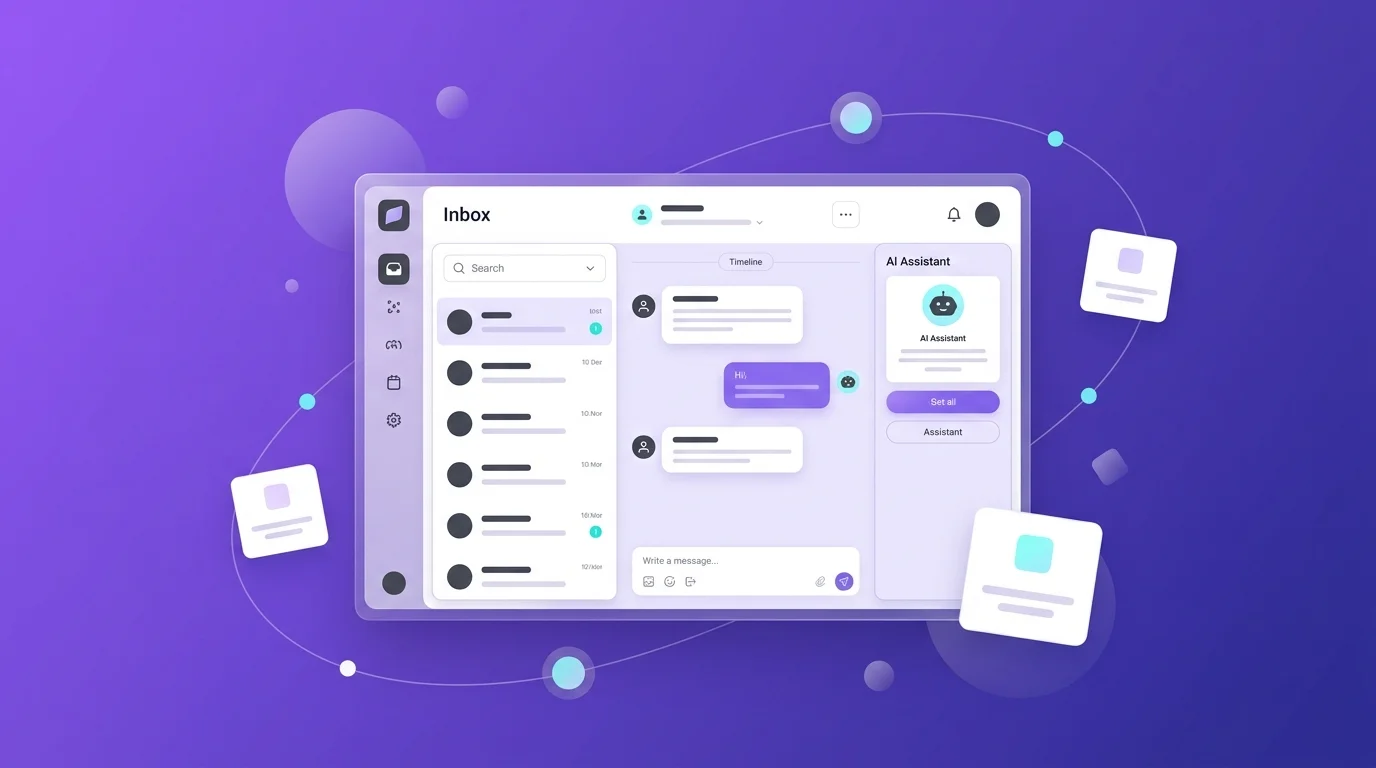
AI customer service solutions automate common inquiries, assist agents with context and suggestions, and connect into CRMs and order systems to resolve issues end to end. Start with intent detection, knowledge grounding, and safe automation. Add 24/7 coverage, sentiment signals, and smart handoff to humans. The result is faster resolution, lower costs, and better customer experiences.
Table of Contents
AI Customer Service Solutions: Definition and Scope
Customer service AI solutions use artificial intelligence to enhance support interactions and streamline operations. They cover four core areas. Conversational bots for self service. Agent assist copilots for real time suggestions and summaries. Automation workflows routing tickets and triggering actions. Voice AI handling phone queries and after call tasks.
Scope matters. Modern AI solutions for customer service work across chat, email, SMS, social, and phone. They ground responses in approved knowledge and company data. They analyze sentiment to prioritize and adjust tone. They integrate with CRMs, commerce platforms, and ticketing systems to update orders, issue refunds, or escalate with full context. Teams use AI-based customer service solutions for deflection of repetitive questions, faster wrap ups, and consistent quality review at scale.
A healthy program balances automation with human oversight. AI is really good at repetitive tasks, intent triage, and summarization, while humans step in for nuanced, emotionally charged, or exception heavy cases. This blend keeps service accurate and empathetic and avoids the old trap of “bot loops” that never hand off cleanly.
How AI Customer Service Solutions Work: Core Technologies
Natural language understanding, LLMs, and retrieval
Natural language processing sits at the heart of customer service AI. It interprets free text or speech, detects intent, and pulls context from prior interactions. Large language models then generate responses. The difference between a helpful answer and a risky hallucination is retrieval and validation. High performing systems use retrieval augmented generation to fetch the right content, rerank it, and validate accuracy before responding. This pairing produces replies grounded in policy, procedures, and knowledge rather than guesses.
Strong platforms also layer sentiment and language detection to tailor tone and route appropriately. Multilingual support matters for global audiences, and LLMs paired with translation improve accessibility for both customers and agents.
Automation with workflows, RPA, and integrations
Automation connects intent to action. Once the system recognizes a shipping status question, it checks order systems and returns a real answer. If a refund policy applies, it triggers the correct workflow. AI solutions for customer service bring intelligent routing, categorization, and assignment that move cases to the right person or bot quickly.
The practical piece is integration. Out of the box connectors and APIs tie AI to your CRM, commerce, and ticketing stack. Operations teams configure guardrails and approval paths, so automations respect policy while saving agents from repetitive work. That combination improves time to resolution while keeping compliance intact.
Voice AI, speech analytics, and real-time agent assist
Voice remains a top channel when problems feel complex. Voice AI greets callers, understands intent without keypad menus, and handles routine requests. For live calls, real time agent assist surfaces talking points, answers, and next step prompts, which reduces wrap up time and makes every call feel more confident and clear.
After call, AI writes summaries and tags cases with intent and sentiment. Supervisors get quality scores and compliance flags without listening to every minute of audio. That adds consistency where it’s often missing, and it helps teams coach with specifics rather than hunches.
Benefits of AI in Customer Service for Teams and Customers
Faster resolution and 24/7 support
Speed is the headline. AI agents respond immediately to common requests and guide handoffs with summaries when a person needs to step in. Round the clock availability cuts hold times and eliminates the “closed until Monday” wall that many people still hit.
A short scenario captures it. Someone opens chat at midnight about a missing package. The AI verifies address, checks carrier data, confirms delay, and sends a proactive update timeline. No elevator music. No “please wait.” Resolution starts in seconds, not hours.
Cost efficiency and scalability
Automation reduces the load on human agents. Deflecting routine questions means small teams can support larger audiences. Intelligent routing and suggested replies compress cycle time and reduce operational costs without cutting corners on quality.
Seasonality becomes easier, too. AI-based customer service solutions scale up during peak months and scale down when the queue quiets. That flexibility reduces overtime and avoids the whiplash of seasonal hiring and layoffs.
Personalization and customer experience gains
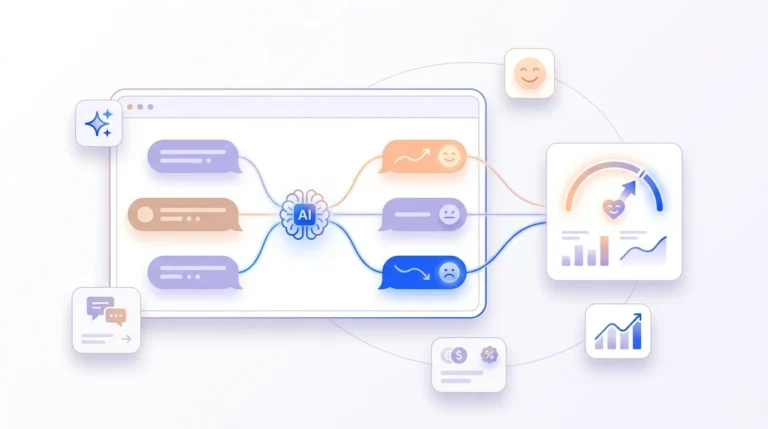
People expect answers that fit their situation. AI pulls in customer context and engagement history to personalize replies and next best actions, which feels human without sounding scripted [2]. Sentiment signals nudge tone in the right direction, and proactive notifications turn support into helpful guidance rather than reactive firefighting.
The bigger point. Personalization helps people feel heard. That emotional reliability is what drives loyalty. As one manager joked in a hallway conversation, “No one wants to shout representative into a phone.” AI makes that moment less likely by getting the first answer right more often.
Omnichannel Use Cases: Chat, Email, Voice, and Self-Service
AI customer service bots and live AI chat support
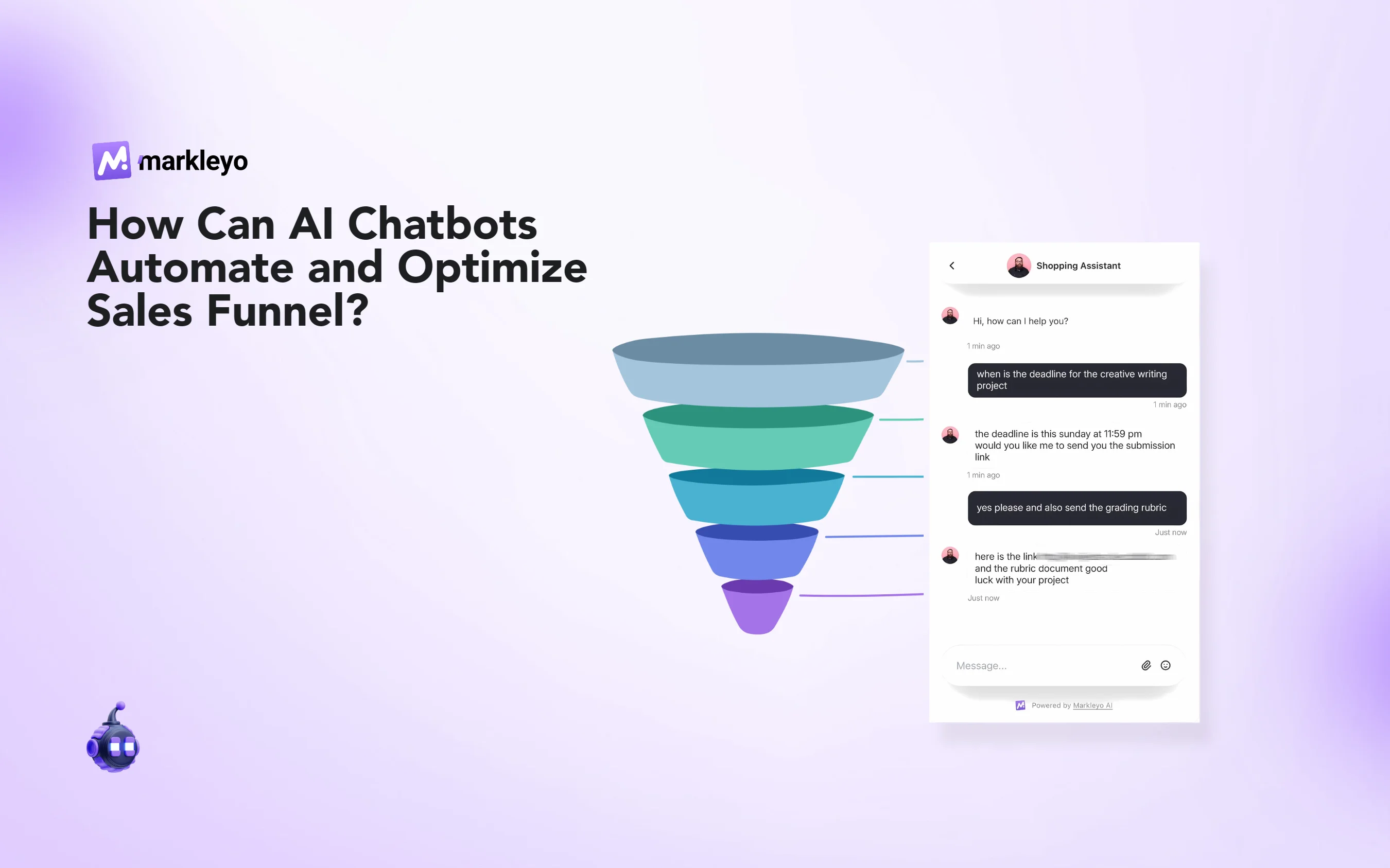
AI customer service bots resolve straightforward questions on the help site or in chat. They understand free text, retrieve grounded answers, and either complete the task or hand off with full context to live AI chat support. Many teams train bots on approved knowledge and procedures to keep tone and facts consistent with brand expectations.
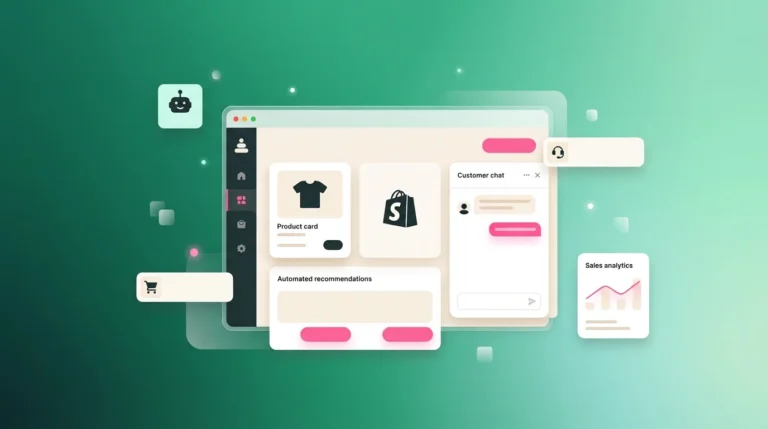
For ecommerce and SaaS, these bots can check orders, reset passwords, modify subscriptions, or share policy terms, all without a human tap. That frees people to focus on exceptions and emotionally sensitive cases.
Email and ticket triage with intent and sentiment
Email remains a workhorse. AI analyzes incoming messages, detects intent, categorizes tickets, and prioritizes based on sentiment and context. Suggested replies speed up drafting. Summaries help new agents onboard faster to complex threads. Teams use these features to hit service level agreements with less churn and fewer context switches.
Over time, AI flags gaps in the knowledge base based on what customers ask but cannot find in articles. That feedback loop prompts teams to write better content, which then improves deflection rates and reduces time to value.
Call center AI solutions and IVR modernization
IVR menus frustrate people who just want help. Voice AI interprets natural speech and routes callers without nested menus. During calls, agent assist offers scripts and answers that fit the moment, while after call summaries reduce wrap up time and improve accuracy in documentation.
Call center AI solutions also score conversations for quality and raise early warnings for churn risk. Leaders see where coaching helps and where processes need refinement. That turns QA from a sampling exercise into a comprehensive view of service quality.
AI Customer Service Solutions for Small Business
Starter kits with AI-powered customer service solutions
Small teams want quick wins. Starter kits focus on a shared inbox, a basic help center, and a bot that answers FAQs. Tools that draft replies, translate messages, and summarize threads deliver immediate relief without full automation. Platforms like Help Scout and Tidio are often chosen to introduce AI gradually while keeping humans in the driver’s seat.
The right first step is a narrow use case. Think password resets or order status. Success builds trust and paves the way for broader automation.
Budget planning and total cost of ownership
As of 2025, pricing models vary. Some platforms charge per agent seat. Others charge per resolution. A few offer a free tier for basic features to get started and paid plans for scale. Total cost of ownership includes setup time, integrations, data preparation, and ongoing tuning. Budget should account for the human time saved and the service metrics improved, not just license fees.
A practical checklist helps. Map current volume and ticket mix. Estimate deflection potential. Identify systems to integrate. Assign owners for knowledge upkeep. Then compare scenarios against your service targets.
When to upgrade from basic chatbots to advanced automation
Upgrade when the bot hits coverage limits or when agents spend too much time on repetitive replies. Signs include high repeat questions, long wrap ups, and frequent context searching. Advanced automation adds intelligent routing, sentiment informed prioritization, and system actions like refunds or address changes with approval steps.
The tipping point often arrives when leaders see the team running hard yet falling behind SLAs. That is the moment to expand beyond basic chat to deeper workflow automation with guardrails and human review.
Choosing AI Tools for Customer Service: Chatbots, Agent Assist, and Call Center AI
Evaluating AI tools for customer service and agent assist
Evaluation starts with fit. Channel coverage. Knowledge grounding. Integrations into your CRM and commerce stack. Accuracy controls. Security posture. Time to value. Finally, reporting that shows what worked and what needs attention.
- Ask how the tool grounds answers in your knowledge and data.
- Confirm escalation flow with full context and smooth agent handoff.
- Review security features and data retention for compliance needs.
- Test with real scenarios and measure resolution quality before go live.
Comparing AI chatbots, knowledge bases, and automation solutions
Chatbots resolve simple questions and collect details. Knowledge bases teach both customers and AI what to say. Automation solutions route, tag, summarize, and trigger actions in back end systems. Many teams combine all three to cover more ground with less manual work.
| Capability | Best For | Key Consideration |
| Chatbots | FAQ deflection | Grounding and handoff quality |
| Knowledge base | Self service and training | Coverage gaps flagged by AI |
| Automation | Routing and actions | Integration guardrails and audit |
Leading AI customer service companies and platforms
Enterprise leaders often consider Zendesk, Salesforce Service Cloud, and Intercom Fin for sophisticated automation and agent assist. Help Scout and Tidio fit teams seeking gradual AI adoption. IBM supports AI agent orchestration with a focus on data security. Outsourcing partners like SupportYourApp blend human expertise with AI augmentation for multilingual coverage.
Implementation Roadmap: From Pilot to Scaled Customer Service Automation
Data readiness and knowledge base preparation
Good data is the difference between smooth replies and messy escalations. Prepare approved knowledge articles, policies, and procedures. Remove outdated content. Clarify edge cases. Align tone guidelines. Then connect CRM and ticket history for context.
A small aside. The fastest way to expose gaps is to ask the AI “What would you say” for your top ten questions. Where it stumbles, write better articles and test again.
Pilot design, guardrails, and human-in-the-loop
- Define one use case and success metrics. Outcome. Faster replies and fewer escalations.
- Configure knowledge grounding and safe fallbacks. Outcome. Accurate answers or a path to a human.
- Set escalation and approval steps for actions. Outcome. Policy aligned automation.
- Run realistic tests and A/B comparisons. Outcome. Measured impact before rollout.
- Monitor live and gather agent feedback. Outcome. Iteration on tone, coverage, and routing.
Scaling automation across channels and CRMs
Scale when the pilot consistently meets your metrics. Extend to more intents and channels. Connect additional systems as needed. Keep humans in the loop for coaching and exceptions. Add QA reviews powered by AI to catch subtle issues and maintain service quality as volume grows.
Over the past decade, support tools became channel centric. Fast forward to today, orchestration across channels is the real test. AI driven workflows tie it together.
Data Quality, Security, and Compliance for Customer Support AI
PII handling, consent, and auditability
Customer service often touches sensitive data. Strong programs use encryption, access controls, and audit logs. They limit data retention for training and ground answers in approved sources rather than raw transcripts. Transparency about data use builds trust when AI is part of the conversation.
Bias, hallucinations, and safe responses
Language models can drift. Hallucinations and bias are real risks. The remedy is validation and safe fallbacks. Retrieval and reranking reduce error likelihood. Toxicity detection and guardrails prevent unsafe outputs. When answers are uncertain, the system should escalate to a human without guessing.
U.S. regulations and industry standards
U.S. teams operate under privacy and consumer protection law, plus industry standards for security and auditing. Enterprise vendors now highlight trust layers, dynamic grounding, and zero data retention to meet compliance expectations and reduce breach risks. IBM notes that most AI related data breaches lacked proper access controls, a reminder that controls must be in place before scale.
Measuring ROI and CX Impact of AI-Powered Customer Service
Core KPIs for AI-driven customer service
- First response and resolution time
- Deflection rate and containment
- CSAT and sentiment shifts
- Agent productivity and wrap up time
- Cost per contact and staffing efficiency
These metrics connect to real experiences. People feel the speed and the clarity. Teams feel the reduced strain and the clean handoffs.
Experimentation, A/B tests, and attribution
Test changes against a control group. Compare AI drafted replies to manual drafting on time and accuracy. Attribute savings to deflected tickets and reduced handling time. Track revenue impact when AI supports cross sell scenarios grounded in purchase history and permissions.
AI customer service examples: before-and-after KPIs
Unity connected an AI agent to its knowledge base and deflected eight thousand tickets, which translated into about one point three million dollars in savings on handling costs. Photobucket saw faster first replies and improved first resolution after deploying AI driven chatbots for FAQs. AirHelp reported up to sixty five percent faster response times with a conversational AI contact center approach. These results vary by context yet show what is possible when knowledge, routing, and workflows line up.
Numbers are useful. The larger lesson is system design. Grounded answers, clear guardrails, and human oversight add up to better service more often than not.
Research Insights and the Future of AI-Driven Customer Service
Trends shaping AI-driven customer service
Two themes stand out. Automation expands beyond FAQs into complex multi step issues, supported by better grounding and validation. And predictive signals move support upstream, delivering reminders and fixes before customers ask. Enterprise leaders expect AI to touch nearly every service interaction in some way, from routing to assist to full automation.
Agent roles in an AI-first support model
Agents become problem solvers and relationship builders. AI handles repetitive tasks and drafts. People tackle delicate conversations, exceptions, and the creative work of improving processes. Training shifts toward using copilots well and giving feedback that tunes models and knowledge.
It feels different in the queue. Less time hunting for policy text. More time asking better questions and closing the loop cleanly.
What’s next for multimodal and proactive support
Multimodal models will understand text, images, audio, and video in one flow. That unlocks richer diagnostics and more helpful guidance. Proactive support will grow as systems anticipate needs and send targeted messages at the right moment. The quote that fits is simple. “Help before people have to ask.” That is where the field is heading.
Conclusion
Recommendations for getting started
Start small with a clear use case. Prepare knowledge and connect core systems. Pilot with guardrails and human in the loop. Measure impact on speed, deflection, and CSAT. Iterate on tone and coverage. Then scale to more intents and channels once you consistently hit your targets.
Build for outcomes, not features
The goal is faster, clearer, more personal service. Features help, yet outcomes matter more. Tie choices to the experience you want customers to feel and the work you want agents to do. Done well, AI powered customer service becomes a reliable system that grows with you. As expectations rise, AI customer service solutions will sit in every interaction in some form, helping teams deliver support that feels both human and timely.
FAQs: AI in Customer Service
What can AI do in customer service?
AI answers common questions, routes and prioritizes tickets, drafts replies, summarizes threads, translates messages, and triggers actions in connected systems. It supports agents with suggestions and assists voice calls with real time guidance and after call summaries.
What is the AI tool for customer service?
Tools range from chatbots and agent assist copilots to voice AI and automation platforms. Popular options include Markleyo, Zendesk AI, Salesforce Service Cloud with Agentforce, Intercom Fin, Help Scout AI features, IBM watsonx Orchestrate, and Tidio for small teams.
Can I use ChatGPT for customer service?
Yes with guardrails. Connect AI to approved knowledge, add validation, and define escalation. Avoid training on sensitive transcripts. Many enterprise platforms ground generative AI in CRM data and knowledge bases to produce accurate, on brand replies with safe fallbacks.