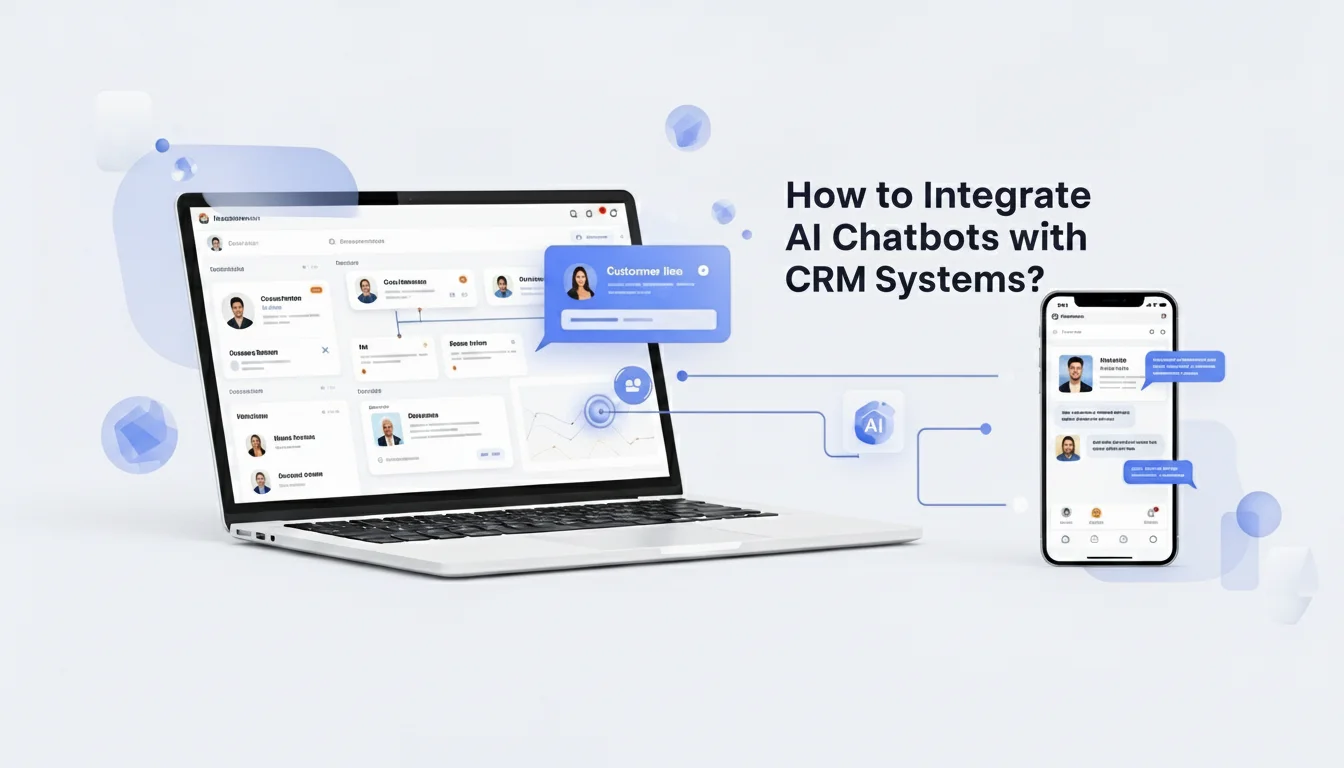
How to Use AI Chatbots for Customer Relationship Management?
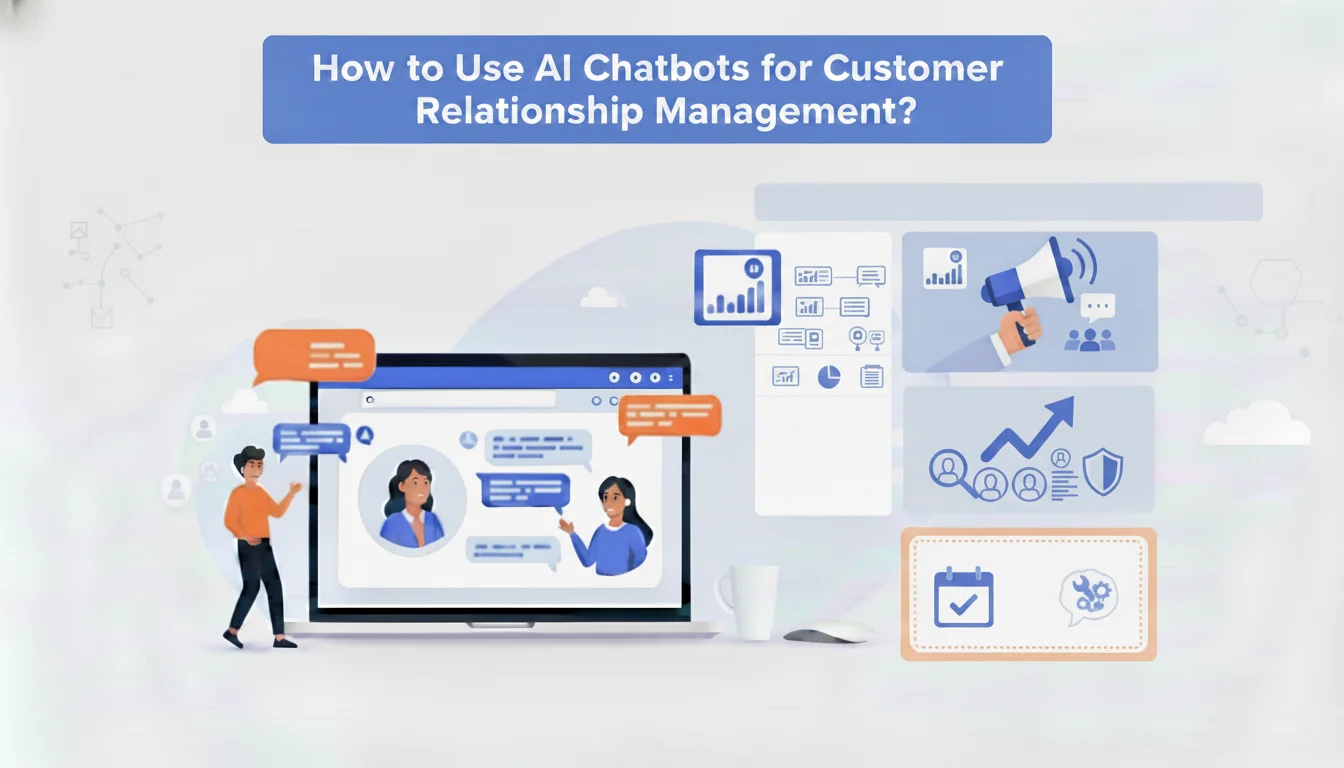
You’ve probably heard about AI chatbots for customer relationship management, but do you know how to integrate them into your existing CRM system? Let’s walk through the essentials so you can streamline customer engagement, automate repetitive tasks, and boost overall satisfaction. By the end of this guide, you’ll have a clear path to set up and optimize an AI chatbot for seamless CRM integration.
Table of Contents
Explore AI chatbots
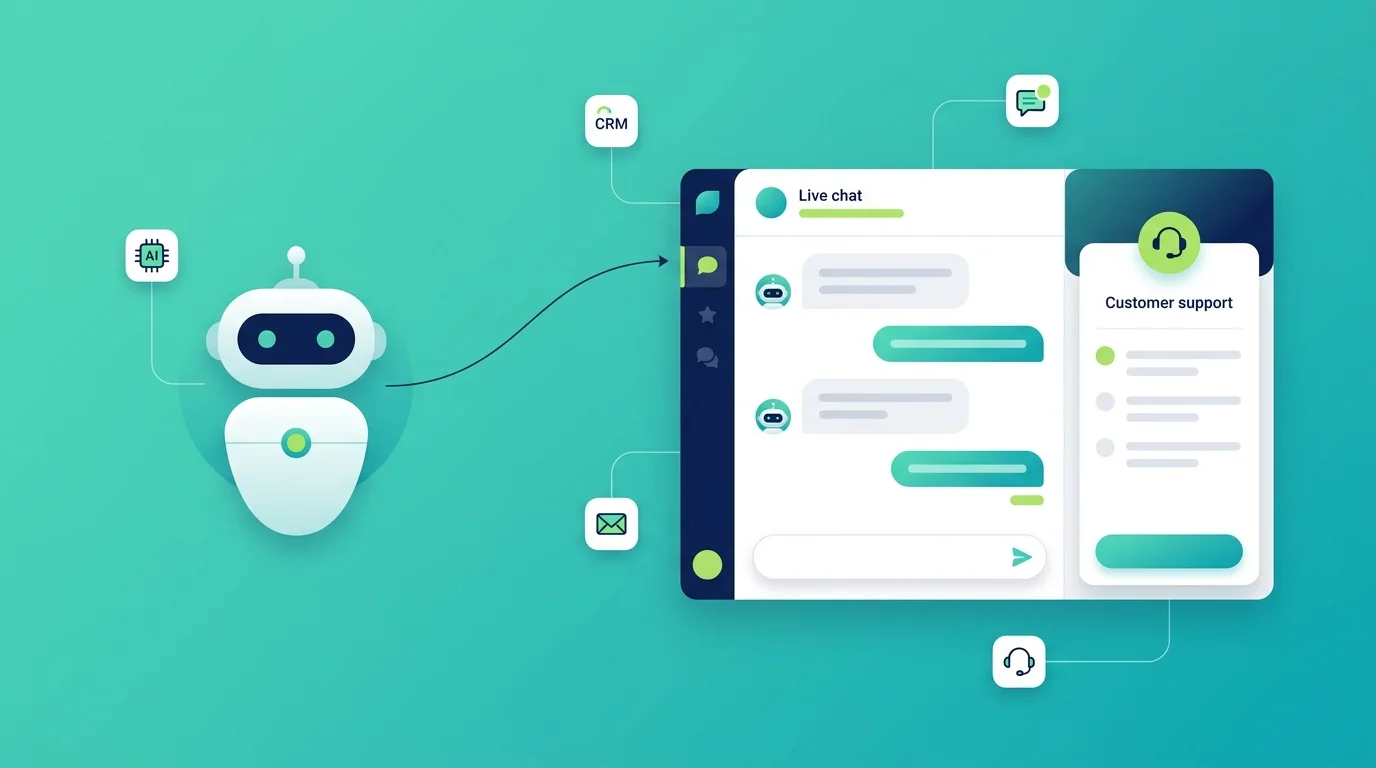
AI chatbots provide automated, conversational support to your customers by handling queries, sharing information, or even taking orders. They rely on artificial intelligence to understand context, learn from past chats, and deliver human-like responses. If you’ve ever chatted with a virtual assistant online, that’s a glimpse of what a well-managed AI chatbot can do.
Why they matter
- They reduce wait times by answering basic questions around the clock.
- They free up your team so you can focus on more complex customer issues.
- They personalize the experience, suggesting content or products that match individual user profiles.
Spot the immediate benefits
Imagine having a virtual agent that never sleeps, always greets your customers politely, and provides accurate answers. This setup can make your brand feel more responsive, saving you time and giving customers fast resolutions. If you’re aiming for higher satisfaction scores without expanding your human support team, an AI chatbot might be just what you need.
Prepare your CRM system
The heart of any successful chatbot implementation is a well-organized CRM. Before you connect your chatbot, make sure your CRM data is clean, relevant, and easy to navigate. After all, your chatbot will comb through that data to deliver personalized responses.
Clean up customer data
- Remove duplicate or outdated records so you don’t confuse your chatbot with bad info.
- Standardize fields, like names and addresses, for easy data matching.
- Group customers by categories or segments, which helps the chatbot deliver targeted replies.
Customize workflows for automation
- Define what actions you want automated, such as sending follow-up emails after a chat session.
- Map out each customer interaction flow, from greeting to closing the conversation.
- Align these processes with your sales, marketing, and customer support objectives.
Connect your chatbot
Now that your CRM system is in order, it’s time to link the pieces together. Essentially, you’ll choose a chatbot platform, configure its features, and synchronize it with your CRM tools so they talk to each other seamlessly.
Select the right platform
- Look for plug-and-play chatbots that integrate easily with your CRM software.
- Compare features like natural language understanding, multilingual support, and analytics dashboards.
- Check if the platform offers robust APIs (Application Programming Interfaces) for custom configurations.
Integrate the chatbot with your CRM
- Use the platform’s setup wizard or follow its documentation to connect user data across systems.
- Assign permission levels so the chatbot can access relevant files without exposing sensitive data.
- Test the basic functionality, such as retrieving a customer’s order status or updating contact records.
Test and refine your strategy
Once your AI chatbot is live, you’ll want to keep an eye on performance metrics and user feedback. This is where you’ll discover what’s working well and what might need tweaking.
Measure success
- Track response times, deflection rates (the number of questions handled without human intervention), and satisfaction scores.
- Gather customer feedback: how often do users ask to speak to a human agent?
- Monitor how often the chatbot fails to answer a query correctly.
Adjust for improvement
- Refine your chatbot’s training data to better handle tricky topics or unusual questions.
- Update your CRM with new categories or labels if chatbot interactions reveal gaps.
- Schedule regular reviews to ensure your AI chatbot continues to align with your evolving business goals.
Wrap-up and next steps
Bringing AI chatbots for customer relationship management into your CRM system might feel daunting at first. But with clean data, a well-chosen platform, and careful monitoring, you can craft an efficient, user-friendly experience for everyone. Take your time setting up each step, keep track of relevant metrics, and don’t be afraid to tweak your chatbot’s training whenever you spot a weak point.
Ready to get started? Review your current CRM setup, pick the best platform for your goals, and configure your chatbot to handle routine customer questions. With a bit of planning, you’ll soon see faster response times, happier customers, and a smoother workflow for your entire team.
FAQs About AI Chatbots for Customer Relationship Management
What are AI chatbots for customer relationship management?
AI chatbots for customer relationship management are intelligent tools that automate conversations, answer customer queries, and update CRM data in real time to enhance engagement and efficiency.
How do AI chatbots improve CRM performance?
They streamline communication, personalize customer experiences, and reduce manual data entry by syncing directly with your CRM to maintain accurate records.
Can AI chatbots integrate with any CRM system?
Most modern CRM systems support AI chatbot integration through APIs or built-in connectors, allowing easy data sharing and workflow automation.
What are the benefits of integrating AI chatbots with CRM systems?
Integration enhances response speed, ensures consistent support, boosts lead management, and improves customer satisfaction while reducing workload.
How do I prepare my CRM for chatbot integration?
Clean your customer data, standardize information fields, and define automation workflows before connecting your chatbot for best performance.