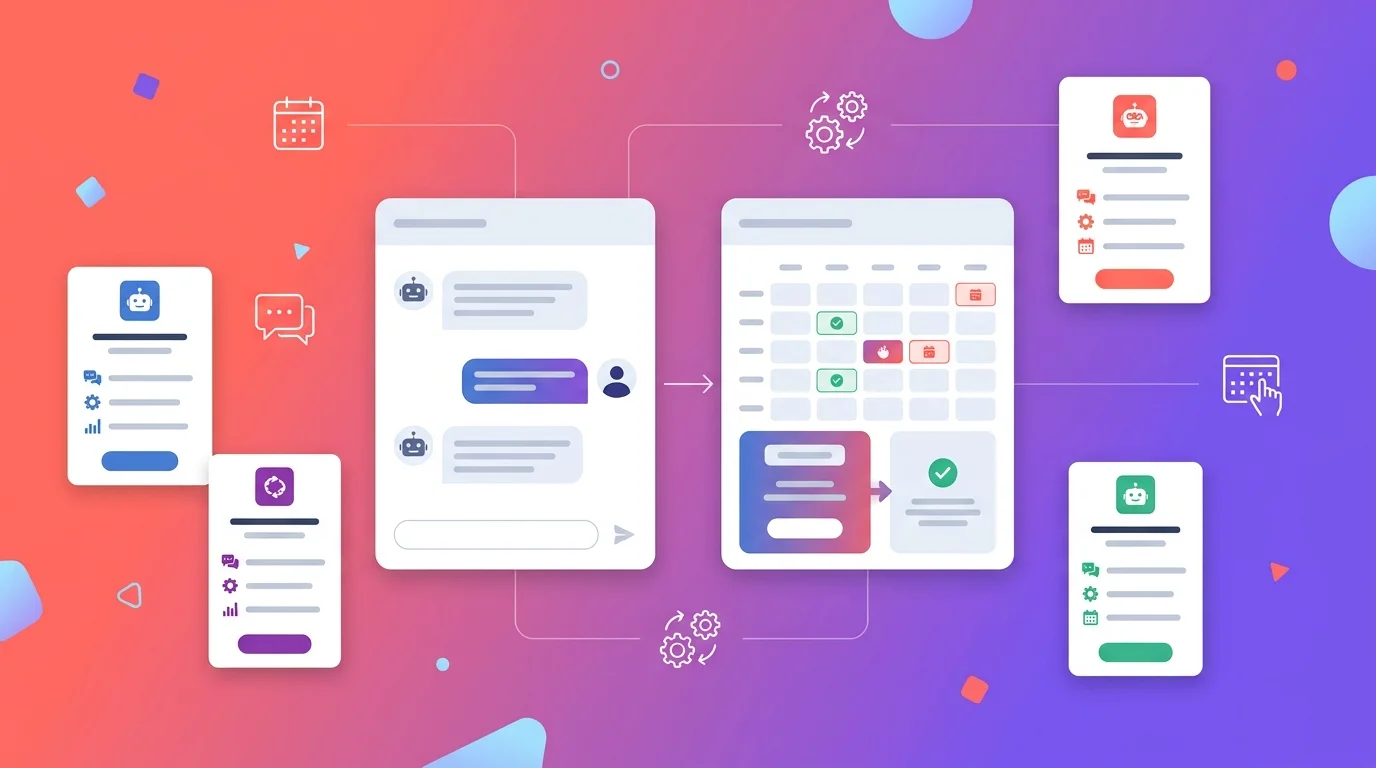
10 Best AI Chatbots That Integrate With Calendly (2026): Which Actually Book
Most “Calendly chatbots” do not book anything. They paste your Calendly link into the chat and call it an integration. That is the single most important thing to understand before you buy one, because the difference between a bot that drops a link and a bot that actually creates the booking decides whether your visitor books or closes the tab.
The best AI chatbots that integrate with Calendly in 2026 are Markleyo AI, Tars, Landbot, Tidio, Intercom, Chatbase, Lindy, ManyChat, Wonderchat and a custom build. Below, each one is sorted by how deeply it actually connects — with real 2026 pricing.
Table of Contents
First: the three levels of “Calendly integration”
Almost every tool claims Calendly integration. Very few mean the same thing by it. One 2026 comparison put the problem bluntly: some products market a “booking chatbot” that ends by displaying a standard calendar widget.
Here is the distinction that matters:
| Level | What actually happens | How common | Does it feel like booking? |
|---|---|---|---|
| 1. Link drop | The bot pastes your Calendly URL into the chat | Almost everything | ❌ No — it is a link in a box |
| 2. Embedded widget | The bot opens the Calendly iframe inside the chat window | Common | ⚠️ Partly — still a form |
| 3. True API booking | The bot reads live availability, collects details and writes the booking | Rare | ✅ Yes — the conversation completes it |
Why this matters more than any feature list. At level 1 your visitor has to click out, wait for a page to load, read a calendar, pick a slot and fill a form. Every one of those steps loses people. At level 3, they say “Tuesday afternoon works” and it is done.
A good benchmark from the same analysis: a real booking chatbot should understand the requested service, check valid availability, collect the required details, create or update the booking, and explain what happens next. If it cannot complete one of those, the customer deserves an honest fallback rather than a confident but false confirmation.
The question to ask every vendor: “Does your bot write the booking through the Calendly API, or does it show a link or an embedded widget?” Most support teams will answer honestly. Marketing pages usually will not.
Quick answer: which Calendly AI chatbot should you pick?
| You are… | Best pick | Integration level | From |
|---|---|---|---|
| A business also getting DMs and phone calls | Markleyo AI | Level 2–3, verify with vendor | $14.50/mo flat |
| Wanting in-chat booking on a demo page | Tars | Level 2–3 | Contact sales |
| Designing a qualifying flow before booking | Landbot | Level 2 | Free, then ~$45/mo |
| Wanting a free plan to test | Tidio | Level 1–2 | Free, then $24.17/mo annual |
| A larger team wanting the strongest AI | Intercom (Fin) | Level 2 | $29/seat + $0.99/outcome |
| Wanting cheap AI trained on your site | Chatbase | Level 1–2 via Zapier | Free, then $32/mo annual |
| Automating work around the booking too | Lindy | Level 2–3 | Paid tiers |
| Booking from Instagram or Facebook DMs | ManyChat | Level 1–2 | Free, then $14/mo annual |
| Wanting the quickest no-code launch | Wonderchat | Level 1–2 | Paid tiers |
| Needing true level-3 booking, guaranteed | Custom build on the Calendly API | Level 3 | Hosting + your time |
How do AI chatbots enhance Calendly’s booking process?
Calendly on its own is excellent at one thing: turning a chosen time into a confirmed meeting. What it cannot do is have a conversation first.
An AI chatbot adds five things Calendly does not:
1. It answers questions before the booking. “How much does this cost?” “Do you work with businesses my size?” “How long is the session?” A calendar link cannot answer any of these. A visitor with an unanswered question usually leaves rather than booking.
2. It qualifies, so you stop taking bad meetings. This is the real value, and the best framing I found in this space puts it well: treat the chatbot as a qualifier, not a calendar widget. Two or three questions about budget, timeline and fit means the meetings that land in your calendar are worth having.
3. It catches people who would never click a link. Some visitors will type a question into a chat box but will not click through to a scheduling page. Those are leads a bare Calendly link simply loses.
4. It routes to the right person. A bot with rules sends enterprise enquiries to one calendar and small-business enquiries to another, without you maintaining separate links.
5. It works at 2am. Most website visits happen outside working hours. A chatbot replies instantly; an email sits.
One honest limit worth knowing. Research from Drift found live chat leads receiving an immediate human response converted at roughly four times the rate of chatbot-only interactions. So the strongest setup is bot-qualifies-then-books, with a person available for the conversations that genuinely need one — not a bot replacing your team.
The 10 best AI chatbots that integrate with Calendly
Each entry states its integration level plainly, along with real pricing.
1. Markleyo AI — best all-in-one for booking across every channel
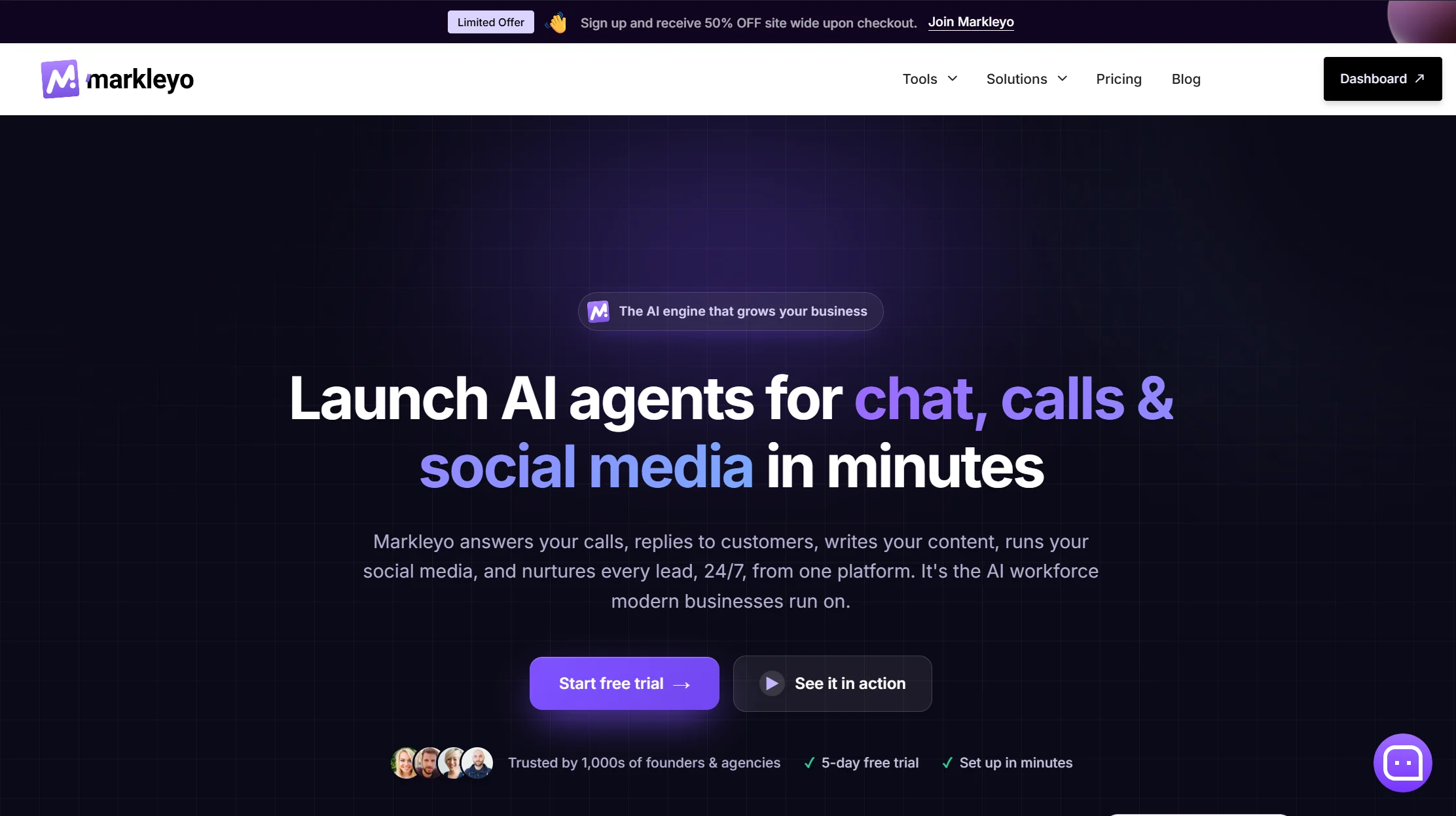
Price: From $14.50/month flat · 5-day free trial Integration level: 2–3 — confirm with the vendor before buying Best for: Businesses whose enquiries arrive by chat, WhatsApp, Instagram and phone
Most tools on this list book from your website and stop there. Markleyo’s difference is where the booking conversation can start.
Its CX chatbot agent runs on your website, WhatsApp Business, Telegram, Instagram and Messenger from one inbox, trained on your own site and FAQs, and connects to both Calendly and Cal.com so a qualified visitor becomes a meeting. Its AI calling agent answers and places real phone calls and books appointments by voice — which almost nothing else in this category does. A marketing bot handles reminder and follow-up campaigns on WhatsApp and Telegram, which is where no-show reduction actually happens.
The pricing is flat: $14.50 a month with the AI included, no per-seat multiplier and no per-resolution meter.
Honest trade-offs, and one open question. There are no ticket queues or SLA dashboards, so this is not a support desk. It has fewer public reviews than Tidio or Intercom. And ask specifically whether the Calendly connection writes the booking through the API or hands off to a link or widget — that is the right question for every vendor on this page, including this one, and no marketing page on this SERP answers it clearly.
See the Markleyo AI chatbot that integerate with Calendly page, the AI calling agent, or the pricing page.
2. Tars — best for in-chat booking on a demo page
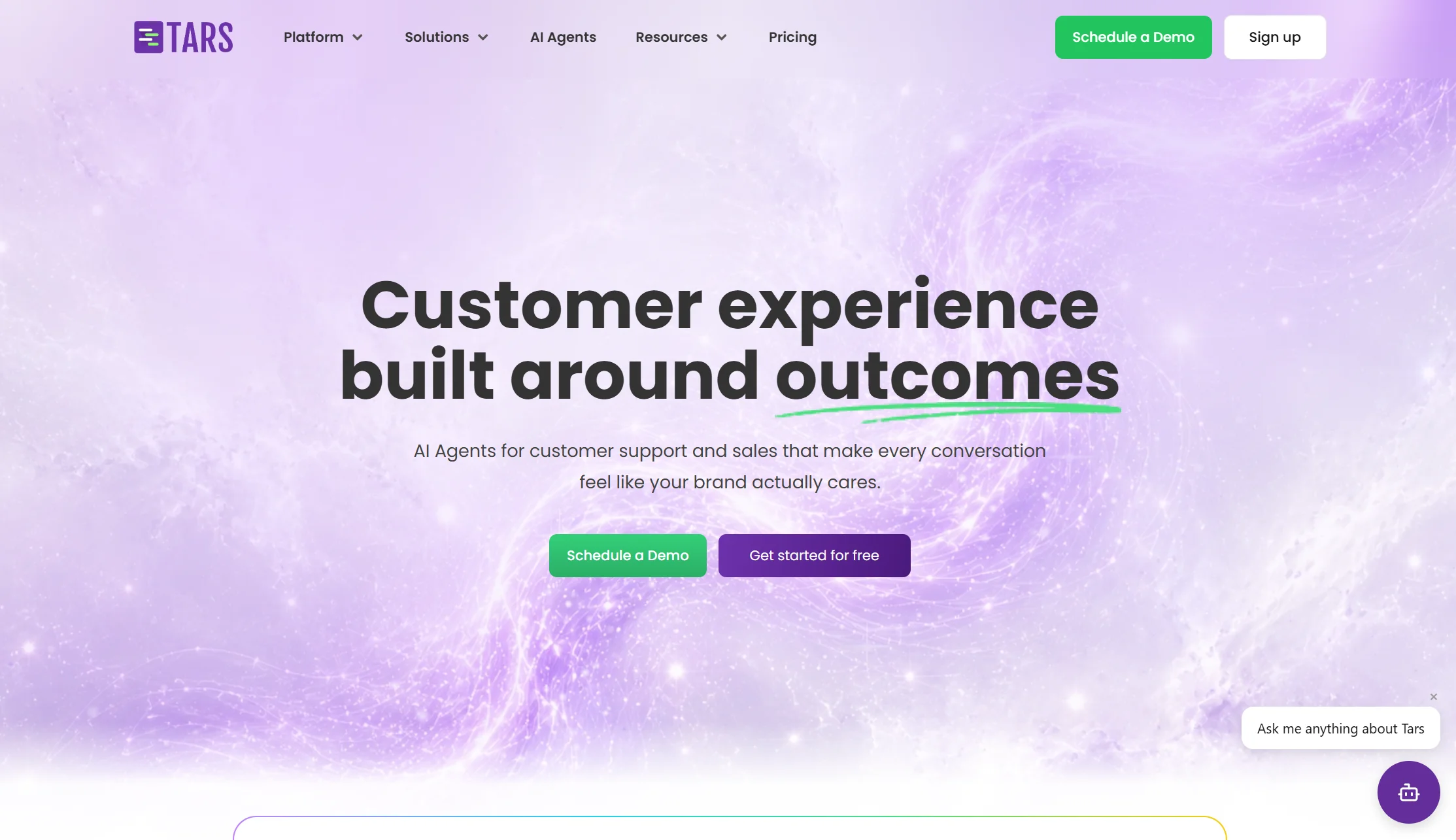
Price: Contact sales Integration level: 2–3 Best for: B2B teams running conversational landing pages
Tars is built around conversational landing pages rather than a corner chat bubble — the conversation is the page. For a demo-request or consultation page, that removes the form entirely, and booking happens inside the flow rather than after it.
It is one of the tools most consistently recommended for direct in-chat booking rather than link-dropping, which puts it at the deep end of this list.
The honest catch: pricing is not published. You cannot compare it fairly against anything here without a sales call, and “contact us” is not a number.
Verdict: the strongest conversational-page experience. Get a written quote before you invest setup time.
3. Landbot — best for designing the qualifying flow
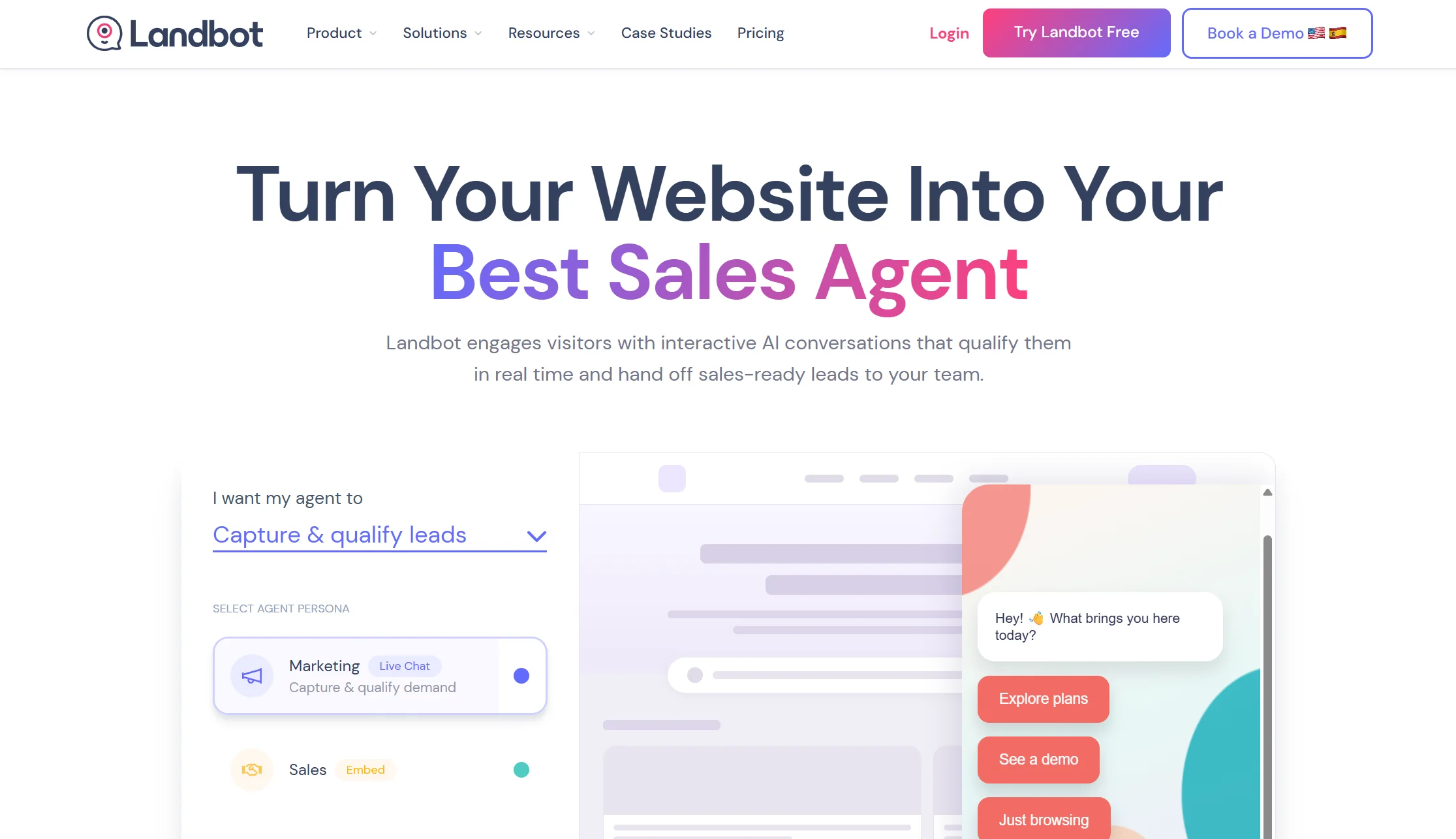
Price: Free plan with 100 chats/month; paid from around $45/month Integration level: 2 Best for: Marketing teams who want tight control over the questions asked
Landbot’s block-based visual builder is the clearest in the market, and it handles appointment booking through integrations with Calendly and Google Calendar. You design exactly which questions come before the booking step — role, company size, budget, timeline — and see precisely what a visitor will experience.
It covers website and WhatsApp, hands off to live chat, and integrates with HubSpot, Salesforce, Mailchimp and Google Sheets.
The trade-off: because flows are structured, the bot feels restrictive when someone asks something unexpected. It is a superb form replacement and a weaker open-ended conversationalist.
Verdict: best if the qualifying questions matter more than the AI conversation.
4. Tidio — best free way to test the idea
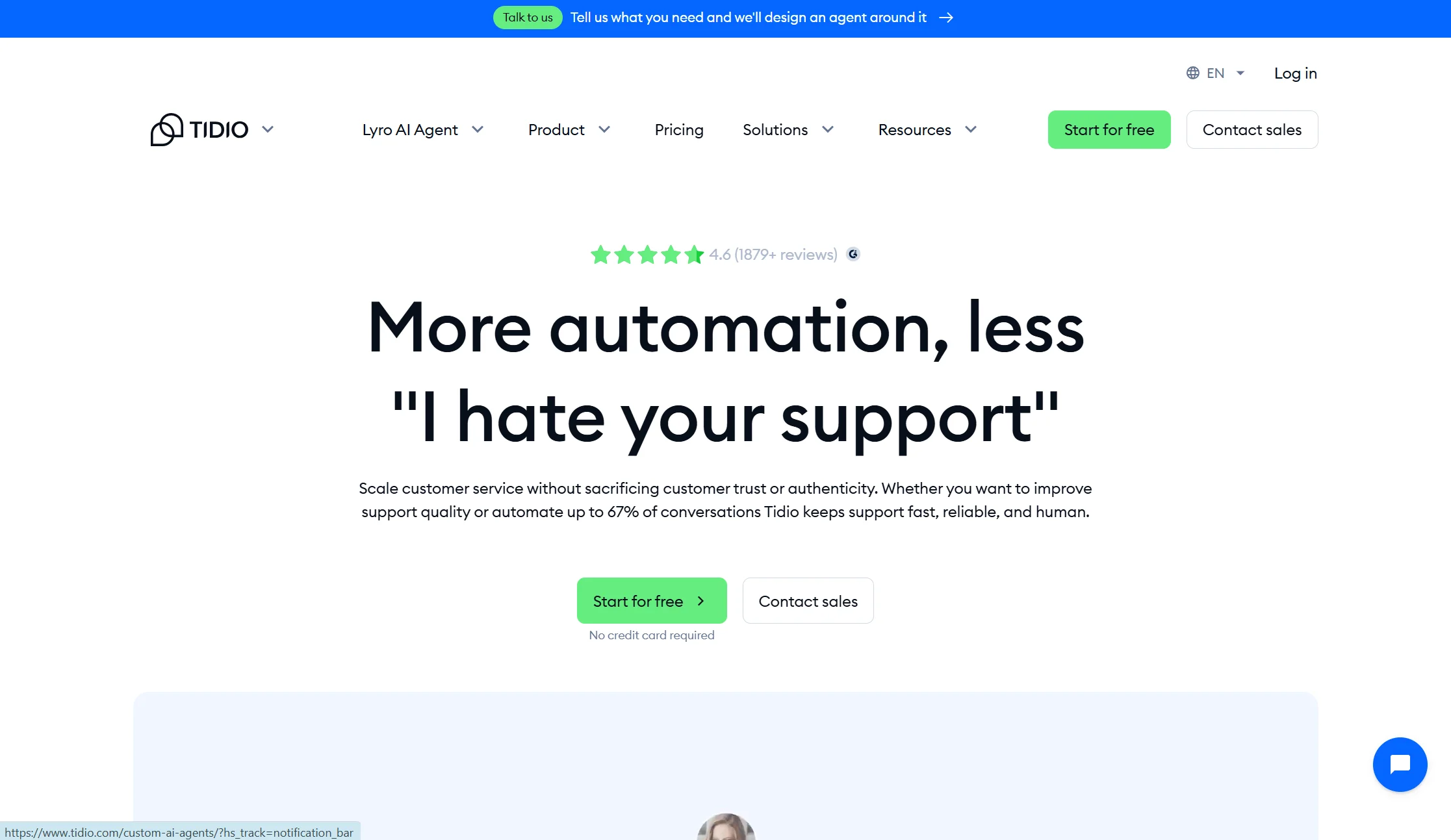
Price: Free plan with 50 conversations/month; Starter from $24.17/month annual; Lyro AI add-on from $32.50/month annual Integration level: 1–2 Best for: Small businesses validating whether a booking bot helps at all
Tidio is the lowest-risk starting point. Live chat, an AI agent called Lyro, visual flow templates, and a genuinely usable free tier. For booking, you build a flow that qualifies and then presents your scheduling step.
Two pricing facts other comparisons get wrong. Lyro is a separate add-on, so Tidio with real AI runs roughly $57 to $82 a month, not $24. And on Free and Starter, the 50 Lyro conversations are a lifetime allowance rather than monthly — once used, Lyro stops replying.
Verdict: the safest place to start. Expect level 1–2 booking, and price the Lyro add-on before committing.
5. Intercom (Fin) — best AI quality for larger teams

Price: Essential $29, Advanced $85, Expert $132 per seat per month annual, plus $0.99 per Fin outcome with a 50-outcome monthly minimum Integration level: 2 Best for: Funded companies wanting the most capable conversational AI
Fin is widely considered the strongest AI support agent available, and Intercom’s native Calendly integration is more reliable than routing through an automation bridge. For a team already running Intercom, adding booking is straightforward.
Three things to price honestly. An outcome is billed when the customer confirms resolution, when they stop asking for help, or when Fin hands off to a human. The company renamed itself Fin in May 2026 and signed an agreement in June 2026 to be acquired by Salesforce for around $3.6 billion — signed, not closed. And most comparisons quote only the seat price.
Verdict: the best AI here and the most expensive way to book a meeting. Overkill for a solo consultant.
6. Chatbase — cheapest AI trained on your own content
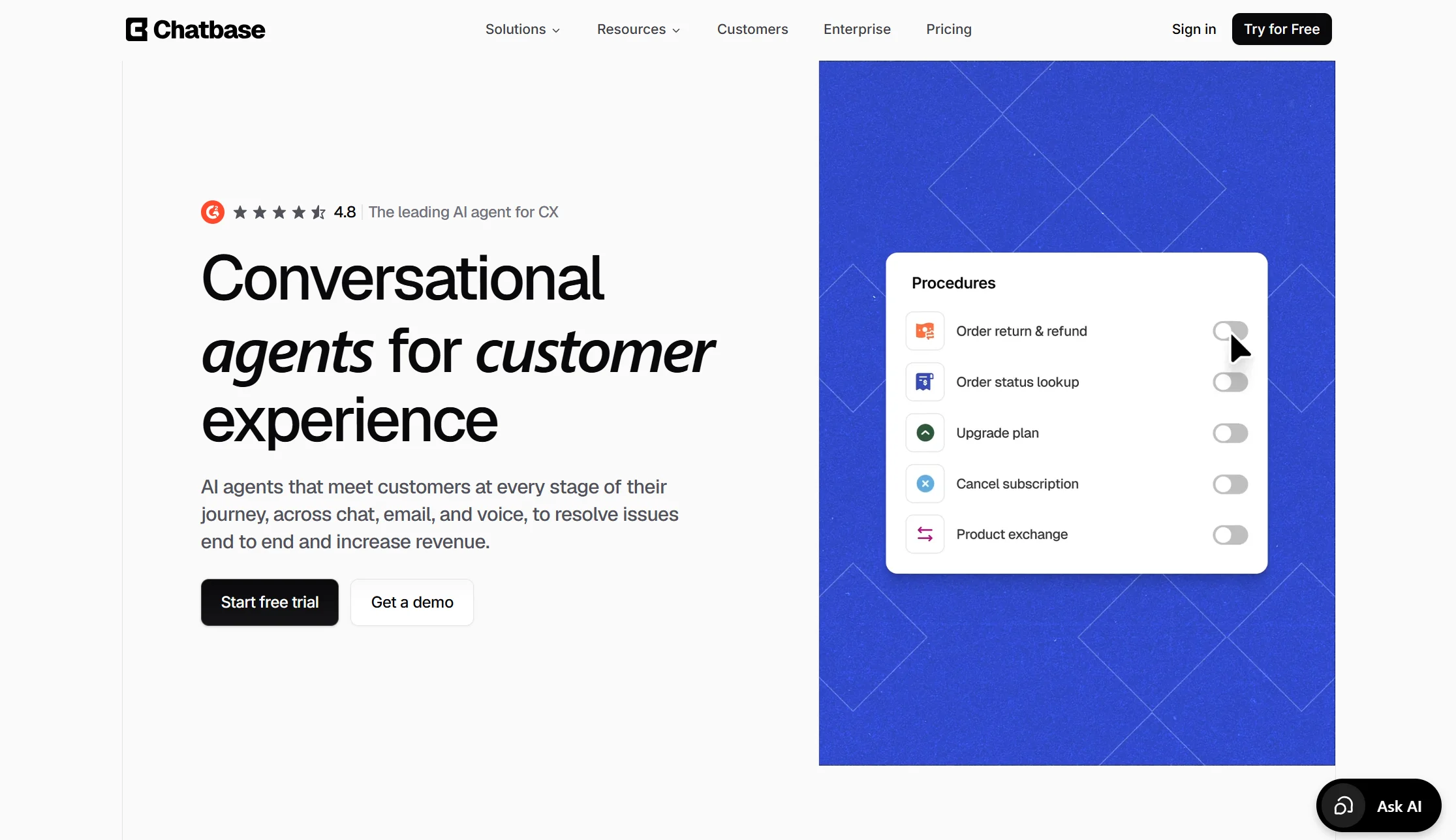
Price: Free plan with 50 credits/month; Hobby $32/month annual ($40 monthly) with 500 credits Integration level: 1–2, usually via Zapier Best for: Solo founders who want good pre-booking answers cheaply
Chatbase turns your website and documents into an AI bot in an afternoon. Because it understands open questions rather than following buttons, it handles the pre-booking conversation better than most flow builders — the “how much” and “do you work with people like me” questions that decide whether someone books.
Booking itself is the weaker half. Scheduling tools like Calendly typically connect through Zapier rather than natively, which adds a step and usually means a link or widget rather than a written booking.
Also note: each reply costs 1 to 6 credits depending on the model, every plan includes one agent with extras at $300 a year, and removing the branding costs $1,188 a year.
Verdict: excellent at answering, average at booking. Pair it with a proper scheduling step.
7. Lindy — best for automating the work around the booking
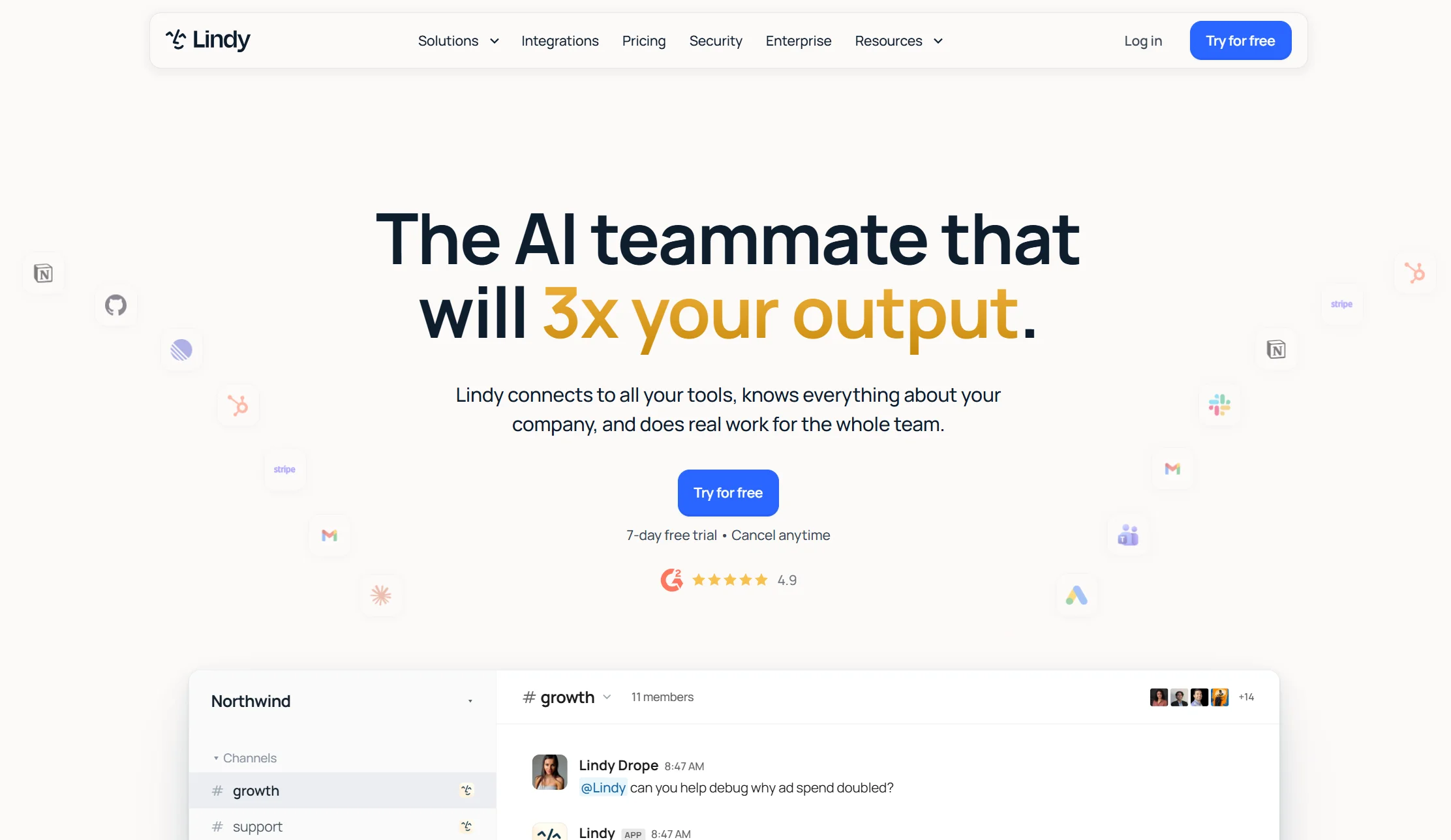
Price: Paid tiers; check current rates Integration level: 2–3 Best for: Sales teams who want the booking and the follow-up handled
Lindy sits closer to an AI agent than a chat widget. Its strength is multi-channel workflows — the booking happens, then the CRM updates, the prep brief gets written and the follow-up goes out.
That matters because the booking is rarely the end of the job. If your afternoons disappear into what each meeting creates, this is the category that helps.
The trade-off: more setup than a widget, and it is built for workflow depth rather than a polished on-site chat experience.
Verdict: the right pick if the work after the booking is your real bottleneck.
8. ManyChat — best for booking from Instagram and Facebook DMs
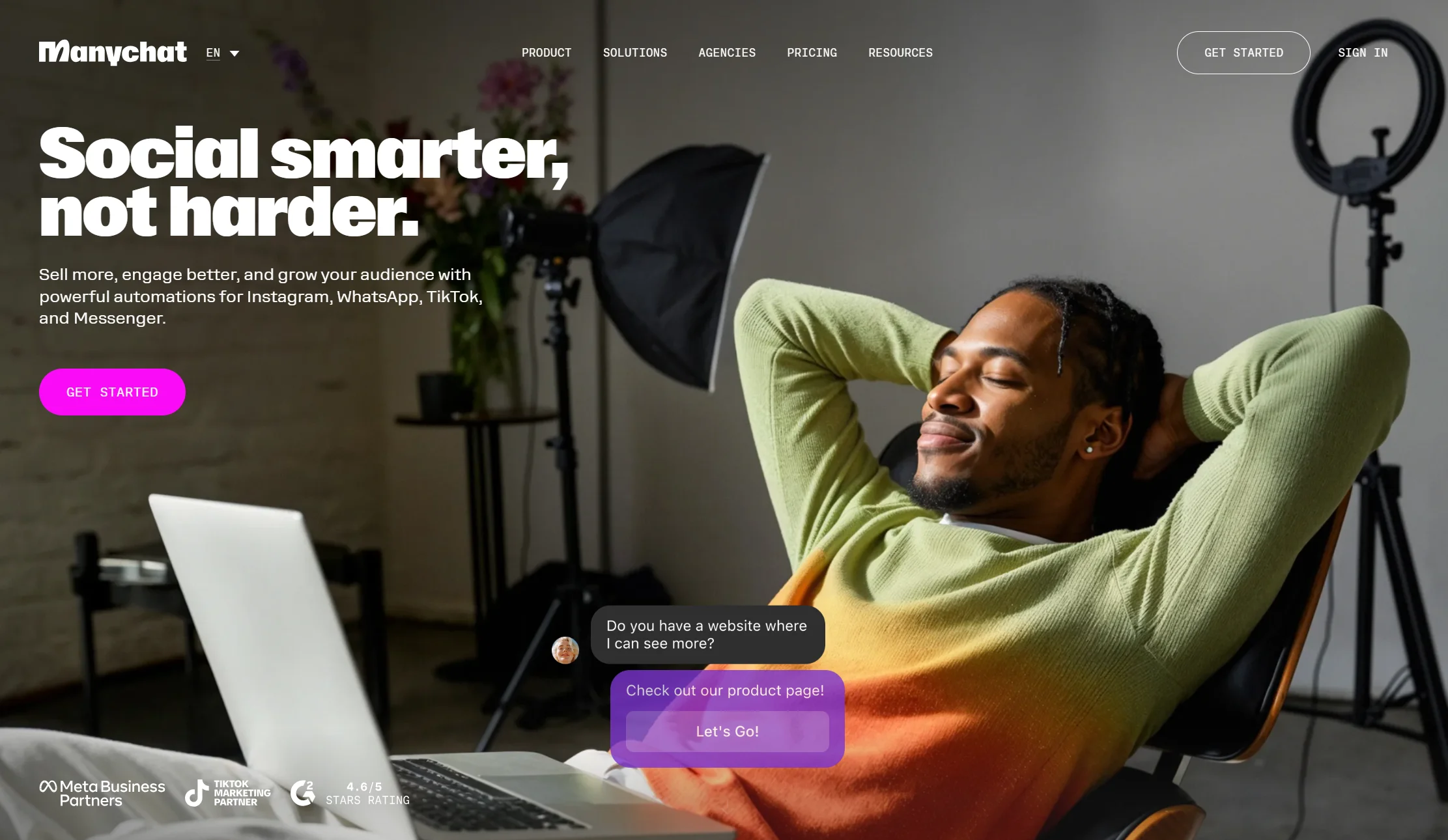
Price: Free plan with 25 active contacts; Essential $14/month annual ($17 monthly) for 250 contacts; Pro $29/month annual. AI features cost about $29/month extra. Integration level: 1–2 Best for: Creators and local businesses whose enquiries arrive as DMs
If your booking conversations start on Instagram rather than your website, ManyChat is the specialist. Comment-to-DM automation plus a booking step is a genuinely effective funnel for salons, studios, coaches and clinics.
Be clear on the booking depth though. Independent testing notes that ManyChat documents date-and-time data collection and external requests, but the selected scheduling system must still confirm live availability. So it is collecting a preference, not writing a confirmed booking.
Two costs to price in: you are billed by active contacts with overage fees, and the AI is a separate $29 add-on.
Verdict: the best DM-first booking funnel. Not true API booking.
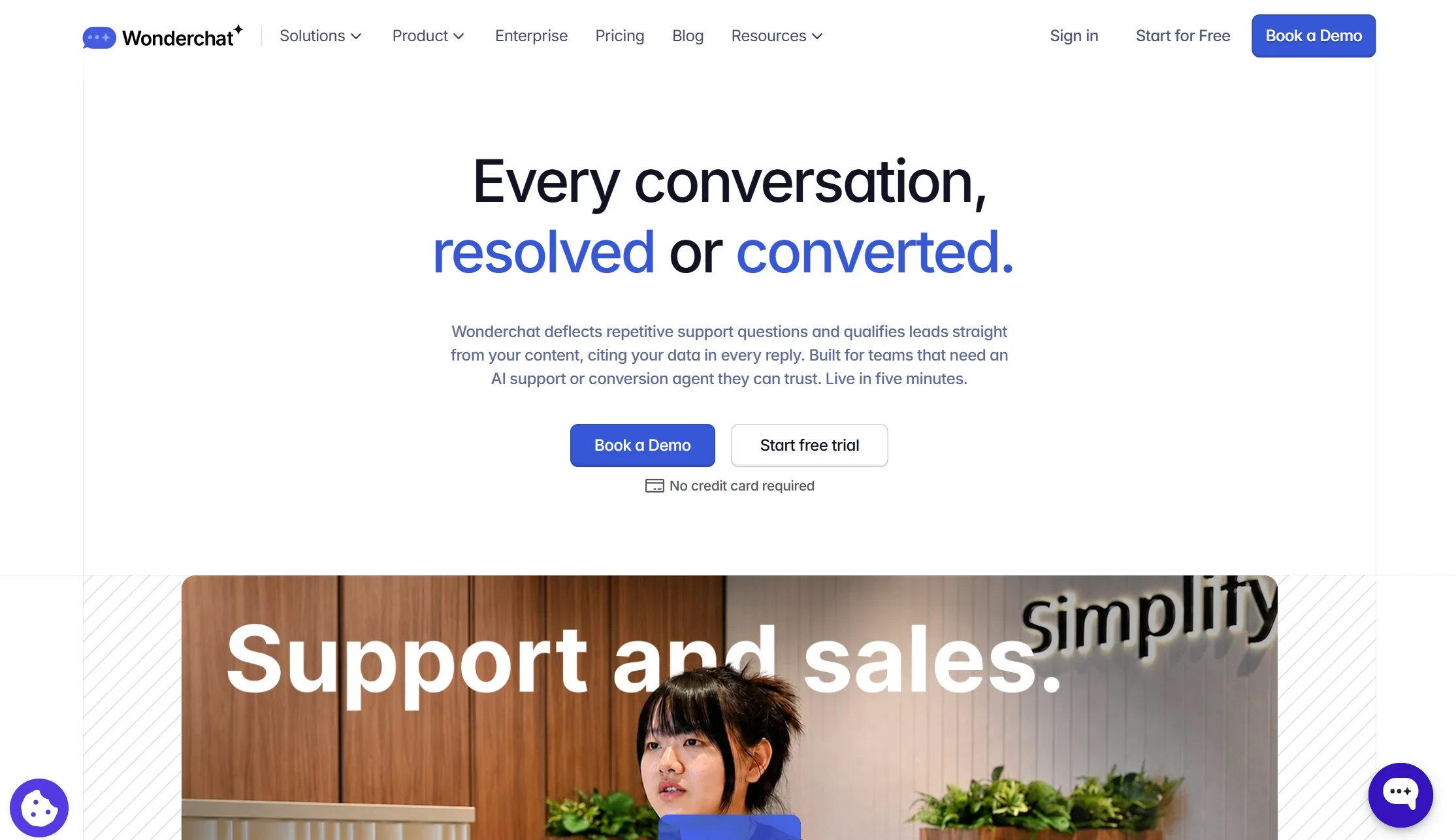
9. Wonderchat — best for the quickest no-code launch
Price: Paid tiers; check current rates Integration level: 1–2 Best for: Businesses that want something live today
Wonderchat is consistently named alongside Tidio as a fast no-code option — point it at your site, train it, embed it. For a business that wants pre-booking questions answered this week rather than next quarter, that speed has real value.
Booking depth is the usual limitation: expect a link or widget handoff rather than an API-written appointment.
Verdict: good for speed. Verify the booking mechanics before assuming level 3.
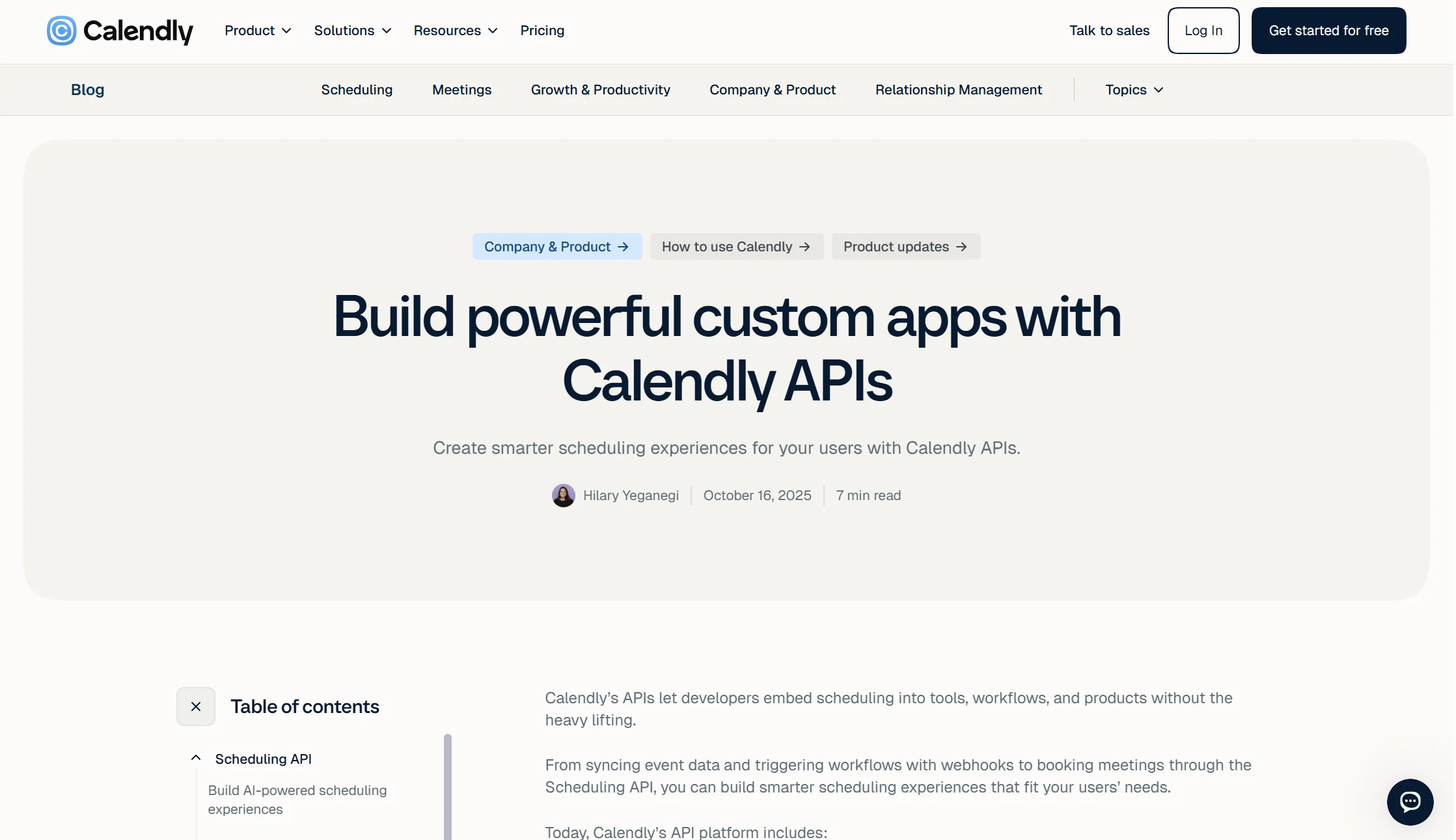
10. A custom build on the Calendly API — the only guaranteed level 3
Price: Free API access with a paid Calendly plan for webhooks, plus hosting and your time Integration level: 3 Best for: Teams with a developer who need genuine conversational booking
This deserves a place because it is the only option here where you can guarantee level-3 booking.
Calendly’s API authenticates with a personal access token, and on paid plans webhooks push booking and cancellation events to your own endpoint. Pair that with an AI model and a chat widget — or use an open-source workflow tool like n8n, which is free self-hosted — and your bot can read live availability, collect details and write the appointment properly.
What it really costs: a small server, your AI model usage, and a developer who will still be around in a year to maintain it.
Verdict: the only certain route to a bot that genuinely books. Completely wrong for a consultant who wants a chat bubble by Friday.
Which AI chatbot services integrate smoothly with Calendly for scheduling?
| Tool | From | Integration level | Native or via Zapier | Channels beyond your site |
|---|---|---|---|---|
| Markleyo AI | $14.50/mo flat | 2–3, verify | Native Calendly + Cal.com | WhatsApp, Telegram, Instagram, Messenger, phone |
| Tars | Contact sales | 2–3 | Native | Web, WhatsApp |
| Landbot | ~$45/mo | 2 | Native | Web, WhatsApp |
| Tidio | $24.17/mo annual + Lyro | 1–2 | Native and Zapier | Facebook, Instagram |
| Intercom (Fin) | $29/seat + $0.99/outcome | 2 | Native | Instagram, WhatsApp, SMS |
| Chatbase | $32/mo annual | 1–2 | Usually Zapier | Web, Instagram, Slack |
| Lindy | Paid tiers | 2–3 | Native | Email, multi-channel |
| ManyChat | $14/mo annual | 1–2 | External request | Instagram, Messenger, WhatsApp |
| Wonderchat | Paid tiers | 1–2 | Zapier | Web |
| Custom / n8n | Hosting + time | 3 | Direct API | Anything you build |
“Smoothly” means two different things here. Native integrations are more reliable than routing through an automation bridge, because there is one less thing to break. But native does not automatically mean level 3 — plenty of native Calendly integrations still just show a widget.
Where to find AI chatbots designed for Calendly integration
Four places, in order of how much they tell you:
1. Calendly’s own integrations directory. Start here. If a tool has an official Calendly listing, the connection is maintained by someone rather than cobbled together. It also tells you whether the integration needs a paid Calendly plan — webhooks and API access do.
2. The vendor’s integrations page, not its homepage. Homepages say “integrates with Calendly.” Integrations pages usually say how. Look for the words “API,” “live availability” or “writes the booking” versus “embed,” “link” or “widget.”
3. Zapier’s Calendly app directory. If a chatbot only appears here and not in Calendly’s own directory, that tells you the connection runs through Zapier — which works, but adds a delay and another subscription.
4. Their support documentation. This is the most honest source by a distance. Search the vendor’s help centre for “Calendly” and read the actual setup steps. If step three is “paste your Calendly link,” you have your answer.
One practical check before you buy: ask the vendor’s support chat directly — “does your bot create the Calendly booking through the API, or display a link?” Support teams answer this honestly far more often than marketing pages do.
What Calendly itself already does (and where it stops)
Worth knowing before you buy a chatbot, because you may already have some of this.
Calendly has built out real automation around the meeting itself:
- Workflows send automated reminder and follow-up emails and texts, on paid plans from around $10/seat/month
- Routing Forms ask screening questions and send each visitor to the right booking page, on Teams plans from around $16/seat/month
- Callie, its AI assistant in beta since August 2026, books one-on-one meetings from an email thread on Standard Plus and Teams Plus, from around $18/seat/month
Where Calendly stops. Routing Forms qualify with a form, not a conversation. Workflows send templates when an event happens. Callie works from email and only from the address you log into Calendly with — shared mailboxes and second addresses are out, and it needs a one-on-one event type set up first, with multi-host and group meetings sent back to a scheduling link.
So the honest question is: do you need a conversation before the booking, or just better routing after it? If it is routing, Calendly’s own Routing Forms may be enough and cheaper. If your visitors have questions first, that is what a chatbot adds.
What a Calendly chatbot setup really costs
| Budget | What you get | Options |
|---|---|---|
| $0 | Pre-booking questions answered, link-drop booking | Tidio free, Chatbase free, Landbot free (100 chats) |
| $14–35/month | Real AI plus a booking step | Markleyo AI $14.50, ManyChat $14 + AI, Chatbase $32 |
| $45–85/month | Designed flows or AI with add-ons | Landbot ~$45, Tidio + Lyro ~$57–82 |
| $100+/month | Enterprise AI, per-outcome billing | Intercom, Tars, Lindy |
| DIY | Guaranteed level-3 booking | Calendly API + n8n: hosting, model costs, your time |
Three costs people miss:
- Calendly’s own plan. API access and webhooks require a paid Calendly plan. If you are on Calendly Free, a level-3 integration is not available to you at any price.
- The AI add-on. Tidio’s Lyro and ManyChat’s AI are both separate subscriptions. The advertised plan is not the AI plan.
- The Zapier tax. If your chatbot connects to Calendly only through Zapier, that is another subscription and another point of failure.
How we picked and compared these 10 chatbots
Five tests, in this order:
- What level does the Calendly integration actually reach? We put this first because it is the question that decides whether your visitor books, and because almost no comparison asks it.
- Native or via an automation bridge? One fewer moving part means one fewer thing to break.
- How good is the pre-booking conversation? Answering “how much” and “is this for me” is what earns the booking.
- Real cost, at the tier where the feature lives, with AI add-ons included.
- Where can the booking conversation start? Website only, or DMs and phone too.
Pricing was verified against vendor pricing pages and dated third-party trackers in July and August 2026. Where a vendor publishes no price — Tars, Lindy, Wonderchat — we say so rather than estimating. Integration levels are stated as ranges where public documentation is ambiguous, which it frequently is; verify with the vendor before buying.
We also stated an open question about our own product rather than claiming certainty, because a comparison that only lists strengths is an advert.
Frequently asked questions about best calendly ai chatbots
What are the best Calendly AI chatbots?
For booking across chat, WhatsApp, Instagram and phone on one flat plan, Markleyo AI at $14.50/month. For in-chat booking on a demo page, Tars. For tight control over qualifying questions, Landbot. For a free start, Tidio. For the strongest AI at scale, Intercom Fin. And if you need guaranteed conversational booking rather than a link handoff, a custom build on the Calendly API is the only certain route.
Do AI chatbots actually book Calendly meetings, or just share the link?
Most share the link or show an embedded widget. True API booking — where the bot reads live availability, collects details and writes the appointment — is rare, and one 2026 analysis warns that some products marketed as booking chatbots simply end by displaying a standard calendar widget. Ask every vendor directly: “does your bot write the booking through the Calendly API, or show a link?” Their support team will usually tell you straight.
How do AI chatbots enhance Calendly’s booking process?
Five ways. They answer pre-booking questions a calendar link cannot, they qualify visitors so you stop taking bad meetings, they catch people who would never click a scheduling link, they route enquiries to the right person automatically, and they work outside office hours when most website visits happen. The qualifying part matters most — treat the bot as a qualifier rather than a calendar widget and your meeting quality improves.
Where can I find AI chatbots designed for Calendly integration?
Four places: Calendly’s own integrations directory (the most reliable signal), the vendor’s integrations page rather than its homepage, Zapier’s Calendly app directory (which tells you the connection runs through Zapier), and — most honestly — the vendor’s support documentation. Search their help centre for “Calendly” and read the setup steps. If step three says “paste your Calendly link,” that answers your question.
Does a Calendly chatbot need a paid Calendly plan?
For deep integration, yes. Calendly’s API uses a personal access token, but webhooks require a paid Calendly plan — and webhooks are how a chatbot learns that a booking happened or was cancelled. Level 1 link-dropping works on any plan. Level 3 booking does not. Budget for your Calendly tier alongside the chatbot.
Can a chatbot reduce no-shows for Calendly bookings?
Yes, and this is where the return is clearest. Calendly’s own Workflows send reminder emails and texts on paid plans. A chatbot with messaging channels can go further — reminders on WhatsApp or Telegram get opened far more reliably than email, and a one-tap reschedule option turns a would-be no-show into a moved appointment rather than a lost one.
Is Calendly’s own AI assistant enough?
Sometimes. Callie, in beta since August 2026, books one-on-one meetings from an email thread. But it works only from the address you log into Calendly with, so shared mailboxes and second addresses are out, it needs a one-on-one event type configured first, and multi-host or group meetings get sent back to a scheduling link. If your enquiries arrive on your website, Instagram or by phone rather than by email, Callie does not reach them.
Should the chatbot qualify before it books?
Almost always, yes. Two to four short questions about budget, timeline and fit means the meetings that reach your calendar are worth having. Booking more meetings is easy; booking the right ones builds pipeline. Keep the scope tight — overloading a bot with questions creates drop-off rather than better data — and review your chat transcripts after the first 50 conversations to see which questions are actually earning their place.
The bottom line: which Calendly chatbot should you choose?
Start with the question nobody in this category asks out loud: does this bot actually book, or does it just hand over a link?
Then pick by your situation:
- Enquiries by chat, DM and phone? → Markleyo AI, $14.50 flat across all of them.
- A demo page where the conversation is the page? → Tars.
- Qualifying questions matter most? → Landbot.
- Want to test free first? → Tidio.
- Large team, best AI, budget available? → Intercom Fin.
- Cheap, good pre-booking answers? → Chatbase.
- The work after the booking is the bottleneck? → Lindy.
- Bookings start in Instagram DMs? → ManyChat.
- Need guaranteed real booking? → Custom build on the Calendly API.
And before you commit, do the one thing that takes five minutes: open the vendor’s support chat and ask whether the bot writes the booking through the API or shows a link. That single answer tells you more than any comparison table, including this one.
Getting booking enquiries on WhatsApp and the phone as well as your website? Start a free Markleyo AI trial — one chatbot across every channel plus an AI agent that answers your phone and books appointments, from $14.50/month.