Best AI Chatbot for Squarespace 2026: Works on Any Plan
Before you compare a single chatbot, check your Squarespace plan. Code Injection — the tool almost every guide tells you to use — is a premium Squarespace feature that requires the Business plan or higher. On Personal and Basic plans you cannot add custom JavaScript at all, which means most “just paste this code” instructions simply will not work for you.
This guide covers what actually works on each plan, then compares 10 chatbots on real 2026 pricing. The best AI chatbot for Squarespace in 2026 is Markleyo AI for flat all-in-one pricing, Tidio for a free start, Chatbase for the cheapest AI, and SiteGPT for automatic content syncing.
Table of Contents
First: check your Squarespace plan
This is the step every other guide skips, and it decides everything that follows.
| Your Squarespace plan | Code Blocks | Code Injection | Can you add a chatbot? |
|---|---|---|---|
| Personal / Basic | ❌ No | ❌ No | ⚠️ Only via a workaround, or upgrade |
| Business | ✅ Yes | ✅ Yes | ✅ Yes — the minimum plan for real embedding |
| Commerce Basic | ✅ Yes | ✅ Yes | ✅ Yes, and no Squarespace footer badge |
| Commerce Advanced | ✅ Yes | ✅ Yes | ✅ Yes |
| Enterprise | ✅ Yes | ✅ Yes | ✅ Yes, with support for complex code |
Squarespace’s own support team confirms Code Injection is a premium feature requiring a Business plan. One 2026 breakdown puts it plainly: the Business plan is “the minimum plan required for any meaningful HTML embedding.” Another states that on the Basic plan, you cannot add custom JavaScript to your site at all.
So if a guide tells you to go to Settings → Advanced → Code Injection and you cannot find that menu, nothing is broken. Your plan does not include it.
What to do if you are on Personal or Basic
You have three options, in order of how much I would recommend them.
Option 1 — Use a native Squarespace Extension. Some chat tools appear in the Squarespace Extensions marketplace and install without touching code. This is the cleanest route on a lower plan, but the selection is small and most AI-first chatbots are not there. Check the marketplace before assuming.
Option 2 — The Markdown Block workaround. A well-known Squarespace plugin developer documents adding the installation script into a Markdown Block inside a footer section rather than Code Injection. Their own words: it “worked for many years, but Squarespace might change this at any point. Use at your own risk.” That honesty is worth repeating — it is unsupported, it could break with any Squarespace update, and it will not survive a redesign. Fine for testing, risky for a business you depend on.
Option 3 — Upgrade to Business. At roughly $36/month billed monthly (or around $276 annually), the Business plan unlocks Code Injection, Code Blocks and every chatbot in this guide. It is real money, so do the maths: if a chatbot saves you a few hours a month or catches one extra enquiry, it pays for itself. If you get three website visitors a week, it does not.
One useful detail if you are choosing between tiers: Business plans display a small Squarespace badge in your site footer. Commerce Basic and Commerce Advanced remove it while giving you the same code access. If branding matters to you, that may change which tier you pick.
Squarespace also raised prices in July 2026, so verify current rates on their pricing page rather than trusting any article, including this one.
Quick answer: which is the best AI chatbot for Squarespace?
| You are… | Best pick | Real starting cost | Needs Business plan? |
|---|---|---|---|
| A business also getting DMs and phone calls | Markleyo AI | $14.50/mo flat | Yes (embed code) |
| Wanting a free plan to test with | Tidio | Free, then $24.17/mo annual | Yes |
| Wanting the cheapest real AI | Chatbase | Free, then $32/mo annual | Yes |
| Updating your site constantly | SiteGPT | $79/mo for auto-sync | Yes |
| Wanting a widget live in ten minutes | Elfsight | Free, then paid tiers | Yes |
| On zero budget, happy to reply yourself | Tawk.to | Free forever | Yes |
| A small team sharing one inbox | Crisp | Free 2 seats, then $45/mo | Yes |
| Running a Squarespace store | Intercom (Fin) | $29/seat + $0.99/outcome | Yes |
| Already using Zendesk | Zendesk AI | $55/agent + $1.50/resolution | Yes |
| Technical and want full control | n8n + your own bot | Free self-hosted | Yes |
Every tool here needs Business or higher, because they all install by embed code. That is the honest answer, and it is why the plan section comes first.
What features are essential in a Squarespace AI chatbot?
Squarespace sites have a particular shape — heavily designed, often service or creative businesses, mobile-first templates. That makes five features matter more than the rest when picking a chatbot Squarespace owners will actually keep.
1. Training on your own site content. The bot should read your pages, not follow buttons you build by hand. Squarespace sites are usually content-rich, and that content is your knowledge base.
2. Automatic content re-syncing. This is the one most people miss. Most chatbots crawl your site once. You then change your prices or services, and the bot keeps confidently quoting last month’s information until someone manually re-crawls it. Ask every vendor: “when I update my Squarespace site, does the chatbot update automatically, and how often?”
3. Design control. Squarespace users choose Squarespace because it looks good. A chat widget that clashes with your template gets ignored or, worse, looks like spam. You want control over colours, fonts, avatar and position.
4. Mobile behaviour. Squarespace templates are mobile-first and most of your traffic is phones. A widget that covers your “Book now” button costs you money directly.
5. Human handover. No bot resolves everything — real rates across this category land between roughly 50% and 65%, whatever the marketing says. The handover needs to carry the conversation history so nobody repeats themselves.
One feature to weigh carefully: branding removal. Several tools display their own name on the widget unless you pay extra. Chatbase charges $1,188 a year to remove it; SiteGPT charges $39 a month. On a beautifully designed Squarespace site this bothers people more than it does elsewhere — so price it in upfront rather than discovering it later.
The 10 best AI chatbots for Squarespace
Every tool is judged the same way: real cost at the tier where the feature lives, AI quality, whether it keeps up with your site, and what it covers beyond your website.
1. Markleyo AI — best all-in-one for Squarespace service businesses
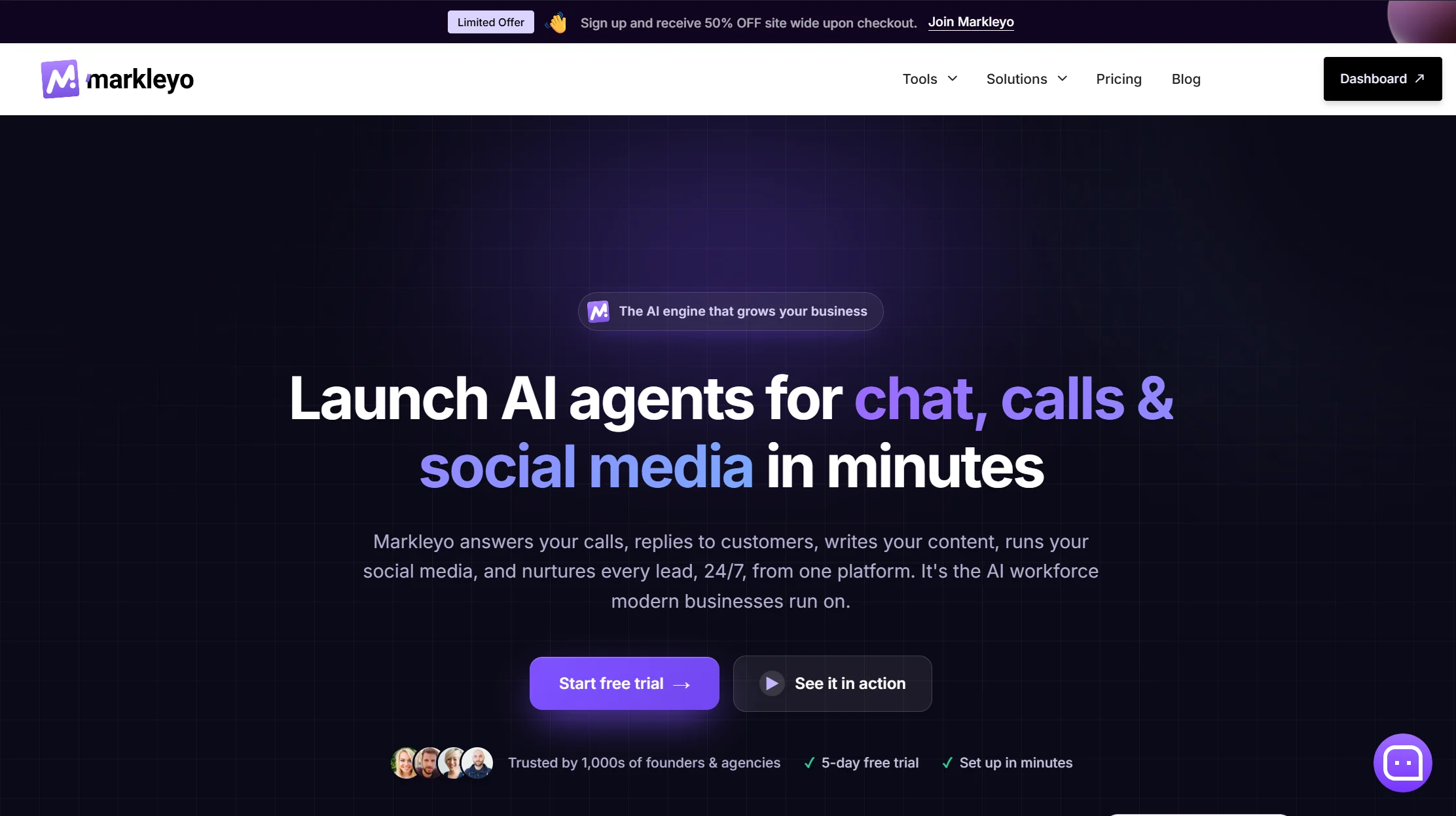
Price: From $14.50/month flat · 5-day free trial
Best for: Squarespace businesses whose customers also message on WhatsApp, Instagram or the phone
Watch out for: Not a help desk, and confirm re-crawl cadence before buying
Squarespace skews heavily toward service and creative businesses — photographers, consultants, studios, clinics, salons. Those businesses rarely get enquiries only through a website form. They get Instagram DMs, WhatsApp messages, and phone calls they miss.
Every other tool in this guide stops at the edge of your Squarespace site. Markleyo does not. Its CX chatbot agent covers your website, WhatsApp Business, Telegram, Instagram and Messenger from one inbox, trained on your own site, docs and FAQs, replying in 70+ languages and booking into Calendly or Cal.com. Its AI calling agent answers and places real phone calls — no other tool here answers a ringing phone. A marketing bot, social suite and AI copywriter share the same knowledge base.
Installation is the standard embed snippet through Code Injection, so it needs a Business plan like everything else here.
The price argument suits this audience. $14.50 a month flat with the AI included, against a category where realistic configurations land between $39 and $118. For a photographer or consultant already paying $36 for Squarespace Business, that difference is meaningful.
Honest trade-offs. There are no ticket queues, SLA timers or agent dashboards, so this is not a support desk. It does not read live store databases. It has fewer public reviews than Tidio or Intercom. And ask about automatic re-crawling before you commit — that is the one capability SiteGPT has genuinely built around, and it is the right question for every vendor on this page including this one.
See the Markleyo AI chatbot for Squarespace page, the AI calling agent, or the pricing page.
2. Tidio — best free plan to test with
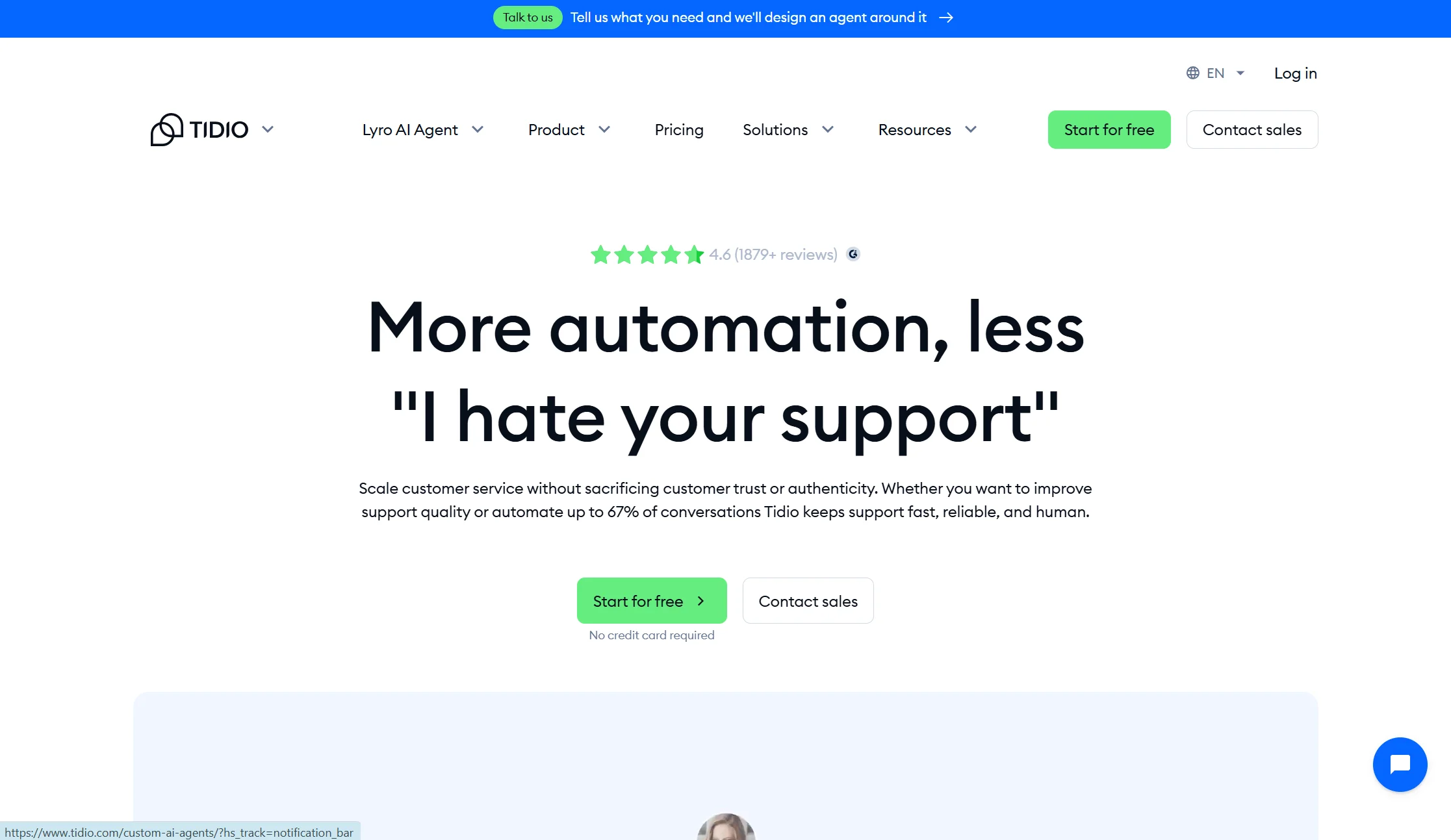
Price: Free plan with 50 conversations/month. Starter from $24.17/month annual ($29 monthly). Growth from $49.17/month annual. Lyro AI add-on from $32.50/month annual.
Best for: Squarespace owners who want to try AI chat at zero risk
Watch out for: Three billing meters, and a lifetime AI cap on lower plans
Tidio is the friendliest starting point. Live chat, an AI agent called Lyro, chatbot flows and light ticketing, with a genuinely usable free tier so you can find out whether a chatbot helps before paying.
Two pricing facts other comparisons get wrong. Lyro is a separate add-on, not included — so Tidio with real AI runs roughly $57 to $82 a month, not $24. And on Free and Starter, the 50 Lyro conversations are a lifetime allowance rather than monthly, so once used, Lyro stops replying until you buy the add-on.
Verdict: the best risk-free way to test. Price the Lyro add-on before committing.
3. Chatbase — cheapest real AI for one Squarespace site
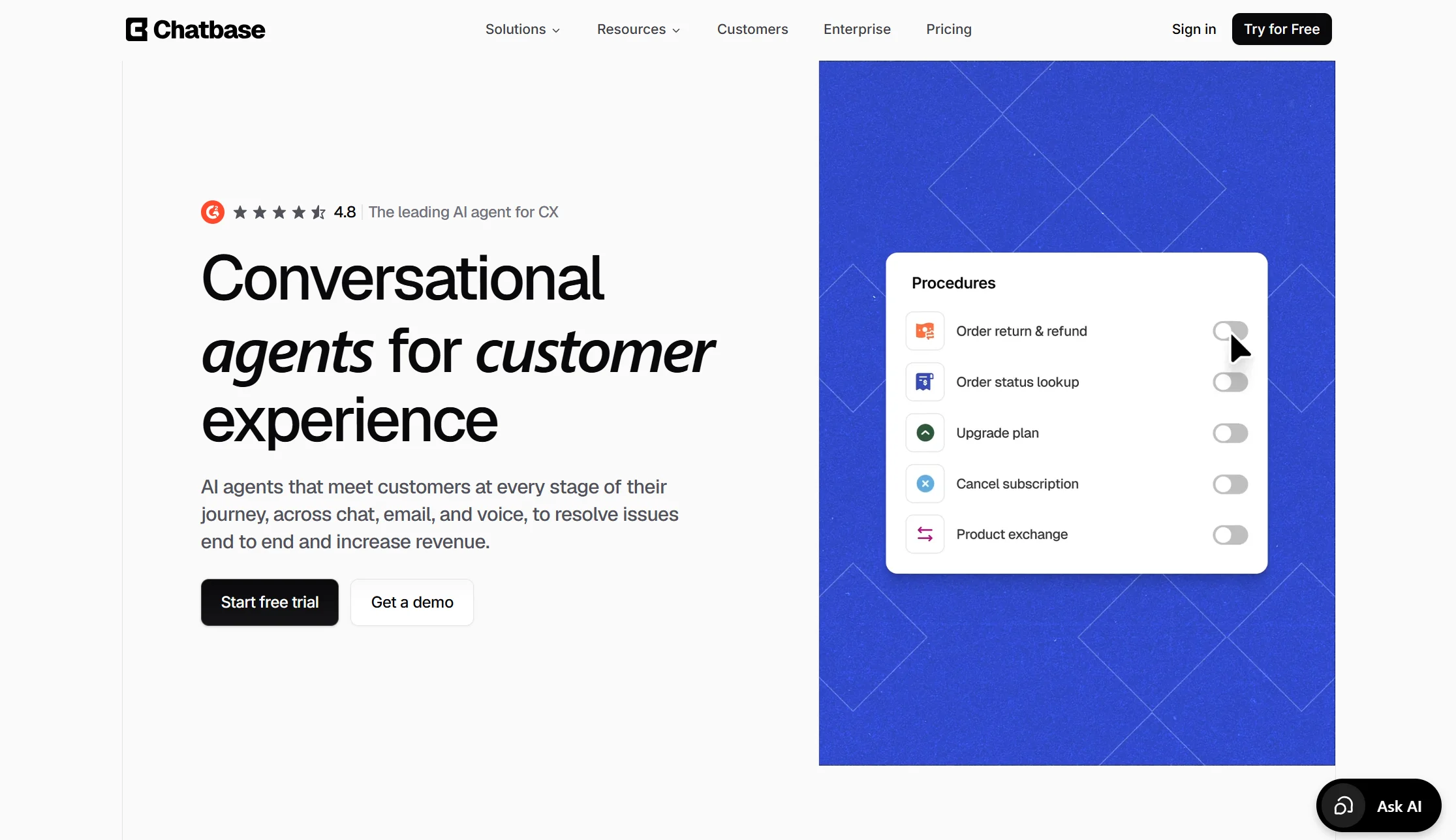
Price: Free plan with 50 credits/month. Hobby $32/month annual ($40 monthly) with 500 credits and 2 seats. Standard $120/month annual.
Best for: Squarespace owners wanting good AI answers on one site, cheaply
Watch out for: Credit maths, one agent per plan, and a steep branding fee
Chatbase turns your Squarespace site and documents into a working AI bot in an afternoon. Because it understands open questions rather than following buttons, it handles real conversations better than a flow builder.
The fine print matters. Each reply costs 1 to 6 credits depending on the model, so a premium model burns six times faster. Every plan includes just one AI agent, with extras at $300 a year. If credits run out the bot goes offline unless auto-recharge is on. And removing the “Powered by Chatbase” branding costs $1,188 a year — which on a carefully designed Squarespace site is a real consideration.
It also does not auto-sync; you re-crawl manually when content changes.
Verdict: excellent value for one bot. That branding fee exceeds a full year of several plans here.
4. SiteGPT — best automatic content syncing
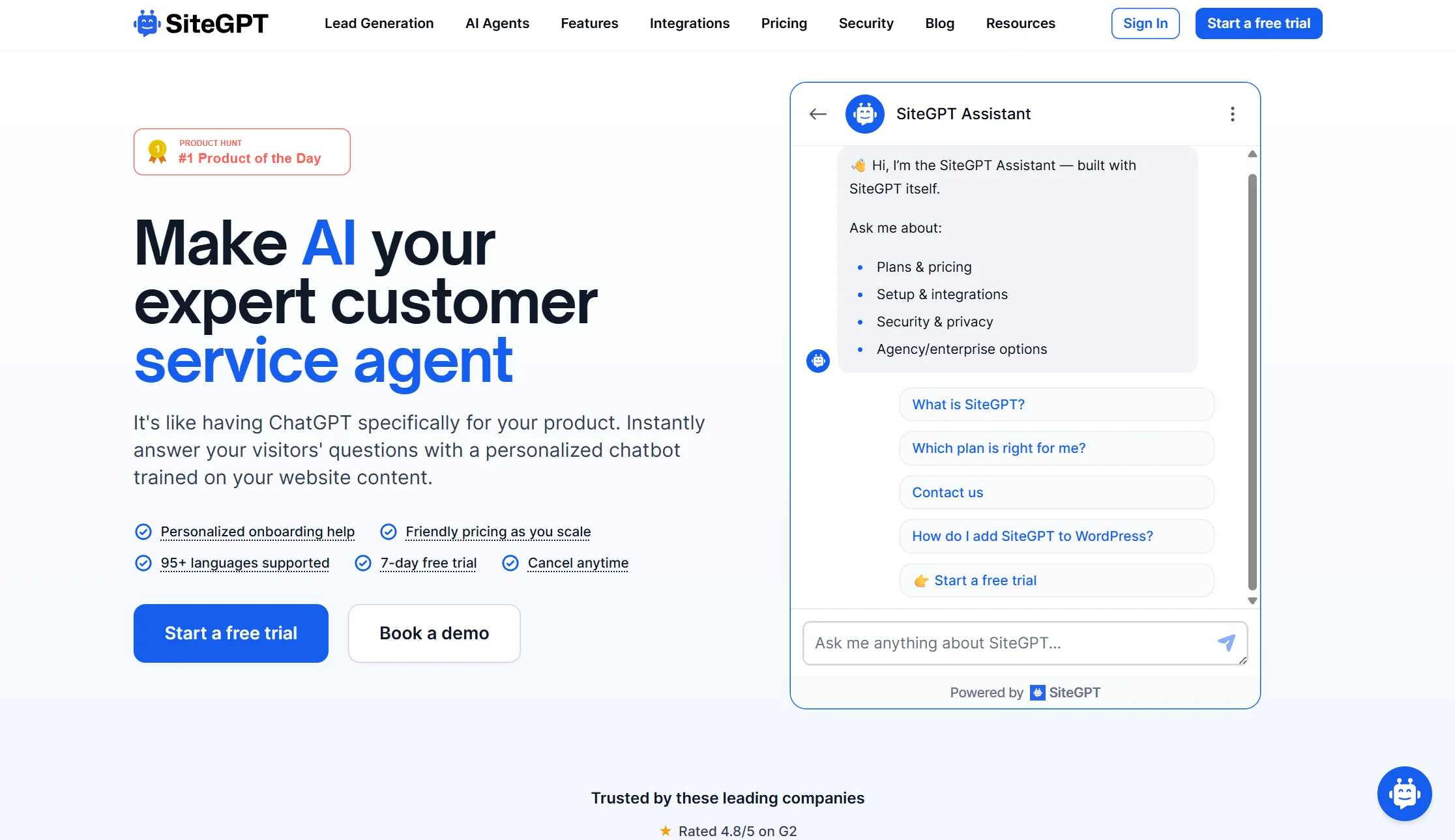
Price: Starter $39/month (4,000 messages, 1 chatbot, 1 team member, manual refresh). Growth $79/month (10,000 messages, 2 chatbots, 4 members, monthly auto-refresh). Scale $259/month (weekly refresh, daily auto-scan). 40% off annual. White-label +$39/month.
Best for: Squarespace sites whose content changes frequently
Watch out for: The auto-sync you want is not on the entry plan
SiteGPT’s genuine strength is the re-sync problem described above: it re-crawls your Squarespace site automatically so the bot stays current. Credit where due — they are right that most tools require manual refreshing. It also pulls from Google Drive, Dropbox, YouTube and help centres, supports 95+ languages, and has native human escalation.
Two things to price honestly. Automatic refresh starts on the $79 Growth plan, not the $39 Starter — Starter is manual only. And removing SiteGPT’s branding is another $39. So a business wanting both pays $118 a month, not the advertised $39.
Verdict: the right pick if your Squarespace content genuinely changes weekly. Budget for Growth plus white-label.
5. Elfsight — fastest no-code widget
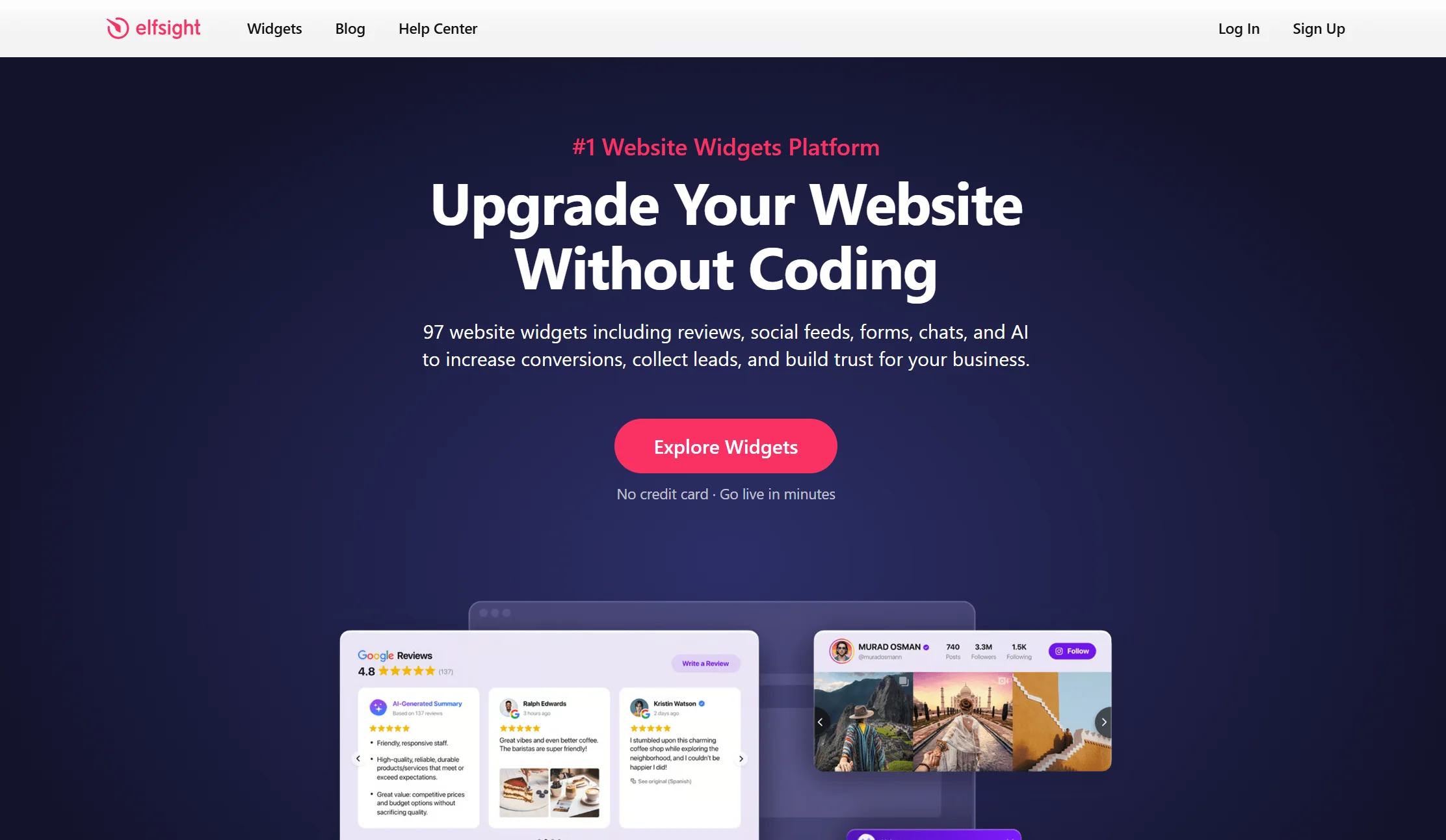
Price: Free plan with 50 AI messages per month; paid tiers above that
Best for: Squarespace owners who want something live today
Watch out for: The free AI allowance runs out fast, and it is a widget not a platform
Elfsight is built for site builders without plugin ecosystems, which describes Squarespace precisely. It trains on your content, handles FAQ automation and lead capture, and carries roughly 4.8 out of 5 across 880-plus reviews — a far larger sample than most specialist tools here.
It is a widget product rather than a full customer service platform, so expect lighter reporting and fewer team features.
Verdict: the quickest route from decision to working chatbot.
6. Tawk.to — best genuinely free option
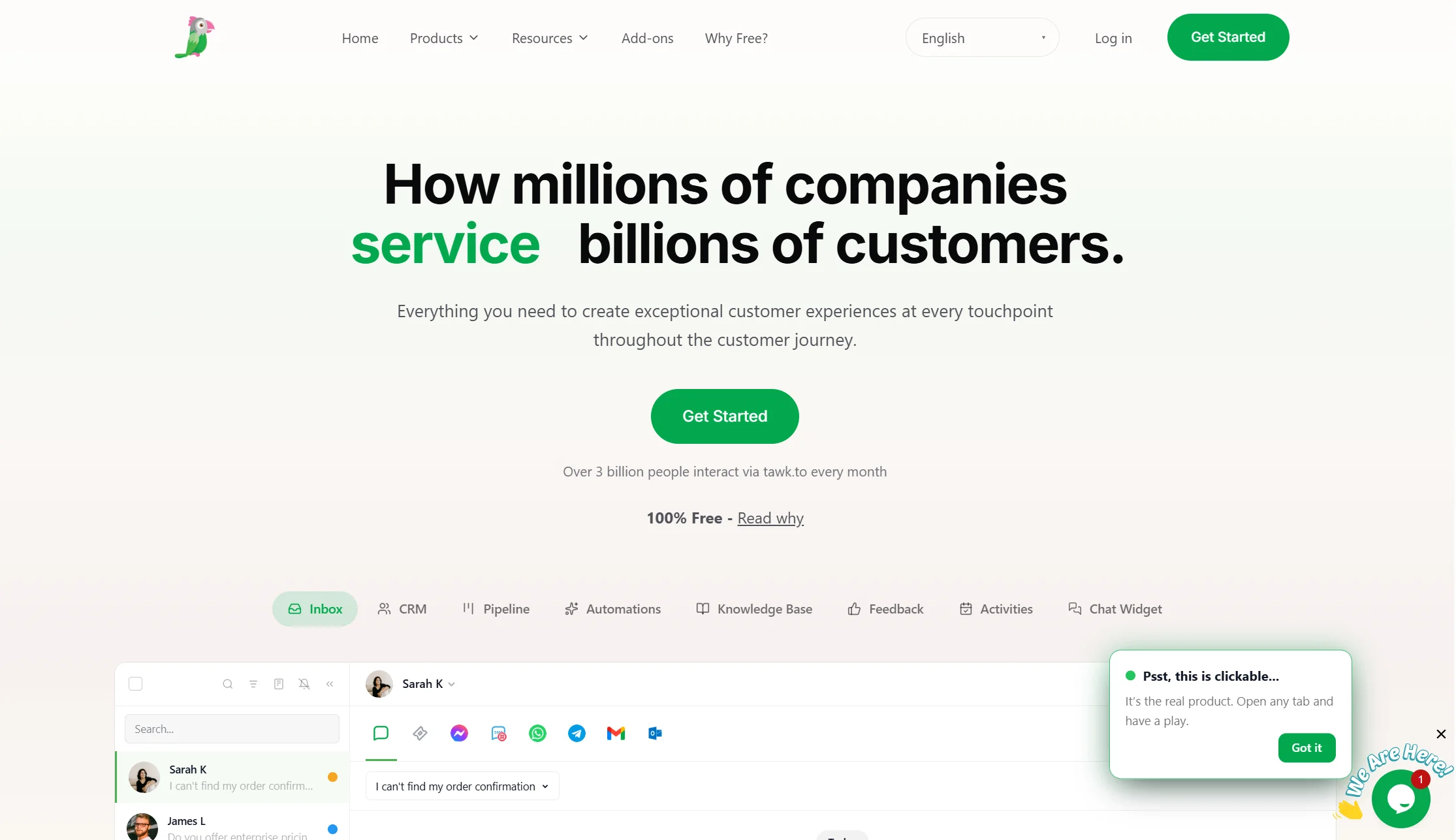
Price: Free, permanently
Best for: Squarespace businesses with no software budget
Watch out for: Basic AI, so it is a human tool
Tawk.to gives unlimited free live chat forever. For a Squarespace portfolio or new service business catching a few enquiries a day and replying personally, it may genuinely be enough.
What you do not get is meaningful AI. It is live chat at a free price.
Verdict: start here if the budget is truly zero — though note you still need a Business plan to install it.
7. Crisp — best flat-priced shared inbox
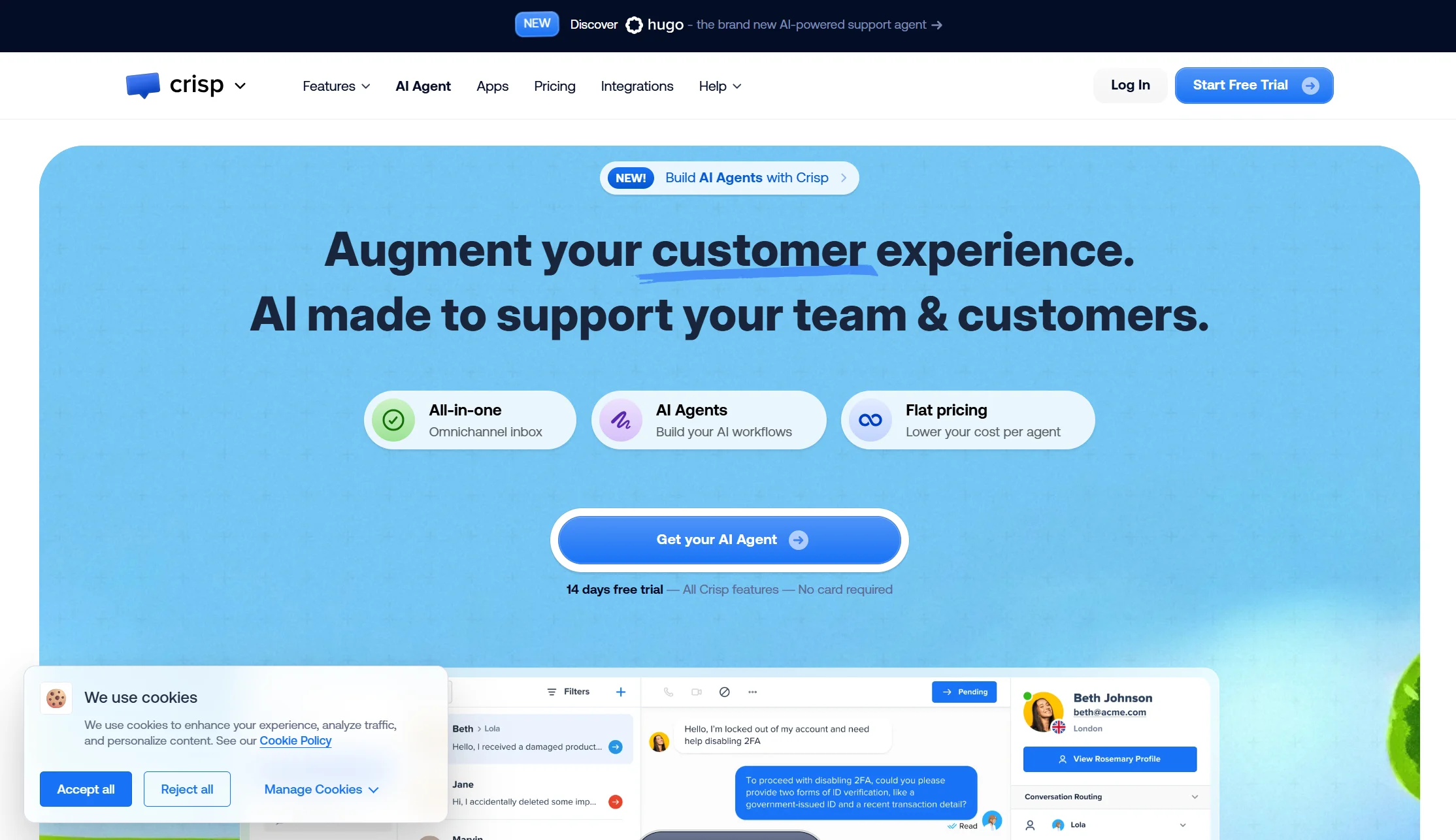
Price: Free plan with 2 seats. Mini $45/month (4 seats). Essentials $95/month (10 seats). $10 per extra agent.
Best for: Squarespace businesses where three or four people answer messages
Watch out for: The AI allowance is thin relative to price
If your problem is coordination rather than automation, Crisp is excellent value. Four seats for $45 flat with no conversation counter beats per-seat pricing for a small team.
Its weakness is automation depth — the included AI allowance is small if a bot closing conversations alone is your goal.
Verdict: the right answer to “we need one shared inbox,” not “we need a robot.”
8. Intercom (Fin) — best AI quality, highest cost

Price: Essential $29, Advanced $85, Expert $132 per seat per month on annual billing ($39/$99/$139 monthly), plus $0.99 per Fin outcome with a 50-outcome monthly minimum
Best for: Larger Squarespace businesses wanting the most capable AI
Watch out for: Two meters, plus corporate upheaval
Fin is widely regarded as the strongest AI support agent available, and Intercom’s widget is the one others copy. If budget is not the constraint it is a serious option.
Three things to know. An outcome is billed when the customer confirms resolution, when the customer stops asking for help, or when Fin hands off to a human. The company renamed itself Fin in May 2026, then signed an agreement in June 2026 to be acquired by Salesforce for around $3.6 billion — signed, not closed. And most comparisons quote only the seat price, which understates the real bill considerably.
Verdict: the best AI here and the most expensive. Overkill for most Squarespace sites.
9. Zendesk AI — best for existing Zendesk users
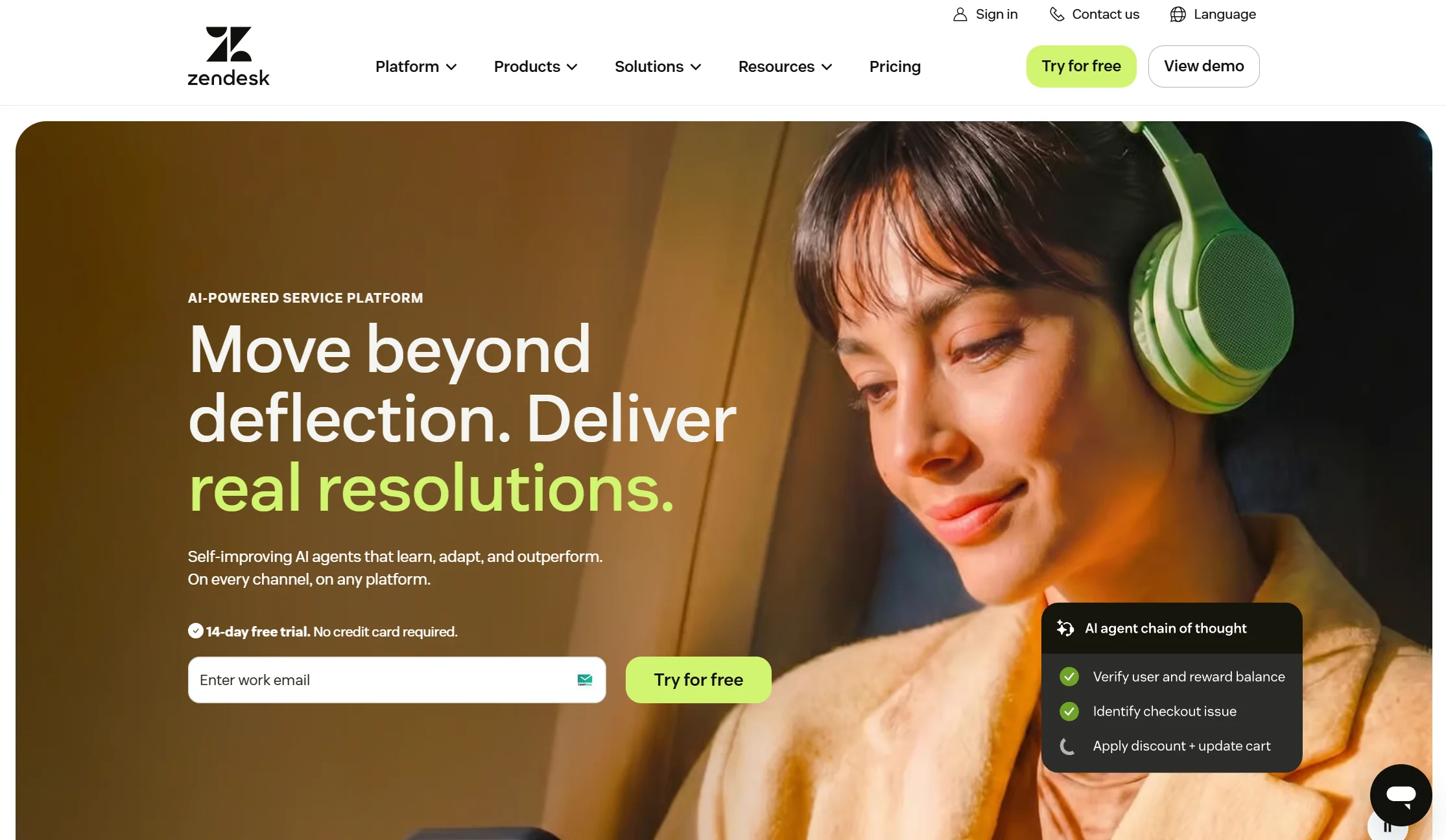
Price: Suite Team $55/agent/month annual, Growth around $89, Professional around $115, plus $1.50–$2.00 per automated AI resolution
Best for: Squarespace businesses already running Zendesk
Watch out for: The AI meter is the harshest here
Zendesk is the most complete support platform on this list — ticketing, chat, help centre, reporting — and its AI trains on your existing Zendesk knowledge base. For a business already inside that ecosystem, it makes sense.
But the AI economics are brutal, and most Squarespace comparisons omit this entirely. Since May 2026 only 5 to 15 automated resolutions per agent per month are included free. Past that you pay $1.50 or $2.00 each, and since January 2026 the overage has been auto-charged and uncapped.
Verdict: only if you already use Zendesk. Otherwise the per-resolution fee makes it the most expensive way to run a Squarespace chatbot.
10. n8n plus your own bot — the DIY route
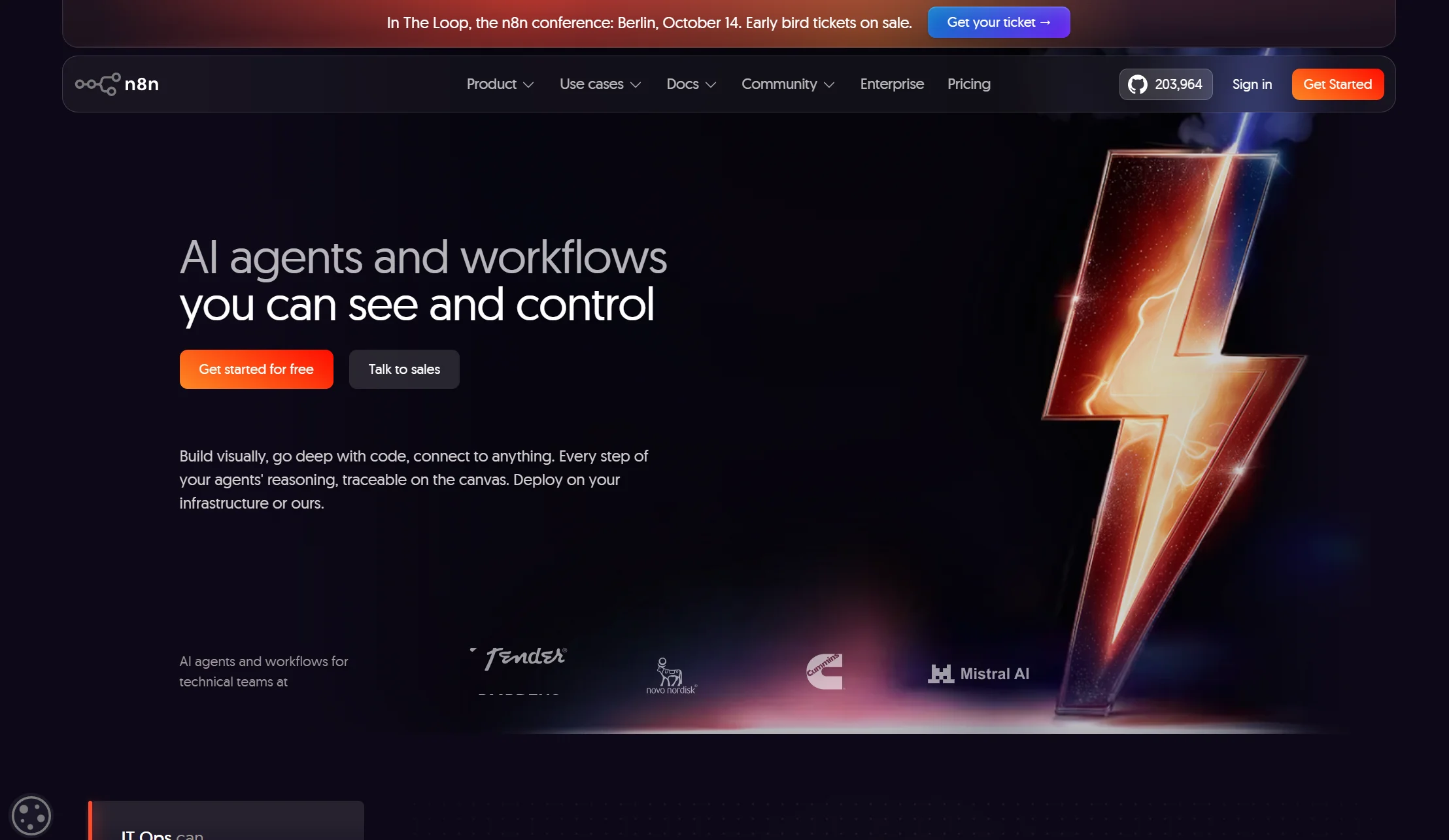
Price: Free self-hosted Community Edition; cloud plans published on n8n.io. Add your AI model costs.
Best for: Technical Squarespace owners who want control and near-zero licence cost
Watch out for: You build and maintain everything
n8n is an open-source workflow automation tool. It is not a chatbot — it is the wiring that lets you build one and connect it to everything else. A chat widget on your Squarespace site sends messages to an n8n webhook, n8n passes them to an AI model with your business content as context, and the reply returns to the widget. From there n8n can log the lead to a Google Sheet, alert you on WhatsApp, or create a booking.
Why people choose it: the licence can be free if you self-host, you are not locked to one vendor, and the extra automation steps beat every packaged tool. What it really costs: a small server, your AI model usage, and a weekend to build it.
Verdict: genuinely cheapest at volume and the most flexible. Completely wrong for a photographer who wants a chat bubble by Friday.
Top AI chatbots compatible with Squarespace, compared
| Tool | Real starting cost | True AI? | Auto-syncs your site? | Branding removal | Channels beyond your site |
|---|---|---|---|---|---|
| Markleyo AI | $14.50/mo flat | ✅ | Verify with vendor | Included | WhatsApp, Telegram, Instagram, Messenger, phone |
| Tidio | $24.17 + $32.50 Lyro | ✅ Lyro | ❌ Manual | Paid add-on | Facebook, Instagram |
| Chatbase | $32/mo annual | ✅ | ❌ Manual | $1,188/yr | Instagram, Slack, email |
| SiteGPT | $79 for auto-sync | ✅ | ✅ Monthly to daily | $39/mo | Messenger, Slack, Crisp |
| Elfsight | Free, then paid | ✅ | ❌ Manual | Paid tiers | ❌ Website only |
| Tawk.to | $0 | ❌ Human-led | N/A | Paid add-on | ❌ Website only |
| Crisp | $45/mo, 4 seats | ⚠️ Small allowance | ❌ Manual | Higher tiers | Facebook, WhatsApp |
| Intercom (Fin) | $29/seat + $0.99/outcome | ✅ Strongest | ❌ Manual | Included | Instagram, WhatsApp, SMS |
| Zendesk AI | $55/agent + $1.50/resolution | ✅ | ❌ Manual | Included | Email, chat, social |
| n8n + custom | Free self-hosted | ✅ Your model | ✅ If you build it | N/A | Anything you connect |
How do I integrate an AI assistant into my Squarespace site?
Ten minutes on a Business plan or higher. Here is the whole process.
Step 1 — Confirm your plan first. Log in, go to Settings → Advanced, and look for Code Injection. If it is not there, you are on Personal or Basic and need one of the three options from the top of this guide.
Step 2 — Create and train your bot. Sign up for your chosen tool, point it at your Squarespace URL so it reads your pages, then upload your FAQs and policy documents. This step decides whether your bot is any good — a vague services page produces a vague bot.
Step 3 — Copy the embed code. Every platform gives you a short JavaScript snippet from its dashboard.
Step 4 — Open Code Injection. In your Squarespace dashboard go to Settings → Advanced → Code Injection.
Step 5 — Paste it into Footer, not Header. Use the Footer field so the script loads after your page content. Putting a chat widget in the Header can slow down how fast your Squarespace site appears. Click Save.
Step 6 — Or use a Code Block for one page. If you only want the chatbot on a specific page — a contact page, say — add a Code Block to that page instead and paste the snippet there.
Step 7 — Match it to your template. Back in your chatbot dashboard, set the colours, fonts, avatar and welcome message. Squarespace users care about design more than most, and a clashing widget gets ignored.
Step 8 — Check the widget position. Squarespace templates often have elements in the bottom corners. Move the bubble if it collides with anything.
Step 9 — Test on mobile. Most Squarespace traffic is phones. Confirm the bubble does not cover your “Book now,” “Contact” or “Add to cart” button.
Step 10 — Ask it eight real questions, including one it should refuse. Watch how it fails, not just how it succeeds. Then review conversations weekly and fix your source pages rather than patching the bot.
Which AI chatbot offers the best integration with Squarespace websites?
“Best integration” needs unpacking, because on Squarespace it means something specific.
It does not mean easier installation. Every tool here uses the same Code Injection field. Any article claiming one chatbot integrates more easily with Squarespace than another is describing a difference that does not exist. The install is identical.
So integration quality on Squarespace comes down to three things that genuinely vary:
1. How well it reads your Squarespace content. Tools that crawl your full sitemap and let you exclude navigation, footers and sidebars produce cleaner answers. SiteGPT does within-page element filtering, which is a real advantage on template-heavy Squarespace sites where every page repeats the same nav text.
2. Whether it stays in sync. SiteGPT is the strongest here and it is fair to say so — monthly auto-refresh on Growth, weekly on Scale, daily on Enterprise. Most others require a manual re-crawl.
3. Whether it works past your website. This is where Markleyo AI is the strongest, and it is the gap nobody else on this list fills. A Squarespace photographer or consultant gets enquiries by Instagram DM and phone as much as by website chat. One inbox across website, WhatsApp, Telegram, Instagram, Messenger and inbound calls is a different kind of integration from a better crawler.
The honest answer: it depends which problem you have. If your content changes weekly, SiteGPT integrates best. If your customers message you in four places, Markleyo does. If you already live in Zendesk, Zendesk does. Nobody wins all three.
Affordable AI chatbots that work well with Squarespace
Squarespace users are already paying for the platform, so the chatbot budget is what is left over. Here is what genuinely costs little.
| Tool | Real monthly cost | What you get |
|---|---|---|
| Tawk.to | $0 | Unlimited live chat, no AI |
| Tidio free | $0 | 50 conversations, small one-off AI allowance |
| Chatbase free | $0 | 50 credits monthly |
| Elfsight free | $0 | 50 AI messages monthly |
| Markleyo AI | $14.50 | Full AI across every channel plus phone |
| Tidio Starter | $24.17 | Live chat and flows, AI costs extra |
| Chatbase Hobby | $32 | 500 credits, one agent |
| Crisp Mini | $45 | 4 seats, flat |
Three traps at the cheap end:
The branding fee can dwarf the plan. Chatbase’s $1,188 a year to remove branding is more than three years of some plans here. On a design-led Squarespace site, decide upfront whether you can live with someone else’s name on your widget.
The AI is often a separate purchase. Tidio’s $24.17 plan is not the AI plan — Lyro is another $32.50. Always check whether AI is included or bolted on.
Don’t forget the Squarespace upgrade. If you are on Personal, the real cost of adding a chatbot is the chatbot plus roughly $36 a month for Business. A $14.50 chatbot on a Personal plan is actually about $50 in month one. That changes the maths and nobody mentions it.
How we picked and compared these 10 chatbots
Five tests, in this order:
- Does it work on your actual Squarespace plan? We put this first because no other guide does, and it is the question that stops people wasting an afternoon.
- What does it really cost, at the tier where the feature you want lives, with add-ons and branding removal included.
- Is it genuinely AI, or canned responses with a chat bubble? Two tools here are the latter, and we say so.
- Does it keep up with your Squarespace content, or go stale when you edit a page?
- What does it cover beyond your website? Squarespace businesses commonly get messages in several places.
Pricing was verified against vendor pricing pages and dated third-party trackers in July and August 2026. Squarespace plan capabilities were confirmed against Squarespace’s own support material and independent 2026 breakdowns. Where a tool sells AI separately — Tidio’s Lyro — or gates its headline feature behind a higher tier — SiteGPT’s auto-refresh — that is stated in the entry.
We deliberately did not rank on “ease of Squarespace integration,” because every tool here uses the same Code Injection field. Claiming otherwise would be padding.
Frequently asked questions
What is the best AI chatbot for Squarespace?
It depends on your situation, and on your plan. For a Squarespace business also getting Instagram, WhatsApp and phone enquiries, Markleyo AI at $14.50/month flat covers all of them. For a free start, Tidio. For the cheapest real AI on one site, Chatbase at $32/month annual. If your content changes weekly, SiteGPT’s auto-refresh on the $79 Growth plan. All of them require a Squarespace Business plan or higher.
Can I add a chatbot to Squarespace on the Personal plan?
Not through the normal method. Code Injection and Code Blocks are premium Squarespace features requiring the Business plan or higher, and on Personal or Basic you cannot add custom JavaScript at all. You have three options: use a chat tool available in the Squarespace Extensions marketplace, try the unsupported Markdown Block workaround in a footer section, or upgrade to Business at roughly $36/month.
How do I add an AI chatbot to my Squarespace website?
Setting up an AI chatbot for Squarespace website visitors takes about ten minutes on a Business plan or higher: create and train your bot, copy its embed code, then go to Settings → Advanced → Code Injection and paste it into the Footer field rather than the Header, so it loads after your content. Save, then test on desktop and mobile. For a single page instead, add a Code Block to that page and paste the code there. No coding skills needed — it is copy and paste.
Which AI chatbot integrates best with Squarespace?
On Squarespace, all of them install identically through Code Injection, so “easier integration” is not a real differentiator. What varies is content handling and reach. SiteGPT is strongest on keeping the bot in sync with your site, including filtering out navigation and footer text. Markleyo AI is strongest on reaching customers beyond your website — WhatsApp, Instagram, Telegram and phone from one inbox. Pick by which problem you actually have.
What features are essential in a Squarespace AI chatbot?
Five: training on your own site content, automatic re-syncing when you edit pages, design control so the widget matches your template, correct mobile behaviour so it does not cover your buttons, and clean human handover with the conversation history intact. Also check branding removal costs upfront — Chatbase charges $1,188 a year and SiteGPT $39 a month, which matters on a design-led Squarespace site.
Is there a free AI chatbot for Squarespace?
Yes, with limits, though you still need a Business plan to install any of them. Tawk.to gives unlimited free live chat but no real AI. Tidio’s free plan covers 50 conversations a month, Chatbase gives 50 credits, and Elfsight gives 50 AI messages. Every free AI tier caps something low enough that a growing business outgrows it within weeks — use them to test, not to build on.
Will a chatbot slow down my Squarespace site?
Not if you install it correctly. Paste the code into the Footer field of Code Injection rather than the Header, so the widget loads after your page content is visible. Then run a page-speed test before and after, and make sure you are not accidentally running two chat widgets at once — surprisingly common after switching tools, and it hurts both speed and clarity.
Does a Squarespace chatbot update when I change my site?
Usually not automatically, and this catches people out. Most chatbots crawl your site once, so when you change prices or services the bot keeps quoting the old information until you manually re-crawl it. SiteGPT auto-refreshes monthly on Growth, weekly on Scale and daily on Enterprise. For every other tool, either diarise a monthly manual refresh or ask the vendor directly what their cadence is.
The bottom line: which Squarespace chatbot should you choose?
Start with the question no other guide asks: what plan are you on?
- Personal or Basic? → You cannot use Code Injection. Check Squarespace Extensions, try the Markdown Block workaround at your own risk, or upgrade to Business.
- Business or higher? → Every tool below is available to you.
Then pick by your actual problem:
- Also getting Instagram DMs and phone calls? → Markleyo AI, $14.50 flat across every channel.
- Want to test at zero risk? → Tidio free, then price the Lyro add-on.
- Cheapest real AI on one site? → Chatbase, but check the branding fee.
- Editing your site every week? → SiteGPT Growth, for the auto-refresh.
- Want it live in ten minutes? → Elfsight.
- No budget at all? → Tawk.to.
- Three or four people answering? → Crisp.
- Want the strongest AI and have budget? → Intercom (Fin).
- Already on Zendesk? → Zendesk AI.
- Technical and want control? → n8n.
And whatever you pick, do the sum properly: if you are on a Personal plan, the real first-month cost is the chatbot plus the Squarespace upgrade. That is the number nobody puts in a comparison table.
Getting enquiries on Instagram and the phone as well as your Squarespace site? Start a free Markleyo AI trial — one chatbot across your website, WhatsApp, Telegram and Instagram, plus an AI agent that answers your phone, from $14.50/month.