7 Best ChatBot.com Alternatives (Compared)
The best ChatBot.com alternatives in 2026 are Markleyo AI, Tidio, Intercom Fin, Chatbase, Crisp, Botpress, and Help Scout. Most teams switch for one reason: ChatBot.com now charges per user and per AI answer, so the bill grows every time the bot does its job well. The alternatives below fix that in different ways — flat pricing, bigger usage limits, or more channels for the same money.
Table of Contents
Quick answer: which alternative should you pick?
If you only read one section, read this one.
| You are… | Best pick | Why |
| A small business that wants everything in one bill | Markleyo AI | Chat, calls, social, and copywriting in one flat plan |
| A small online store with a few hundred chats | Tidio | Cheap widget, simple setup, free tier to test |
| A big company that wants polish and doesn’t mind paying | Intercom Fin | Best-known product, clean per-answer billing |
| A solo builder who just needs a bot trained on docs | Chatbase | Fastest way to ship a single FAQ bot |
| A team that mostly needs a shared inbox | Crisp | Flat workspace price, seats included |
| A developer team building custom bot logic | Botpress | Unlimited seats, one predictable meter |
| An email-first support team that needs a help centre | Help Scout | Free Docs knowledge base included |
What is ChatBot.com, and why do people look for alternatives?
ChatBot.com is AI chatbot software made by Text, Inc. — the same company behind LiveChat. It is now sold as “ChatBot by Text” and is used by 35,000+ brands including Toyota, Adobe, and Mercedes-Benz. You paste your website URL, it reads your pages, and it starts answering customer questions on your site, Messenger, WhatsApp, and Shopify.
It is a good product. But in 2026 the way it charges money changed, and that is what sends people looking for something else.
Here is the part that surprises people. The Essential plan costs $19 per user per month on annual billing and includes just 10 AI resolutions per month. The Growth plan costs $79 per user per month and includes 200 resolutions. When you hit your limit, Text automatically adds 50 more resolutions for $49.50 — that works out to roughly $0.99 per resolution, the same rate Intercom charges, but stacked on top of per-user fees.
Think of it like a taxi with a meter and a monthly membership fee. You pay to be in the car, then you pay again for every kilometre.
The four things people complain about most
- The included AI answers run out fast. 10 answers a month on the cheapest plan is less than one workday for a busy shop.
- You pay per person on your team. Add a third support agent to Growth and your base cost jumps from $158 to $237 a month before a single AI answer.
- Success costs more. The better your bot gets, the more it resolves, and the higher your bill climbs.
- There is no free plan. ChatBot.com offers a free 14-day trial with no credit card, but there is no permanent free tier.
There is also a hidden cost most people forget. One 2026 analysis of chatbot total cost of ownership found that real 12-month costs averaged 2.3x the listed subscription price. Add-ons, overages, and extra seats are where budgets quietly die.
What does ChatBot.com actually cost? (real 2026 math)
Let’s do the sums with real numbers instead of marketing talk. All figures use ChatBot.com’s own published annual rates.
| Your AI answers per month | Team seats | ChatBot.com Growth | What you actually pay for |
| 200 | 1 | $79/mo | Base plan only, limit exactly met |
| 300 | 2 | $257/mo | $158 seats + 2 overage packs |
| 500 | 1 | $376/mo | $79 seat + 6 overage packs |
| 1,000 | 3 | $1,029/mo | $237 seats + 16 overage packs |
Overage packs are $49.50 for 50 resolutions each and refill automatically.
Now hold that last row in your head: $1,029 a month, or about $12,350 a year, for a three-person team with a bot that handles a thousand questions. That is not a huge volume. A single busy online store can pass it in a week during a sale.
This is the number every alternative below is trying to beat.
How we picked and compared these 7 alternatives
We used five tests, in this order:
- Real cost at real volume. Not the headline price. The price at 500 and 1,000 AI conversations a month.
- What you get included. Seats, AI answers, chatbots, and channels before any add-on.
- Channel coverage. Website, WhatsApp, Telegram, Instagram, Messenger, phone.
- Human handoff. Can a real person take over cleanly when the AI gets stuck?
- Setup effort. Can a non-technical person launch it the same day?
All pricing was checked against each vendor’s official pricing page in July and August 2026. Prices change often, so click through and confirm before you buy.
The 7 best ChatBot.com alternatives in 2026
1. Markleyo AI — best all-in-one alternative for small and growing businesses
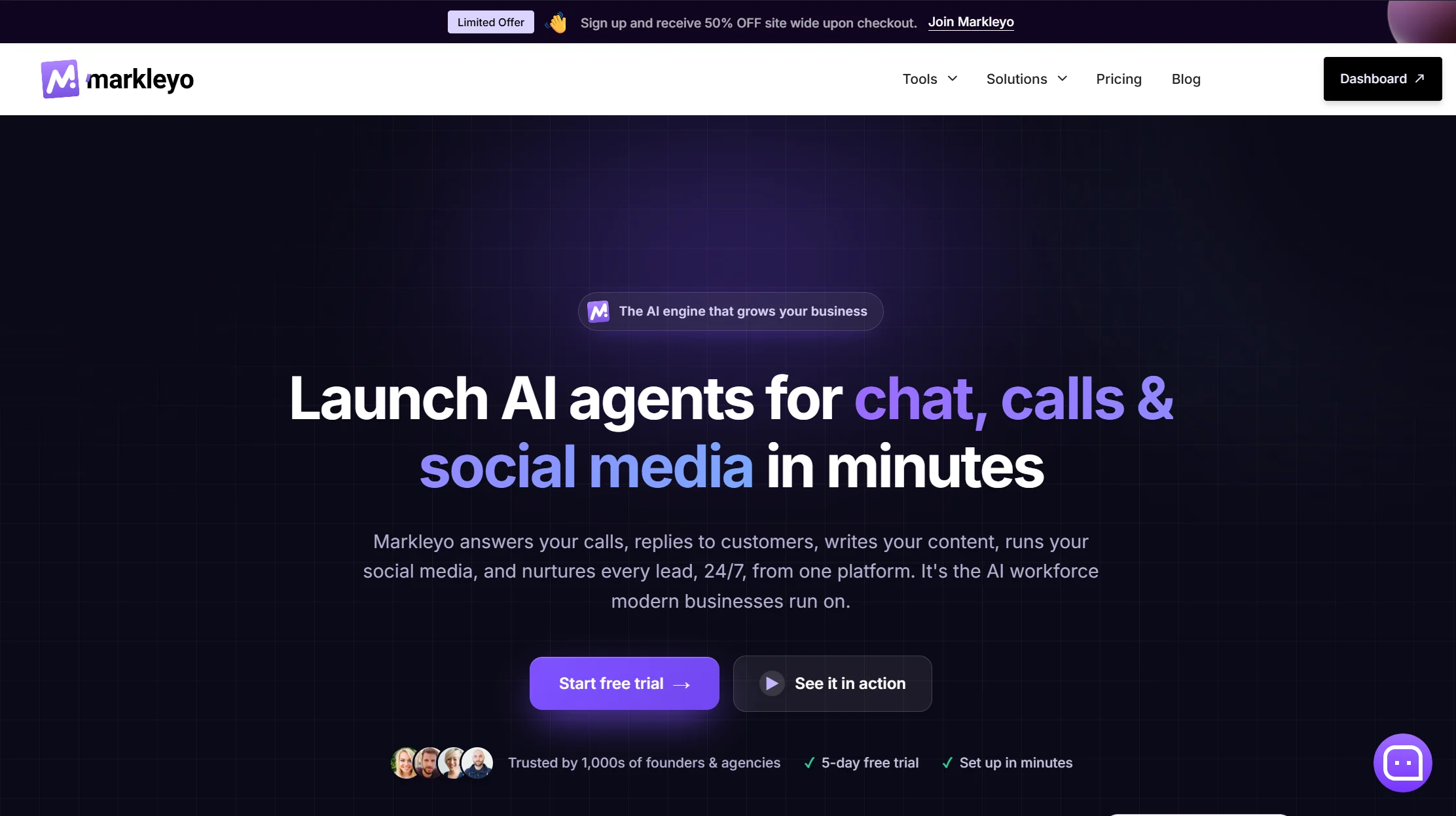
Price: From $14.5/month · 5-day free trial
Best for: Businesses that want chat, calls, social media, and content from one tool
Watch out for: Newer brand with a smaller review history than Intercom or Tidio
Markleyo AI takes a different swing at the problem. Instead of being a better chatbot, it replaces the whole stack of tools a small business normally pays for separately.
You get six AI workers in one subscription: a CX chatbot agent for your website, WhatsApp, and Telegram; an AI calling agent that answers real phone calls in a human-sounding voice and books appointments; a social media suite that writes and schedules posts; a marketing bot for WhatsApp and Telegram broadcast campaigns; an AI copywriter for SEO blogs and emails; and a no-code agent builder that chains them into workflows. They all share one knowledge base, so you train your business once and every agent knows it.
On the chatbot side specifically, Markleyo covers the gaps that push people off ChatBot.com. You get unlimited chatbots and unlimited websites instead of 1 bot on Essential or 10 on Growth. It speaks 70+ languages versus ChatBot.com’s 48. Human handover, a custom knowledge base, and a live chat widget are all built in.
The pricing is the headline, though. One flat monthly price, no per-seat multiplier, no per-resolution meter. Compare it to the table above: at three seats and 1,000 AI answers, ChatBot.com Growth works out to roughly $1,029 a month. Markleyo Complete starts at $14.5. Even if you ignore the calling agent, the social suite, and the copywriter entirely, the chatbot alone changes your budget category.
Why teams switch to it: they were paying for a chatbot tool, a social scheduler, and a copywriting tool separately, and none of those tools talked to each other.
Honest trade-off: Markleyo does not have Intercom’s enterprise certifications or a decade of G2 reviews behind it. If you need SOC 2 paperwork for a procurement team, check that first. It is built for founders, agencies, and small teams who want speed and one bill — not for a 200-agent contact centre.
-> See the full feature list on the Markleyo AI chatbot page or the pricing page.
2. Tidio (with Lyro AI) — best cheap starting point for small online stores
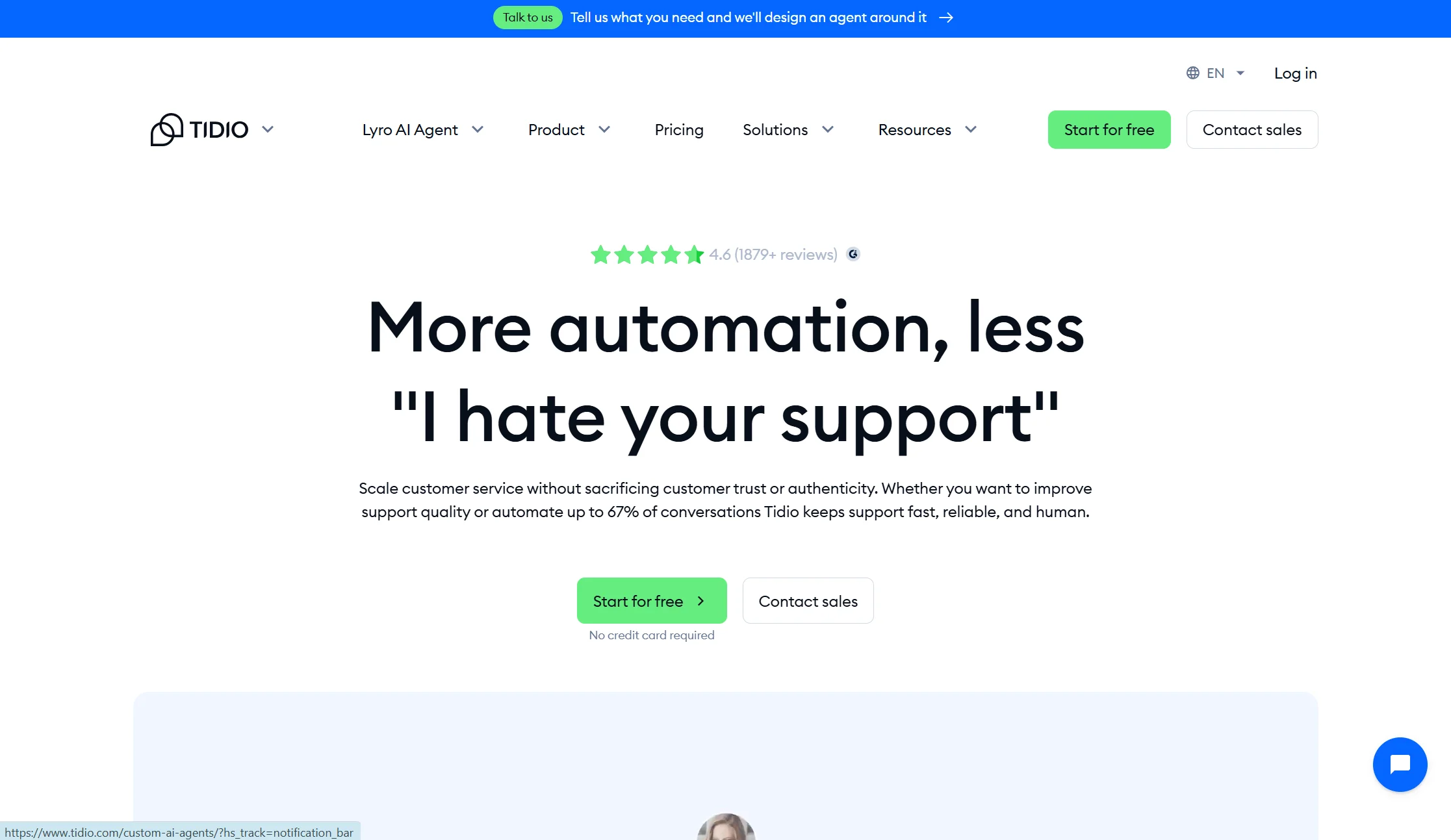
Price: Free plan with 50 handled conversations a month; Starter $24.17/mo annual; Growth from $49.17/mo annual for up to 2,000 conversations; Lyro AI from $32.50/mo annual for 50 AI conversations, rising to about $140/mo for 1,000
Best for: Shopify and WooCommerce stores with a few hundred chats a month
Watch out for: Two meters running at the same time
Tidio is the friendliest way to dip a toe in. There is a real free plan, setup takes minutes, and the widget looks good out of the box. Its AI agent is called Lyro, and it learns from your help centre and FAQs the same way ChatBot.com does.
The catch is important, so read it twice. Tidio’s base plan is priced by how many conversations you handle, and Lyro AI conversations are a separate add-on — meaning the AI can quietly double your bill. There is also a steep jump from Growth at around $59 to Plus starting at $300 plus usage once you pass 2,000 conversations.
Verdict: cheaper than ChatBot.com at low volume, and a genuinely nice product. But it uses the same two-meter trick, so the pain returns as you grow.
3. Intercom Fin — best if you want the premium option and have the budget

Price: Essential $29/seat/mo annual, Advanced $85, Expert $132, plus $0.99 per AI resolution with zero resolutions included
Best for: Funded SaaS companies and enterprises that want the most polished experience
Watch out for: Cost at scale, and a pending acquisition
Fin is widely seen as the strongest AI support agent on the market, and Intercom’s product design is excellent. If money is not the constraint, this is a serious option.
But be clear-eyed about the maths. AI cost scales linearly forever — 5,000 resolutions is $4,950/mo before seats. A customer who simply stops replying counts as a billed resolution, so abandoned chats get billed. Copilot for agents is another $29/seat/mo. There is also a change coming: Intercom is mid-acquisition by Salesforce, announced June 2026, so pricing and packaging are likely to change once the deal closes.
Verdict: the best product on this list, and the most expensive. It solves ChatBot.com’s quality complaints but makes the pricing complaint worse.
4. Chatbase — best for a single doc-trained FAQ bot
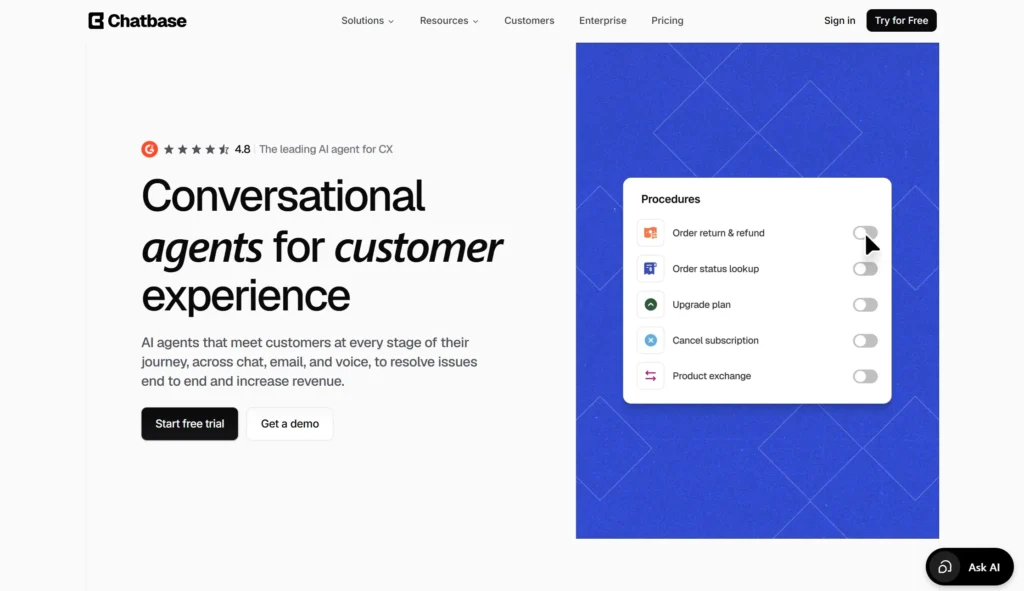
Price: Free plan with 50 credits/mo; Hobby $32/mo annual (500 credits, 2 seats); Standard $120/mo annual (4,000 credits, 3 seats); Pro $400/mo annual (15,000 credits, 5 seats)
Best for: Solo founders and side projects that need one bot trained on documents
Watch out for: Credit maths, seat caps, and branding fees
Chatbase is the fastest way to turn a pile of PDFs and help articles into a working chatbot. Upload, train, embed, done. For a one-person business it is hard to beat.
Then the fine print arrives. Each AI reply costs 1–6 credits depending on the model, so a top-end model burns 6 credits per reply versus 1 on a standard model. Every plan includes just one AI agent, and extra agents cost $300/yr each. If you run out of credits the bot goes offline entirely unless auto-recharge is on. Removing the “Powered by Chatbase” branding costs $1,188/yr.
Verdict: great for a single simple bot. Not built for a support team, and the branding fee alone costs more than a year of some all-in-one plans.
5. Crisp — best flat-priced shared inbox
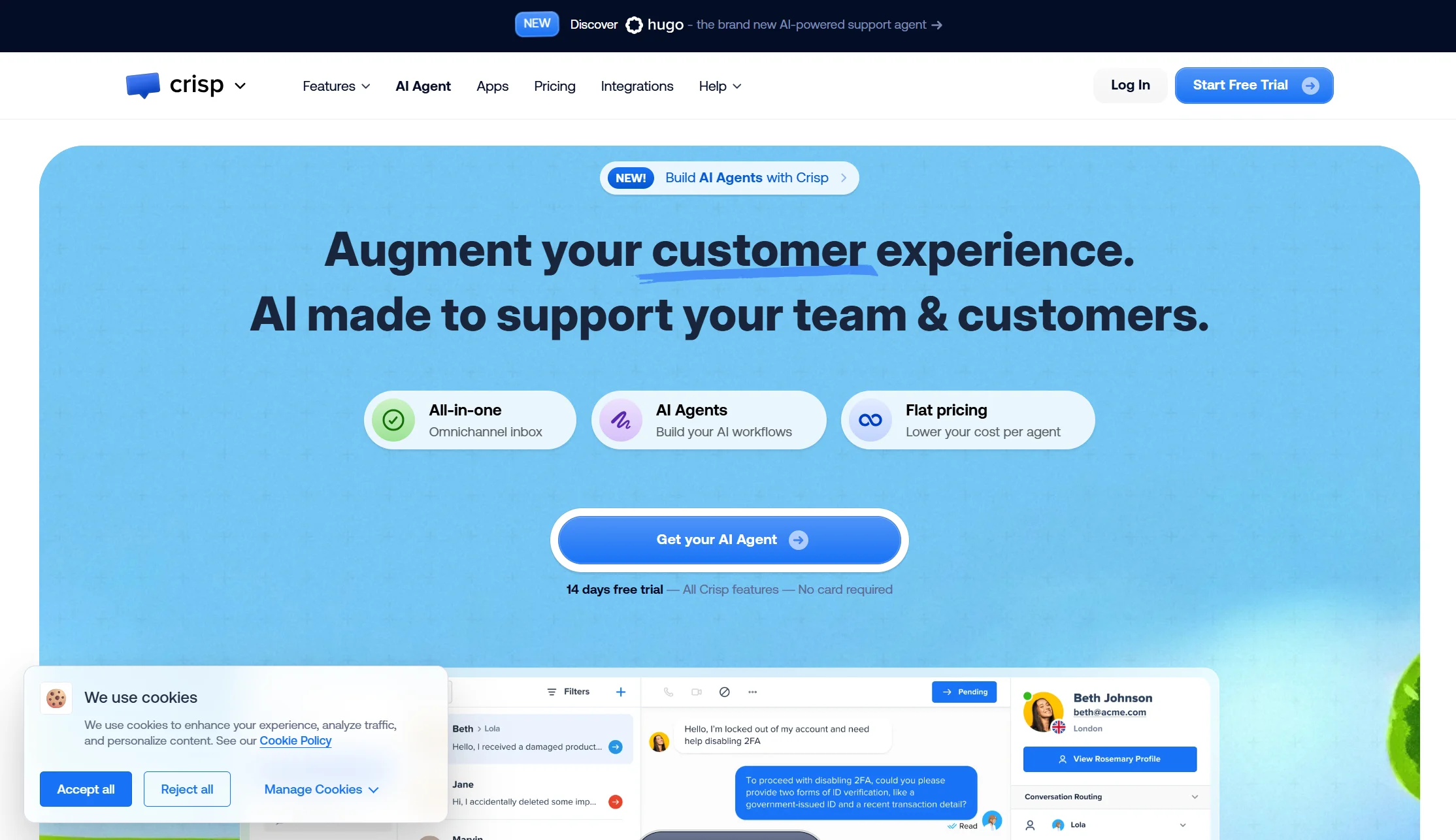
Price: Free plan with 2 seats; Mini $45/mo (4 seats, ~90 AI conversations); Essentials $95/mo (10 seats, ~450 AI conversations); Plus $295/mo (20 seats, ~1,350 AI conversations); $10 per extra agent
Best for: Small teams who mainly want humans answering chats, with light AI help
Watch out for: The AI allowance is thin for the price
Crisp is one of the few tools on this list with genuinely flat pricing and seats included. If your priority is a good shared inbox for human agents rather than full automation, it is excellent value — four seats for $45 is cheaper than two ChatBot.com Growth seats.
The limitation is the AI. The included AI allowance is small relative to plan price if automation is your main goal, and the conversion from dollar allowance to automated conversations is not obvious.
Verdict: the best answer to “I want cheap live chat software for human agents.” A weaker answer to “I want a bot that resolves most tickets alone.”
6. Botpress — best for developer teams building custom logic
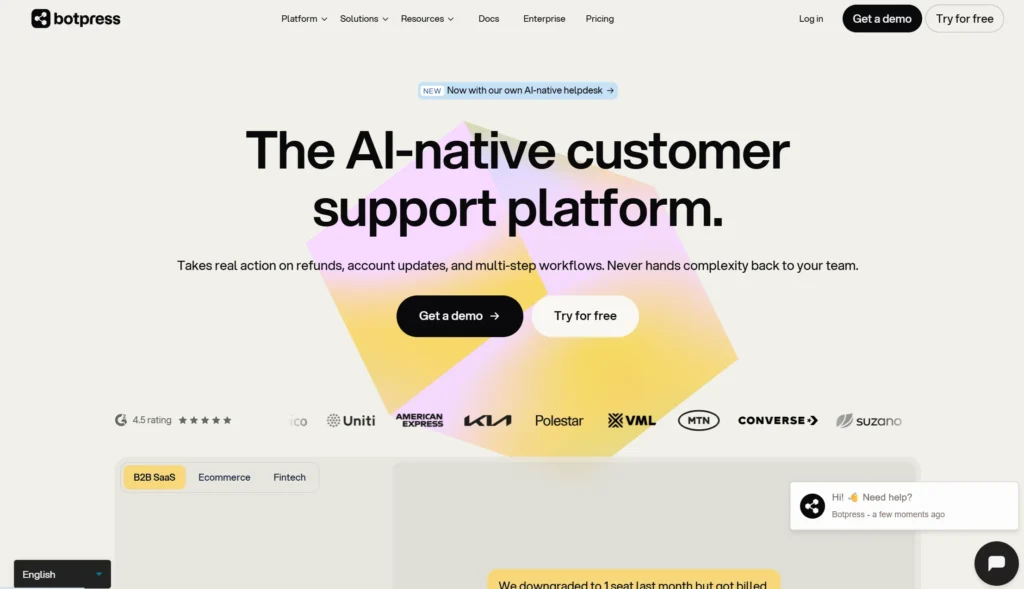
Price: Free plan with 100 conversations total, 3 seats; Plus $150/mo annual (250 conversations/mo, 3 seats); Team $750/mo annual (1,500 conversations/mo, unlimited seats)
Best for: Engineering teams who want to build agent behaviour themselves
Watch out for: Overage packs you cannot switch off
Botpress made a genuinely helpful change recently. On 14 May 2026 it moved from per-message to per-conversation billing, and LLM spend is now bundled into the plan rather than passed through separately — one meter instead of two. Unlimited seats on the Team plan is a real advantage over every per-seat tool here.
Two things to know before you commit. Auto-recharge cannot be disabled, because capping spend would pause the product since AI is bundled into conversations. Test and emulator conversations count against your quota — so building the bot spends the same budget as running it.
Verdict: the right pick if you have developers and want deep control. Overkill and overpriced if you just want a bot on your website by Friday.
7. Help Scout — best for email-first teams who need a knowledge base
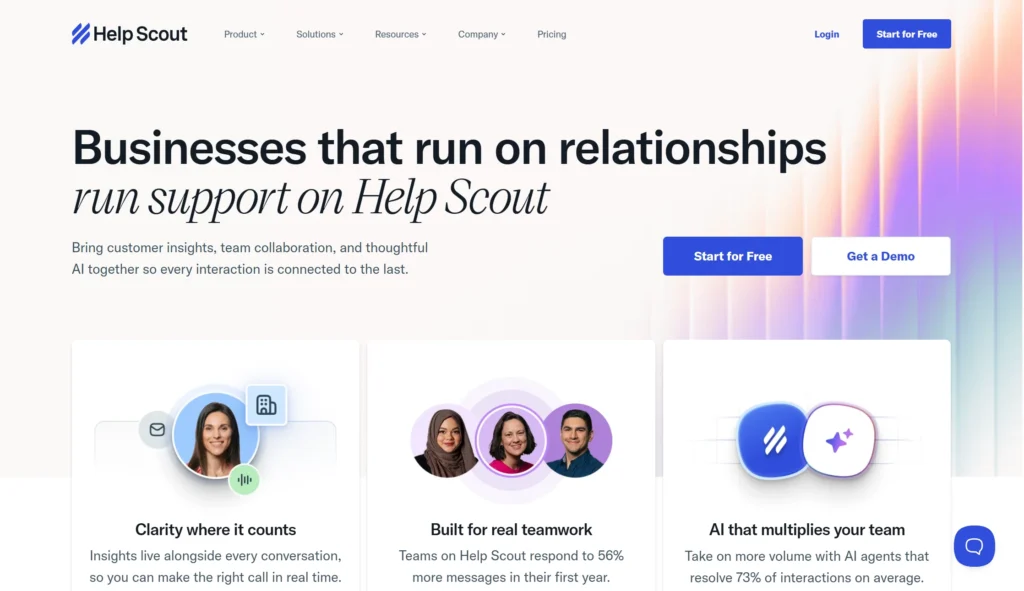
Price: Free plan for 5 users with 1 Inbox and 1 Docs site; Standard $25/user/mo; Plus $45; Pro $75; AI Answers at $0.75 per resolution
Best for: Support teams whose main channel is email, not live chat
Watch out for: Two costs growing at once
Help Scout answers a question ChatBot.com does not really answer: what if my customers want to help themselves? Its Docs product is a proper self-service knowledge base, included free on the starter plan, and the AI answers draw from it.
The pricing shape is familiar though. Both seats and AI resolutions scale with volume, so the bill grows on two axes, and autonomous resolution runs on the Beacon widget rather than every channel.
Verdict: the strongest knowledge-base-first option here, and cheaper per AI answer than ChatBot.com’s $0.99. Still a per-seat, per-answer model underneath.
Full comparison table: all 7 alternatives side by side
| Platform | Starting price | How AI is billed | Free plan? | Best for |
| Markleyo AI | $14.5/mo | Included in plan | No — 5-day trial | All-in-one for small business |
| ChatBot.com | $19/user/mo | Per resolution (~$0.99) after 10–200 included | No — Trial only | Existing LiveChat users |
| Tidio | $24.17/mo | Separate Lyro add-on | Yes — 50 conv/mo | Small online stores |
| Intercom Fin | $29/seat/mo | $0.99 per resolution | No | Enterprise polish |
| Chatbase | $32/mo | Message credits (1–6 per reply) | Yes — 50 credits | Single FAQ bot |
| Crisp | $45/mo flat | Small included allowance | Yes — 2 seats | Human-led shared inbox |
| Botpress | $150/mo | Per conversation, LLM bundled | Yes — 100 conv total | Developer teams |
| Help Scout | $25/user/mo | $0.75 per AI resolution | Yes — 5 users | Email + knowledge base |
What are the most affordable chatbot alternatives with easy integration?
If your budget is tight and you do not have a developer, three options stand out.
Markleyo AI ($14.5/mo) is the cheapest way to get real automation across several channels. It connects to WordPress, Shopify, Wix, WhatsApp, Telegram, Instagram, Messenger, Calendly, and Cal.com, and setup is a code snippet or a plugin — no developer needed.
Tidio (free, then $24.17/mo) has the smoothest one-click install for Shopify and WordPress and a real free tier, so you can test before paying anything.
Crisp ($45/mo for 4 seats) wins if you need several people in the inbox without paying per person.
The thing to check on any “cheap” tool is not the sticker price. It is what happens in month six. Ask one question before you buy: if my chat volume triples, does my bill triple too? On per-resolution tools the answer is yes. On flat plans it is no. That single question predicts your real cost better than any pricing page.
Which chatbot alternatives are best rated for small businesses?
Small businesses have a different problem from enterprises. You are not comparing feature checklists — you are trying to not pay for six tools while doing the work of ten people.
For small businesses specifically, the ranking changes:
- Markleyo AI — one bill covering chat, phone calls, social posts, and content. No per-seat fee, so hiring your second and third employee does not raise your software cost.
- Tidio — best free tier to start with, best Shopify integration.
- Crisp — best if you have 3–4 people who all need inbox access.
- Chatbase — best if you are a team of one and just need an FAQ bot.
Notice what is missing from that list: Intercom, Botpress, and Zendesk. All three are excellent tools built for bigger teams with bigger budgets. Paying enterprise prices for enterprise features you will not use is the most common mistake small businesses make when they leave ChatBot.com.
What are the best chatbot alternatives for customer service automation?
Automation means the bot closes the ticket without a human touching it. If that is your goal, judge tools on three things: how much the bot can learn, how many answers you get included, and whether it can take actions instead of just talking.
| Platform | Automation strength | Real limit to watch |
| Intercom Fin | Highest resolution quality | $0.99 every single time it works |
| Markleyo AI | Chat + voice + follow-up in one flow | Newer brand, fewer public benchmarks |
| Botpress | Fully custom logic and actions | Test conversations burn your quota |
| Tidio Lyro | Solid FAQ deflection | AI is a separate paid add-on |
| Help Scout | Good if answers live in Docs | Widget-only autonomous resolution |
One point worth being honest about: no chatbot resolves 100% of tickets. Vendors quote resolution rates between roughly 50% and 65% for typical support volumes. Any tool promising near-perfect automation is describing a best case, not your case. Plan for a human handoff path from day one, and make sure your chosen tool does it cleanly — losing the conversation history at handoff is the fastest way to annoy a customer who was already stuck.
What are the top knowledge base platforms for self-service?
A knowledge base is a searchable library of help articles your customers read on their own. It matters more than most people think, for two reasons. First, many customers would rather find the answer themselves than talk to anyone. Second — and this is the part teams miss — your knowledge base is what trains your chatbot. A vague help centre produces a vague bot.
Best options for self-service, depending on your setup:
- Help Scout Docs — a proper hosted help centre, free on the starter plan, and the AI answers pull directly from it. Best standalone pick.
- Markleyo AI knowledge base — built into the chatbot agent. You upload your website, docs, text, or FAQs once and every AI agent uses the same brain. Best pick if you want the knowledge base and the automation in one place.
- ChatBot.com’s knowledge hub — it accepts help articles, internal docs, URLs, and PDFs up to 50 MB per file, and is included on every plan. Fine for training the bot, but it is not a customer-facing help centre.
- Zendesk Guide — the deepest option, and the most expensive to reach.
Practical tip: write your help articles as clear questions with direct answers in the first two sentences. That format works better for human readers, for Google, and for training your AI agent. One piece of writing, three payoffs.
What is the best customer service software for human agents?
Sometimes the honest answer is that you do not need more AI — you need a better inbox for the people you already have.
If humans are doing most of the answering:
- Crisp is the value leader. Four seats for $45/month, flat, with the AI as a bonus rather than the point.
- Help Scout is the best email-first inbox, with a free tier for five users.
- LiveChat (ChatBot.com’s own sibling product) is still one of the strongest pure live chat tools, but note that it is a separate stacking subscription on top of ChatBot.com.
- Markleyo AI works as a hybrid: the AI handles the first reply in about 8 seconds, and a human takes over from the same shared inbox when the conversation gets valuable.
The sweet spot for most teams is not “AI or humans.” It is AI answering the twenty questions you get every day, and humans handling the five conversations actually worth their time.
How do you switch from ChatBot.com to another platform?
Migrating sounds scarier than it is. Here is the order that causes the fewest problems.
Step 1 — Export your knowledge first. Pull your help articles, FAQs, and any custom answers out of ChatBot.com’s knowledge hub before you cancel anything. This is the asset you actually built; the bot itself is disposable.
Step 2 — Check your real numbers. Open your last three invoices and write down two figures: how many AI resolutions you used, and how many seats you paid for. Almost everyone finds they are on the wrong plan. These numbers tell you which alternative wins for you, not in general.
Step 3 — Run both tools for two weeks. Install the new widget on one page or one subdomain, not your homepage. Keep ChatBot.com live everywhere else. Nobody should migrate blind.
Step 4 — Compare on one metric. Not “which feels nicer.” Pick resolution rate: out of 100 conversations, how many ended without a human? Then compare cost per resolved conversation. That is the only number that matters.
Step 5 — Move channels one at a time. Website first, then Messenger, then WhatsApp. If something breaks, you know exactly what broke.
Step 6 — Cancel at the right moment. Annual plans usually do not refund. Time your switch for your renewal date, not the middle of a billing year.
Most teams complete this in about two weeks of calendar time and maybe four hours of actual work.
Frequently asked questions About ChatBot.com Alternative
Is there a free alternative to ChatBot.com?
Yes. ChatBot.com has no permanent free tier — only a 14-day trial. Several alternatives do offer free plans: Tidio includes 50 handled conversations a month, Chatbase gives 50 credits a month, Crisp allows 2 seats, Help Scout covers 5 users, and Botpress offers 100 conversations total. Free plans are good for testing, but every one of them caps usage low enough that a real business outgrows it within weeks.
What is the cheapest ChatBot.com alternative?
It depends entirely on your volume, which is why sticker prices mislead people. At very low volume, Tidio’s free plan and Chatbase’s $32/month Hobby plan are cheapest. At real business volume — say 500 or more AI answers a month across a small team — flat-priced plans win by a wide margin, because per-resolution tools keep charging while flat plans do not. Markleyo Complete at $14.5/month covers the same volume that costs $376/month on ChatBot.com Growth with one seat.
Does ChatBot.com have a per-resolution charge?
Yes, as of 2026. Each plan includes a set number of AI resolutions per month: 10 on Essential, 200 on Growth. Extra AI resolutions cost $0.99 each, or $49.50 for a 50-pack that refills automatically. A resolution counts once even if the customer asks several questions in the same chat, which is fairer than per-message billing — but it still means your cost rises as your bot succeeds.
Which ChatBot.com alternative supports WhatsApp and Telegram?
ChatBot.com includes WhatsApp on every plan but does not support Telegram. Among the alternatives, Markleyo AI covers website chat, WhatsApp Business, Telegram, Instagram, and Messenger, and adds Telegram and WhatsApp broadcast campaigns through its marketing bot. Tidio and Crisp cover WhatsApp and Messenger. If Telegram matters to your market — common across South Asia, the Middle East, and Eastern Europe — check this before you shortlist.
Can I replace ChatBot.com and my other marketing tools with one platform?
That is the specific case for Markleyo AI. ChatBot.com handles chat and helpdesk work but does not make phone calls, schedule social posts, or write blog content. If you currently pay for a chatbot, a social scheduler, and an AI writer separately, an all-in-one platform collapses three bills into one and — more usefully — lets those tools share one knowledge base instead of three disconnected ones.
Is ChatBot.com still worth using in 2026?
For some teams, yes. If you already run LiveChat, need Shopify catalogue sync, and your AI volume genuinely sits under 200 resolutions a month, ChatBot.com is a reasonable, well-built choice with strong enterprise credentials. The case for leaving gets stronger as your volume grows, your team grows, or your channel needs move beyond website chat and Messenger.
The bottom line
ChatBot.com is not a bad product. It is a well-engineered chatbot with a pricing model that punishes growth.
Pick your alternative by which problem you actually have:
- Bill too high and growing? → Move to a flat plan. Markleyo AI or Crisp.
- Need more than a chatbot? → Markleyo AI, which adds voice calls, social, and content.
- Want the most polished product and can pay? → Intercom Fin.
- Just need one simple FAQ bot? → Chatbase.
- Have developers and want control? → Botpress.
- Customers prefer self-service? → Help Scout for its Docs knowledge base.
And before you commit to any of them, do the one calculation almost nobody does: take your actual resolution count from last month, multiply it out on each vendor’s real rates, and look at the annual figure. The winner is usually not the one with the lowest number on the pricing page.
Ready to see the flat-price version? Start a free Markleyo AI trial — set up your first AI chatbot in minutes, and get the calling agent, social suite, and AI copywriter in the same plan.