Best AI Chatbot for Facebook Messenger 2026: 10 Compared
The best AI chatbot platforms for Facebook Messenger in 2026 are Markleyo AI, ManyChat, Chatfuel, UChat, Chatbase, Freshchat, Intercom, Tidio, Sendpulse, and Botpress. But before you pick one, there is something urgent you need to know: Meta deprecated Message Tags on Messenger in February 2026, and since 27 April 2026 they return hard API errors. A lot of guides still tell you to use them. If your automation relies on them, it is already broken.
This guide covers what changed, what still works, and which platform fits you now.
Table of Contents
Quick answer: which is the best AI chatbot for Facebook Messenger?
| You are… | Best pick | From |
|---|---|---|
| A business wanting Messenger plus WhatsApp, Telegram and phone in one bill | Markleyo AI | $14.50/mo flat |
| Running Facebook comment-to-DM lead campaigns | ManyChat | Free, then $14/mo annual |
| Wanting a Messenger veteran with TikTok DMs too | Chatfuel | ~$39–49/mo |
| Wanting one bot across 13 channels | UChat | Free, then $15/mo |
| Needing an AI bot trained on your docs, cheaply | Chatbase | Free, then $32/mo annual |
| Running a support team across channels | Freshchat | Free 10 agents, then $19/agent |
| A large enterprise with high volume | Intercom (Fin) | $29/seat + $0.99/outcome |
| An online store | Tidio | Free, then $24.17/mo annual |
| Wanting a generous free tier | Sendpulse | Free, then $10/mo |
| A developer wanting full control | Botpress | Free, then from $5/mo |
What changed in 2026: Meta’s Messenger policy overhaul
What is an AI chatbot for Facebook Messenger?
An AI chatbot for Facebook Messenger is software that replies to people who message your Facebook Page automatically. It answers questions in normal language, captures leads, sends order updates, and passes hard conversations to a real person.
Facebook is still worth automating — it is used by over 3 billion people. And a Page getting hundreds of messages and comments a day cannot be managed by hand.
But Messenger is the most heavily regulated of Meta’s channels, and the rules changed significantly in early 2026. Most articles have not caught up. Here is what actually happened.
The 2026 deprecation timeline
Three changes, in order:
| Date | What happened |
|---|---|
| 7 January 2026 | Meta deprecated Recurring Notifications, replacing them with the Meta Marketing Messages framework |
| 9–10 February 2026 | Meta deprecated Message Tags on Messenger globally. Recurring Notifications were switched off everywhere except Australia, the EU, Japan, South Korea and the UK |
| 27 April 2026 | API requests containing the deprecated tags — CONFIRMED_EVENT_UPDATE, ACCOUNT_UPDATE and POST_PURCHASE_UPDATE — began returning error code 100 |
Message Tags used to be the standard way to send a non-promotional update outside the 24-hour window — a shipping notice, an appointment reminder, an account alert. They are gone. Meta’s replacements are Utility Templates and the Marketing Messages API.
ManyChat confirmed the change to its own users and removed the feature from its product. So if a guide tells you to “use a message tag like post-purchase update,” that guide is describing 2025.
The 24-hour window, and what still works outside it
The core rule has not changed, and it is simpler than WhatsApp’s.
Inside 24 hours: when someone messages your Page, a 24-hour window opens. Inside it you can send anything, including promotional content — which is more freedom than WhatsApp allows. Every time the customer replies, the clock resets to 24 hours.
Outside 24 hours, here is what remains in 2026:
| Option | What it does | Catch |
|---|---|---|
| Human Agent tag | Extends the window to 7 days | Only a real human can use it. Bots cannot. For genuine support, not promotions |
| Utility Templates | Non-promotional updates — shipping, appointments, account alerts | Replaced Message Tags. Not available in every region |
| Marketing Messages | Promotional messages to people who opted in | Rolling out by region. Zero extra cost per send |
| Sponsored Messages | Promotional content, paid | Labelled “Sponsored” in the thread |
| One-Time Notification | One single follow-up message | Exactly one, for things like back-in-stock alerts |
The Human Agent tag detail matters more than it sounds. If your plan was “the bot follows up on day three,” that is not allowed — a person has to send it. Build your workflow around that.
The EU problem almost nobody is writing about
This is the part that will genuinely catch European businesses out.
Utility Messages are not available in Europe. Marketing Messages are not available in Europe either. So when Meta killed Message Tags globally, EU businesses were left with no replacement for messaging outside the 24-hour window.
That is why Recurring Notifications remain switched on in Australia, the EU, Japan, South Korea and the UK — they are currently the primary approved option in those regions, even though they were deprecated everywhere else.
The practical takeaway: if you or your customers are in the EU, ask your platform specifically which outside-window option is available to you before you buy. A tool built around Utility Templates will not help you. This regional split is not mentioned in any comparison article I could find.
Messenger is free — unlike WhatsApp
Here is the advantage that gets lost in the policy noise.
The Messenger API charges nothing per message. Compare that to WhatsApp, where Meta bills per delivered template — around $0.025 for a US marketing message, and from 1 October 2026 even replies inside the 24-hour window become chargeable.
Better still, once someone opts into Marketing Messages, you can message them at zero incremental cost per send. Against Facebook ad CPMs that have climbed year after year, a Messenger subscriber list is a genuinely cheap asset to own.
So the cost equation is simple: on Messenger you pay your platform, and nothing else. Sponsored Messages are the one paid exception, and they are optional.
The 10 best AI chatbot platforms for Facebook Messenger
Every platform is judged the same way: what it costs, how well it handles Facebook-specific features like comment automation, what its AI can do, and which other channels it reaches.
1. Markleyo AI — best all-in-one for Messenger plus every other channel
Price: From $14.50/month flat · 5-day free trial
Best for: Businesses whose customers message on Messenger and WhatsApp, Telegram, Instagram or the phone
Watch out for: Not a help desk; verify Facebook comment automation before buying if that is your main use case
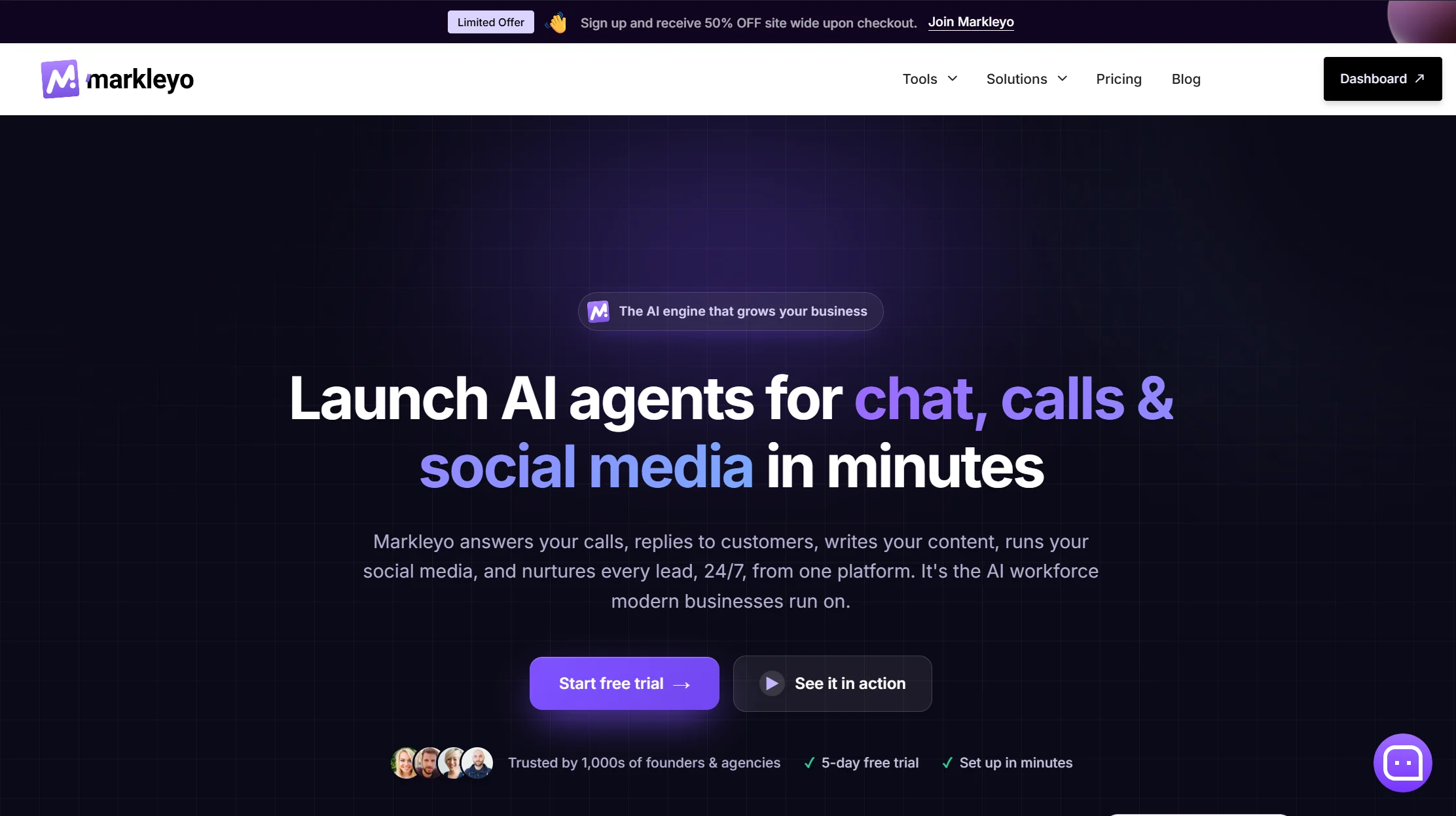
Markleyo’s argument is that Messenger is rarely the only inbox you are watching. Its CX chatbot agent covers Facebook Messenger, WhatsApp Business, Telegram, Instagram and your website from one inbox, trained on your own site, docs and FAQs, replying in 70+ languages. A marketing bot runs follow-up campaigns. An AI calling agent answers and places real phone calls and books appointments — no other platform here touches the phone. A social suite and AI copywriter round it out.
All six agents share one knowledge base, which is the practical differentiator. Reviewers repeatedly criticise ManyChat for making multilingual bots painful and for requiring separate messages per channel. Train once, answer everywhere, in 70+ languages.
The pricing is flat: $14.50 a month with the AI included — no per-contact counter, no per-resolution meter, no AI add-on. Since Messenger itself charges nothing per message, your total Messenger cost is that one number.
Honest trade-offs, and one open question. There are no ticket queues, SLA timers or agent dashboards, so this is not a support desk. It does not read live store databases, so it cannot look up an individual order. It has fewer public reviews than ManyChat or Intercom. And the most important Facebook-specific feature is comment-to-DM automation — automatically messaging someone who comments a keyword on your post. ManyChat is the acknowledged leader there. Confirm comment automation support directly before buying if that is your primary Facebook strategy — it is the right question to ask every vendor on this page, not just this one.
See the Markleyo AI chatbot for Facebook Messanger page, the AI calling agent, or the pricing page.
2. ManyChat — best for Facebook comment-to-DM campaigns
Price: Free plan with 25 contacts. Essential $14/month annual ($17 monthly) for 250 contacts; Pro $29/month annual ($39 monthly) for 2,500; Business $69/month annual for 7,500. AI features cost about $29/month extra.
Best for: Creators, marketers and store owners turning Facebook comments into leads
Watch out for: Billed by contacts, AI costs extra, and Message Tags are gone from the product
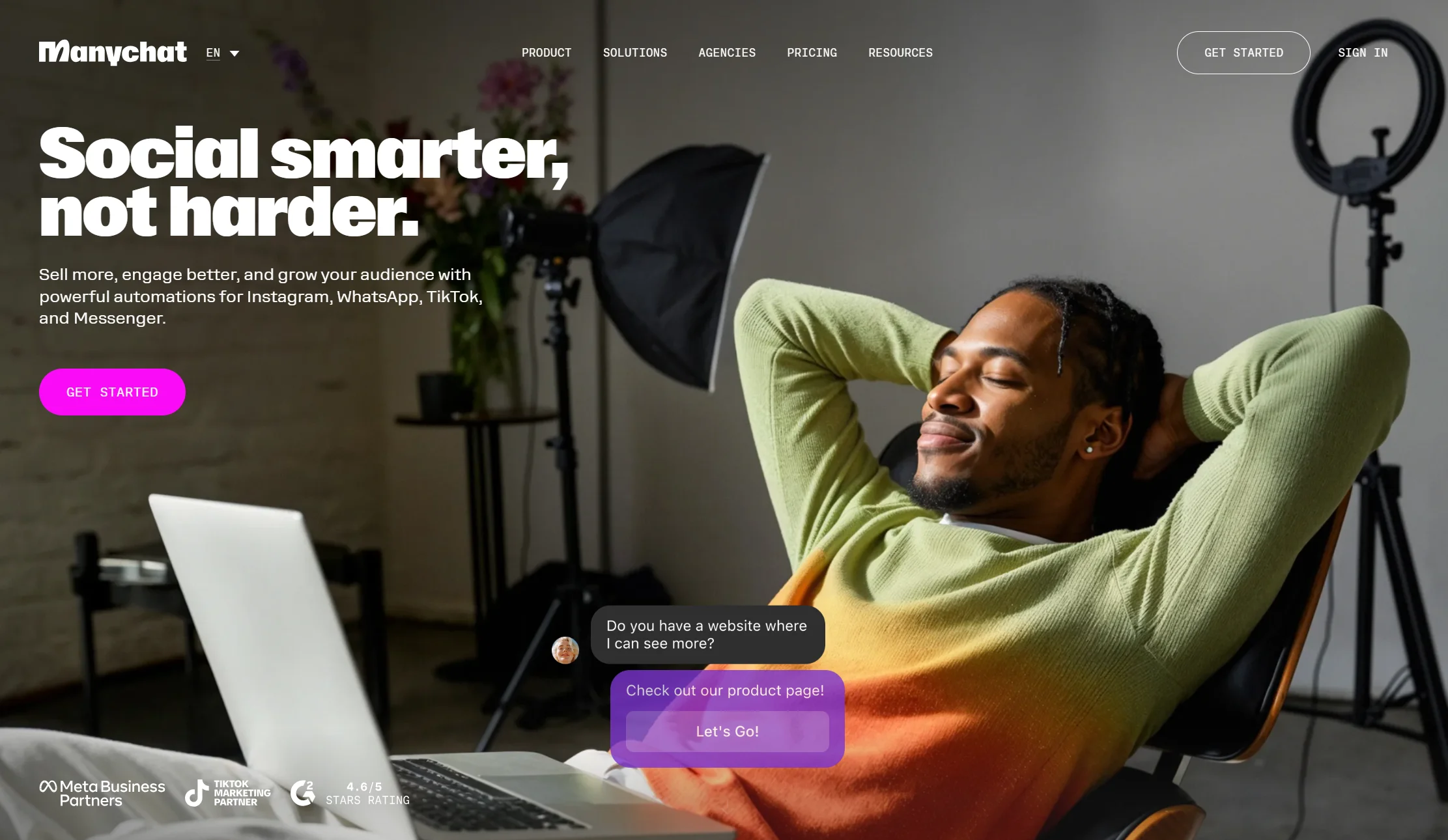
If your Facebook strategy is comment-to-DM, ManyChat is the best tool available and it is not close. Someone comments a keyword on your post, and ManyChat automatically messages them. You can also connect Facebook ads directly, so a click-to-Messenger ad drops the person straight into an automated conversation.
The flow builder is the friendliest in the category, it has broadcasts, sequences, rules and A/B testing, and there is built-in live chat for handover.
Three costs to price in. The free plan is 25 contacts, cut from 1,000 in March 2026. You are billed by active contacts — anyone who interacts with your automation that month, counting until you delete them — so one popular post can push you into overage. And the AI Step is a separate add-on, making the “$29 plan” really $58 if you came for AI.
One more thing to know: ManyChat removed Message Tags when Meta deprecated them and has been building a replacement. Check what is live before you build a follow-up sequence.
Verdict: the best Facebook marketing automation tool here. Weakest on multilingual and on per-channel duplication.
3. Chatfuel — the Messenger veteran, plus TikTok
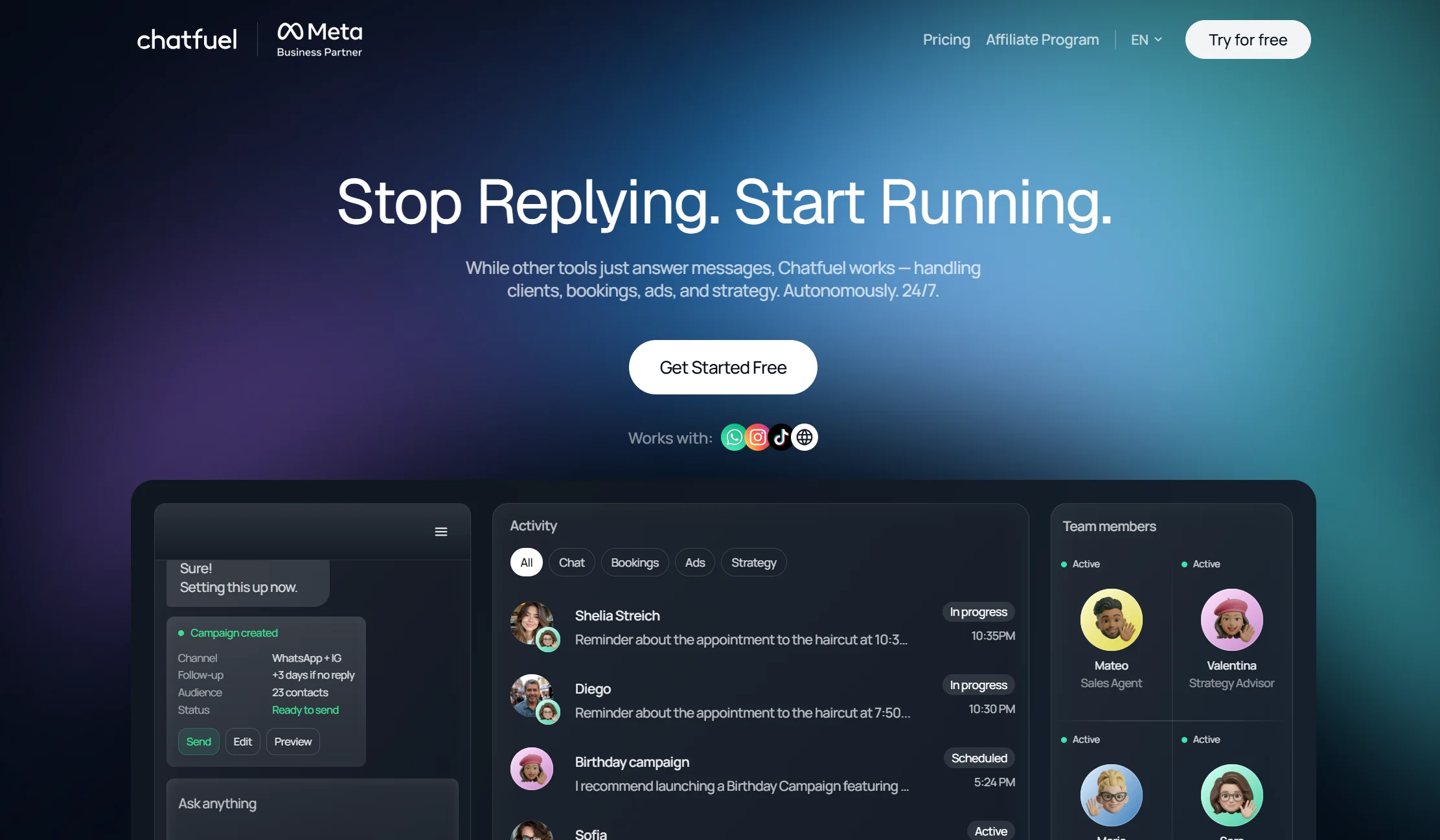
Price: Reported between about $39 and $59/month depending on tier, with some sources citing a flat $49/month AI plan with unlimited contacts, and a free “Light” tier
Best for: Businesses that want a mature Messenger builder with broader channel reach
Watch out for: Sources genuinely disagree on its 2026 pricing
Chatfuel is one of the oldest Messenger platforms and still one of the most capable. Its 2026 tiers bundle GPT-powered replies into the classic visual flow builder, so the bot can answer free-text questions instead of only matching buttons. Its standout is TikTok DM coverage, which almost nothing else here offers.
A note on price, because I could not settle it. Different trackers report contact-based tiers from $39, a flat $49 unlimited-contacts AI plan, and a free tier — all citing 2026. Chatfuel repriced during the year and the trackers have not converged. Check chatfuel.com/pricing yourself.
Verdict: a strong ManyChat alternative, especially if TikTok matters. Verify pricing before committing.
4. UChat — best one bot across 13 channels
Price: Free plan available; paid from $15/month
Best for: Businesses running one bot across Facebook, Instagram, WhatsApp and more
Watch out for: Steeper learning curve than ManyChat
UChat lets you build a chatbot once and publish it to 13 channels with a single click, which is genuinely useful when a customer might reach you anywhere. It supports keyword recognition and intent detection, integrates directly with ChatGPT, includes built-in live chat, and offers over 50 integrations including Zapier and Make.
Its Facebook marketing tools are extensive — broadcasts, sequences and custom rules — so unlike some AI-first tools it does not force you to choose between marketing and support.
The honest note is complexity. UChat is more capable than ManyChat and correspondingly more overwhelming for a beginner.
Verdict: the best omnichannel value here, if you can absorb the learning curve.
5. Chatbase — cheapest way to get real AI on Messenger
Price: Free plan with 50 message credits. Hobby $32/month annual ($40 monthly) with 500 credits; Standard $120/month annual.
Best for: Founders who want an AI bot trained on their own documents, fast
Watch out for: No Facebook marketing tools, no custom flows, no built-in live chat
Chatbase does one thing extremely well. Upload documents or paste website URLs, and in five to ten minutes you have a bot answering questions from your content. Its Suggestions feature flags gaps in your training data automatically, which is genuinely uncommon. AI Actions let it do things like check your availability.
Be clear on what it is not. It has no Facebook-specific marketing tools — no comment automation, no broadcasts. It does not support custom chatbot flows. And it has no built-in live chat, though it integrates with Zendesk for handover. Each reply also costs 1 to 6 credits depending on the model, so a premium model burns six times faster.
Verdict: the fastest route to a smart Messenger bot. Useless for Facebook marketing campaigns.
6. Freshchat — best for support teams across channels
Price: Free live chat for up to 10 agents. Paid from $19/agent/month including 500 AI agent sessions. AI add-on at $49 per 100 AI agent sessions.
Best for: Growing support teams that need Messenger alongside other channels
Watch out for: The AI add-on works out expensive per session
Freshchat is the pick if Messenger is a support channel rather than a marketing one. You can train AI agents on your own knowledge, connect them to AI actions for tasks like checking order status, and hand off to live agents through auto-assignment rules. It covers Facebook plus six more channels and has over 400 integrations.
Ten free agents for live chat is the most generous free team tier in this comparison, and 500 AI sessions included at $19 per agent is good value.
Do the maths on the add-on though: $49 per 100 sessions is $0.49 per session — roughly five times what Freshdesk’s Freddy AI Agent charges. And Freshchat has no Facebook marketing capabilities at all.
Verdict: excellent for support. Not a Facebook marketing tool, and watch the AI overage rate.
7. Intercom (Fin) — best for large enterprises

Price: Essential $29, Advanced $85, Expert $132 per seat per month on annual billing ($39/$99/$139 monthly), plus Fin AI at $0.99 per outcome with a 50-outcome monthly minimum
Best for: Large teams managing high conversation volume across five channels
Watch out for: Two meters, no Facebook marketing features, and corporate upheaval
Intercom is genuinely strong for enterprise support, with a polished flow builder, unlimited custom fields and tags, strong analytics, and over 100 integrations. Fin is widely considered the best AI support agent available.
Four things before you shortlist it. It lacks Facebook-specific marketing features — no comment automation, no Messenger broadcasts. Fin bills $0.99 per outcome, and an outcome counts even when Fin hands off to a human. The company renamed itself Fin in May 2026, then signed an agreement in June 2026 to be acquired by Salesforce for around $3.6 billion. And most comparisons list only the seat price, which understates the real bill considerably.
Verdict: the best AI quality here and the most expensive way to run Messenger. Enterprise only in practice.
8. Tidio — best if you also sell online
Price: Free plan with 50 conversations/month. Starter from $24.17/month annual ($29 monthly); Growth from $49.17/month annual. Lyro AI add-on from $32.50/month annual.
Best for: Online stores wanting Messenger alongside website chat
Watch out for: Three billing meters, and a lifetime AI cap on lower plans
Tidio’s strength is ecommerce. Its Lyro AI trains on your products and handles product questions and cart recovery, with the same bot running on your website, Facebook and Instagram, and strong Shopify integration.
The pricing needs care: Billable Conversations, Lyro AI conversations and Flow triggers bill separately, so you track three quotas at once. And on Free and Starter, the 50 Lyro conversations are a lifetime pool rather than monthly — once used, Lyro stops replying.
Verdict: pick it for the store, not for Facebook specifically.
9. Sendpulse — best genuinely generous free tier
Price: Free plan covering 3 bots and 10,000 messages a month. Pro from $10/month for 500 contacts, scaling with list size.
Best for: Small businesses and creators testing Messenger automation at zero cost
Watch out for: Less intuitive interface, and separate bots per channel
Sendpulse gives you more for free than almost anything here — 3 bots and 10,000 messages monthly, with the flow builder and live chat inbox included. It covers Facebook, Instagram, WhatsApp, Telegram, TikTok and Viber, includes a ChatGPT integration, and broadcasts to everyone who has interacted with your bot.
The recurring criticisms are fair: the interface is less intuitive than ManyChat or UChat, analytics are limited, and you must build a separate bot for each channel, which is real duplicated work.
Verdict: the best free start, and good value on paid tiers. Expect to spend longer learning it.
10. Botpress — best developer control
Price: Free plan up to 500 messages; pay-as-you-go from about $5/month; higher published tiers at $150/month annual (Plus) and $750/month annual (Team)
Best for: Technical teams building sophisticated AI behaviour
Watch out for: Steep learning curve, and testing consumes your quota
Botpress has the deepest AI toolkit here. Custom knowledge base training, a defined personality, automatic conversation summarisation, image interpretation, and auto-translation into the user’s language. It publishes to Messenger plus nine other channels.
Two warnings. The flow builder is genuinely hard for non-technical users. And building and testing the bot spends the same message quota as running it, so development costs budget before a single customer arrives.
Verdict: the right pick with a developer on hand. Overkill for a Page answering opening hours.
Full comparison table: all 10 Messenger chatbot platforms
| Platform | From | Free plan? | Facebook comment automation? | AI included? | Other channels |
|---|---|---|---|---|---|
| Markleyo AI | $14.50/mo flat | 5-day trial | Verify with vendor | ✅ Yes | WhatsApp, Telegram, IG, web, phone |
| ManyChat | $14/mo annual | ✅ 25 contacts | ✅ Best in class | ❌ +$29/mo | IG, WhatsApp, SMS, Telegram |
| Chatfuel | ~$39–49/mo | ❓ Light tier reported | ✅ Yes | ✅ Bundled | IG, WhatsApp, TikTok |
| UChat | $15/mo | ✅ Yes | ✅ Yes | ✅ ChatGPT built in | 13 channels |
| Chatbase | $32/mo annual | ✅ 50 credits | ❌ No | ✅ Core product | Web, IG, WhatsApp, Slack |
| Freshchat | $19/agent/mo | ✅ 10 agents | ❌ No | ⚠️ 500 sessions, then $0.49 ea | 6 more channels |
| Intercom (Fin) | $29/seat/mo | ❌ 14-day trial | ❌ No | ⚠️ $0.99/outcome | Web, IG, WhatsApp, SMS |
| Tidio | $24.17/mo annual | ✅ 50 conv/mo | ❌ No | ⚠️ Lyro add-on | Web, IG |
| Sendpulse | $10/mo | ✅ 3 bots, 10k msgs | ✅ Yes | ✅ ChatGPT | IG, WhatsApp, Telegram, TikTok, Viber |
| Botpress | From $5/mo | ✅ 500 messages | ⚠️ Limited | ✅ Deepest | 9 more channels |
Best AI chatbots for Facebook Messenger by use case
Which AI chatbot services integrate best with Facebook Messenger?
“Integrates best” depends on what you mean by best, so here are three honest answers.
For Facebook-native marketing features — comment automation, Messenger broadcasts, ad integration — ManyChat integrates most deeply. It was built for this channel and it shows. Chatfuel, UChat and Sendpulse also cover comment triggers.
For breadth across channels from one setup, Markleyo AI. Messenger sits alongside WhatsApp, Telegram, Instagram, your website and inbound phone calls on a single knowledge base and one flat bill. Since Messenger charges nothing per message, that subscription is your entire Messenger cost. Where it differs from ManyChat is depth of Facebook-specific marketing tooling rather than channel coverage.
For AI answer quality, Intercom Fin or Botpress, though neither has Facebook marketing features.
Two things worth checking with any vendor, because “integrates with Facebook” means very different things:
- Does it support comment-to-DM triggers? Several AI-first tools — Chatbase, Freshchat, Intercom, Tidio — do not. That is the main Facebook lead-generation feature.
- Which outside-window option does it support in your region? After the 2026 changes this genuinely varies, and it is the question nobody asks.
What are the top AI chatbots for Facebook Messenger?
Ranked by how good the AI itself is at understanding and answering:
| Platform | AI strength |
|---|---|
| Markleyo AI | Trained on your docs, 70+ languages, one brain across every channel |
| Botpress | Deepest toolkit — custom knowledge base, summarisation, image reading, auto-translate |
| Intercom Fin | Best resolution quality, billed per outcome |
| Chatbase | Excellent doc-trained answers, no flows |
| UChat | Direct ChatGPT integration plus intent detection |
| Freshchat | Solid AI agents with actions, 500 sessions included |
| ManyChat | AI Intents and AI Steps, but a paid add-on |
An honest expectation-setter: no chatbot resolves everything. Independent benchmarks across this category typically land between roughly 50% and 65%, whatever a vendor’s headline figure says. Plan a human handover from day one — and remember that on Messenger only a human can use the 7-day window, so your handover path is a policy requirement, not just good practice.
Best free Facebook Messenger chatbot
Messenger is a good channel to start free on, because the API costs nothing.
- Sendpulse — 3 bots and 10,000 messages a month. The most generous here.
- Freshchat — free live chat for up to 10 agents.
- UChat — free plan that keeps the comment triggers.
- Botpress — 500 messages, with the full AI toolkit to test.
- ManyChat — free, but only 25 contacts, so it is a sandbox rather than a plan.
- Tidio — 50 conversations a month.
- Chatbase — 50 message credits a month.
Every free tier caps something low enough that a growing Page outgrows it. Use them to test, not to build on.
Best for Facebook comment-to-DM automation
This deserves its own answer because it is Facebook’s strongest lead-generation feature and not every platform supports it.
- ManyChat — the benchmark. Comment triggers, keyword rules, and direct Facebook ad integration.
- UChat — comment automation plus 12 other channels.
- Sendpulse — comment triggers on a genuinely free tier.
- Chatfuel — mature comment automation, plus TikTok.
Ruled out for this specifically: Chatbase, Freshchat, Intercom and Tidio. All four are good tools with no Facebook comment automation. If comment-to-DM is your strategy, do not shortlist them regardless of their other strengths.
How to integrate an AI chatbot with your Facebook page’s Messenger
Good news: you almost never need a Facebook Developer account. Most platforms handle the API connection in the background. Budget about 20 minutes.
Step 1 — Check you have a Facebook Business Page. You cannot run a chatbot on a personal profile. It must be a Page. If you only have a personal profile, create a Page first.
Step 2 — Verify your Facebook Business account. Meta may ask you to verify your business before enabling advanced messaging features. Start this early because it can take a few days, and some features stay locked until it completes.
Step 3 — Make sure you are a Page admin. You need admin access on the Page you are connecting. If someone else set it up, get promoted before you start.
Step 4 — Sign up for your platform and open the Facebook integration. In your chosen tool, find the Messenger or Facebook integration and click connect.
Step 5 — Approve the permissions. Facebook will show exactly what the tool is asking for — reading and sending messages, managing your Page, reading comments. Read the list. If a tool asks for more than it needs, ask why.
Step 6 — Select your Page. If you manage several, pick the right one carefully. Connecting the wrong Page is a common and annoying mistake.
Step 7 — Train the bot on your real content. Upload your FAQs, services, hours, pricing guidance, delivery times and returns policy. This is the step that decides whether your bot is good. A vague policy page produces a vague bot.
Step 8 — Set up your welcome message and menu. Messenger shows a greeting before anyone types. Use it to set expectations, and add a persistent menu so people can navigate without guessing.
Step 9 — Add your automation disclosure. Where the law requires it, automated chat experiences must tell people they are talking to an automated service, at the start of the conversation. Do it anyway — it builds trust and takes one sentence.
Step 10 — Set up human handover. This is not optional on Messenger. Only a human can use the 7-day window, so you need a real person able to pick up conversations. Confirm the conversation history travels with the handoff.
Step 11 — Test it yourself. Message your own Page from a different account and ask eight real questions, including one it should refuse. Watch how it fails, not just how it succeeds.
Step 12 — Check your outside-window setup. Given the 2026 changes, confirm what your platform actually supports for messaging after 24 hours in your region — Utility Templates, Marketing Messages, Recurring Notifications, or nothing. Do this before you design a follow-up sequence, not after.
How much does a Facebook Messenger chatbot cost in 2026?
Meta charges nothing per message, so your platform subscription is almost your whole bill.
| Budget | What you get | Examples |
|---|---|---|
| $0 | Real working bots, capped usage | Sendpulse free, Freshchat free, UChat free, Botpress free |
| $5–20/month | A working bot with AI on a small list | Botpress pay-as-you-go, Sendpulse Pro, ManyChat Essential, UChat, Markleyo AI |
| $25–50/month | Fuller platforms, bigger contact lists | Chatbase, Tidio, ManyChat Pro, Chatfuel |
| $50–150/month | Multiple channels at volume, or AI add-ons stacked | ManyChat Pro plus AI, Tidio with Lyro, Freshchat for a small team |
| $150+/month | Enterprise volume, per-outcome AI | Intercom, Botpress Plus and Team |
The three costs people forget:
- AI as an add-on. ManyChat charges about $29/month extra for AI. Tidio’s Lyro is a separate subscription. The advertised plan is often not the plan you need.
- Per-contact scaling. ManyChat bills by active contacts with overage fees, so a viral post raises your bill.
- Per-session or per-outcome AI. Freshchat’s overage is $49 per 100 sessions, or $0.49 each. Intercom’s Fin is $0.99 per outcome.
The one genuinely paid Meta feature is Sponsored Messages, which let you send promotional content outside the 24-hour window. Those are ad spend, priced like ads, and entirely optional.
How we picked and compared these 10 platforms
Six tests, in this order:
- Does it support Facebook comment-to-DM automation? This is the channel’s best lead-generation feature and four popular platforms do not have it. We put it in the comparison table rather than a footnote.
- What does it support outside the 24-hour window, post-2026? After Message Tags were deprecated this is the question that decides whether your follow-up strategy works at all.
- What does the platform meter run on? Contacts, seats, messages, sessions, outcomes, or nothing.
- Real cost at real volume, with AI add-ons included.
- How good is the AI, and is it bundled or extra.
- What else does it reach, since most businesses need more than one channel.
Platform pricing was verified against vendor pricing pages and dated third-party trackers in July and August 2026. Messenger policy details come from Meta’s own Messenger Platform documentation and changelog, plus ManyChat’s product notices confirming the Message Tags removal.
Two deliberate choices. Where sources conflict — Chatfuel’s 2026 pricing is reported three different ways — we say so rather than picking one. And we stated our own product’s limitations and one open question in its own entry, because a comparison that only lists strengths is an advert.
FAQs About Best AI Chatbot for Facebook Messenger
What is the best AI chatbot for Facebook Messenger?
It depends on your goal. For Facebook comment-to-DM lead campaigns, ManyChat is the benchmark. For Messenger plus WhatsApp, Telegram, Instagram and phone on one flat bill, Markleyo AI at $14.50/month. For the cheapest AI trained on your own documents, Chatbase. For a support team, Freshchat. For a generous free start, Sendpulse. For enterprise volume, Intercom Fin.
Are Facebook Message Tags still available in 2026?
No. Meta deprecated Message Tags on Messenger in February 2026, and since 27 April 2026 API requests containing the deprecated tags return error code 100. Meta’s replacements are Utility Templates and the Marketing Messages API. If any guide still tells you to use a message tag such as post-purchase update, it is out of date and following it will break your automation.
How do I message someone outside the 24-hour window?
Four options remain in 2026. The Human Agent tag extends the window to 7 days but can only be used by a real person, not a bot, and only for genuine support. Utility Templates cover non-promotional updates. Marketing Messages reach people who have opted in, at no extra cost per send. Sponsored Messages allow promotional content and are paid. Regional availability varies, so check what applies to you.
Does a Facebook Messenger chatbot cost anything per message?
No. Unlike WhatsApp, where Meta charges per delivered template — around $0.025 for a US marketing message — the Messenger API has no per-message fee. Once someone opts into Marketing Messages you can reach them at zero incremental cost per send. Your only Messenger costs are your platform subscription and, optionally, Sponsored Messages if you choose to use them.
Do I need a Facebook Developer account to add a chatbot?
Usually not. Most platforms guide you through connecting your Page with built-in integrations, and the API setup happens in the background. You do need a Facebook Business Page rather than a personal profile, you need admin access to it, and your Page may need review or business verification before some advanced messaging features unlock.
Which platforms support Facebook comment-to-DM automation?
ManyChat, UChat, Sendpulse and Chatfuel all support comment triggers. ManyChat is generally considered the strongest. Chatbase, Freshchat, Intercom and Tidio do not have Facebook comment automation, so rule them out if that is your strategy. Confirm this feature specifically, because “integrates with Facebook” often just means it can receive Messenger messages.
Is there a free Facebook Messenger chatbot?
Yes, several. Sendpulse gives 3 bots and 10,000 messages a month, the most generous here. Freshchat offers free live chat for up to 10 agents. UChat has a free plan that keeps comment triggers. Botpress covers 500 messages. Note that ManyChat’s free plan is only 25 contacts since its March 2026 repricing, which makes it a testing sandbox rather than a usable plan.
Do I have to tell people they are talking to a bot?
Where the law requires it, yes — Meta’s policy states that automated chat experiences must disclose they are automated, at the start of the conversation or message thread. Rules vary by region and some audiences get extra protection. Practically, disclose anyway. One clear sentence at the start costs you nothing and prevents the frustration of someone realising halfway through.
The bottom line: which Messenger chatbot should you choose?
Two things should shape your decision this year.
First, Messenger costs nothing per message, so your platform subscription is your whole bill — a real advantage over WhatsApp, where Meta charges on every send.
Second, the rules changed in 2026. Message Tags are gone, their replacements are not available everywhere, and only a human can use the 7-day window. Any tool you pick needs a clear answer on what it supports outside 24 hours in your region.
Then choose by what you are actually doing:
- Facebook comment-to-DM lead campaigns? → ManyChat.
- Messenger plus WhatsApp, Telegram and phone on one flat bill? → Markleyo AI.
- One bot across many channels? → UChat.
- Cheapest real AI on your own docs? → Chatbase.
- A support team? → Freshchat.
- Enterprise volume? → Intercom Fin.
- An online store? → Tidio.
- Testing on zero budget? → Sendpulse.
- Developer on hand? → Botpress.
- TikTok DMs too? → Chatfuel.
And before you build anything, connect a test bot to a spare Page. It costs nothing, takes twenty minutes, and tells you more about whether a platform suits you than any comparison article — including this one.
Want Messenger, WhatsApp, Telegram, website chat and a real AI phone agent on one plan? Start a free Markleyo AI trial — one knowledge base answering across every channel, from $14.50/month.