Best AI Chatbot for Shopify Stores: 10 Options Compared
The best AI chatbot options for Shopify stores in 2026 are Gorgias, Zipchat, Tidio, Markleyo AI, Chatty, Rep AI, Shopify Inbox, Flyweight, Intercom Fin, and Zendesk. The right one depends on two things: how many chats you get a month, and whether your customers reach you on your storefront or in WhatsApp and Instagram. This guide compares all ten on real published pricing, shows you where to find them, and walks through how to install one.
Table of Contents
Quick answer: Which AI chatbot should your Shopify store use?
If you read one section, read this one.
| Your situation | Best pick | Why |
|---|---|---|
| Your customers message you on WhatsApp, Telegram, or Instagram too | Markleyo AI | One flat price across every chat channel, plus phone calls |
| You need the bot to refund, cancel, and edit orders | Gorgias | Deepest Shopify order actions |
| You want the bot to sell, not just answer | Zipchat | Built for product recommendations and cart recovery |
| You want cheap AI chat with a free tier to test | Tidio | Strongest free all-rounder |
| Under 100 chats a month, zero budget | Shopify Inbox | Free with any Shopify plan, built in |
| You want the highest-rated free AI app | Chatty | Genuinely free FAQ layer, top App Store ratings |
| You want an AI that takes real actions to drive sales | Rep AI | Agentic, works inside Shopify |
| You want the cheapest paid specialist | Flyweight | Plans from $1/month, 4.8 stars |
| You are a large brand with complex workflows | Intercom Fin | Strongest AI resolution, highest price |
| You have a big support team and compliance rules | Zendesk | Deepest platform, most integrations |
What is an AI chatbot for a Shopify store?
An AI chatbot for a Shopify store is a small chat window on your website that answers customer questions on its own, day and night, without you typing anything.
The difference between an AI chatbot and an old-fashioned one matters. An old chatbot follows a script — it only knows the buttons you built. An AI chatbot reads your products, pages, and policies, then understands questions asked in normal words. “Is this jumper warm enough for winter?” is a question a script cannot handle and an AI can.
What can an AI chatbot actually do for a Shopify store?
Six jobs, roughly in order of how much money they save you:
- Answer “where is my order?” This is the single most common question any online shop gets. Shop owners call it WISMO.
- Answer product questions about size, materials, shipping times, and stock.
- Recommend products to someone who is browsing but undecided.
- Rescue abandoned carts by starting a chat before the person leaves.
- Handle returns and refunds, if the tool is allowed to take actions in Shopify.
- Pass tricky cases to a human without the customer repeating themselves.
Job number one is worth pausing on, because it splits this whole category in two. To answer “where is my order?”, a chatbot must be able to read live order data from your Shopify store. Some tools on this list can. Some cannot. That single capability should decide your shortlist.
Does Shopify have its own AI chatbot?
Partly, and this confuses a lot of people. Shopify has three different AI things, and none of them fully replaces a chatbot.
Shopify Inbox is the free customer-facing tool, but it has no true AI — only Quick Replies. Shop AI helps with discovery inside the Shop app, not on your own storefront. Shopify Sidekick is AI, but it is merchant-facing only; it works inside the admin and does not chat with your shoppers.
The net result: Shopify’s native AI does not cover customer-facing conversational AI, and Shopify itself recommends pairing with a third-party chatbot.
Shopify Inbox does include AI-drafted replies powered by Shopify Magic, but it does not take actions — it messages only. It is an assisted inbox, not a real deflection bot.
So: install Shopify Inbox because it is free and it works. Then add a real AI chatbot on top when your volume grows.
The three pricing models, and why the model matters more than the price
This is the part almost every comparison skips, and it will decide your bill more than the number on the pricing page.
There are three pricing models in 2026. Flat per-reply tiers, used by Zipchat and SmartBot, give you a reply allowance per tier with a predictable overage, which holds your ceiling steady even during peaks. Per-conversation pricing, used by Chatty and Tidio Lyro, means you pay per conversation, which causes bill shock during spikes like Black Friday when conversation counts balloon. Per-resolution pricing, used by Gorgias, Intercom Fin and Yuma, means you pay when the AI resolves a ticket.
Think of it like a taxi. Per-reply is a fare capped at a maximum. Per-conversation is a meter that runs faster when the roads are busy. Per-resolution charges you only when you arrive — which sounds fair until you realise the driver gets paid every single time.
| Pricing model | Who uses it | You pay for | Risk on a busy day |
|---|---|---|---|
| Flat monthly | Markleyo AI, Shopify Inbox | Nothing per message | None — bill does not move |
| Flat per reply | Zipchat, SmartBot | Each message the AI sends, with an allowance per tier | Lowest — predictable ceiling |
| Per conversation | Chatty, Tidio Lyro | Each chat thread opened | High — conversation counts balloon during sales |
| Per resolution | Gorgias, Intercom Fin, Yuma | Each ticket the AI closes | High — success itself raises the bill |
Here is the practical warning. Your busiest month is Black Friday, when you also have the least time to watch a dashboard. One comparison notes that during peak seasons, teams on per-resolution billing routinely see bills two to three times the base plan cost. Model your peak month, never your quiet one.
And a word on free plans, because “free” hides a catch here. Free AI chatbots cap the AI resolution count — once you cross the cap, you either pay or watch the AI stop responding. For a low-volume Shopify store under 100 chats a month, the free tiers are genuinely usable.
The 10 best AI chatbot options for Shopify stores
Every AI chatbot for Shopify stores below is judged the same way: how deeply it connects to Shopify, whether it can take real actions, what it truly costs at your peak, and which channels it covers.
1. Markleyo AI — best if customers message you outside your storefront too
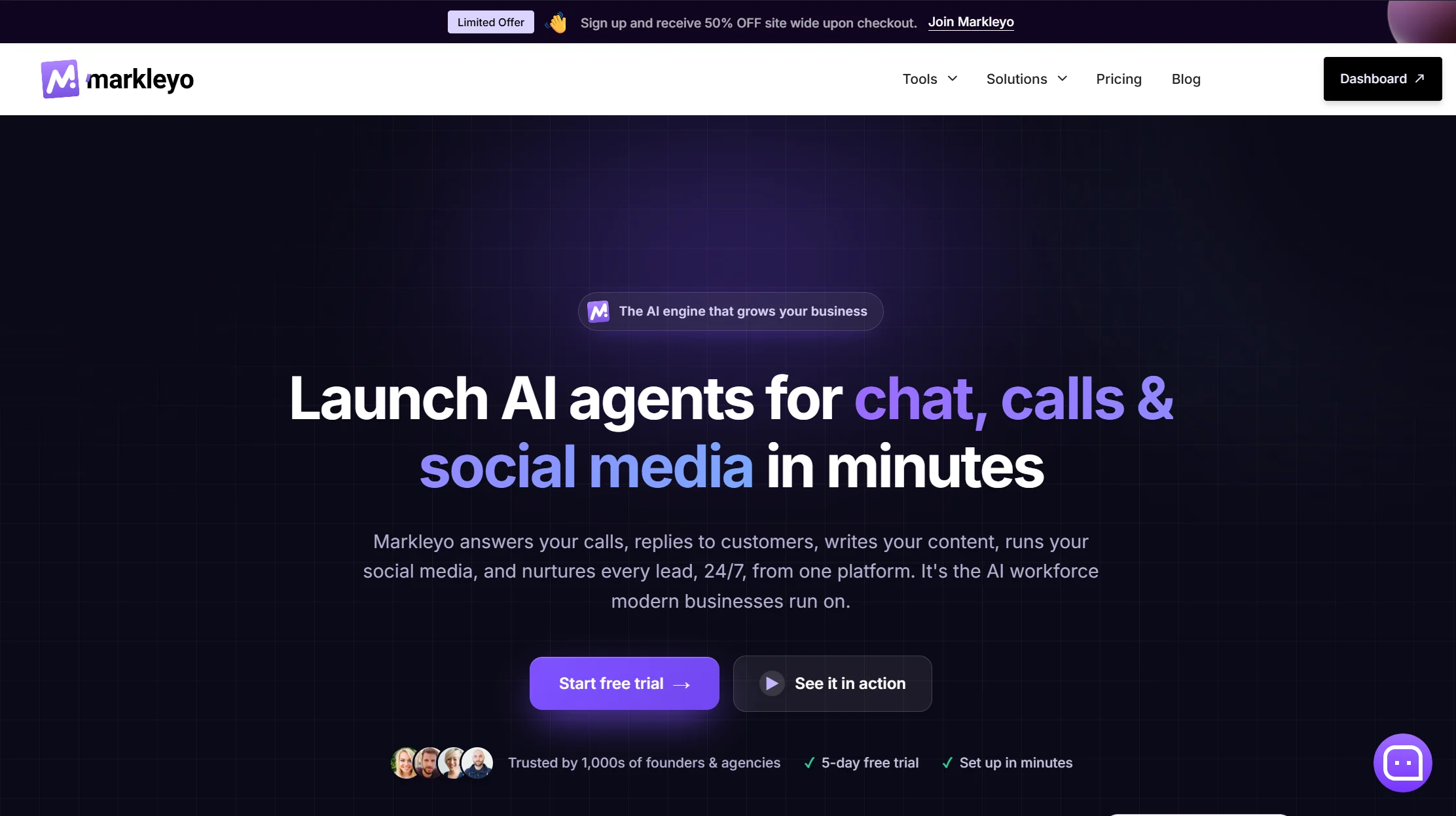
Price: From $14.5/month · 5-day free trial
Best for: Stores selling through WhatsApp, Telegram, Instagram, and Messenger as well as the website
Watch out for: No live Shopify order lookup — read the trade-off below carefully
Most tools on this list live on your storefront. Markleyo’s strength is everywhere else your customers actually message you.
You get a CX chatbot agent covering your website, WhatsApp Business, Telegram, Instagram, and Messenger from one inbox, trained on your site, docs, and FAQs. Alongside it, an AI calling agent answers and places real phone calls in a natural voice and books appointments; a marketing bot runs WhatsApp and Telegram broadcast campaigns; a social media suite writes and schedules posts; and an AI copywriter drafts product descriptions and emails. All six share one knowledge base, and it is one flat price with the AI included — no per-reply, per-conversation, or per-resolution meter.
Two things here are genuinely rare in this category. Telegram, which almost no Shopify chatbot supports and which matters enormously in South Asia, the Middle East, and Eastern Europe. And phone calls — Zipchat explicitly has no voice channel, and neither does any other tool on this list.
Honest trade-off, and it is the important one. Markleyo trains on your website content, not your live Shopify order database. It cannot answer “where is my order?” with real tracking data, and it cannot process a refund inside Shopify. If WISMO and returns are the bulk of your messages, pick Gorgias or Rep AI instead — genuinely. Markleyo suits stores where the bigger problem is pre-sale questions, missed calls, DMs across four apps, and campaign follow-up, rather than post-purchase ticket volume. Plenty of merchants run a native Shopify app for order questions and Markleyo for everything else, and that combination costs less than most single per-resolution plans at peak.
See the Markleyo AI chatbot for Shopify or the pricing page.
2. Zipchat — best for turning browsers into buyers
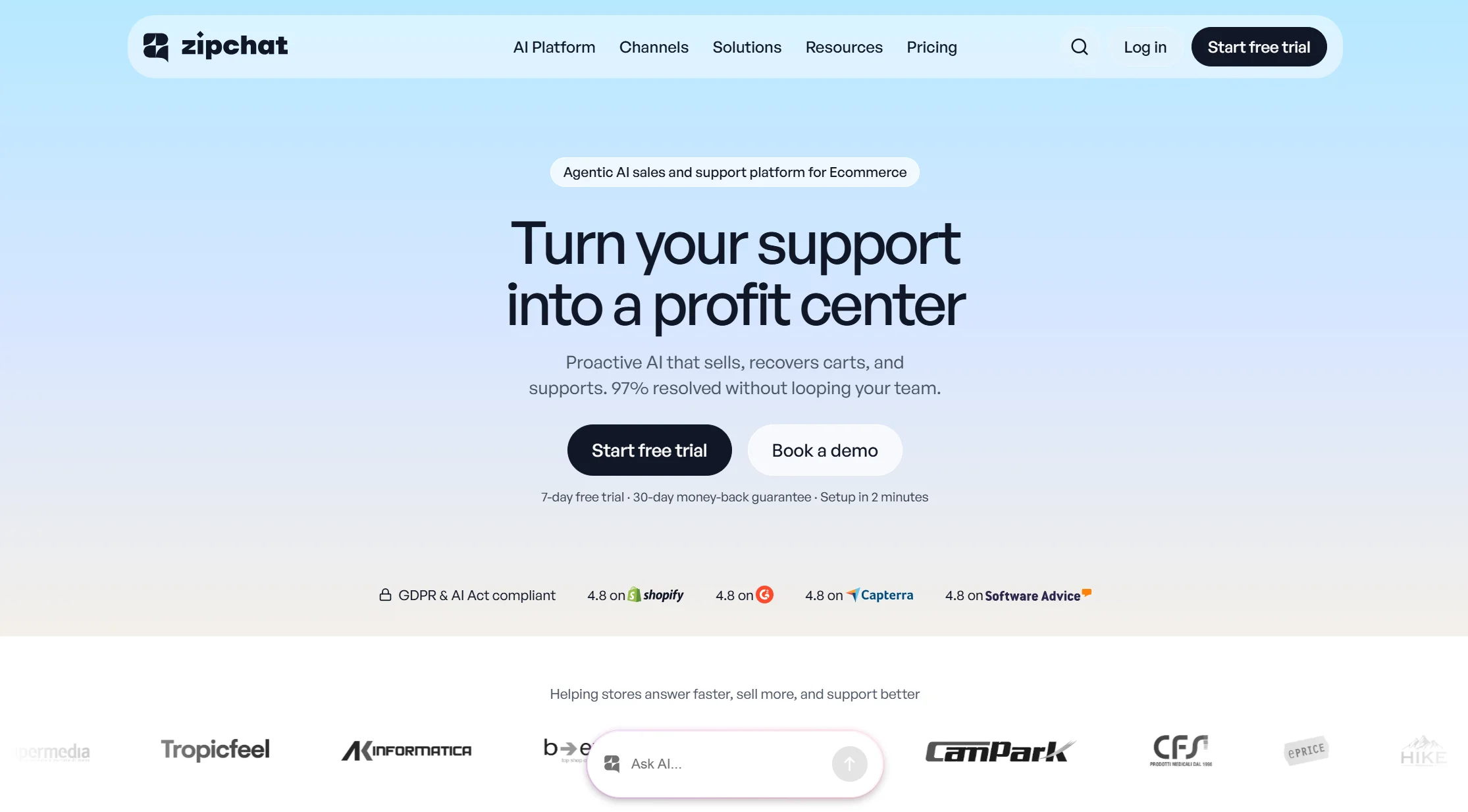
Price: Plans from $49/month · flat per-reply tiers with predictable overage · $0.20 per reply overage
Best for: Stores where the goal is more sales, not fewer tickets
Watch out for: The reply meter counts support chatter the same as sales chat
Most chatbots are built to reduce work. Zipchat is built to make money — product recommendations, proactive engagement, and cart recovery. It installs as a chat bubble through a Shopify app embed, or a single script anywhere else. Store platform coverage is broad: Shopify first and deepest, then WooCommerce, BigCommerce, Magento, PrestaShop and Wix.
Its flat per-reply model is the most predictable on this list at high volume. At scale, flat per-reply is far cheaper, and Zipchat’s $0.20 per reply undercuts Chatty’s $0.40 per conversation.
Two limitations worth knowing. There is no voice or phone channel and no first-party SMS. Helpdesk coverage is thin — the integrations page lists exactly one helpdesk, Zendesk. And one reviewer flagged that Zipchat’s support-handling rate appears on five of its own pages under three labels and four different figures, with no page defining any of them — so treat its headline resolution claims carefully.
Verdict: the sharpest pre-purchase sales tool here, with the most predictable bill at volume.
3. Tidio — best affordable all-rounder with a real free tier
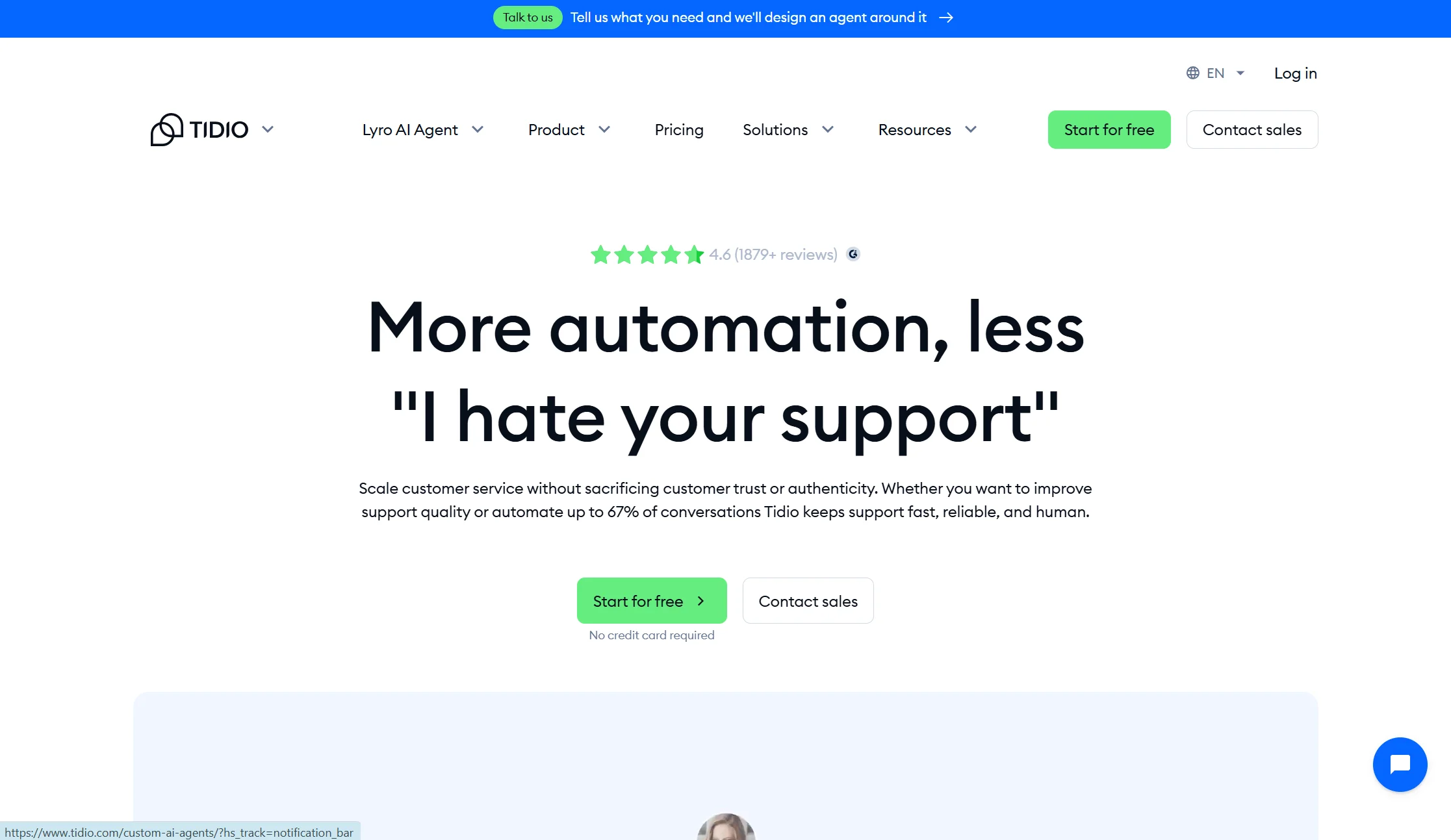
Price: Free plan with 50 conversations/month; Starter from $24.17/mo annual; Growth from $49.17/mo annual; Lyro AI add-on from $32.50/mo annual
Best for: Small and growing stores that want live chat and AI in one place
Watch out for: Three separate billing meters, and a lifetime AI cap
Tidio is the most popular starting point for small Shopify stores, and deservedly so. Live chat, an AI agent called Lyro, a chatbot builder, and light ticketing, all installable in minutes. Its free tier includes a small one-off allowance of Lyro AI conversations and is the strongest free all-rounder.
The pricing shape is where care is needed. Billable Conversations, Lyro AI conversations, and Flow triggers bill separately — you are juggling three quotas in parallel. On Free and Starter, the 50 Lyro conversations are a lifetime pool rather than monthly, so once they are gone, Lyro stops replying.
Verdict: the best place to start if you want to try real AI without a sales call. Watch all three meters, not just the plan name.
4. Gorgias — best for stores that need the bot to take real actions
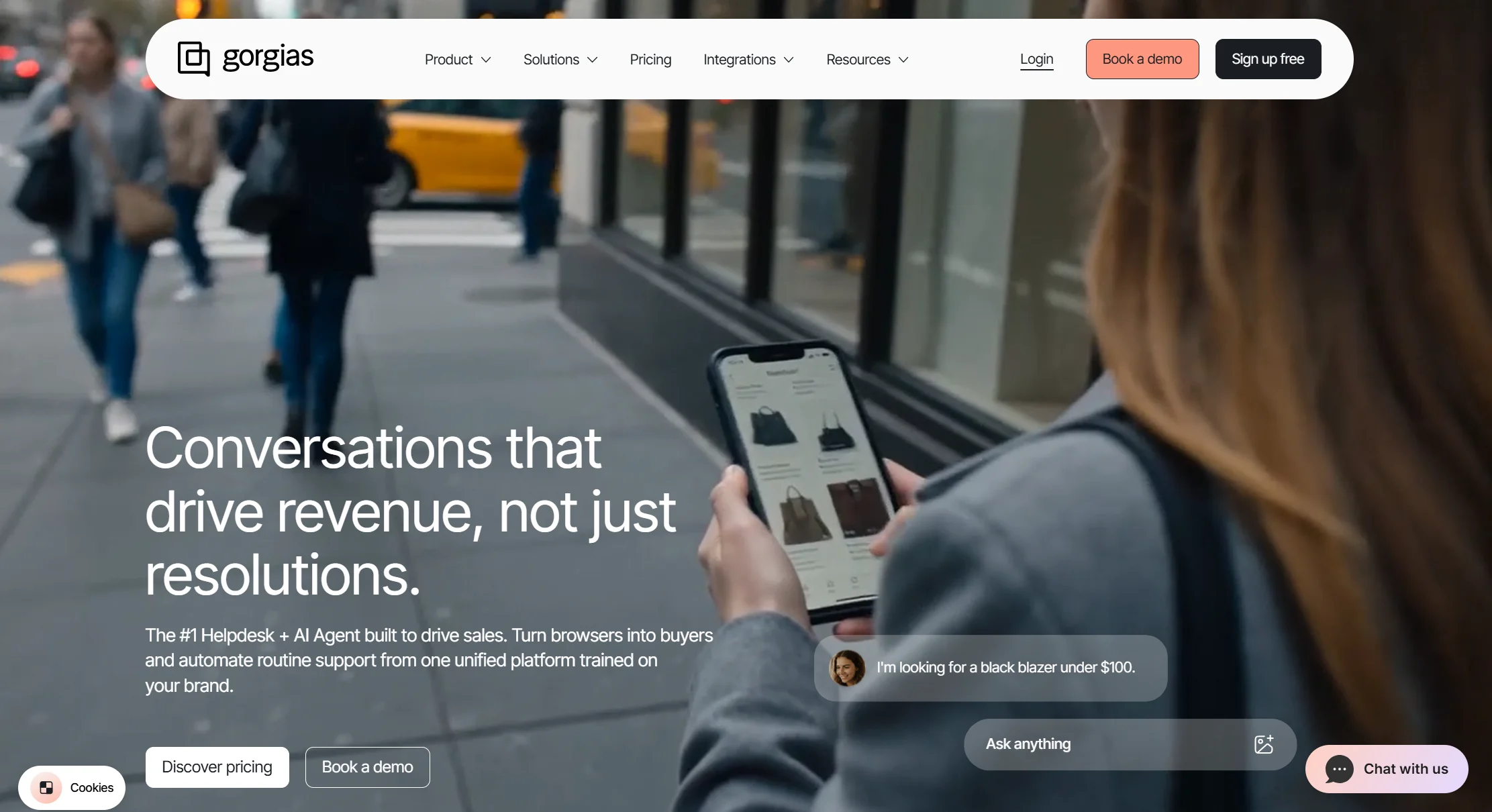
Price: Ticket-volume based with unlimited users · AI Agent is an add-on from $30/month, with AI resolutions around $1.50 each on the Pro plan
Best for: Established stores with a real support queue and a human team
Watch out for: Double billing, and peak-season spikes
Gorgias is the deepest Shopify integration on this list. Its automation layer refunds, edits, and cancels orders directly from inside the chat. That is a genuine step beyond answering questions — the bot does the work rather than telling a human to do it.
Two honest catches. Every AI-resolved ticket is billed as both a standard ticket resolution and an AI resolution fee, and during peak seasons teams routinely see bills two to three times the base plan cost. Also, Gorgias AI capabilities are Shopify-only — on WooCommerce, only the basic helpdesk ticketing layer works, with no AI Agent and no live catalogue queries.
Verdict: if your store has real support volume and you want the AI to actually process returns, this is the strongest pick. Budget for your busiest month, not your average one.
5. Chatty (by Avada) — best free AI-native Shopify app
Price: Free plan available · per-conversation pricing, with $0.40 per conversation overage
Best for: Small stores that want a usable free AI layer with strong reviews
Watch out for: Per-conversation billing spikes during sales events
Chatty is the highest-rated AI-native app in this category. It is a genuinely free option with a usable FAQ layer, which is rarer than it sounds — most “free” tiers here are trials in disguise.
The caution is its billing model. Per-conversation pricing causes bill shock during spikes like Black Friday when conversation counts balloon.
Verdict: excellent value and excellent ratings for a small store. Set a budget alert before your first big sale.
6. Rep AI — best agentic chatbot for Shopify

Price: Contact sales; free trial may be available
Best for: Shopify brands wanting AI that combines selling and support
Watch out for: No published pricing
Rep AI goes beyond answering questions to taking actions — it can cancel orders, process returns, and check order status directly in Shopify. It sits between a sales assistant and a support agent, engaging shoppers before purchase and handling problems after.
The honest mark against it is transparency. Pricing is not published, so you cannot compare it fairly against anything else on this list without a sales call. “Contact us” is not a number.
Verdict: genuinely capable and Shopify-native. Get a written quote before you invest setup time.
7. Shopify Inbox — best free native starting point
Price: Free with any Shopify plan
Best for: Any store under about 100 chats a month
Watch out for: It is not really AI
Shopify Inbox is free and native, and it includes AI-drafted replies powered by Shopify Magic, but it is an assisted inbox rather than a real deflection bot, and it does not take actions — it messages only. It is rule-based, using Quick Replies, and is not true AI.
Install it anyway. It costs nothing, it is built by Shopify, and it surfaces cart data inside the chat. It is the correct first step for a new store, and the correct baseline to measure any paid tool against.
Verdict: start here. Upgrade when your chat volume passes what you can personally answer.
8. Flyweight — cheapest paid specialist
Price: Free to install, with plans from $1/month
Best for: Small stores that want automated answers on the tightest budget
Watch out for: A young app with a smaller track record than the leaders
Flyweight turns your entire store — products, pages, articles, FAQs, and policies — into a structured AI Knowledge Graph, installs with one click from the Shopify App Store with no coding, builds the graph in about 30 minutes, and refreshes all data automatically every 24 hours. As of August 2026 it holds a 4.8-star rating across 106 reviews and is used by over 800 Shopify merchants.
It advertises resolving over 90% of inquiries automatically. Treat that like every vendor’s headline number — real resolution rates across this category typically land between roughly 50% and 65%.
Verdict: remarkable value if the price holds. Verify the current tiers, because $1/month entry plans usually cover very low volume.
9. Intercom Fin — best AI resolution, if budget is not the constraint

Price: Essential $29, Advanced $85, Expert $132 per seat per month on annual billing · $0.99 per AI outcome with a 50-outcome monthly minimum
Best for: Larger brands wanting the most capable AI agent across channels
Watch out for: Cost at scale, plus corporate upheaval
Fin is widely regarded as the strongest AI support agent available, and it connects to Shopify for real-time order data. If money is not the constraint, it is a serious option.
Know three things first. Cost scales forever with no cap. An outcome is billed when the customer confirms resolution, when the customer does not ask for more help, or when Fin completes a workflow — including handoffs to a human. And the company renamed itself Fin in May 2026, then signed a definitive agreement on 15 June 2026 to be acquired by Salesforce for approximately $3.6 billion, with the deal signed but not yet closed.
Verdict: the best AI on this list and the most expensive. Overkill for most Shopify stores.
10. Zendesk — best for large teams with compliance needs
Price: Suite plans run $55 to about $169 per agent per month on annual billing, with no free plan · automated resolutions at $1.50 committed or $2.00 pay-as-you-go
Best for: Enterprise stores with big support floors and audit requirements
Watch out for: The harshest AI meter here
Zendesk is the most complete platform on this list, with an official Shopify app that syncs order and customer data into tickets. For a large operation with compliance requirements, it is a known quantity.
But it is the furthest jump from a simple storefront chatbot, and its AI billing is stricter than Gorgias or Fin. Only 5 to 15 automated resolutions per agent per month are free, and past that the overage has been auto-charged and uncapped since January 2026.
Verdict: choose it for capability and scale, never for cost or simplicity.
Full comparison table: all 10 Shopify chatbot options side by side
| Tool | Starting price | How AI is billed | Reads live order data? | Free plan? | Best for |
|---|---|---|---|---|---|
| Markleyo AI | $14.5/mo flat | Included in plan | ✅ No | ✅ 5-day trial | Multichannel chat, DMs and calls |
| Gorgias | Ticket-volume | ~$1.50 per resolution + ticket | ✅ Deepest | ❌ | Real order actions |
| Zipchat | $49/mo | Flat per reply, $0.20 overage | ✅ Yes | ✅ Free tier | Sales and conversion |
| Tidio | $24.17/mo annual | Per conversation + Lyro add-on | ✅ Yes | ✅ 50 conv/mo | Affordable all-rounder |
| Chatty | Free plan | $0.40 per conversation | ✅ Yes | ✅ Yes | Best free AI-native app |
| Rep AI | Contact sales | Not published | ✅ Agentic | ❌ Trial | Agentic sales and support |
| Shopify Inbox | $0 | No AI meter | ✅ Cart data | ✅ Free | Free native starting point |
| Flyweight | From $1/mo | Per plan tier | ✅ Yes | ✅ Free to install | Tightest budget |
| Intercom Fin | $29/seat/mo | $0.99 per outcome | ✅ Yes | ❌ | Strongest AI, highest cost |
| Zendesk | $55/agent/mo | $1.50–$2.00 per resolution | ✅ Yes | ❌ | Large teams, compliance |
Where can you find a chatbot for your Shopify e-commerce store?
There are two places, and the difference matters more than most people realise.
The Shopify App Store
Most chatbots install with one click from the Shopify App Store, with no coding required. Go to your Shopify admin, click Apps, then Shopify App Store, and search “AI chatbot” or “live chat”.
This is the better route for most merchants, for four reasons:
- Real reviews from real merchants. You can see star ratings and how many stores actually use the app.
- Shopify reviewed the app before listing it, and shows a badge on apps that meet its highest standards for performance and integration.
- Billing goes through Shopify, so it appears on your normal Shopify invoice and cancels cleanly.
- Permissions are visible. Shopify shows exactly what data the app will access before you install.
Direct from the vendor’s website
Some good tools are not Shopify apps. They install with a small snippet of code pasted into your theme, and they usually cover channels beyond your storefront — WhatsApp, Telegram, Instagram, phone.
This route makes sense when your customers message you in several places and you want one inbox for all of it. The trade-off is that you lose the App Store review signal and Shopify-managed billing, and you should expect shallower access to order data.
How to check a chatbot app is safe before installing
Four checks, in order, and they take about five minutes:
- Read the permissions screen. If a chat app asks to modify orders and you only wanted it to answer questions, ask why.
- Check the review count, not just the star rating. 4.9 stars from 8 reviews means very little. 4.8 from 106 means something.
- Look at the most recent reviews first, not the top-rated ones. Apps change.
- Confirm the pricing model, not just the entry price. Ask specifically: what happens on my busiest day?
How do you integrate a chatbot with Shopify?
For an App Store chatbot, this genuinely takes about ten minutes. Here is the whole process.
Step 1 — Install the app. From your Shopify admin, go to Apps → Shopify App Store, find your chosen chatbot, and click Add app. Approve the permissions screen after reading it.
Step 2 — Connect your store data. The app will ask for access to your product catalogue and order data. This is the step that lets the bot answer “where is my order?” and recommend real products. Without it, the bot can only repeat what is written on your pages.
Step 3 — Let it learn your store. Most tools scan your products, collections, policy pages, and FAQs automatically. One app builds its knowledge base in about 30 minutes and refreshes all data automatically every 24 hours. Some need you to upload FAQs or paste page URLs manually.
Step 4 — Add your policies in writing. This is the step people skip, and it is the one that decides whether your bot is good. Write out your shipping times, return window, exchange rules, and sizing guidance in plain sentences. The bot can only be as clear as your policies are.
Step 5 — Turn on the widget in your theme. Modern apps use a Shopify theme app embed: go to Online Store → Themes → Customize → App embeds, and toggle the chatbot on. No code editing. If you are using a non-App-Store tool, you will paste a script into your theme’s theme.liquid file instead, just above the closing </head> tag.
Step 6 — Match it to your brand. Set the colours, the bot’s name, the avatar, and the greeting. A chat bubble that clashes with your store looks like a scam and people will not click it.
Step 7 — Set up human handover. Decide what happens when the AI is stuck. Make sure the conversation history carries across to the human — losing it is the fastest way to annoy someone who was already frustrated.
Step 8 — Test it yourself before launching. Open your store in a private browsing window and ask it five real questions, including one it should not be able to answer. Watch how it fails. That tells you more than watching it succeed.
Step 9 — Check it on your phone. Most Shopify traffic is mobile. A chat widget that covers your “Add to cart” button on a small screen costs you sales.
How to choose the right AI chatbot for your Shopify store
Two questions narrow it faster than any feature list.
Which chatbot fits your store size?
Under 100 tickets a month: Shopify Inbox free, or Tidio free, or Chatty free. Between 100 and 1,000 a month: Tidio paid, Zipchat, or Gorgias. Over 1,000 a month: Gorgias, Intercom Fin, or a platform built for scale.
The mistake small stores make is buying enterprise tools for enterprise features they will never open. The mistake growing stores make is staying on a free tier until the AI silently stops answering mid-sale.
Which chatbot fits where your customers message you?
This is the question almost nobody asks, and it matters just as much.
- Mostly on your storefront? Tidio, Zipchat, or a storefront-first tool.
- Mostly social DMs — Instagram, WhatsApp, Telegram? A multichannel platform like Markleyo AI, which brings all of them into one inbox and adds phone.
- Mostly email tickets? Gorgias or a helpdesk-first tool.
- A mix of all three? Expect to run two tools, and that is normal. Most operators end up with a stack, not a single tool.
One more honest note: no chatbot resolves everything. Real resolution rates in this category typically land between about 50% and 65%, whatever the marketing says. Outcomes depend on traffic volume, catalogue complexity, support volume, and how much current data the chatbot can access. Plan for a human handover from day one.
How we picked and compared these Shopify chatbots
Five tests, in this order:
- Shopify integration depth. Can it read live orders, query your catalogue, and take actions like refunds and cancellations? This is the single biggest differentiator.
- What the meter runs on. Per reply, per conversation, per resolution, or flat. This predicts your bill better than the sticker price.
- Real cost at peak. What you pay in your busiest month, not your quietest.
- Channel coverage. Storefront, email, WhatsApp, Instagram, Telegram, phone.
- Human handover. Whether a person can take over cleanly with history intact.
Prices were checked against vendor pricing pages, Shopify App Store listings, and dated third-party pricing trackers in July and August 2026. Where a vendor publishes no price, we say so rather than guessing.
We also flagged where a tool cannot do something, including our own. A comparison that only lists strengths is an advert, not a comparison.
Frequently Asked Questions About AI Chatbot For Shopify Store
What is the best AI chatbot for a Shopify store?
It depends on your volume and your channels. For deep order actions like refunds and cancellations, Gorgias has the strongest Shopify-native depth. For turning browsers into buyers, Zipchat is the sharpest. For an affordable all-rounder with a free tier, Tidio. For free native chat on any plan, Shopify Inbox. For stores whose customers message on WhatsApp, Telegram, and Instagram as well as the website, Markleyo AI covers every channel plus phone calls on one flat plan.
Is there a free AI chatbot for Shopify?
Yes, several. Shopify Inbox is free with any Shopify plan. Tidio has a free tier with 50 Lyro AI conversations, and Chatty is another genuinely free option with a usable FAQ layer. Flyweight is free to install with paid plans from $1/month. The honest caveat: free AI chatbots cap the AI resolution count, and once you cross the cap you either pay or watch the AI stop responding.
Can a Shopify chatbot tell customers where their order is?
Only if it can read live order data from your store. Gorgias, Zipchat, Tidio, Chatty, Rep AI, Intercom Fin, and Zendesk all connect to Shopify for order lookup. Tools that train only on your website content — including Markleyo AI — can explain your shipping policy but cannot look up an individual order. If “where is my order?” is most of your message volume, make live order lookup a hard requirement.
Can an AI chatbot process refunds and returns in Shopify?
Some can. Gorgias’s automation layer refunds, edits, and cancels orders directly from inside the chat. Rep AI can cancel orders and process returns in Shopify. Tidio’s Lyro can trigger refund workflows but with less depth, and Shopify Inbox does not take actions at all. Check this specifically before buying, because “handles returns” in marketing copy sometimes means “writes about your return policy”.
How much does a Shopify AI chatbot cost?
Anywhere from free to $900 or more per month. Shopify Inbox is free. Flyweight starts around $1/month, Tidio around $24, Zipchat at $49, and enterprise tools like Intercom Fin and Zendesk run into hundreds per month once seats and AI resolutions stack up. The number that matters is not the entry price but your cost in your busiest month, with add-ons included.
How long does it take to set up a chatbot on Shopify?
About ten minutes to install and connect, then longer to make it good. One app builds its knowledge base in roughly 30 minutes and refreshes automatically every 24 hours. Another reports setup — connecting the store and training the AI on the live catalogue — taking under an hour. Budget an afternoon to write clear policy pages, because that is what actually determines answer quality.
Do I need to know how to code to add a chatbot to Shopify?
No. App Store chatbots install with one click and no coding required. You enable the widget through your theme’s App embeds panel. Only non-App-Store tools require pasting a script into your theme file, and even that is copy and paste rather than writing code.
Will a chatbot slow down my Shopify store?
A well-built one loads after your page content and should not affect your speed scores meaningfully. Two things to check: that the app has a recent Shopify App Store listing with good performance reviews, and that you are not running two chat widgets at once. Running two is surprisingly common after a switch, and it both slows the page and confuses customers.
The bottom line: which Shopify chatbot is right for you?
There is no single best AI chatbot for Shopify stores, and any article claiming otherwise is selling you something. The right AI chatbot for Shopify store owners depends entirely on volume and channels.
Pick by the problem you actually have:
- Just starting, no budget? → Shopify Inbox, free, today.
- Drowning in “where is my order?” → Gorgias or Rep AI, which take real actions.
- Traffic but not enough sales? → Zipchat, built for conversion.
- Want cheap AI with a free trial? → Tidio or Chatty.
- Customers messaging you on WhatsApp, Telegram, and Instagram too? → Markleyo AI, one flat price across every channel plus phone.
- Tightest possible budget? → Flyweight.
- Large brand, complex workflows? → Intercom Fin or Zendesk.
Before you commit, do the one calculation almost nobody does. Take your busiest month — Black Friday, a launch, a viral post — and price each option at that volume with add-ons included. Then look at the annual figure. The winner is almost never the tool with the lowest number on the pricing page.
Selling across chat channels, not just your storefront? Start a free Markleyo AI trial — one flat plan covering website chat, WhatsApp, Telegram, Instagram and Messenger, plus an AI calling agent and campaign tools.