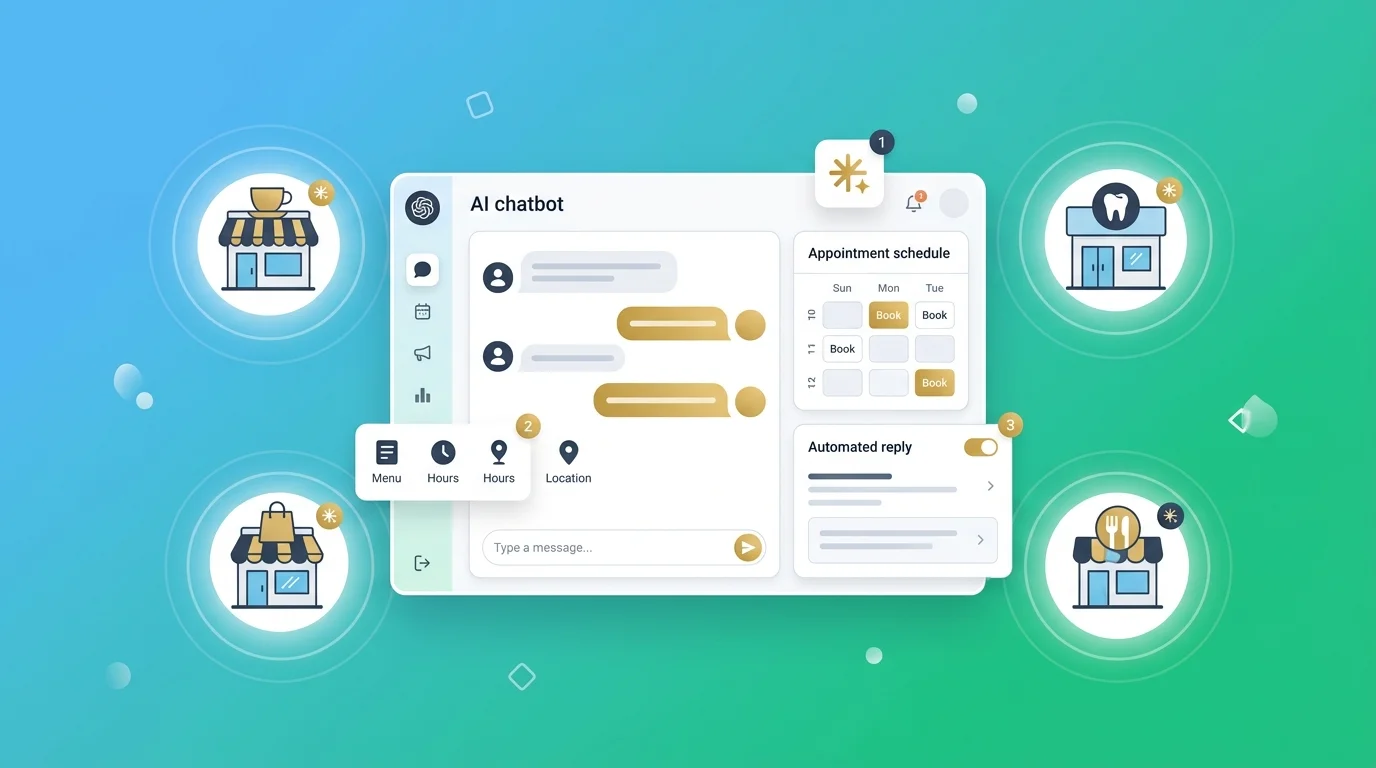
Best AI Chatbot for WooCommerce in 2026: 10 Tools Compared
The best AI chatbot for WooCommerce in 2026 is AI Chat & Search Pro for value, Storebird for a flat-priced native platform, Tidio for the biggest install base, and ZipChat for proactive selling. The thing that separates a real WooCommerce chatbot from a generic chat bubble is simple: can it read your actual store data — live stock, variations, and order status — or is it just guessing from your web pages? This guide tests all ten against that question.
Table of Contents
Quick answer: which is the best AI chatbot for WooCommerce?
| You are… | Best pick | Reads live store data? |
|---|---|---|
| A store selling mainly on WhatsApp or Telegram | Markleyo AI | ❌ Trains on content only |
| A store wanting the lowest total cost | AI Chat & Search Pro | ✅ Native plugin |
| A store wanting a flat-priced native platform | Storebird | ✅ Native plugin |
| A store that wants the most proven option | Tidio + Lyro | ✅ Via REST API |
| A store focused on selling, not support | ZipChat AI | ✅ Via REST API |
| A store wanting a managed hosted setup | ChatLab | ✅ Via REST API |
| A store wanting flat per-message pricing | Asyntai | ✅ Via plugin |
| A store with no budget that wants a real plugin | WPBot | ✅ With Woo add-on |
| A store wanting free chat plus visitor tracking | Zoho SalesIQ | ✅ Via WP plugin |
| A store with no budget at all | Tawk.to | ❌ Human-answered |
What makes a WooCommerce chatbot different from a normal chat widget?
A WooCommerce chatbot is an AI chat window on your store that can read your actual products and orders, so it answers real questions like “is this in size M?” and “where is my order #1042?” instead of repeating whatever is written on your pages.
Almost every chatbot with a WordPress integration will technically run on a WooCommerce store. Very few can actually see inside it. That difference is the whole article.
The seven-point test before you buy anything
One WooCommerce chatbot vendor published a checklist that’s genuinely the best framework in this category, and their pass mark is blunt: “If a chatbot clears five of these seven, it is a real option. If it clears three or fewer, it is a general chat widget being sold as a WooCommerce tool.”
Run any tool you’re considering against these:
- Catalog awareness. Does it read your actual product catalog — variations, stock, price, attributes — through WooCommerce’s data model, rather than a scraped copy of your product pages? Scraping misses variations and goes stale within hours.
- Order status. Can it answer “where is my order?” by querying WooCommerce order statuses and shipping-plugin tracking metadata? On most stores that is 30–50% of support volume.
- Stock awareness. Does it stop recommending sold-out items?
- Product cards in chat. Can it show an image, price, rating, and an “add to cart” button inside the conversation?
- Semantic search. If someone asks for “waterproof hiking boots under $100,” does it understand the meaning or just match keywords?
- Language support. Does it respect your WPML or Polylang language switcher and reply in the visitor’s language without you maintaining two knowledge bases?
- Predictable cost. Do you know what a busy November will cost before it happens?
Why “trained on your website” is not the same as “reads your store”
This is the single most misunderstood point in the category, so it’s worth being precise.
Many AI chatbots learn by reading your web pages — crawling your site and remembering what it says. That works beautifully for policy questions. “What’s your return window?” is answered perfectly by a bot that has read your returns page.
It fails for anything that changes. Stock levels change hourly. Prices change on sale days. Orders change status every day. A bot working from a copy of your pages will confidently tell a customer something that was true yesterday.
Tools that connect through the WooCommerce REST API or run as a native plugin query the live database instead. They ask your store the question in real time.
Both approaches are legitimate. They’re just good at different jobs:
| Trained on your content | Connected to your store | |
|---|---|---|
| Return and shipping policies | ✅ Excellent | ✅ Excellent |
| Product descriptions | ✅ Good | ✅ Excellent |
| Live stock and variations | ❌ Goes stale | ✅ Real-time |
| “Where is my order?” | ❌ Cannot answer | ✅ Real-time |
| Add to cart in chat | ❌ No | ✅ Yes |
If most of your questions are policy questions, a content-trained bot is fine and usually cheaper. If they’re stock and order questions, you need store access. Be honest with yourself about which you actually get.
What are the after-sales support benefits of a WooCommerce chatbot?
After-sales support is everything that happens once someone has paid — order tracking, delivery questions, returns, exchanges, and refunds. It’s unglamorous, it’s repetitive, and it’s where most store owners lose their evenings.
The benefits are unusually easy to measure here:
- Order tracking answers itself. “Where is my order?” is 30–50% of support volume on most stores. A bot with order access handles nearly all of it with no human involved.
- Returns get answered correctly, every time. Your return window and conditions are written down once, and the bot repeats them accurately instead of a tired human guessing at 11pm.
- Fewer emails. One vendor quotes a customer reporting “around 20–50% fewer emails, and visitors buy products from the chat.” Treat that as a vendor-published figure rather than a guarantee, but the direction matches what most store owners report.
- Faster replies build trust. A shopper waiting two days for a tracking answer is a shopper writing a bad review.
- Fewer refund requests from confusion. A lot of refunds aren’t product problems — they’re “I didn’t know where my parcel was and gave up.” Answering quickly prevents some of those entirely.
- It works at 2am. Most stores get orders around the clock and answer questions during office hours.
One honest limit: a WooCommerce chatbot earns its keep when at least 70% of your support tickets are about products, orders, or returns. If your questions are unusual and varied, expect less.
The 10 best AI chatbots for WooCommerce
Every tool is judged on the seven-point test above, plus real cost over a year.
1. Markleyo AI — best if most of your orders come through WhatsApp or Telegram
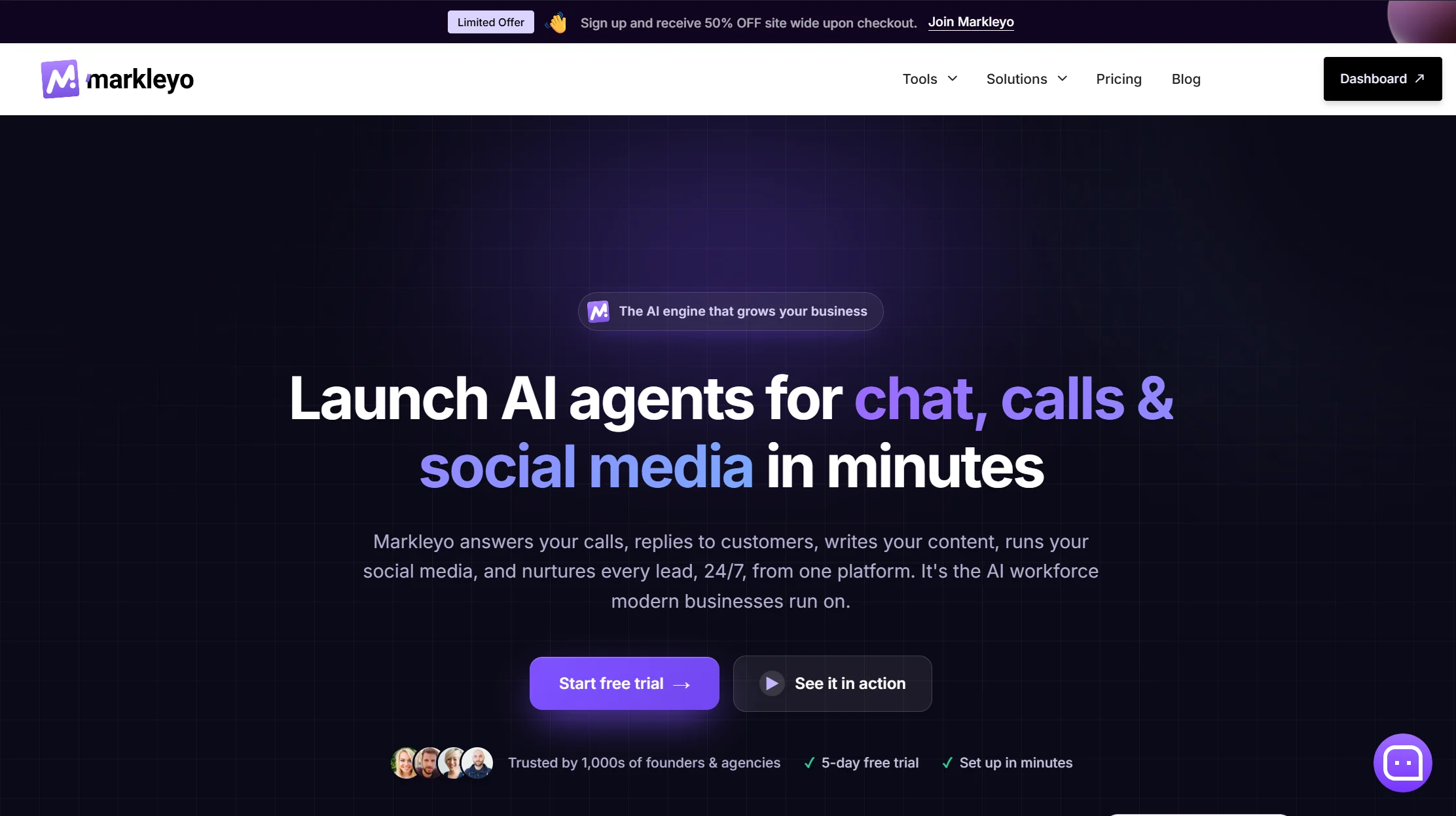
Price: From $14.5/month · 5-day free trial
Best for: WooCommerce stores where customers message rather than browse
Watch out for: It does not read live WooCommerce order or stock data — read this carefully
Let’s be direct about the limitation first, because it matters. Markleyo trains on your website, docs, and FAQs — it does not connect to the WooCommerce REST API. It cannot look up order #1042, check whether the navy hoodie is in stock in size M, or add an item to the cart. If those are your main questions, pick one of the five tools above instead. Genuinely.
Here’s when it’s the right answer anyway. A large share of WooCommerce stores — particularly in South Asia, the Middle East, Latin America, and Africa — don’t take most orders through a chat widget on the storefront. They take them in WhatsApp. The shopper sees a product, messages the business, negotiates, and pays. For those stores, a widget-only Woo plugin solves the smaller half of the problem.
Markleyo covers the messaging half. One CX chatbot agent answers on your website, WhatsApp Business, Telegram, Instagram, and Messenger from a single inbox in 70+ languages. An AI calling agent answers and places real phone calls and books appointments — nothing else on this list touches the phone. A marketing bot runs WhatsApp and Telegram broadcast campaigns for restocks and offers. A social media suite and an AI copywriter handle posts and product descriptions. All of it on one flat price with the AI included and no per-reply meter.
On the WooCommerce questions it can handle — returns policy, shipping times, sizing guidance, warranty terms, service areas — content training works well, because those answers live on your pages and don’t change hourly.
Verdict: the wrong tool if you need order lookup. The right tool if WhatsApp is where your store actually sells, and a reasonable second tool alongside a Woo-native plugin.
See the Markleyo AI chatbot for WooCommerce page, the WhatsApp and Telegram marketing bot, or the pricing page.
2. Storebird — best flat-priced WooCommerce-native platform
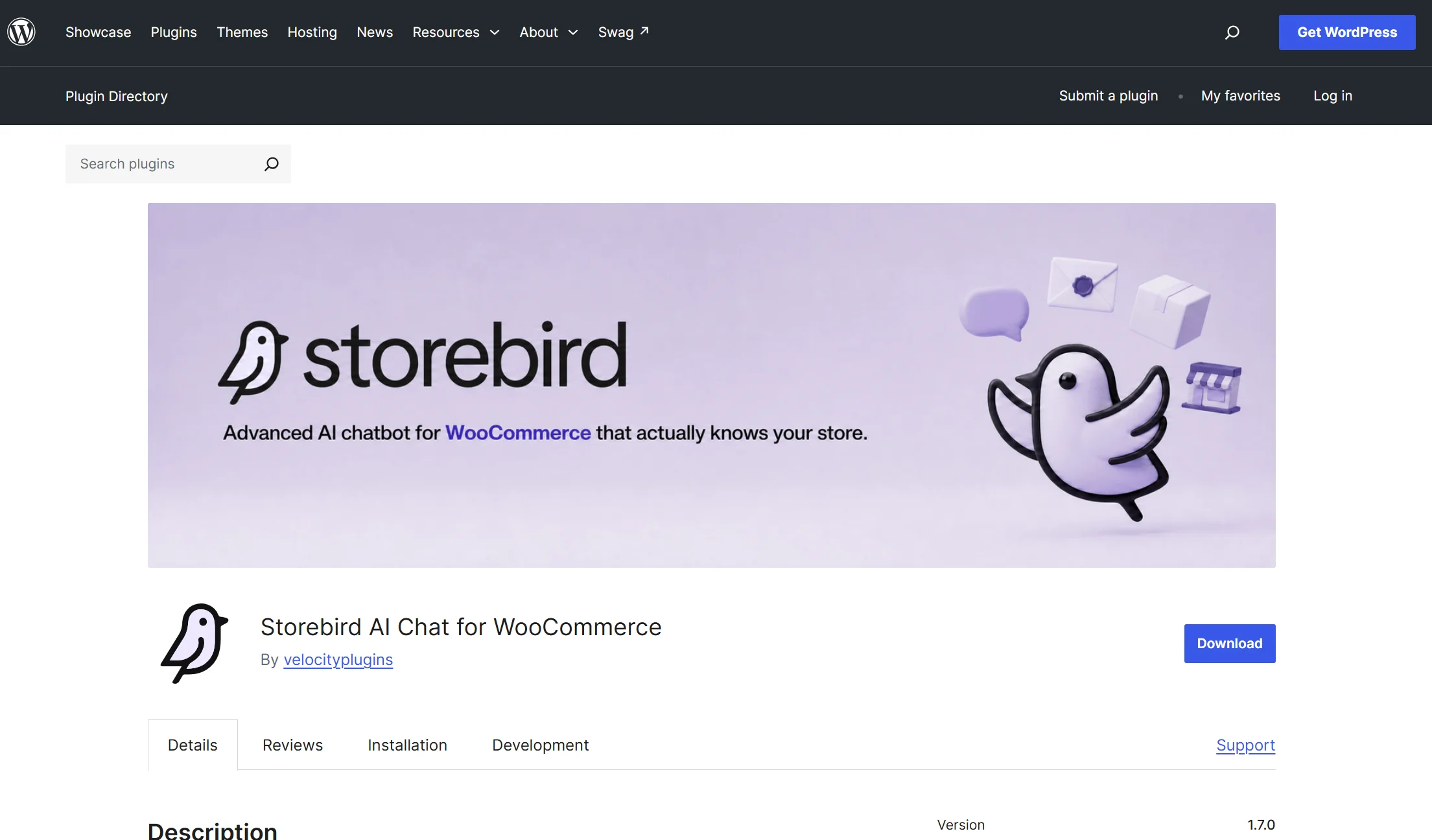
Price: Flat €39–€199/month · installable from the WordPress.org plugin directory with a 14-day Pro trial
Best for: Stores that want native data access without managing API keys
Watch out for: Smaller and newer than Tidio
Storebird is built specifically for WooCommerce and it shows in the details — it’s the vendor behind the seven-point checklist above, which is a good sign they understand the problem.
It wires modern AI models to live WooCommerce data through the REST API, covers order status including shipping-plugin tracking metadata, and handles WPML and Polylang properly for multilingual stores. Flat monthly pricing means a busy November costs the same as a quiet February.
Verdict: the best middle path — native depth with a managed setup and a predictable bill.
3. Tidio with Lyro — biggest install base, most proven
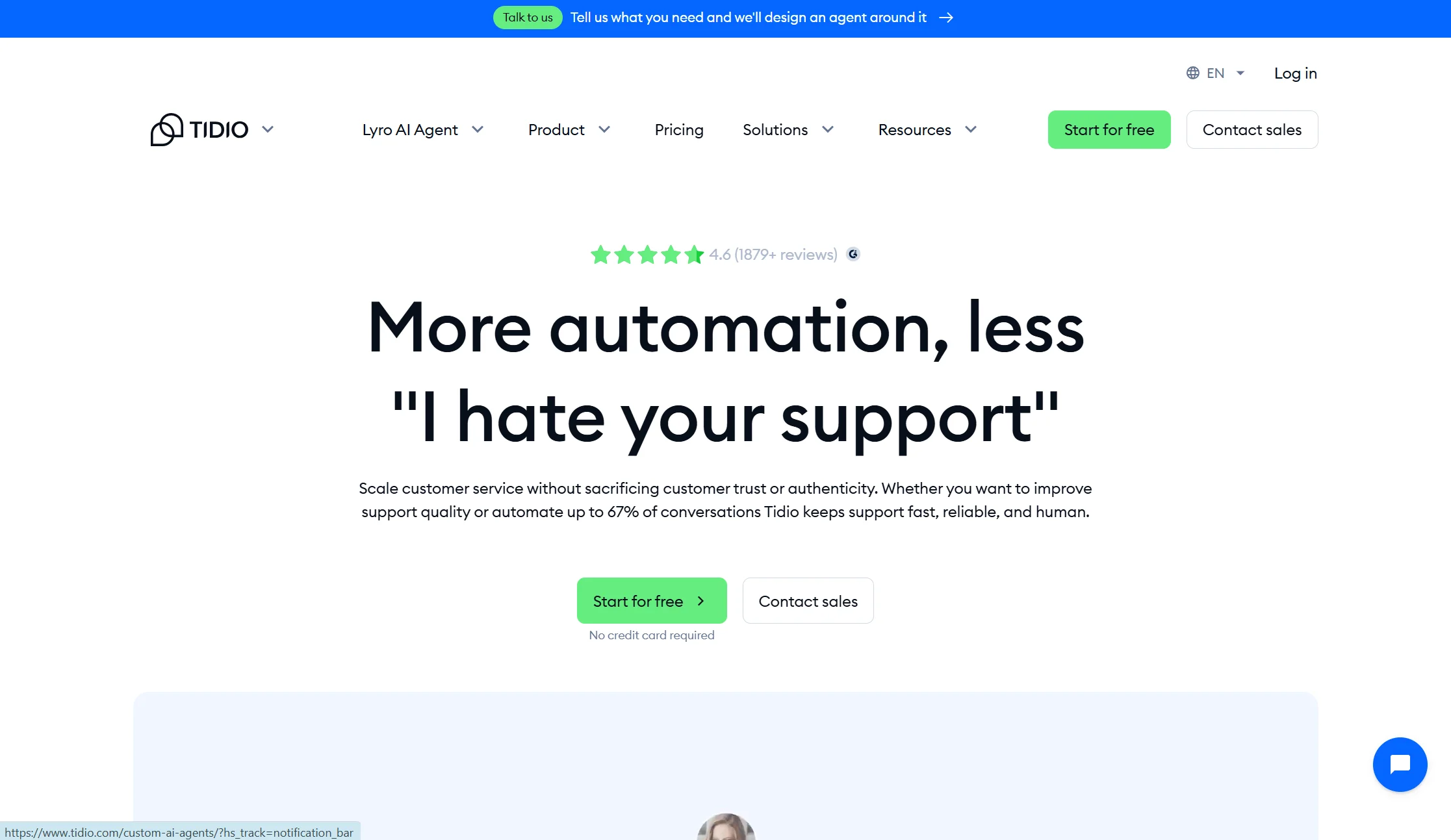
Price: Free plan with 50 conversations/month; Starter from $24.17/mo annual; Growth from $49.17/mo annual; Lyro AI add-on from $32.50/mo annual · realistically $68–$348/month for a WooCommerce store using AI
Best for: Stores that want the safest, most widely-used option
Watch out for: Three billing meters, and a lifetime AI cap on lower plans
Tidio is the most-installed tool here and the least likely to surprise you. Live chat, an AI agent called Lyro, chatbot flows, and light ticketing in one place, with a real free tier to test on.
The pricing shape needs attention. Billable Conversations, Lyro AI conversations, and Flow triggers bill separately — you’re juggling three quotas in parallel. On Free and Starter the 50 Lyro conversations are a lifetime pool rather than monthly, so once they’re gone Lyro stops replying. Reviewers also note that conversation-based billing scales expensive on high-traffic sites.
Verdict: the safe choice. Price the add-ons before you commit, because the entry price is not the price.
4. ZipChat AI — best for proactive selling and cart recovery
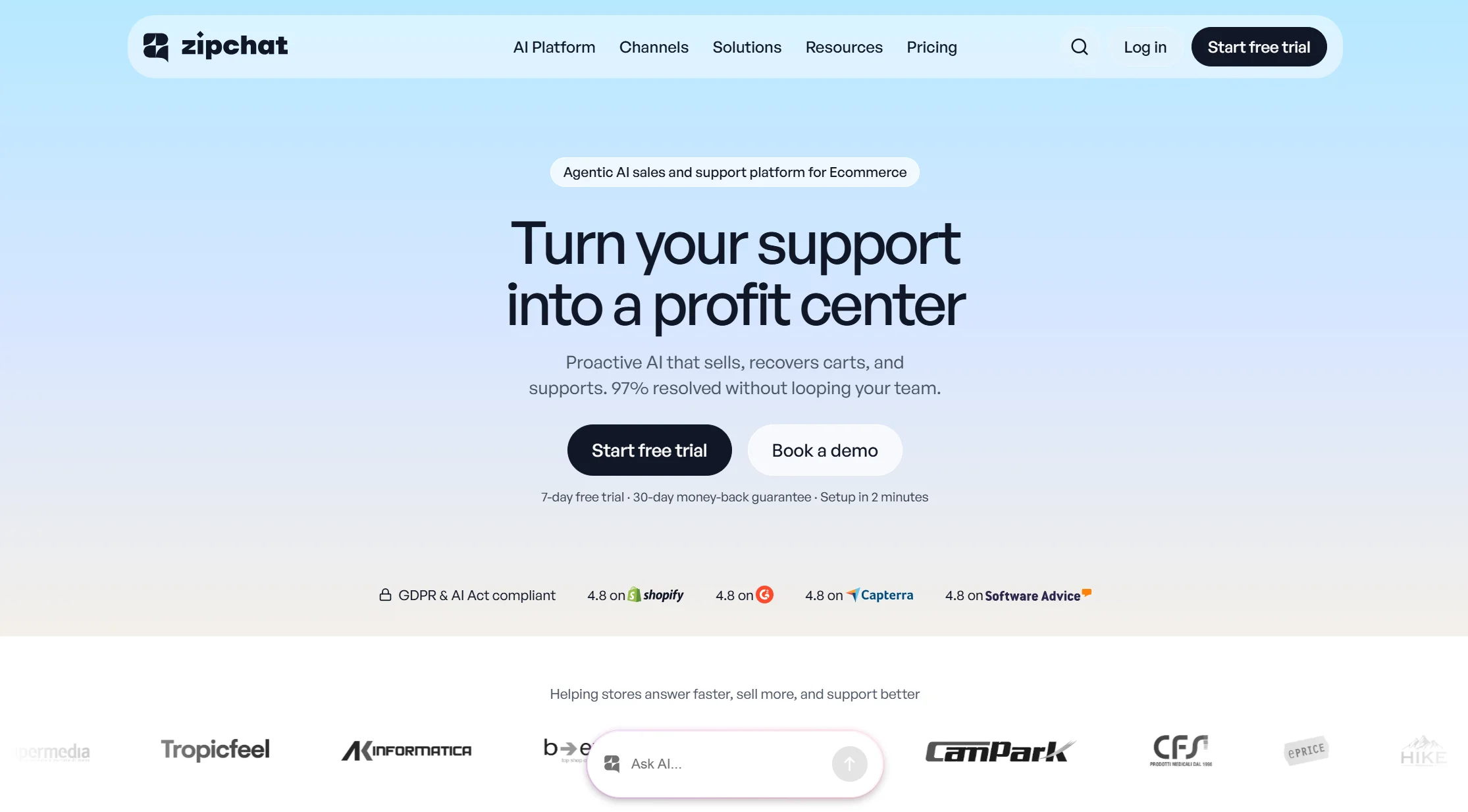
Price: From $49/month for 500 AI replies, with higher plans raising reply limits and extra replies costing more
Best for: Higher-traffic stores that want the bot to start conversations
Watch out for: Built Shopify-first, and replies meter upward fast
ZipChat behaves less like a support bot and more like a salesperson on the floor. It starts conversations based on visitor behaviour — viewing products, time on page, exit intent — and supports WhatsApp, Instagram, Messenger, and email from one knowledge base. For WooCommerce it installs with a JavaScript snippet and connects through the REST API, with tools for order tracking and single-use discount creation.
A note on a claim you’ll see elsewhere: one competing article scores ZipChat down for running “through a JavaScript embed, not native data,” while acknowledging two paragraphs earlier that it connects via the WooCommerce REST API. Those two statements don’t sit together — REST API access is live data access. The fair criticism is that ZipChat’s deepest features were built for Shopify first, not that it can’t see your Woo store.
Verdict: the sharpest sales tool here. Model your reply volume before signing, because overage is where this one bites.
5. ChatLab — best managed hosted option
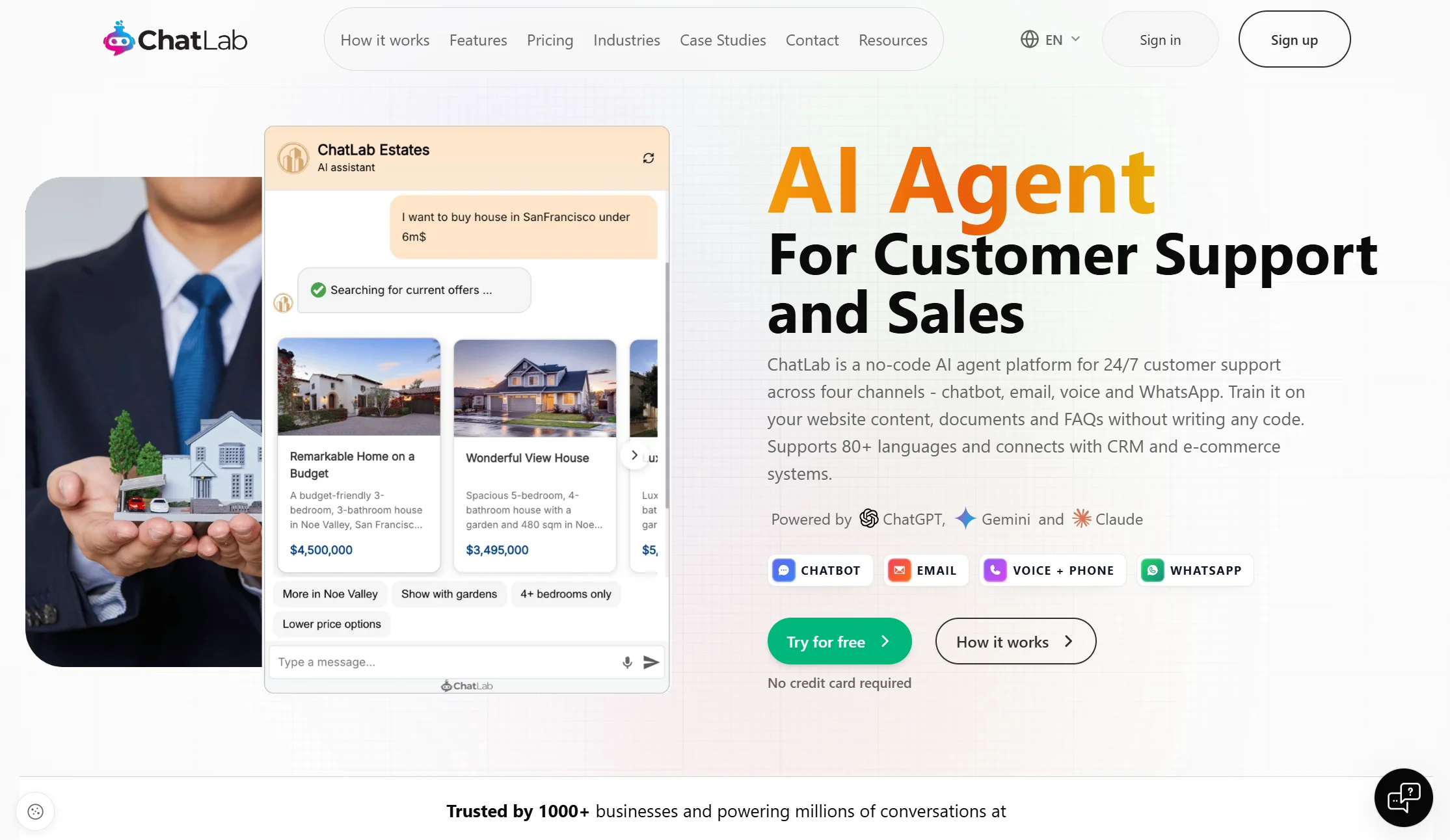
Price: $18 to $360/month, but WooCommerce features are tied to the Standard plan at $95/month — so serious WooCommerce use starts at $1,140/year
Best for: Established stores that want a polished SaaS product and a support team behind it
Watch out for: The features you came for sit on a mid-tier plan
ChatLab connects through the WooCommerce REST API and can search products, look up SKUs, browse categories, show product links, and answer order status questions using live prices, stock, and descriptions. It also supports website training, uploaded files, lead collection, live chat with human handoff, multilingual replies, and analytics.
Verdict: genuinely capable and genuinely expensive for a small store. The $95 threshold is the deciding number.
6. AI Chat & Search Pro (PurioChat) — best value, and the only one-time payment
Price: $69 one-time for a single site, $99 for up to three sites, with a free version available · though another tracker lists it as $49 once for a single site — verify before buying
Best for: Small and medium stores that don’t want another monthly bill
Watch out for: You manage your own AI API key
This is the strongest value pick in the category, and its structure is genuinely unusual: you pay once, then bring your own OpenAI or Gemini API key and pay only for tokens.
It’s a native WordPress plugin, so it reads WooCommerce data directly rather than through a copied catalog. Product cards appear in chat with image, price, stock status, and star ratings, and you can filter by price range or ratings. Order lookups pull real status from WooCommerce, handled as limited read-only checks. It shows “Add to Cart” buttons on product cards and the AI can add items to the cart. It also supports image and audio input, so shoppers can send a photo or a voice message.
The cost claim is the headline: the vendor estimates around $5 for roughly 2,000 conversations on GPT-5.5, or $5 for about 3,000 on Gemini 3.1 Flash, putting first-year total near $74 against $588–$1,140 for subscription competitors.
Two honest caveats. “Unlimited conversations” means unlimited on the plugin side — you still pay per token on your own API key, and heavy traffic on an expensive model costs more than $5. And bringing your own key means you handle billing, rate limits, and model upgrades yourself, which is fine if you’re comfortable in a dashboard and annoying if you’re not. Also note this is the vendor whose own comparison article scores it 9.2 out of 10 against 7.4 and 7.0 for rivals, so read their testing with that in mind.
Verdict: if you’re comfortable managing an API key, the cheapest genuinely capable option by a wide margin.
7. Asyntai — best flat per-message pricing with a free tier
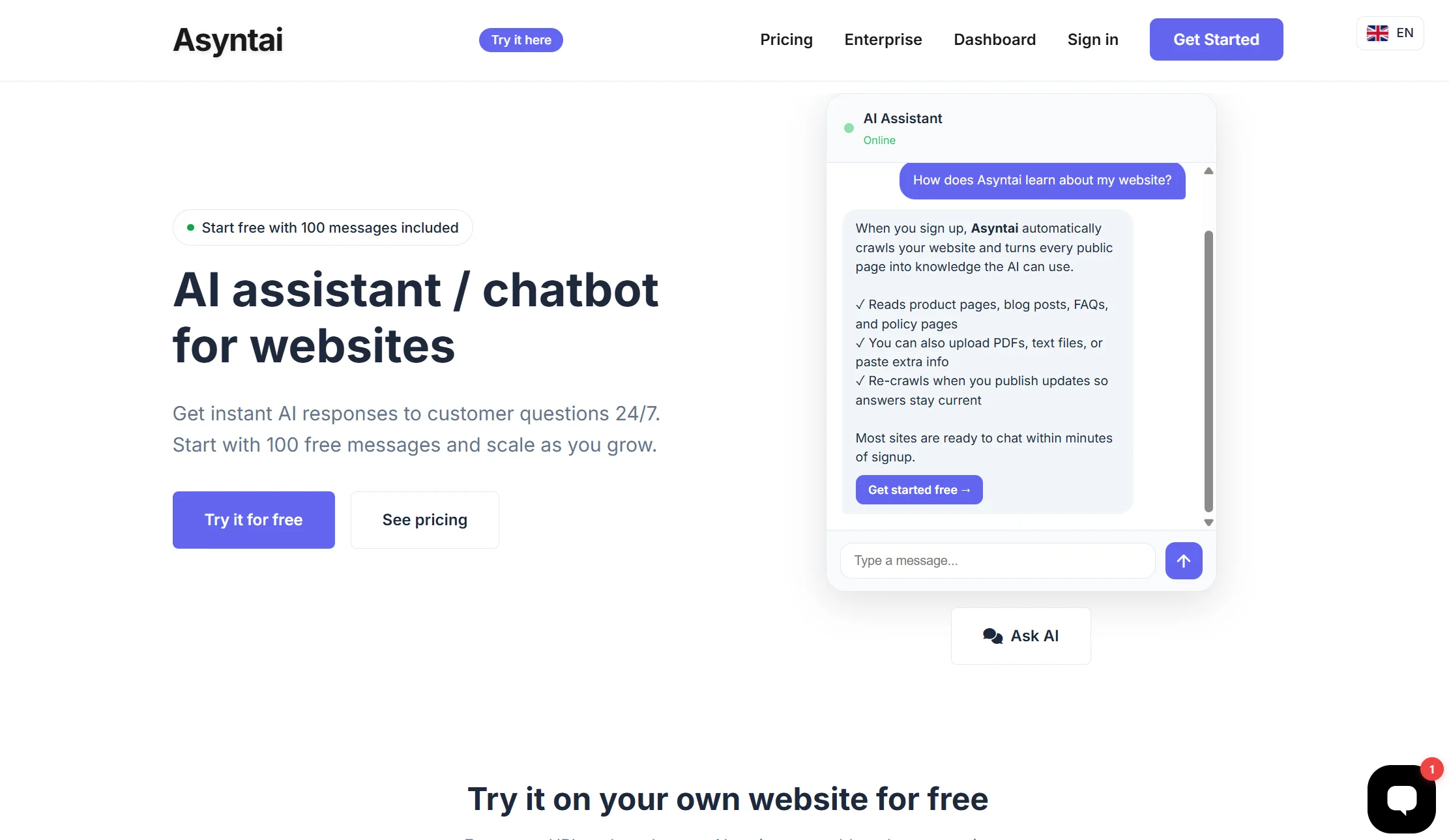
Price: Free plan with 100 messages per month; flat per-message pricing with no per-seat fees
Best for: Small stores that want predictable AI costs and a fast install
Watch out for: A younger product with less track record
Asyntai installs in about two minutes via an official WordPress plugin, or a JavaScript snippet if you prefer no plugin. It trains on your WooCommerce product catalog and uploaded documents, and offers automatic per-visitor language detection for international stores.
The pricing model is the appeal: flat per message with no seat fees means you can forecast it, and 100 free messages a month is enough to test properly rather than just click around a demo.
Verdict: a strong budget pick with a sane pricing model. Test the catalog answers on your own products before committing.
8. WPBot — best free native WordPress plugin
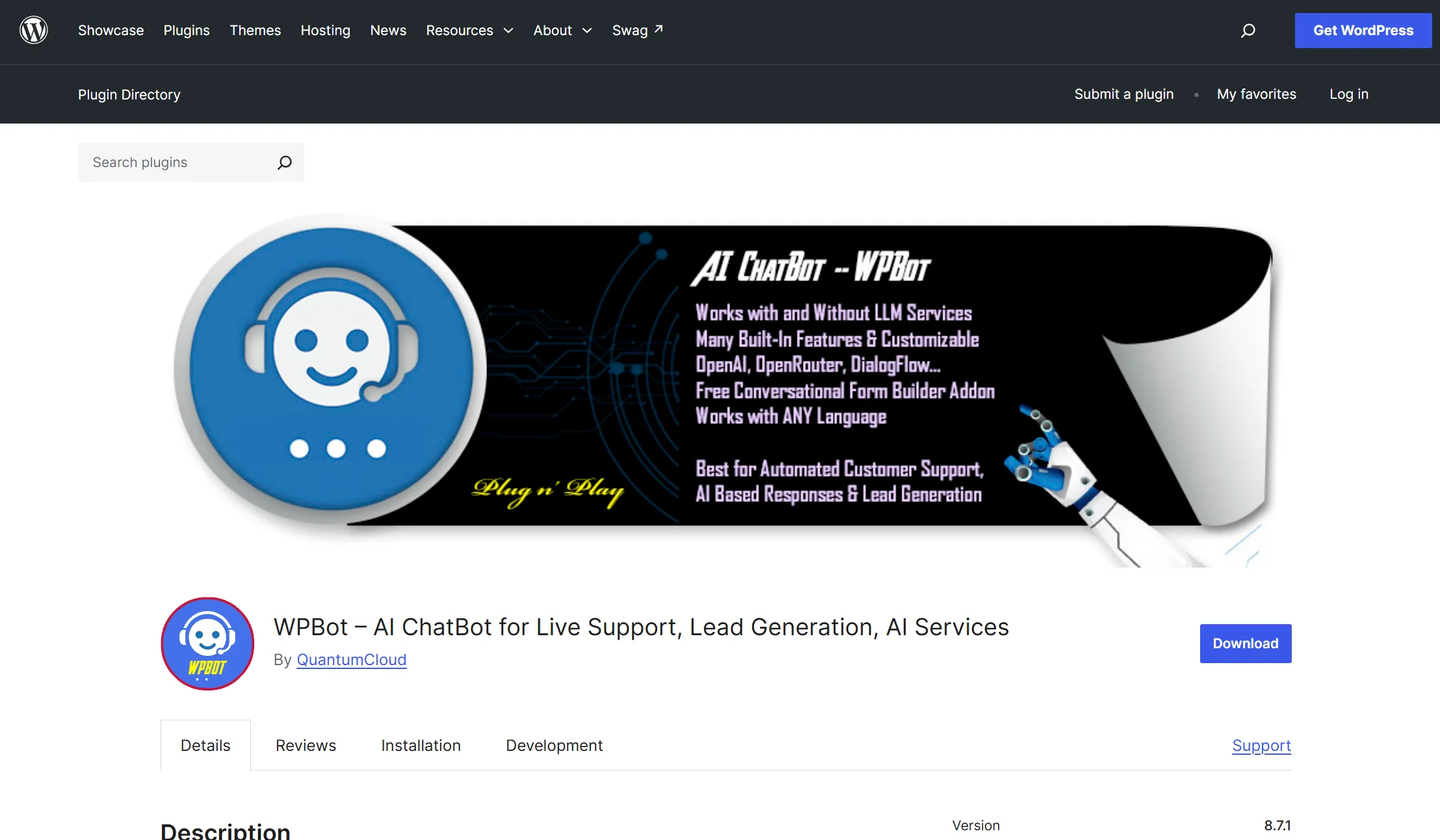
Price: Free tier includes core AI chatbot functionality; the WooCommerce add-on module enables product search, sale items, and order lookups
Best for: Stores that want a native plugin and are willing to configure it themselves
Watch out for: The Woo features are an add-on, and the AI is optional
WPBot runs fully inside your WordPress dashboard. It works out of the box for FAQs and support, and with the WooCommerce add-on module it handles product search, order lookups, and cart interactions. AI-powered responses come through optional Dialogflow or OpenAI integration. One reviewer had a basic FAQ chatbot running within minutes, then added the WooCommerce module so the bot could recommend products, display ongoing sales, and assist with order tracking.
Related tool worth knowing: WoowBot, another long-standing WordPress option, runs $49–$189/year plus API costs but is described as a cheap incumbent without a modern LLM.
Verdict: the best genuinely free route to real WooCommerce features. Expect to spend an afternoon configuring rather than minutes.
9. Zoho SalesIQ — best free option with visitor tracking
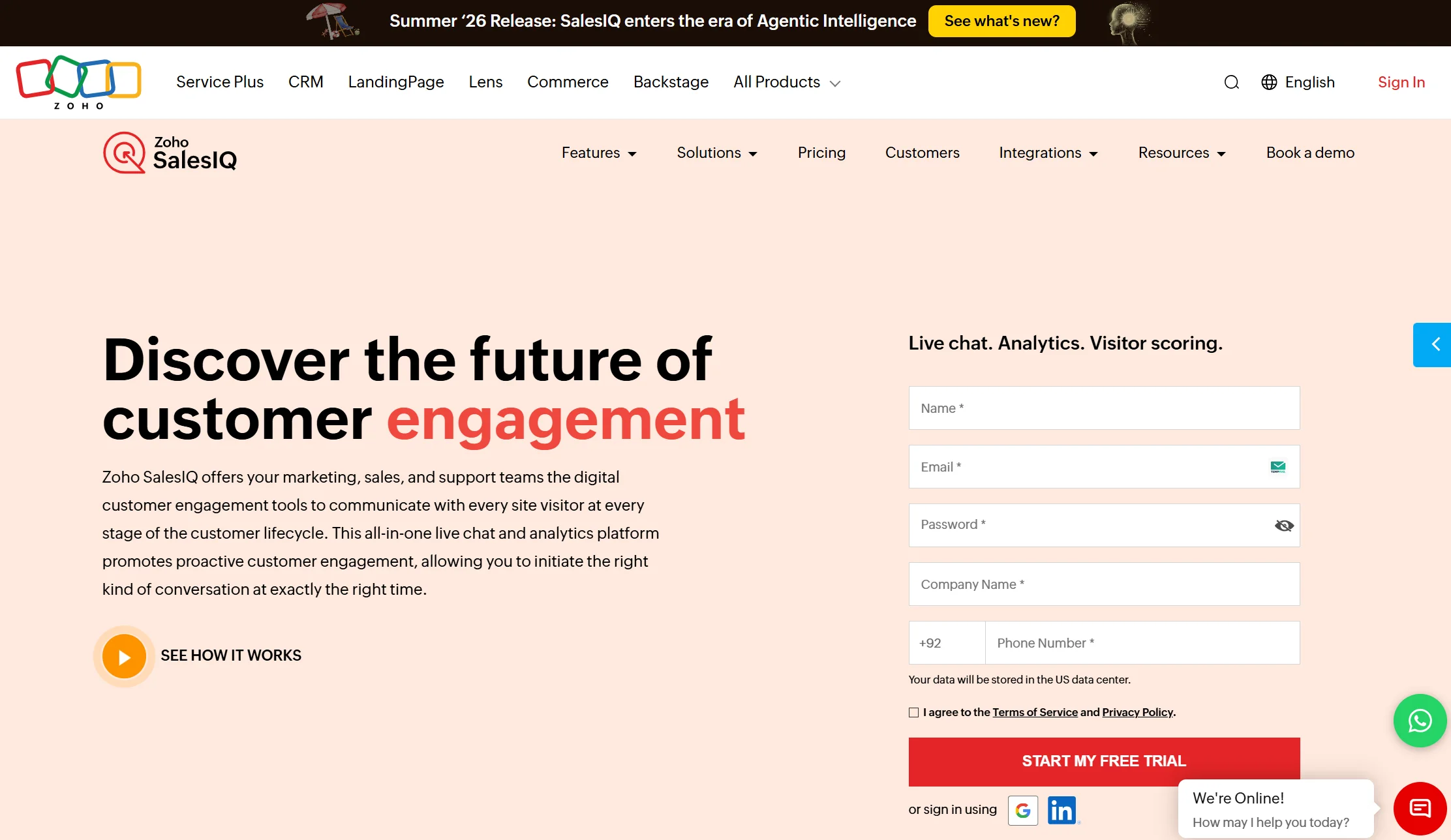
Price: Free tier covers three operators
Best for: Growing stores on a small budget, especially Zoho CRM users
Watch out for: It’s a live chat tool with bots attached, not an AI-first product
SalesIQ ships an official WordPress plugin with WooCommerce support and gives you two kinds of bot: Answer Bot, which uses intent detection and your knowledge base, and Zobot, a codeless flow builder you can extend with scripts and API calls. Alongside the chat you get a live feed of who’s on your site, which pages they’re viewing, and where they arrived from, which helps you catch a hesitating shopper before they close the tab. On the ecommerce side you can wire up flows for order tracking, product recommendations, size guidance, and cart-abandonment nudges.
Verdict: hard to argue with the entry price, and the visitor tracking is genuinely useful. Best if you’re already in the Zoho world.
10. Tawk.to — best genuinely free live chat
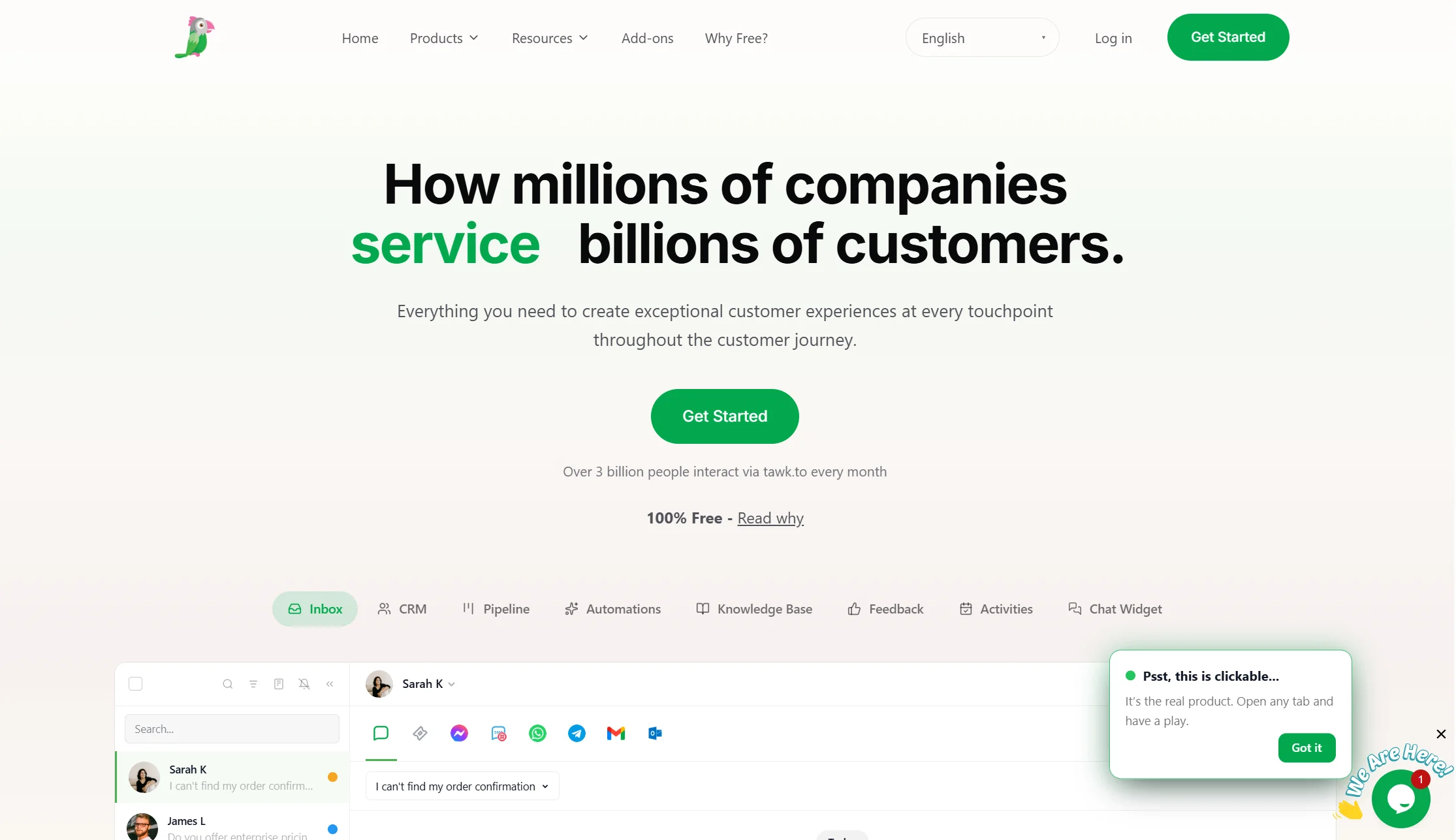
Price: Free, permanently
Best for: Stores with zero budget that can answer messages themselves
Watch out for: It’s a human tool, not an AI one
Tawk.to gives unlimited free live chat forever. For a new store getting a handful of questions a day, answering them yourself in a good inbox may be the right call — and it costs nothing.
What you don’t get is AI, catalog access, or order lookup. It’s a chat window with a human behind it.
Verdict: start here if the budget is truly zero, and upgrade when you’re tired of answering the same question forty times.
Full comparison table: all 10 WooCommerce chatbots
| Tool | Price | How it connects | Live order lookup? | Free plan? | Best for |
|---|---|---|---|---|---|
| Markleyo AI | $14.5/mo flat | Content training | ❌ | ❌ 5-day trial | WhatsApp/Telegram selling |
| AI Chat & Search Pro | $49–69 one-time + API | Native plugin | ✅ | ✅ Free version | Lowest total cost |
| Storebird | €39–€199/mo flat | Native plugin | ✅ | ❌ 14-day trial | Flat-priced native |
| Tidio + Lyro | ~$68–348/mo all-in | REST API | ✅ | ✅ 50 conv/mo | Most proven |
| ZipChat AI | From $49/mo | REST API + JS | ✅ | ❌ | Proactive selling |
| ChatLab | $18–360/mo (Woo at $95) | REST API | ✅ | ❌ | Managed hosted |
| Asyntai | Free + flat per message | Plugin or JS | ✅ Catalog | ✅ 100 msgs/mo | Predictable AI cost |
| WPBot | Free + Woo add-on | Native plugin | ✅ With module | ✅ | Free native plugin |
| Zoho SalesIQ | Free (3 operators) | WP plugin | ✅ Via flows | ✅ | Free + visitor tracking |
| Tawk.to | $0 | Widget only | ❌ | ✅ Unlimited chat | Zero budget, human-answered |
Best AI chatbots for WooCommerce integration by store type
Which is best for a small store on a tight budget?
AI Chat & Search Pro wins on total cost if you’ll manage an API key — one payment of $49–69 plus a few dollars of tokens, versus $588 or more a year for a subscription. Asyntai is the better pick if you want someone else to handle the AI plumbing, with 100 free messages a month to test on. WPBot and Zoho SalesIQ are the free options that still give you real Woo features, and Tawk.to is the answer when the budget is genuinely zero.
The trap at this end of the market is buying on entry price. A $18 plan whose WooCommerce features unlock at $95 is a $95 plan.
Which is best if most of your orders come through WhatsApp?
Markleyo AI, and this is the one place it’s the clear answer.
If your customers see a product, message you on WhatsApp, ask about sizes, and pay by transfer or on delivery, then your storefront chat widget is answering a small fraction of your real conversations. A Woo-native plugin can’t help in WhatsApp. Markleyo covers WhatsApp, Telegram, Instagram, Messenger, your website, and inbound phone calls from one inbox at $14.5, and can run restock and offer campaigns to past buyers.
The honest pairing many stores land on: a cheap Woo-native plugin like AI Chat & Search Pro for on-site order lookups, plus Markleyo AI for the messaging channels. Together that’s roughly $14.5 a month plus a one-time $69 — less than several single subscriptions here.
Which is best for a high-traffic store?
ZipChat AI if your goal is more revenue per visitor, since proactive chat and cart recovery only pay off with volume. Storebird if you want native depth on a flat bill that won’t spike in November. ChatLab if you want a managed platform with a support team.
Avoid per-conversation pricing at high traffic. Reviewers consistently note that conversation-based billing scales expensive on high-traffic sites. Your busiest month is exactly when you have no time to watch a usage dashboard.
Which is best for a multilingual or international store?
Storebird handles WPML and Polylang properly, replying in the visitor’s language without you maintaining two knowledge bases — which is the specific thing that breaks on most tools. Asyntai does automatic per-visitor language detection. Markleyo AI covers 70+ languages across chat and WhatsApp. ChatLab supports multilingual replies and is often recommended for European stores with GDPR requirements.
Test this properly rather than trusting a language count. Ask the bot a product question in your second language and see whether it answers from the translated page or the English one.
How do you add an AI chatbot to a WooCommerce store?
There are two install routes, and picking the right one saves you a lot of trouble.
Route A — a WordPress plugin (AI Chat & Search Pro, Storebird, WPBot, Asyntai, Zoho SalesIQ). Best if you want live store data, because a plugin can read WooCommerce directly.
Route B — a JavaScript snippet (ZipChat, Tawk.to, Markleyo, and most hosted tools). Faster and platform-independent, but store access then depends on a separate REST API connection.
Here’s the full process for a plugin install:
Step 1 — Back up your store. Before installing anything that touches orders, take a backup. This takes two minutes and saves entire weekends.
Step 2 — Install the plugin. In your WordPress admin go to Plugins → Add New, search for the tool, click Install, then Activate. For paid plugins you’ll upload a zip file and enter a licence key.
Step 3 — Connect WooCommerce. The plugin will ask for permission to read products and orders, usually by generating WooCommerce REST API keys under WooCommerce → Settings → Advanced → REST API. Give it read access unless you specifically want the bot to modify orders. Read-only is the safer default.
Step 4 — Add your AI key, if needed. Some tools ask for your own OpenAI or Gemini API key. Create one in that provider’s dashboard, set a monthly spending limit while you’re there, and paste it in. The spending limit is the step people skip and regret.
Step 5 — Let it read your store. The tool will index your products, categories, and pages. Then add the things that aren’t in your catalog: your returns policy, shipping times, sizing guidance, and warranty terms. This is what decides whether your bot is good — a vague policy page produces a vague bot.
Step 6 — Set the boundaries. Decide what the bot may not do. Most stores should not let a chatbot issue refunds or edit orders unsupervised, however tempting the demo looks.
Step 7 — Test with real questions. Use seven or eight questions from your actual inbox, and include the hard ones. Good tests: a product with variations, an out-of-stock item, a real order number, your return window, and one thing it should refuse to answer. Watch how it fails, not just how it succeeds.
Step 8 — Check performance. WooCommerce stores are often already slow. Confirm the widget loads after your page content and doesn’t add to your checkout load time. Then run a page-speed test before and after.
Step 9 — Check it on a phone. Most store traffic is mobile. A chat bubble covering your “Add to cart” button costs you money directly.
Step 10 — Watch the transcripts weekly. Every question the bot got wrong is a gap in your content, not a bug in the AI. Fix the page and the answer fixes itself.
Realistic time: about 20 minutes to install and connect, and an afternoon to make it genuinely good.
How much does a WooCommerce AI chatbot cost?
The range in this category is wider than almost any other software you’ll buy. From $49 one-time at the bottom to $2,900 or more per month at the top.
| Budget | What you get | Examples |
|---|---|---|
| $0 | Free live chat, or a native plugin you configure yourself | Tawk.to, WPBot, Zoho SalesIQ free |
| One-time $49–99 + API | Full native Woo features, you manage the AI key | AI Chat & Search Pro |
| $40–70/month flat | Managed platform, predictable bill | Storebird (from €39), Markleyo ($14.5) |
| $68–350/month | Established SaaS with AI add-ons | Tidio + Lyro, ZipChat |
| $95–360/month | Hosted platform with full Woo features and support | ChatLab |
| $2,900+/month | Enterprise volume | Amio Scale tier |
Realistic mid-market figures: Storebird €39–€199/mo, Tidio plus Lyro $68–$348/mo, WoowBot Pro $49–$189/yr plus API costs.
The mistake almost everyone makes is comparing entry prices. Do this instead: take your busiest recent month, count the conversations, and price that month on each vendor’s real rates with add-ons switched on. As one competitor puts it plainly, a $49/month chatbot costs $588/year before you sell a single extra product.
How we picked and compared these 10 chatbots
Five tests, in this order:
- Can it read your store? Native plugin, REST API, or content-trained only. This is the biggest single differentiator and we state it plainly for every tool, including our own.
- Does it handle order lookup? Because that’s 30–50% of support volume on most stores.
- Real cost over a year. Including add-ons, API tokens, and the tier where WooCommerce features actually unlock.
- Install path. Plugin versus snippet, and how much configuration is left to you.
- Channel coverage. Whether it reaches customers beyond your storefront.
Pricing was checked against vendor pricing pages and dated third-party trackers in July and August 2026. Where trackers disagreed — AI Chat & Search Pro appears as both $49 and $69 for a single site — we say so rather than picking one.
Two things we did deliberately. We flagged where a competitor’s own comparison contradicts itself, because that affects how much weight you should give its scores. And we stated our own product’s biggest limitation in its own entry, in bold, because a comparison that only lists strengths is an advert.
FAQs About Best AI Chatbot for WooCommerce
What is the best AI chatbot for WooCommerce?
For lowest total cost, AI Chat & Search Pro at $49–69 one-time plus your own API key. For a flat-priced native platform, Storebird from €39/month. For the most proven option, Tidio with Lyro. For proactive selling, ZipChat from $49/month. If most of your orders arrive through WhatsApp rather than your storefront, Markleyo AI at $14.5/month covers the messaging channels the others don’t — though it doesn’t read live order data.
What’s the difference between an AI chatbot for WordPress and one for WooCommerce?
This distinction saves people money. An AI chatbot for WordPress answers questions from your pages and posts — perfect for a blog, agency, clinic, or service business. An AI chatbot for WooCommerce additionally reads your store: live stock, product variations, prices, and order status. Every WooCommerce chatbot is also a WordPress chatbot, but not the reverse. If you’re running a WordPress site without a shop, you don’t need to pay for store integration you’ll never use.
Can a WooCommerce chatbot tell customers where their order is?
Only if it connects to your store. Tools that run as native plugins or through the WooCommerce REST API — AI Chat & Search Pro, Storebird, Tidio, ZipChat, ChatLab, WPBot with its Woo module — can query live order status. Tools trained only on your website content, including Markleyo AI, can explain your shipping policy but cannot look up an individual order. Since order questions are 30–50% of support volume on most stores, make this a hard requirement if that’s your situation.
Is there a free AI chatbot for WooCommerce?
Yes, with real limits. WPBot’s free tier includes core chatbot functionality, with WooCommerce features as an add-on module. Zoho SalesIQ’s free tier covers three operators. Asyntai gives 100 free messages a month. AI Chat & Search Pro has a free version, Tidio’s free plan covers 50 conversations, and Tawk.to offers unlimited free live chat with no AI. Free tiers are for testing whether a chatbot helps your store, not for running it long-term.
Do I need coding skills to add a chatbot to WooCommerce?
No. Plugin installs are the same as any WordPress plugin — search, install, activate. Snippet installs are one copy-and-paste into your theme header. The only mildly technical step is generating WooCommerce REST API keys, and the plugin usually walks you through it. Budget about 20 minutes for setup and an afternoon for writing good policy content, which matters far more than the technical part.
Will a chatbot slow down my WooCommerce store?
It shouldn’t, but WooCommerce stores are often already slow, so check. A well-built widget loads after your page content. Run a page-speed test before and after installing, keep an eye on your checkout page specifically, and make sure you’re not accidentally running two chat widgets at once — surprisingly common after switching tools, and it hurts both speed and clarity.
Should a chatbot be allowed to issue refunds?
Be careful here. Some tools can process refunds and edit orders directly, and the demos are impressive. For most stores the sensible setup is read-only access — the bot looks things up and explains your policy, and a human approves anything involving money. Give it write access only once you’ve watched its transcripts for a few weeks and trust its judgement.
How long before a WooCommerce chatbot pays for itself?
Depends on your ticket mix. A WooCommerce chatbot earns its keep when at least 70% of your support tickets are about products, orders, or returns — those are the repetitive questions AI handles well. One vendor cites a customer reporting around 20–50% fewer emails, though that’s a vendor-published figure. At a one-time $69, payback is usually a matter of weeks. At $348 a month, do the maths properly first.
The bottom line: which WooCommerce chatbot should you choose?
Start with one question: can it read your store, or is it guessing from your pages? That single distinction matters more than every feature list in this category.
- Lowest total cost, happy to manage an API key? → AI Chat & Search Pro.
- Want native depth on a flat, predictable bill? → Storebird.
- Want the safest, most-used option? → Tidio + Lyro.
- Want the bot to sell, not just answer? → ZipChat AI.
- Want a managed hosted platform? → ChatLab.
- Most of your orders come through WhatsApp? → Markleyo AI.
- Want predictable per-message AI costs? → Asyntai.
- No budget, but want real Woo features? → WPBot or Zoho SalesIQ.
- No budget at all? → Tawk.to.
And before you pay for anything, run this test: take seven real questions from your inbox — including one about a product with variations, one about an out-of-stock item, and one real order number — and ask every shortlisted tool the same seven. An afternoon of that will tell you more than any comparison article, including this one.
Selling through WhatsApp, Telegram, or Instagram as well as your store? Start a free Markleyo AI trial — one flat plan covering every messaging channel plus an AI calling agent and campaign tools. For live order lookup on your storefront, pair it with a WooCommerce-native plugin from the list above.