10 Best Tidio Alternatives and Competitors
The best Tidio alternatives in 2026 are Markleyo AI, Crisp, Chatwoot, Chatbase, Freshdesk, Gorgias, Help Scout, Intercom, Front, and Zendesk. Most people leave Tidio for one reason: your bill is driven by three separate meters at once, and the free AI credits run out forever instead of every month. This guide compares all ten on real published prices, and tells you honestly which one fits your team.
Table of Contents
Which Tidio alternative should you pick?
If you read one section, read this one.
| You are… | Best pick | Why |
|---|---|---|
| A small business that wants chat, calls, social, and content in one bill | Markleyo AI | One flat price, AI included, WhatsApp and Telegram in the box |
| A small team that wants flat pricing and seats included | Crisp | Closest like-for-like swap, no per-conversation meter |
| A technical team that wants to pay nothing | Chatwoot | Free and open source if you self-host |
| A solo founder who needs one FAQ bot | Chatbase | Fastest way to launch a single bot |
| A team that needs real ticketing on a budget | Freshdesk | Free for 2 agents, cheapest proper help desk |
| A Shopify or ecommerce brand | Gorgias | Built around orders, returns, and refunds |
| An email-first team that needs a help centre | Help Scout | Free knowledge base, free for 5 users |
| A funded SaaS company that wants the best AI | Intercom | Strongest AI resolution, highest price |
| A B2B team where several departments touch one account | Front | Built for handoffs and shared ownership |
| A large company with compliance rules | Zendesk | Deepest platform, most integrations |
What is Tidio, and why do people look for alternatives?
What is Tidio?
Tidio is a customer service platform for small businesses. It gives you a live chat bubble for your website, a rule-based chatbot builder, simple ticketing, and an AI agent called Lyro that answers questions using your help articles.
It is genuinely good at what it does, and most people who go looking for an alternative to Tidio are not unhappy with the product itself. Setup takes minutes, the widget looks smart with no design work, and there is a real free plan. It is primarily built for SMB and ecommerce teams — D2C brands and online retailers managing multichannel conversations are the core audience.
So why do so many people go looking for something else? Almost always, the same answer: the bill.
The three meters that make your Tidio bill confusing
This is the part that catches nearly everyone, so it is worth slowing down for.
Most tools charge you one way. You pay per person on your team, or you pay per conversation. Tidio charges you three ways at the same time. Billable Conversations, Lyro AI conversations, and Flow triggers bill separately — you are juggling three quotas in parallel.
Imagine a phone plan where your minutes, your texts, and your data all had separate limits, separate prices, and separate top-ups — and you could run out of any one of them without running out of the others. That is the shape of a Tidio bill.
One analysis put it simply: the advertised entry price turns into three to four times as much as you grow. Not because of hidden charges, but because three quotas grow at the same time.
The five things people complain about most
1. The free AI credits are not monthly — they are forever. This is the single biggest surprise. The Free plan’s 50 Lyro conversations are lifetime rather than monthly, so once they are gone, Lyro stops replying. The Starter plan still includes only that one-time allocation of 50 Lyro AI conversations inherited from the Free plan. So you can pay for Starter, use up your fifty AI chats in week one, and your AI agent simply goes quiet until you buy an add-on.
2. One long chat can burn several AI credits. A “Lyro conversation” is the first AI reply in a thread, and 15 minutes of silence followed by a new message starts a fresh one — so one drawn-out chat can burn through several. A customer who steps away to make tea and comes back costs you twice.
3. It upgrades you automatically, and does not email you. Tidio bumps you to a higher tier automatically at 95% of your quota, with only an in-app banner and no email warning. That creates sudden cost jumps of $25 to $700. If nobody on your team logged into the dashboard that week, you find out on the invoice.
4. There is a cliff, not a staircase. The plan stack jumps from Growth at $59/mo directly to Plus at $749/mo — a 12× leap with no mid-tier in between. The gap between $59 and $749 leaves mid-market teams with no good option.
5. Ten seats, and that is the ceiling. Self-service plans cap at 10 agent seats. Free and Starter include 3 operators, Growth includes 5, and additional operators cost $10/month each. Growing past ten people means a sales call.
What does Tidio actually cost in 2026?
Here are the published plans. Annual billing saves roughly 16.67%, which Tidio frames as “2 months free”.
| Plan | Monthly | Annual | Billable conversations | Lyro AI included |
|---|---|---|---|---|
| Free | $0 | $0 | 50/month | 50 lifetime |
| Starter | $29 | $24.17 | 100/month | 50 lifetime |
| Growth | $59 | $49.17 | From 250, up to 2,000 | None — add-on required |
| Plus (Tidio+) | From $749 | — | Custom | Included |
| Premium | Custom (~$2,999) | — | Unlimited | 3,000+ bundled |
Then the add-ons stack on top. Lyro AI starts from $39/mo monthly and Flows from $29/mo monthly, each about 17% cheaper annually. Branding removal is $20/month on Growth and included from Plus upward.
Now the real-world totals, taken from published analyses rather than my own guesswork:
| Your situation | Realistic all-in cost | Source of estimate |
|---|---|---|
| Starter + 200 AI conversations | ~$107/mo (not $29) | Docuyond |
| Growth + minimum Lyro add-on (50 AI chats) | ~$98/mo | Chatsy |
| Growth + Lyro + Flows | ~$105–150/mo | CheckThat |
| 800 requests, 25,000 visitors, branding removed | $450+/mo, still capped at 10 seats | Chatarmin |
| ~1,000 AI conversations/month | ~$500–750/mo | MyAskAI |
As one breakdown concluded: a store at around 1,000 AI conversations a month is realistically at $500–750 all-in, not $29 — the $29 only ever covered the chat pool. To get Lyro properly included without add-ons, you need the Plus plan at $749/month.
For comparison, Markleyo Complete starts at $14.5/month, with the AI agent included and no separate conversation meter.
To be fair to Tidio: the trial terms are reasonable — you get a 7-day free trial of any paid plan with no credit card required, and at the end the account drops back to Free with no automatic charge. And the free plan really is free forever. If your volume genuinely sits under 50 chats a month, Tidio is hard to beat.
The 10 best Tidio alternatives in 2026
Each tool is judged the same way: real cost at real volume, what is included before add-ons, channel coverage, and who it honestly suits. Prices were checked in July and August 2026.
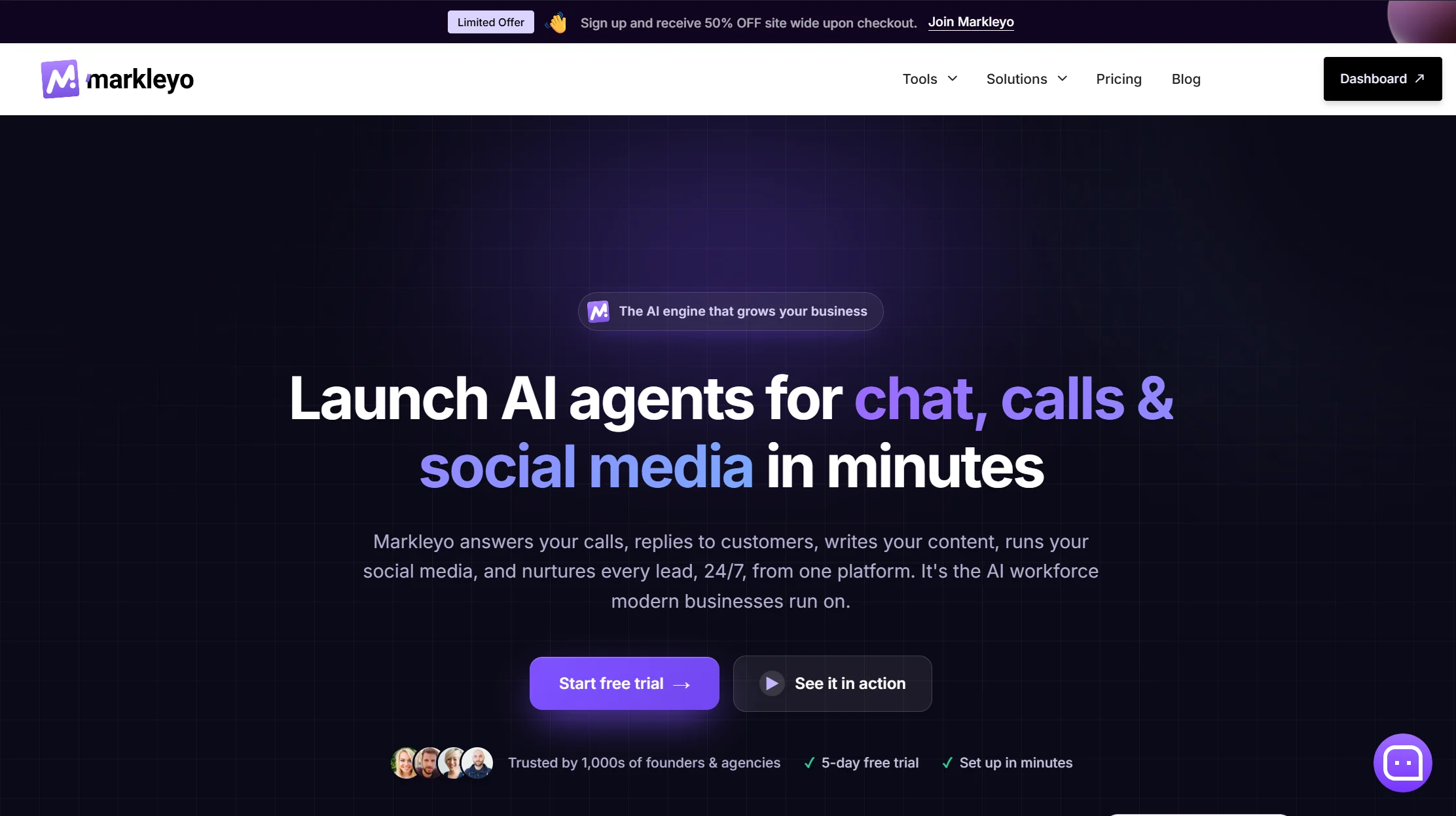
1. Markleyo AI — best all-in-one Tidio alternative for small businesses
Price: From $14.5/month · 5-day free trial
Best for: Small businesses that want chat, phone calls, social media, and content in one subscription
Watch out for: Not a ticketing system, and a newer brand than Tidio
Markleyo AI solves the three-meter problem by removing the meters. One flat monthly price with the AI agent included — no separate Lyro-style add-on, no lifetime credit pool, no automatic tier bump at 95%.
It also does considerably more than a chat widget. You get six AI workers in one plan: a CX chatbot agent for your website, WhatsApp, and Telegram; an AI calling agent that answers real phone calls in a human-sounding voice and books appointments; a social media suite that writes and schedules posts; a marketing bot for WhatsApp and Telegram broadcast campaigns; an AI copywriter for SEO blogs and emails; and a no-code agent builder to chain them together. They share one knowledge base, so you teach your business once.
Two specific gaps it closes. Tidio charges extra for AI capacity and, by some reports, for WhatsApp as a channel — Markleyo includes WhatsApp, Telegram, Instagram, and Messenger in the base plan. And where Tidio’s self-service plans stop at 10 seats, Markleyo has no per-seat multiplier at all, so hiring your fourth and fifth employee does not change your software bill.
The maths is stark. Look back at the cost table: a store running 1,000 AI conversations a month is realistically at $500–750 on Tidio. Markleyo Complete starts at $14.5. Even ignoring the calling agent, the social suite, and the copywriter, the chatbot alone changes your budget category.
Honest trade-off. Markleyo is not a help desk. There are no ticket queues, SLA timers, or agent workload dashboards. If you need those, pick Freshdesk or Zendesk — genuinely. And Tidio has years more reviews and a bigger integration marketplace. Markleyo suits founders, agencies, service businesses, and small ecommerce teams who want conversations handled and leads captured without six subscriptions.
See the full feature list on the Markleyo AI chatbot page or the pricing page.
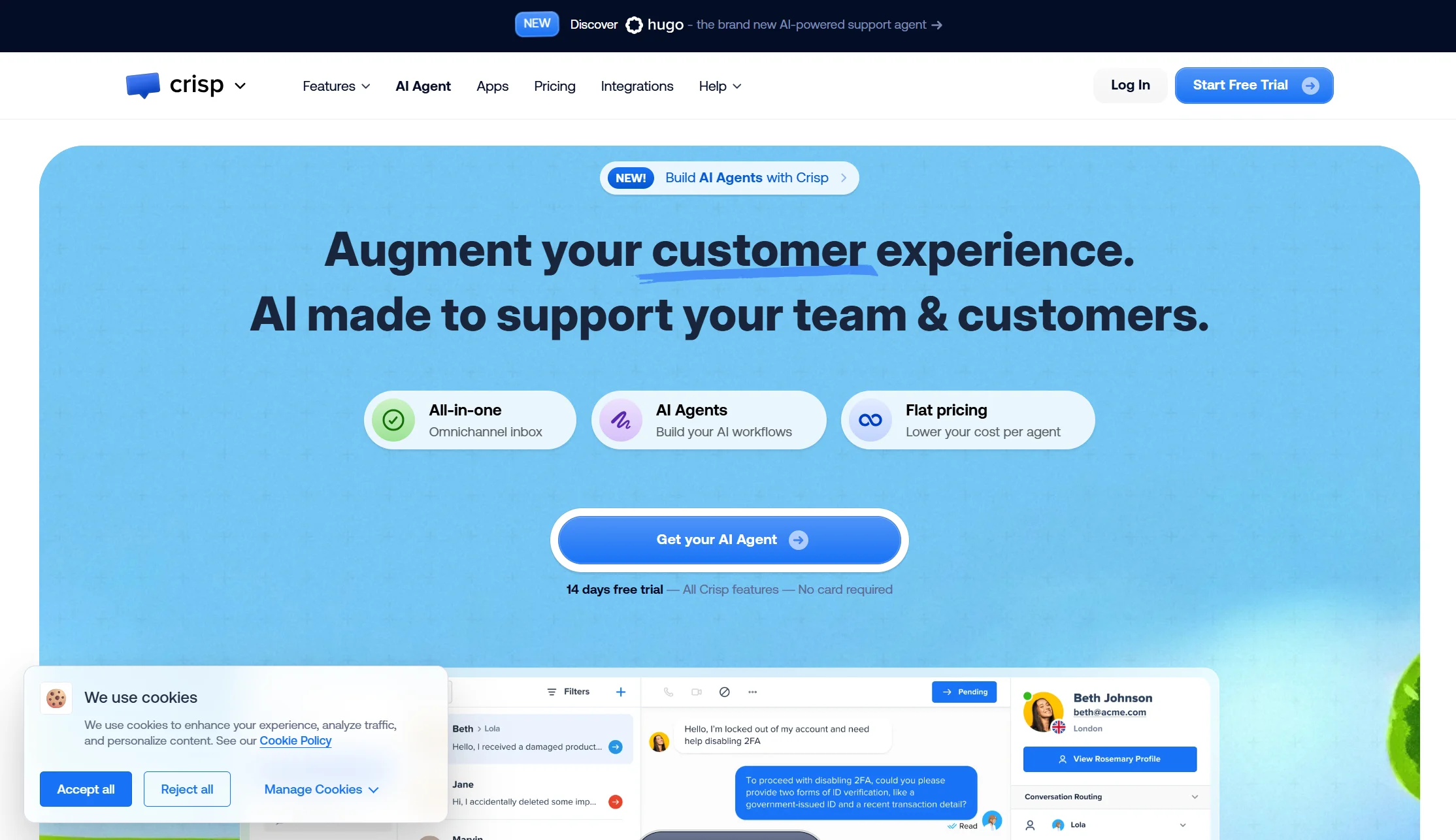
2. Crisp — best like-for-like swap with flat pricing
Price: Free plan with 2 seats; Mini $45/mo (4 seats); Essentials $95/mo (10 seats); Plus $295/mo (20 seats); $10 per extra agent
Best for: Small teams that want the same kind of product as Tidio without conversation counting
Watch out for: The included AI allowance is thin for the price
Crisp is the closest direct competitor to Tidio, and the most obvious straight swap. Same idea — a good-looking chat widget, a shared inbox, chatbot flows — but priced flat by workspace rather than by conversation. Four seats for $45 a month with no conversation meter is a genuinely different experience from watching three quotas fill up.
The limitation is the AI. The included allowance is small relative to plan price if automation is your main goal. If you want a bot closing most chats alone, Crisp is not the strongest answer.
Verdict: the best pick if your problem is unpredictable billing rather than weak AI. Predictable, pleasant, and cheap for small teams.
3. Chatwoot — best free and open-source Tidio alternative
Price: Self-hosted Community Edition is free and open source. Cloud: Hacker free (2 agents, 500 conversations/month, live chat only, 30-day data retention); Startups $19/agent/mo; Business $39; Enterprise $99 — billed annually, with Captain AI credits at 300, 500, and 800 per month
Best for: Technical teams that want full data control and a bill of $0
Watch out for: Free means you become the IT department
If your objection to Tidio is philosophical as much as financial — you do not want a meter on your customer conversations at all — Chatwoot is the answer. Self-host it and the licence costs nothing.
Be realistic about what free costs you. Self-hosting is free with the open-source version, but you handle all maintenance, updates, infrastructure, and external messaging costs yourself. Self-hosted deployment requires real technical expertise, and feature depth is less than commercial platforms.
Verdict: the genuine zero-cost option, and notably its cloud free tier allows 500 conversations a month against Tidio’s 50. Not a fit if nobody on your team enjoys server maintenance.
4. Chatbase — best for one simple FAQ bot
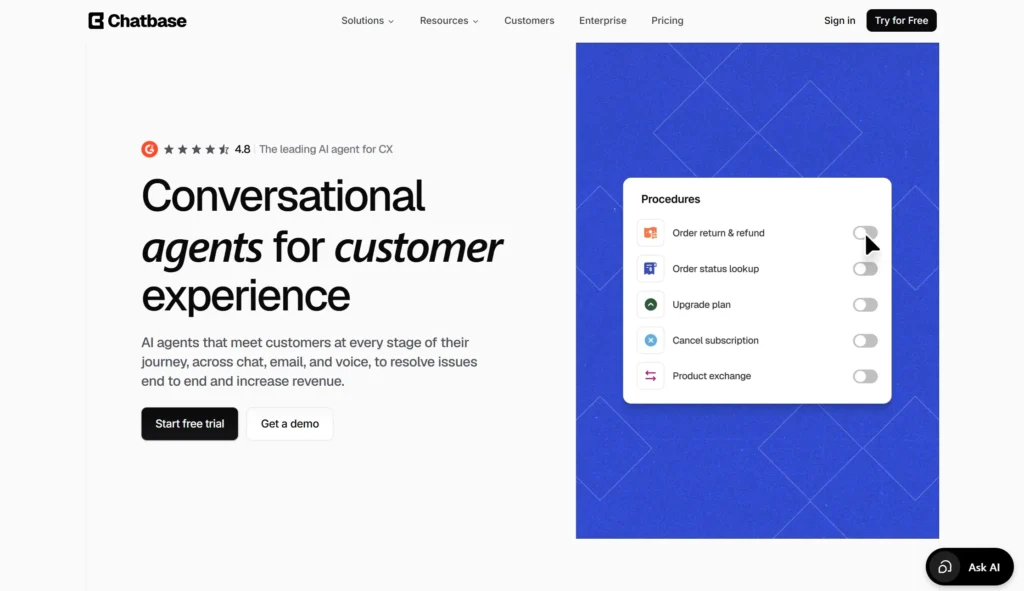
Price: Free plan with 50 credits/mo; Hobby $32/mo annual (500 credits, 2 seats); Standard $120/mo annual (4,000 credits, 3 seats); Pro $400/mo annual (15,000 credits, 5 seats)
Best for: Solo founders who need one bot trained on their documents
Watch out for: Credit maths, one-agent limits, and a steep branding fee
If what you actually liked about Tidio was Lyro, and everything else was overhead, Chatbase gives you just the bot. Upload your PDFs and help articles, train, embed, done.
Then the small print — which rhymes with Tidio’s. Each AI reply costs 1–6 credits depending on the model, so a top-end model burns six credits per reply versus one on a standard model. Every plan includes just one AI agent, and extra agents cost $300 a year. If credits run out the bot goes offline unless auto-recharge is on. Removing the “Powered by Chatbase” branding costs $1,188 a year.
Verdict: excellent for one bot on one site. Note that its credit model has the same “runs out and stops” failure mode you may be leaving Tidio to escape.
5. Freshdesk — best value full help desk
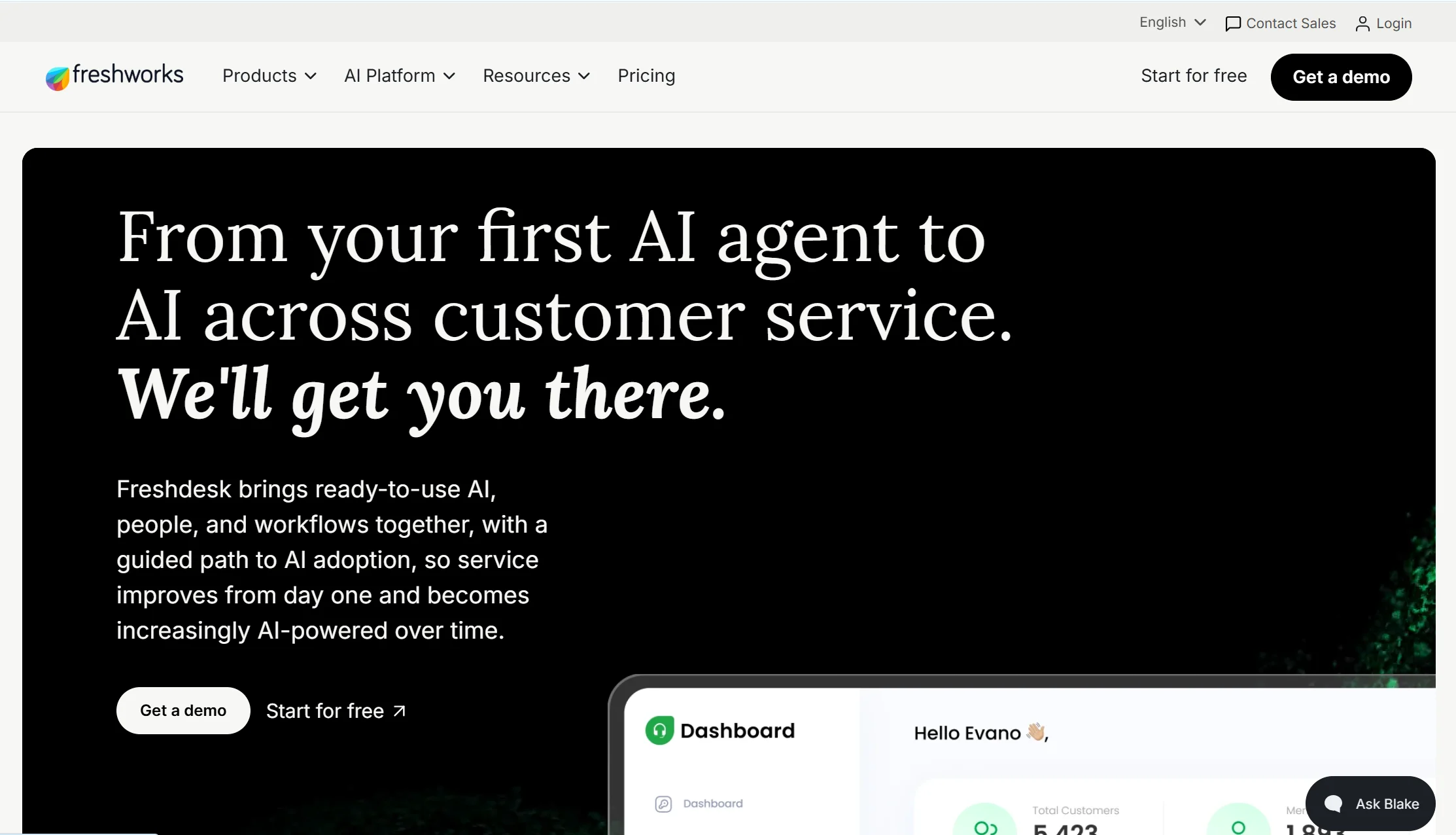
Price: Free plan for up to 2 agents; paid plans from about $15–19/agent/mo on annual billing up to $79/agent/mo Enterprise; Freddy AI Copilot adds about $29/agent/mo · Freddy AI Agent is billed per session at about $0.10, or $100 per 1,000 sessions
Best for: Teams that outgrew Tidio’s ticketing and need real workflows
Watch out for: Per-session AI billing charges for every interaction, resolved or not
Tidio’s ticketing is deliberately light. If you have hit its limits — you need multi-step routing, SLA tracking, and proper reporting — Freshdesk is the cheapest route to a real help desk. Its entry paid plan starts at $19 per agent per month on annual billing, and teams commonly spend 40–60% less than an equivalent Zendesk setup.
Its AI model is genuinely different. Freddy AI Agent charges $0.10 per session, which looks cheap per unit — but the per-session model charges for every interaction regardless of resolution. At high deflection that is a bargain. At low deflection you pay for failures.
Verdict: the best pick if you outgrew Tidio’s depth rather than its price. Free for two agents makes it easy to test.
6. Gorgias — best for Shopify and ecommerce brands
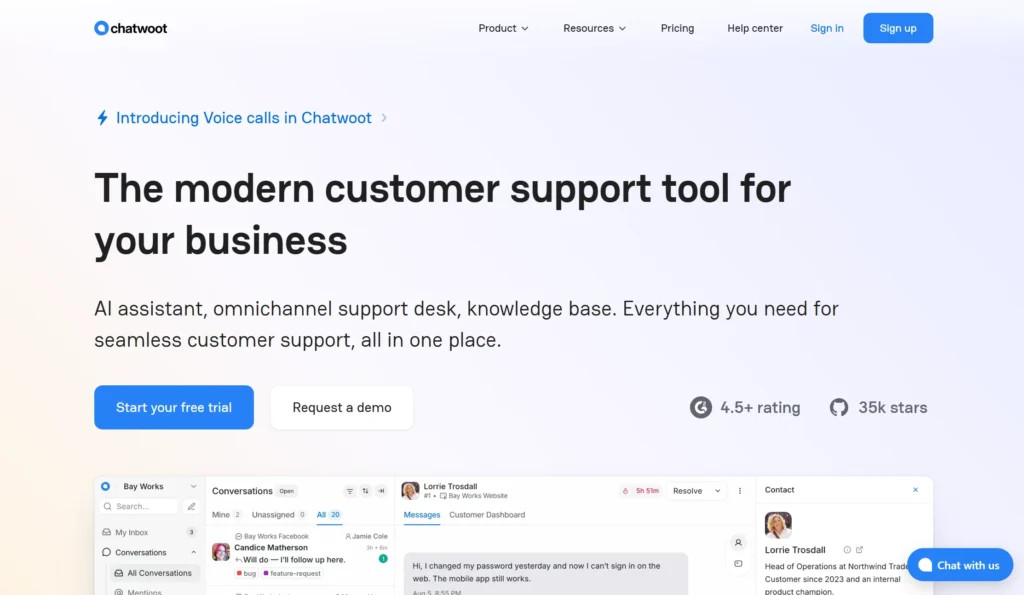
Price: Priced on ticket volume rather than per agent, with unlimited users on all plans · AI charges about $0.90–$1.00 per interaction
Best for: Online stores where most tickets are orders, returns, and “where is my parcel?”
Watch out for: A real double-billing quirk
Tidio serves ecommerce broadly. Gorgias is built for it specifically — order lookups, refunds, and returns handled inside the inbox. Unlimited users on all plans can be dramatically cheaper than per-agent pricing if you have a big team handling moderate ticket volume, which also solves Tidio’s 10-seat ceiling.
Model this before signing, though. Each automated resolution consumes a helpdesk ticket from your plan quota as well as charging the AI fee, so an automated conversation can be billed twice. At 1,000 monthly AI interactions that is roughly $1,260–$1,400 a month for the AI portion alone, plus your base plan.
Verdict: the best ecommerce fit by a distance, but check the double-billing maths — it is a different trap, not no trap.
7. Help Scout — best for email-first teams who need a knowledge base
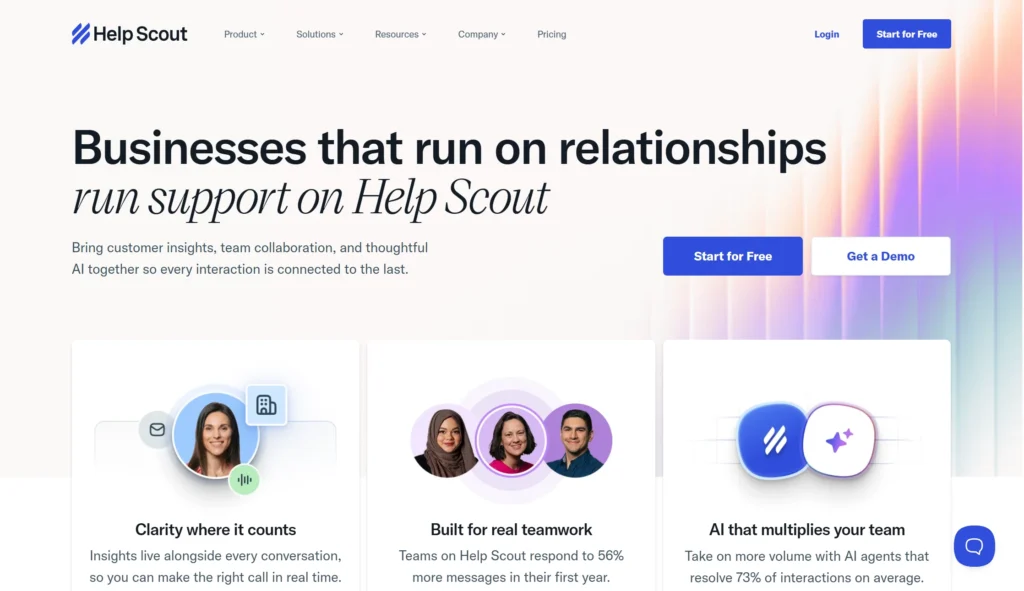
Price: Free plan for 5 users with 1 Inbox and 1 Docs site; Standard $25/user/mo; Plus $45; Pro $75; AI Answers at $0.75 per resolution
Best for: Teams whose customers would rather read an answer than chat
Watch out for: Seats and AI both grow with volume
Help Scout answers a question Tidio does not: what if customers want to help themselves? Its Docs product is a proper self-service knowledge base, free on the starter plan, and its AI pulls answers from it. Free for five users is more generous than anything Tidio offers.
The shape is still per-seat plus per-resolution. Both seats and AI resolutions scale with volume, and autonomous resolution runs on the Beacon widget rather than every channel.
Verdict: the strongest knowledge-base-first pick, and a good fit if email is your main channel rather than chat.
8. Intercom — best AI resolution, if budget is not the constraint

Price: Essential $29, Advanced $85, Expert $132 per seat per month on annual billing · Fin AI charges $0.99 per outcome with a 50-outcome monthly minimum and no volume discount
Best for: Funded SaaS companies that want the most polished AI agent
Watch out for: Cost at scale, a rebrand, and a pending acquisition
Fin is widely considered the strongest AI support agent available, and Intercom’s product design is excellent. If money is not the constraint, it is a serious option.
Three things to know first. The cost scales forever with no cap. An “outcome” is billed when the customer confirms resolution, when the customer does not ask for more help, or when Fin completes a workflow — including handoffs to a human. And there is corporate upheaval: the company renamed itself Fin in May 2026, and on 15 June 2026 Salesforce signed a definitive agreement to acquire it for approximately $3.6 billion, with the product folding into Agentforce. The deal is signed, not closed.
Verdict: a step up in AI quality and a big step up in price. Leaving Tidio for Intercom fixes the quality complaint and makes the pricing complaint worse.
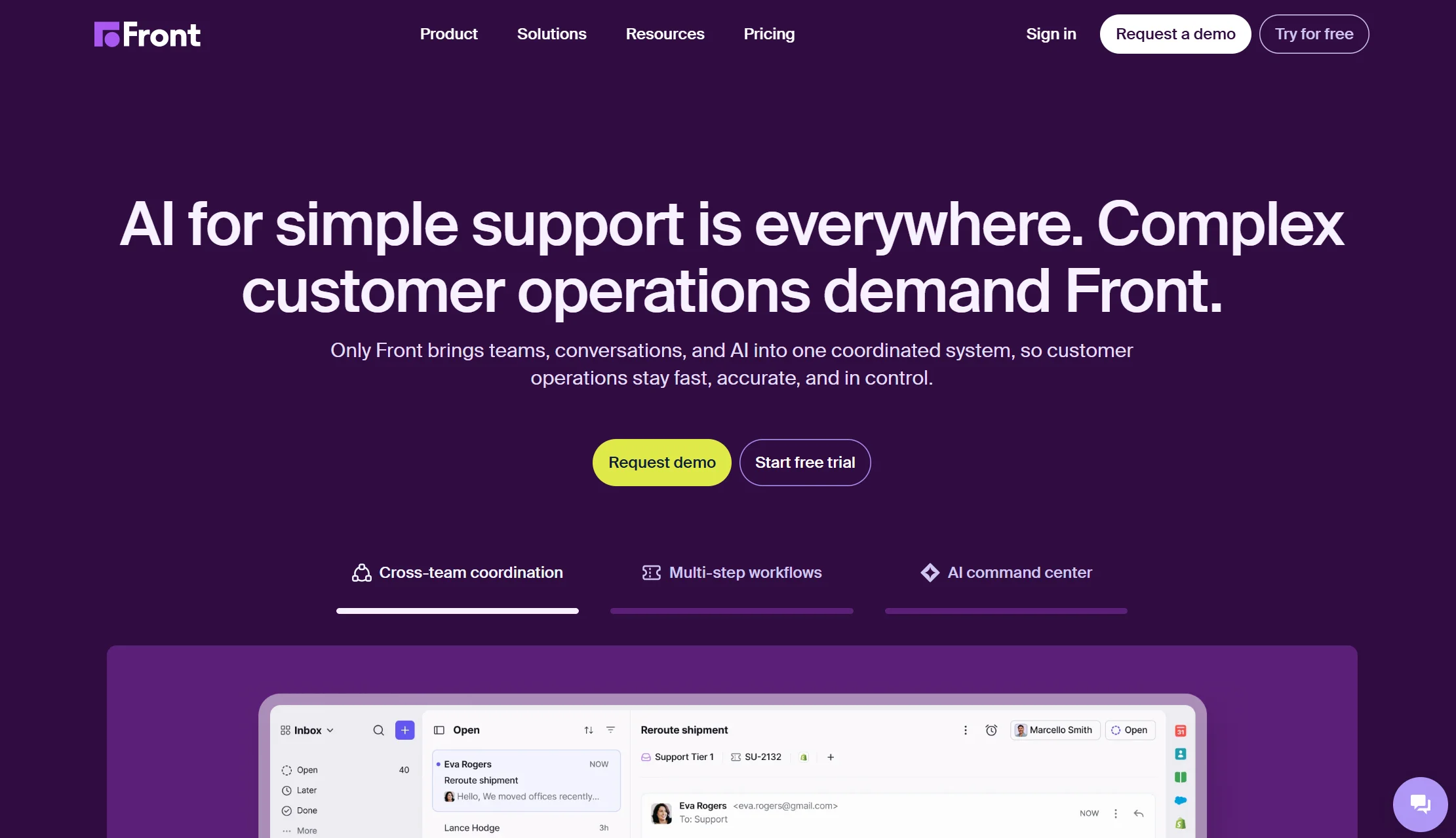
9. Front — best for B2B teams with shared accounts
Price: Published per-seat plans; check front.com/pricing for current rates
Best for: B2B teams where several departments touch the same customer
Watch out for: Overkill for a small store that just needs a chat bubble
Front is worth including because it solves a real problem Tidio genuinely does not. Where Tidio is built for fast, high-volume B2C chat, Front is built around coordination — keeping one long-running conversation, across channels and departments, with clear ownership at every handoff. If your support involves account managers, ops, and finance all touching the same thread, that is a category difference, not a feature difference.
The flip side is fit. If you are a two-person Shopify store, Front’s coordination layer is machinery you will never switch on. Front says as much itself: teams focused primarily on deflecting tickets will not use its full suite.
Verdict: the right answer for B2B and professional services. The wrong answer for a small D2C shop.
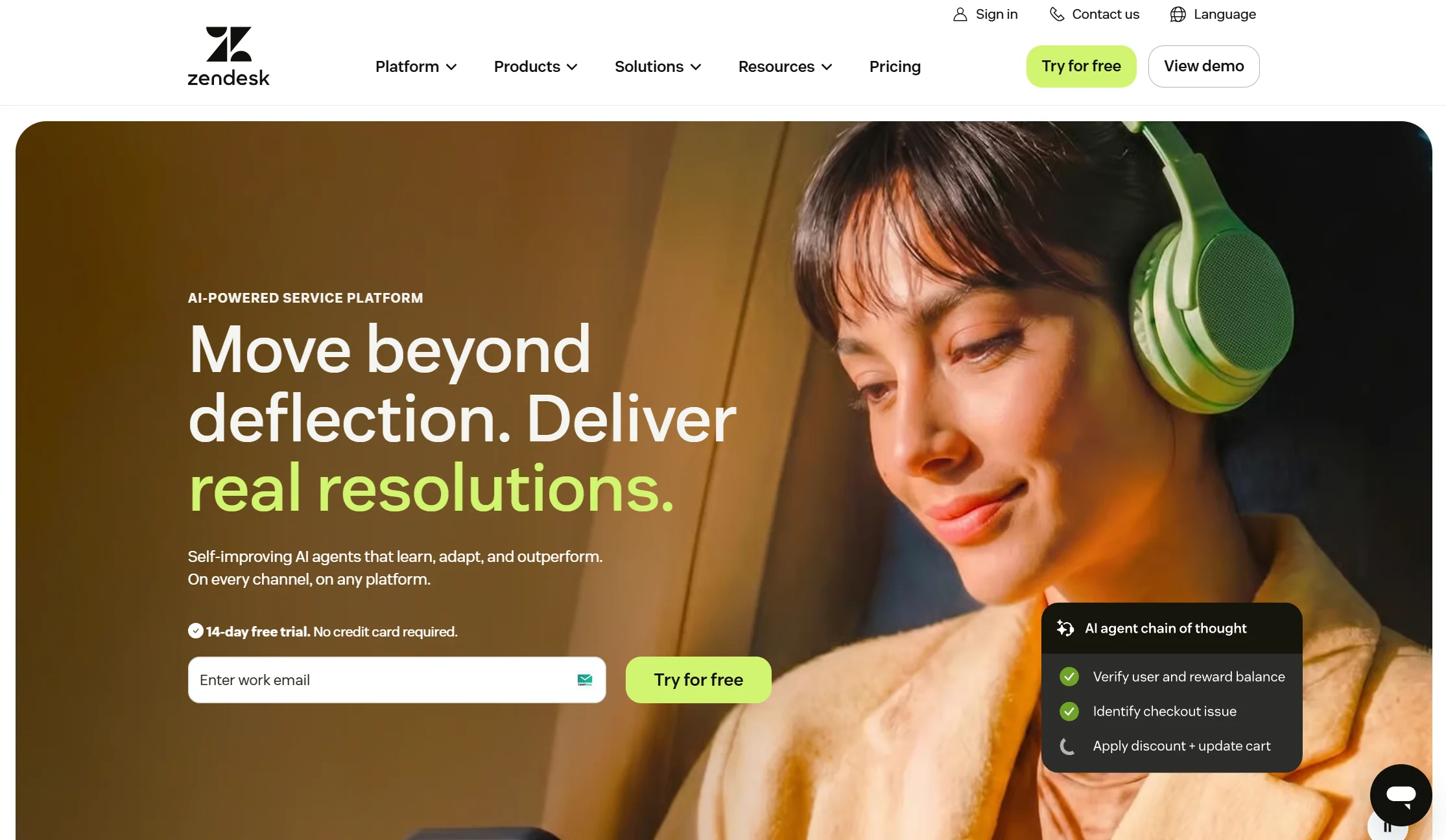
10. Zendesk — best for large teams with compliance needs
Price: Suite plans run $55 to about $169 per agent per month on annual billing. No free plan. Copilot is $50/agent/mo, Quality Assurance about $35, and Workforce Management about $25 — stacking these onto Suite Professional reaches roughly $215 per agent per month
Best for: Enterprises that need depth, integrations, and audit trails
Watch out for: The AI meter is harsher than Tidio’s
Zendesk is the most complete platform here. If you have compliance requirements and a large support floor, it is a serious answer.
But do not switch here to escape usage billing — it is worse. Autonomous AI agents are included in every plan since May 2026, but only 5 to 15 automated resolutions per agent per month are free, and past that the overage has been auto-charged and uncapped since January 2026. The rate is $1.50 per automated resolution on committed volume or $2.00 pay-as-you-go.
Verdict: choose it for capability, never for cost. This is the furthest jump from Tidio on this list.
Full comparison table: all 10 Tidio alternatives side by side
| Platform | Starting price | How AI is billed | Free plan? | Best for |
|---|---|---|---|---|
| Tidio | $24.17/mo annual | Separate Lyro add-on from $39/mo | ✅ 50 conv/mo | Very small stores |
| Markleyo AI | $14.5/mo | Included in plan | ❌ 5-day trial | All-in-one for small business |
| Crisp | $45/mo flat | Small included allowance | ✅ 2 seats | Flat-priced like-for-like swap |
| Chatwoot | $0 self-hosted | Captain AI credits | ✅ 500 conv/mo | Technical teams, $0 budget |
| Chatbase | $32/mo | Credits (1–6 per reply) | ✅ 50 credits | One simple FAQ bot |
| Freshdesk | ~$15–19/agent/mo | ~$0.10 per session | ✅ 2 agents | Best-value help desk |
| Gorgias | Ticket-volume based | ~$0.90–$1.00 per interaction | ❌ | Shopify and ecommerce |
| Help Scout | $25/user/mo | $0.75 per resolution | ✅ 5 users | Email + knowledge base |
| Intercom | $29/seat/mo | $0.99 per outcome | ❌ | Premium AI resolution |
| Front | Per seat | Included in AI plans | ❌ | B2B shared accounts |
| Zendesk | $55/agent/mo | $1.50–$2.00 per resolution | ❌ | Large teams, compliance |
Best Tidio alternatives by use case
The right answer changes depending on what you are trying to fix. Here is the shortlist for each situation.
What are the best alternatives to Tidio for website chat support?
Website chat support means the little message bubble in the corner of your site, plus whoever or whatever answers it. For that specific job, most small businesses want three things: it should install without a developer, it should not go silent overnight, and the bill should not move around.
Ranked for exactly that:
- Markleyo AI — the widget replies in about eight seconds, then hands to a human. Same inbox also covers WhatsApp, Telegram, Instagram, Messenger, and phone calls. Best pick if you want one tool instead of four.
- Crisp — closest feel to Tidio, flat price, seats included. Easiest mental switch.
- Chatwoot — best if you want to own your data and pay nothing.
- Chatbase — best if all you need is a bot answering FAQs on one site.
One question predicts your real cost better than any pricing page: if my chat volume triples, does my bill triple too? On Tidio, yes — three times over, because all three meters climb together. On a flat plan, no. Ask it before you sign anything.
Which chat platforms offer similar features to Tidio?
If you want the same kind of product — a chat widget, chatbot flows, an AI agent, and light ticketing in one affordable package — three tools are genuinely comparable:
- Crisp is the closest match overall. Chat widget, shared inbox, chatbot builder, integrations, small-team pricing. The main difference is that it bills flat by workspace instead of counting conversations.
- Markleyo AI matches Tidio on chat and AI, then adds voice calling, social publishing, and campaign broadcasts that Tidio does not do at all.
- Chatwoot matches Tidio’s channel coverage closely — website chat, email, WhatsApp, Instagram, Messenger — with an open-source licence instead of a subscription.
Further from Tidio but often confused with it: Freshdesk and Help Scout are help desks first and chat second. Intercom and Zendesk are larger platforms priced for bigger companies. Gorgias is ecommerce-specific.
What is the best free alternative to Tidio?
Tidio’s free plan is real but tight: 50 billable conversations a month and a one-time pool of 50 Lyro AI conversations. Four alternatives are more generous:
- Chatwoot Community Edition — free forever if you self-host. Most generous, most technical.
- Chatwoot Cloud (Hacker) — free for 2 agents with 500 conversations a month, ten times Tidio’s allowance, though live chat only.
- Help Scout — free for 5 users with an inbox and a knowledge base.
- Freshdesk — free for up to 2 agents with real ticketing.
Every free tier caps something low enough that a growing business outgrows it. Use them to test, not to build on.
Which Tidio alternative is best for Shopify and ecommerce?
Gorgias if your tickets are mostly orders, returns, and refunds, and you can live with the double-billing quirk. Markleyo AI if your bigger problem is capturing leads, answering the phone, and running WhatsApp campaigns rather than processing refunds. Freshdesk if you want cheap structured ticketing with a free tier to start.
Which Tidio competitor has the cheapest AI?
Compare the meters, not the sticker prices:
| Platform | AI cost |
|---|---|
| Markleyo AI | Included in the flat plan |
| Freshdesk (Freddy Agent) | ~$0.10 per session |
| Help Scout AI Answers | $0.75 per resolution |
| Gorgias | ~$0.90–$1.00 per interaction (plus a ticket) |
| Intercom Fin | $0.99 per outcome |
| Zendesk | $1.50–$2.00 per resolution |
| Tidio Lyro | Add-on from $39/mo for 50 conversations |
One honest note: no chatbot resolves everything. Vendors typically report real resolution rates between about 50% and 65%. Tidio only offers a contractual 50% resolution guarantee on its Premium tier, which tells you what a realistic ceiling looks like. Plan for a human handover from day one, and check that the handover keeps the conversation history — losing it is the fastest way to annoy someone who was already stuck.
How do you switch from Tidio to another live chat provider?
Moving sounds harder than it is. This order causes the fewest problems.
Step 1 — Export your knowledge first. Pull your help articles, saved replies, chatbot flow logic, and FAQ content out of Tidio before you cancel anything. That content is the asset you built; the widget is replaceable. It is also what will train your new AI agent, so it decides how good your replacement is on day one.
Step 2 — Export your conversation history and contacts. Do this while your account is still active. Most platforms let you export contacts and transcripts, but access usually ends with the subscription. Also note Tidio’s history limits on lower plans — if your old chats have already been trimmed, there may be less to move than you expect.
Step 3 — Write down your three real numbers. Open your last three invoices and find: billable conversations used, Lyro AI conversations used, and how many operators you paid for. Almost everyone discovers they are on the wrong plan or paying for a meter they barely touch. These three numbers tell you which alternative wins for you, not in general.
Step 4 — Install the new widget on one page. Not your homepage. Pick a single page or a subdomain and keep Tidio live everywhere else. Nobody should migrate blind.
Step 5 — Run both for two weeks and compare one metric. Not “which feels nicer.” Use resolution rate: out of 100 conversations, how many ended without a human stepping in? Then work out cost per resolved conversation. That is the only number that matters.
Step 6 — Move channels one at a time. Website chat first, then email, then Messenger, then WhatsApp and Telegram. If something breaks, you will know exactly what broke.
Step 7 — Turn off auto-upgrade before you cancel. This one is Tidio-specific and easy to forget. Because the platform can bump your tier automatically at 95% of quota, a busy final month can leave you with a higher bill than expected on the way out. Check your billing settings before your last cycle.
Step 8 — Cancel on your renewal date. Annual plans rarely refund. Time the switch; do not rush it.
Most teams finish in about two weeks of calendar time and a day of real work.
How we picked and compared these 10 Tidio alternatives
We scored every alternative to Tidio on the same five tests, in this order:
- Real cost at real volume. Not the headline price — the price at 500 and 1,000 AI conversations a month, with add-ons included.
- How many meters you are managing. One predictable bill beats three cheap ones.
- What is included before add-ons. Seats, AI conversations, chatbots, and channels.
- Channel coverage. Website, email, WhatsApp, Telegram, Instagram, Messenger, phone.
- Human handover. Can a person take over cleanly, with history intact?
Every price was checked against the vendor’s official pricing page or a dated third-party pricing tracker in July and August 2026, and we cross-checked Tidio’s figures across six independent sources because monthly and annual rates are frequently quoted interchangeably.
We also excluded tools whose pricing we could not verify. A vendor that hides its price behind a sales call cannot be compared fairly, and “contact us” is not a number.
Frequently Asked Questions About Tidio Alternatives
What is the cheapest Tidio alternative?
It depends on your volume, which is why sticker prices mislead. At zero budget, Chatwoot’s self-hosted Community Edition is free. For a small team wanting real ticketing, Freshdesk is free for two agents. At normal business volume — 500 or more AI conversations a month — flat-priced plans win clearly, because Tidio’s three meters all climb together while a flat plan does not move. Markleyo Complete at $14.5/month covers volume that runs $500–750/month all-in on Tidio.
Why did my Tidio bill suddenly increase?
Two likely reasons. Tidio automatically upgrades you to a higher tier at 95% of your quota, with only an in-app banner and no email warning, which can create jumps of $25 to $700. The other is that one of your three meters filled up — billable conversations, Lyro AI conversations, or Flow triggers — and an add-on kicked in. Check all three quotas in your billing dashboard, not just the plan name.
Does Tidio’s free AI really run out permanently?
Yes, on the Free and Starter plans. The 50 Lyro conversations are lifetime rather than monthly, so once they are gone, Lyro stops replying. The Starter plan still includes only that same one-time allocation. To keep AI running you buy the Lyro add-on, or move to Plus where it is included.
Which Tidio alternative supports WhatsApp and Telegram?
Markleyo AI covers website chat, WhatsApp Business, Telegram, Instagram, and Messenger, and adds broadcast campaigns on WhatsApp and Telegram. Crisp and Chatwoot cover WhatsApp and Messenger. Telegram support is rarer than you would expect across this category — if your market is South Asia, the Middle East, or Eastern Europe, check it before you shortlist. Tidio supports WhatsApp, but at least one comparison reports it as a paid add-on rather than included.
Is Tidio still worth using in 2026?
For some businesses, yes. If your volume genuinely sits under 50 conversations a month, the free plan is excellent and free forever. If you are a small Shopify store with predictable volume and no real need for AI, Starter is reasonable. The case for leaving strengthens the moment AI becomes central, your team passes five people, or your volume becomes seasonal — because that is when three meters and an automatic upgrade start working against you.
Can I replace Tidio and my marketing tools with one platform?
That is the specific case for Markleyo AI. Tidio handles chat, tickets, and AI replies, but it does not make outbound phone calls, schedule social posts, or write blog content. If you currently pay for a chat tool, a social scheduler, and an AI writer separately, an all-in-one platform collapses three bills into one — and, more usefully, lets those tools share one knowledge base instead of three disconnected ones.
Will I lose my chat history if I switch from Tidio?
Not if you export first. Export contacts and transcripts while your subscription is still active, since access generally ends when you cancel. Be aware that lower Tidio plans limit how far back your history goes, so check what actually exists before you plan the move. Whatever you do, do not cancel and then try to retrieve data.
The bottom line: which Tidio alternative is right for you?
Tidio is not a bad product. It is a well-made chat tool with a billing model that asks you to track three separate meters, upgrades you without emailing you, and turns a $29 plan into $500 as you succeed.
Pick by the problem you actually have:
- Bill unpredictable and climbing? → Flat pricing. Markleyo AI or Crisp.
- Need more than chat — calls, campaigns, social, content? → Markleyo AI.
- Want to pay nothing and have a developer? → Chatwoot.
- Outgrew Tidio’s ticketing depth? → Freshdesk.
- Selling on Shopify? → Gorgias.
- Customers prefer reading answers to chatting? → Help Scout.
- Want the strongest AI and have budget? → Intercom.
- B2B with several teams on one account? → Front.
- Enterprise with compliance rules? → Zendesk.
- Just need one FAQ bot? → Chatbase.
Before committing to any of them, do the one calculation almost nobody does. Take last month’s actual numbers — conversations, AI chats, operators — and price them on each vendor’s real rates, add-ons included. Then look at the annual figure. The winner is almost never the tool with the lowest number on the pricing page.
Want the flat-price version? Start a free Markleyo AI trial — launch your first AI chatbot in minutes, and get the calling agent, social suite, and AI copywriter in the same plan.