Best Chatbot Builders for Lead Generation in 2026 (Compared on Real Pricing)
The best chatbot builders for lead generation in 2026 are Markleyo AI, Landbot, Tidio, Chatbase, HubSpot, ChatBot.com, Botpress, and Botsonic. They all do the same core job: talk to a visitor the moment they arrive, ask a few smart questions, and hand a qualified lead to your sales team before that person clicks away. This guide compares all eight on real published pricing, CRM integrations, and how well they actually qualify.
Table of Contents
Quick answer: which lead generation chatbot should you pick?
| You are… | Best pick | Starting price |
|---|---|---|
| A small business wanting chat, WhatsApp, and phone follow-up in one bill | Markleyo AI | $14.5/mon |
| A marketing team wanting full control over the conversation design | Landbot | Free, then ~$45/mo |
| An online store capturing leads and recovering carts | Tidio | Free, then $24.17/mo annual |
| A founder who wants a bot trained on their own site, cheaply | Chatbase | Free, then $32/mo annual |
| Already running HubSpot CRM | HubSpot | Free tier available |
| Wanting the fastest template-based launch | ChatBot.com | $19/user/mo annual |
| A developer team needing custom qualification logic | Botpress | Free, then from $5/mo |
| Wanting a lightweight site assistant trained on your content | Botsonic | ~$19/mo |
Why lead generation chatbots work: the five-minute rule
What is a lead generation chatbot?
An AI lead generation chatbot is a chat window on your website that starts a conversation with a visitor, asks a few qualifying questions, collects their contact details, and sends that information straight to your CRM or calendar.
Most chatbots for lead generation do four things in sequence: greet, qualify, capture, and hand off. The tools differ mainly in how well they handle the middle two.
It is different from a support chatbot. A support bot measures success in tickets closed. A lead generation bot measures success in qualified leads booked. Same technology, completely different job — and it matters, because a lot of tools sold as lead-gen bots are really support tools with a contact form bolted on.
The difference from a normal web form is that a form waits. A chatbot talks back.
The speed-to-lead numbers that explain everything
Here is the research that makes this whole category worth your money.
The most-cited study comes from Dr. James Oldroyd’s Lead Response Management research through MIT and InsideSales, which tracked more than 15,000 leads. It found that companies responding within five minutes were roughly 100 times more likely to make contact and 21 times more likely to qualify a lead than those who waited 30 minutes. Harvard Business Review’s follow-up work in 2011 found that responding within one hour made you 60 times more likely to qualify a lead than waiting 24 hours.
Now here is the gap that creates the opportunity. Most businesses are nowhere near five minutes:
| What the research found | Source |
|---|---|
| Average B2B lead response time: 42 to 47 hours | Aggregated 2026 benchmarks |
| 63.5% never responded at all in a mystery-shopper test of 1,000 companies | RevenueHero, 2024 |
| 74% missed the five-minute window across 573 businesses | Blazeo, 2026 |
| 81.2% of companies responding in over an hour report losing leads to faster competitors | Blazeo, 2026 |
| Only 7% of 433 B2B companies replied within five minutes | Drift, 2018 |
| A study of 114 companies found zero called a lead within five minutes | Workato, 2022 |
Read that again. Most of your competitors either answer in two days or never answer at all. A chatbot answers in eight seconds, at 2am, on a Sunday.
Two honesty notes on this data, because they matter. Several of these studies come from companies that sell lead-response software — InsideSales, Velocify and Blazeo all have a product to promote, so treat the figures as credible but not disinterested. And the widely-quoted Drift 2018 numbers are now only available through secondary aggregators because the original report went offline, so treat those as directional rather than precise. The direction has been reproduced consistently for nearly two decades. The exact multipliers vary by study.
How do AI chatbots improve lead qualification?
Lead qualification means working out whether someone is actually likely to buy, before your sales team spends an hour on them.
AI chatbots improve it in five specific ways:
1. They ask everyone the same questions. A human rep on a Friday afternoon asks three questions. On Monday morning they ask seven. A bot asks the same core questions every time, which means your data is consistent and you can actually spot patterns in it.
2. They qualify at the moment of interest. The visitor is on your pricing page right now, thinking about it. That is when budget, timeline and team size questions get honest answers — not two days later in a callback.
3. They route correctly. One published analysis from LeanData found roughly one in four leads is routed to the wrong place, which adds delay at every step afterwards. A bot with rules attached sends enterprise enquiries to enterprise reps automatically.
4. They catch after-hours leads. A large share of enquiries arrive when nobody is working. Those either get captured now or lost entirely.
5. They cost far less per conversation. Published comparisons put chatbot handling at roughly $0.50 per conversation against about $6.00 for human support — so you can afford to engage every visitor, not just the ones who fill in a form.
The honest limits, which most articles skip
Two things you should know before you buy anything.
A bot is not as good as a human at the top of the funnel. Drift’s own research found that live chat leads receiving an immediate human response converted at roughly 4 times the rate of chatbot-only interactions. The right model is a bot that handles speed and screening and hands off fast — not a bot that replaces your team.
Speed can be overdone. There is a well-documented failure pattern where companies wire up instant automated calling, hit sub-minute response times, and watch win rates collapse — because enterprise prospects who have barely finished reading the confirmation page find an immediate phone call predatory rather than impressive. Fast is good. Instant and aggressive is not always better.
And set expectations on volume: published benchmarks put e-commerce lead conversion around 1–3% and B2B SaaS around 2–5%. A chatbot improves those numbers. It does not transform a low-traffic site into a pipeline.
The 8 best chatbot builders for lead generation
Every one of the best chatbots for lead generation below is judged the same way: what it really costs, how well it qualifies, which CRMs it connects to, and who it honestly suits. All eight work as a lead generation chatbot for website traffic; several also reach WhatsApp, Instagram and phone.
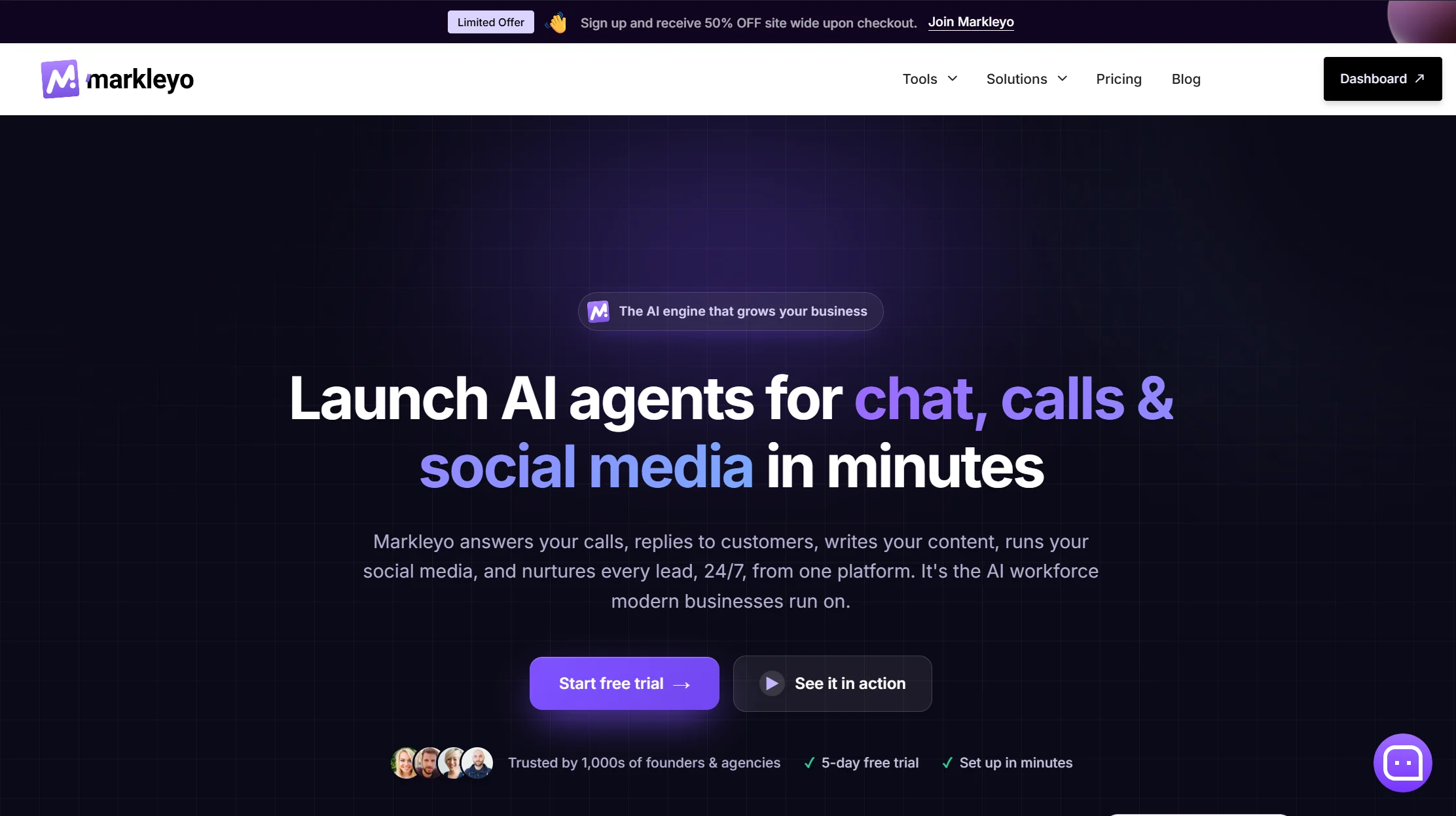
1. Markleyo AI — best all-in-one for capture, qualification, and follow-up
Price: From $14.5/month · 5-day free trial
Best for: Small businesses whose leads arrive by website, WhatsApp, and phone
Watch out for: Not a help desk, and a newer brand than the incumbents
Most tools on this list capture the lead and stop. Markleyo’s argument is that capture is the easy part — the money is lost in the follow-up.
Its CX chatbot agent sits on your website, WhatsApp, Telegram, Instagram and Messenger, trained on your own site, docs and FAQs, replying in 70+ languages and qualifying visitors as they browse. It books straight into Calendly or Cal.com, so a qualified lead becomes a meeting without a human touching it.
Then the part nothing else here does. The AI calling agent answers and places real phone calls in a natural voice, so a lead that comes in at 11pm gets called back rather than queued. The marketing bot runs WhatsApp and Telegram follow-up campaigns to leads who went cold. The AI copywriter writes the landing page and email sequence behind them. All six agents share one knowledge base and one flat bill.
That combination matters for the specific numbers above. If a five-minute response is worth 21 times a 30-minute one, the tool that answers chat and rings the phone and follows up on WhatsApp is doing three jobs your competitors are doing with three subscriptions — or not doing at all.
Pricing shape: one flat monthly fee. No per-seat multiplier, no per-conversation meter, no per-resolution charge. Your busiest month costs the same as your quietest.
Honest trade-offs. There are no ticket queues, SLA timers or agent workload dashboards, so this is not a support desk. It does not read live store databases, so it cannot look up an individual order. And it has fewer public reviews than Tidio or HubSpot, which have years of head start.
See the Markleyo AI chatbot page, the AI calling agent, or the pricing page.
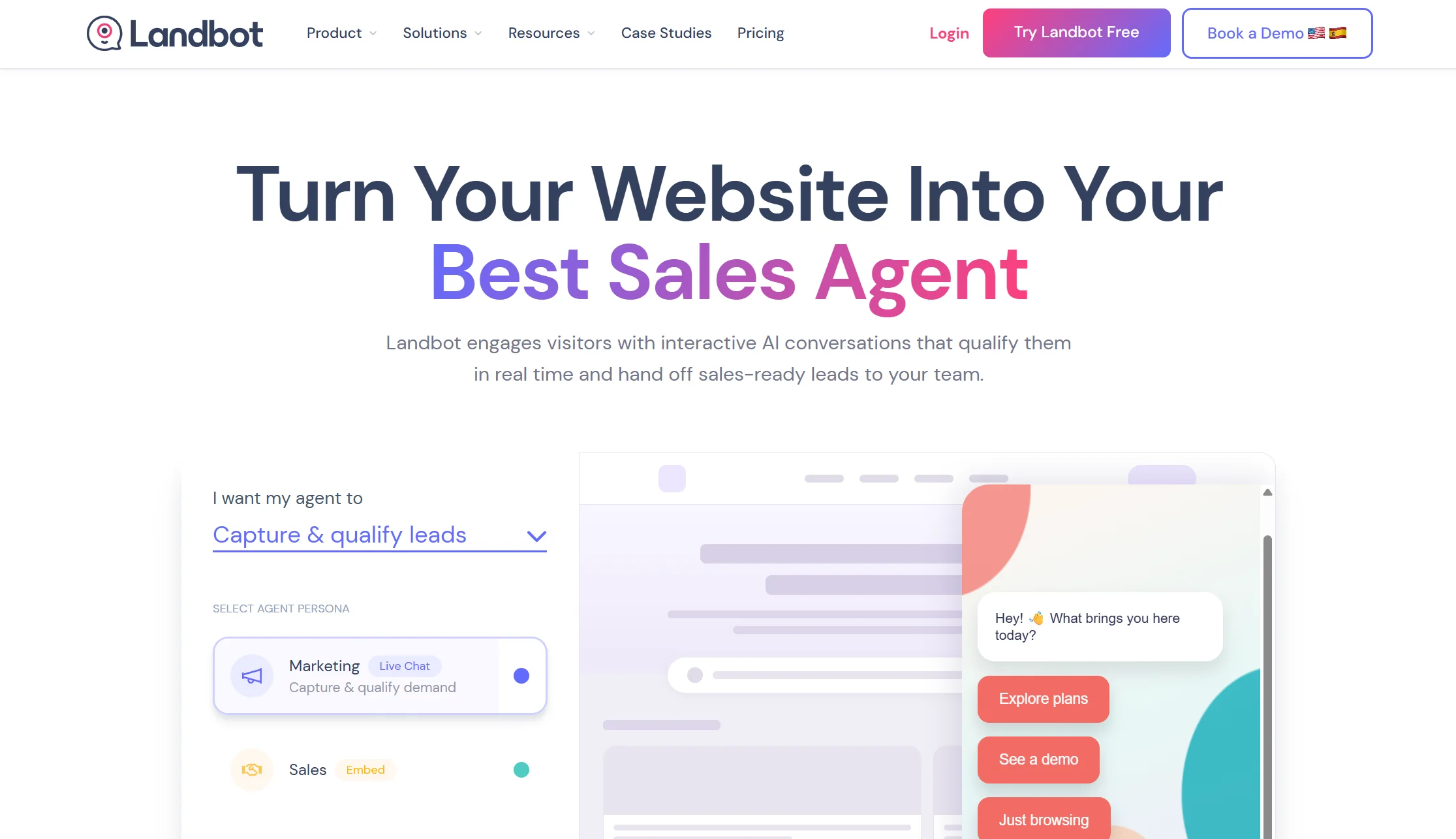
2. Landbot — best visual builder for custom lead flows
Price: Free plan with 100 chats/month; paid plans from around $45/month billed monthly
Best for: Marketing teams and agencies that want to design the conversation precisely
Watch out for: Limited AI flexibility for open-ended qualification
Landbot is the design-led choice. Its block-based visual builder lets you lay out branching conversations with buttons, sliders and carousels, and you can see exactly what a visitor will experience at every step. For a structured qualification flow — role, company size, budget, timeline — that control is genuinely valuable.
It covers websites and WhatsApp, hands off to live chat in real time, and integrates with HubSpot, Salesforce, Mailchimp, Google Sheets and custom APIs.
The trade-off is adaptability. Because flows are structured, the bot can feel restrictive when a visitor asks something you did not anticipate. It is a superb form replacement and a weaker open-ended conversationalist.
Verdict: the best pick if you want predictable, branded, tightly-designed lead flows. Note that WhatsApp bots carry Meta’s own per-message fees on top of your Landbot plan.
3. Tidio — best for online stores capturing leads
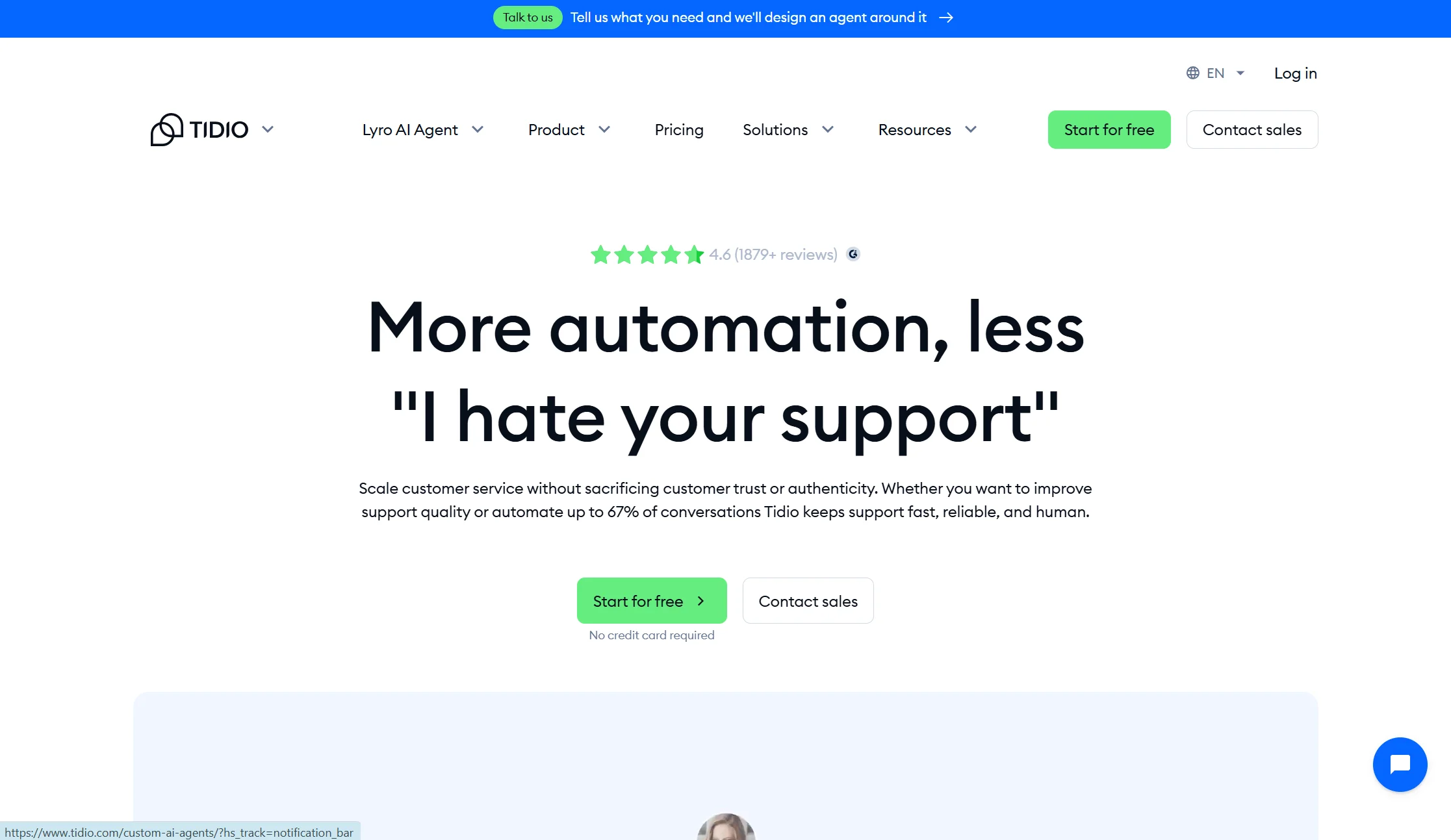
Price: Free plan with 50 conversations/month; Starter from $24.17/month annual ($29 monthly); Growth from $49.17/month annual; Lyro AI add-on from $32.50/month annual
Best for: Ecommerce brands that want lead capture alongside support
Watch out for: Three separate billing meters, and a lifetime AI cap on lower plans
Tidio blends live chat, an AI agent called Lyro, and light ticketing. For a store, it handles product questions, cart recovery and email capture in the same widget, with strong Shopify integration and a genuinely usable free tier.
The pricing needs care. Billable Conversations, Lyro AI conversations and Flow triggers bill separately, so you track three quotas at once. And on the Free and Starter plans, the 50 Lyro conversations are a lifetime allowance rather than monthly — once they are used, Lyro stops replying until you buy the add-on.
Verdict: the best all-rounder for ecommerce lead capture. Price the add-ons before you commit, because the entry price is not the real price.
4. Chatbase — cheapest way to get an AI bot qualifying on your site
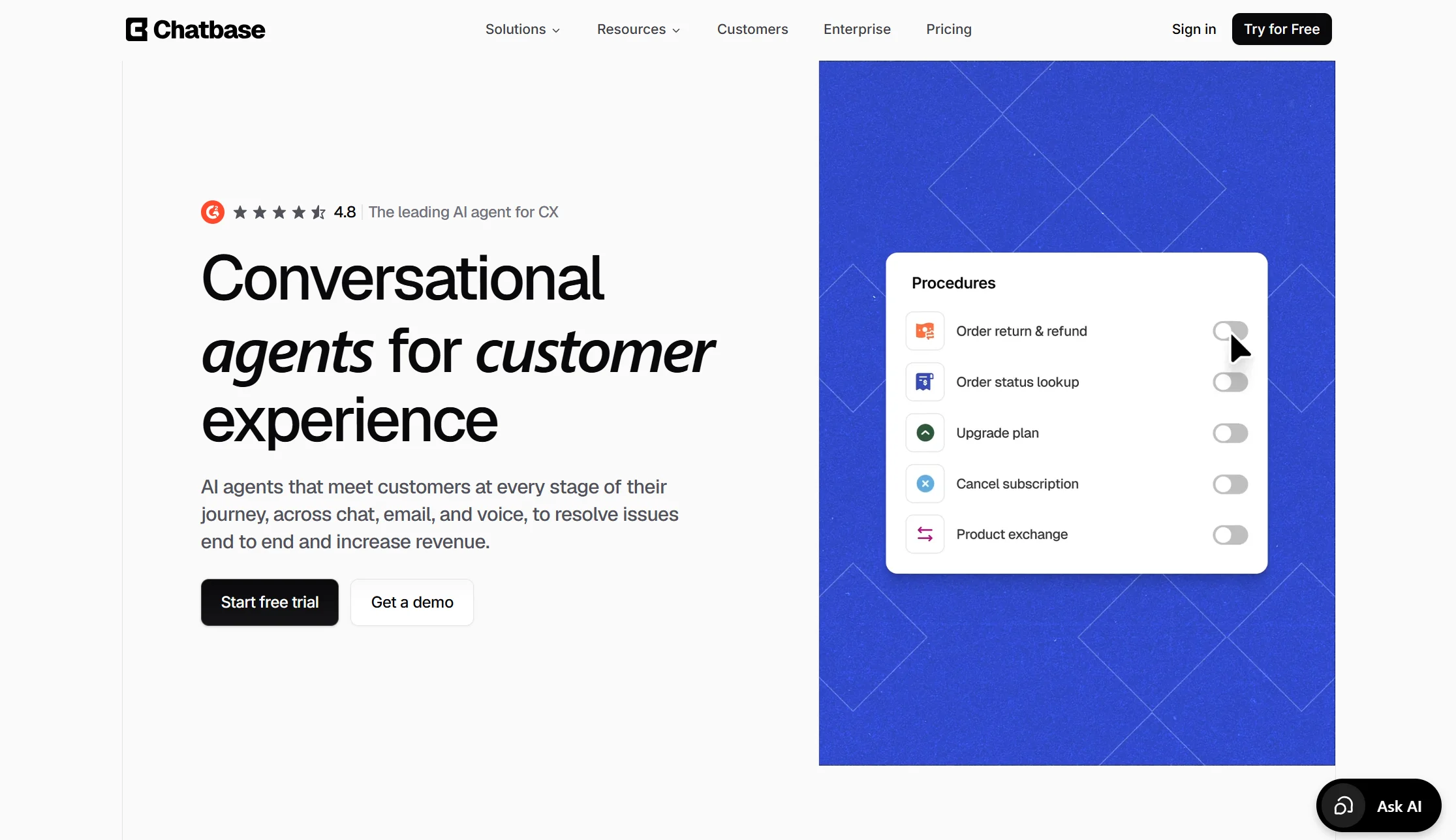
Price: Free plan with 50 credits/month; Hobby $32/month annual (500 credits, 2 seats); Standard $120/month annual
Best for: Founders and small teams who want AI answers plus basic lead capture
Watch out for: Credits run out, one agent per plan, and a steep branding fee
Chatbase turns your website, PDFs and help docs into a working AI bot in an afternoon. Because it understands open questions rather than following buttons, it handles the messy middle of a sales conversation better than a flow builder does — and it captures contact details as it goes.
The fine print matters. Each AI reply costs between 1 and 6 credits depending on the model you choose, so a premium model burns six times faster. Every plan includes just one AI agent, with extra agents at $300 a year. If credits run out the bot goes offline unless auto-recharge is on. And removing the “Powered by Chatbase” branding costs $1,188 a year — more than a full year of several plans on this list.
Verdict: excellent value for one bot on one site. Not a full lead-management platform, and watch that branding fee.
5. HubSpot — best if your CRM is already HubSpot
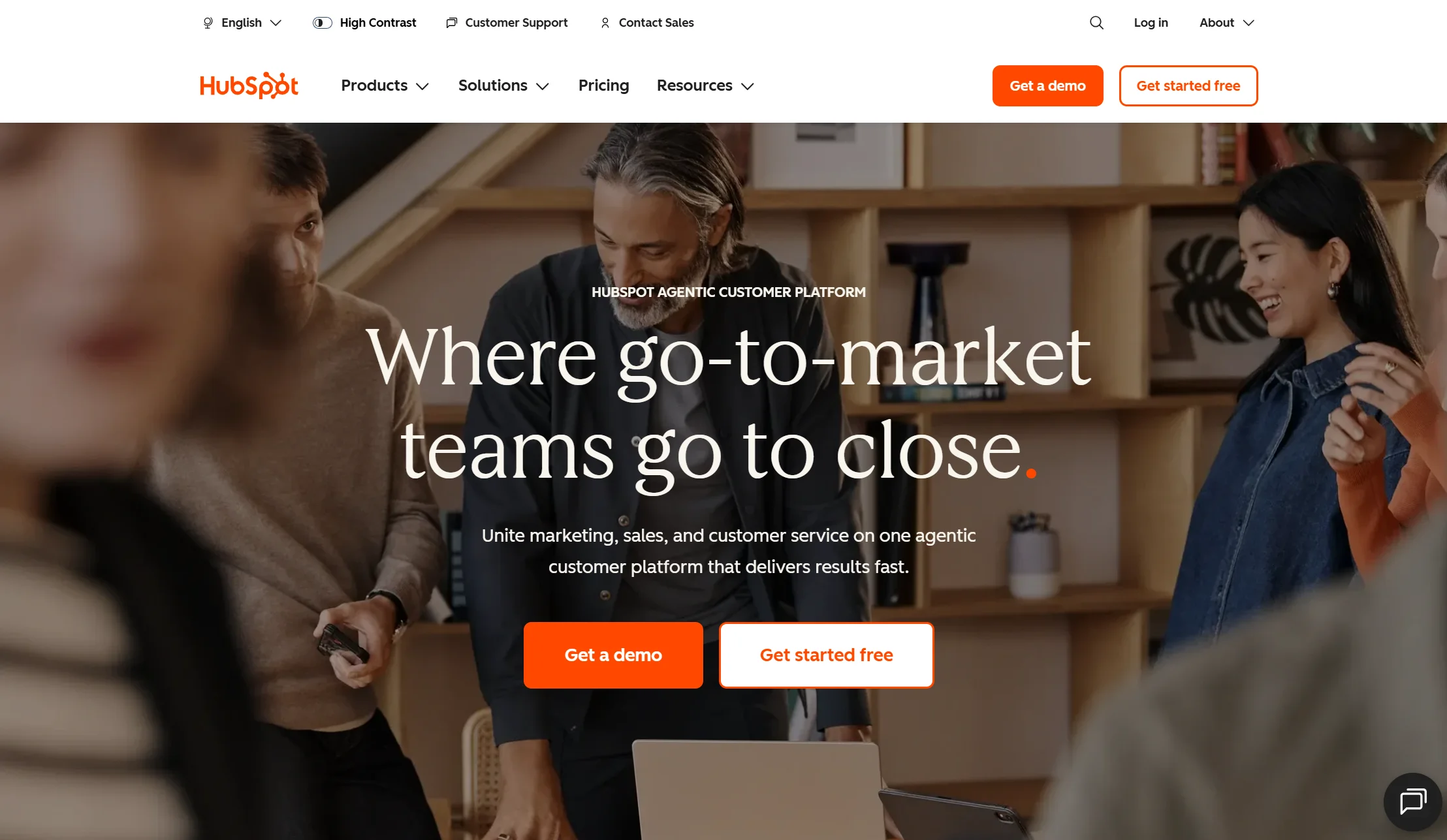
Price: Free tier available; live chat and the chatbot builder are included in Sales Hub plans
Best for: Teams whose sales process already lives in HubSpot
Watch out for: The free chatbot is rule-based, not AI
The argument for HubSpot is simple and strong: every conversation lands against the right contact record automatically, with no integration work and no data mapping. If your reps work in HubSpot all day, that is worth more than a slightly better bot elsewhere.
Its chatbot can qualify visitors, book meetings straight into a rep’s calendar, and route conversations by rules you set. All of it feeds the CRM natively.
The limitation to know: the free-tier chatbot is rule-based only — it follows the buttons you build rather than understanding open questions. Real AI conversation sits on paid Hub tiers, which get expensive as you add seats.
Verdict: the obvious choice for existing HubSpot customers. Not a reason to adopt HubSpot.
6. ChatBot.com — fastest template-based launch
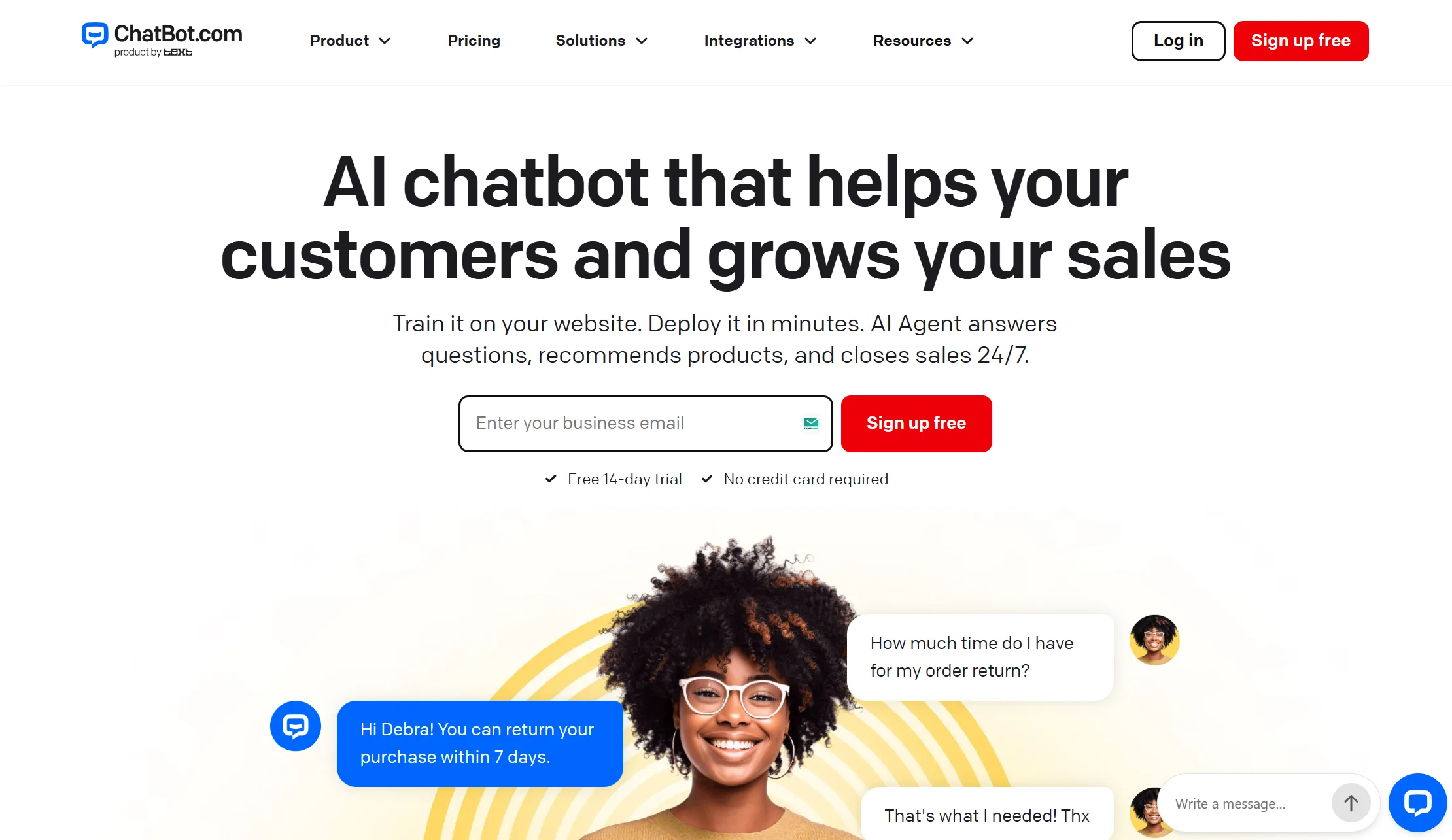
Price: Essential $19/user/month annual ($25 monthly) including 10 AI resolutions; Growth $79/user/month annual including 200. Extra AI resolutions cost $49.50 per pack of 50, or about $0.99 each.
Best for: Small teams that want a working lead bot today, from a template
Watch out for: The per-resolution meter, which most comparisons omit
ChatBot.com has a strong library of ready-made lead-generation templates and a clean drag-and-drop builder. If you want something live this afternoon without designing a flow from scratch, it is the quickest route. It also hands off cleanly to LiveChat, its sibling product.
Here is the cost detail almost every other comparison misses: you pay per user and per AI resolution. The Essential plan includes only 10 AI resolutions a month, which is less than a busy day. Beyond your allowance, resolutions auto-refill at $49.50 per 50. A two-person team handling 300 AI conversations lands well over $250 a month, not $38.
Verdict: the fastest setup here, and the one whose bill grows most quietly. Model your volume before you sign.
7. Botpress — best for developer-led qualification logic
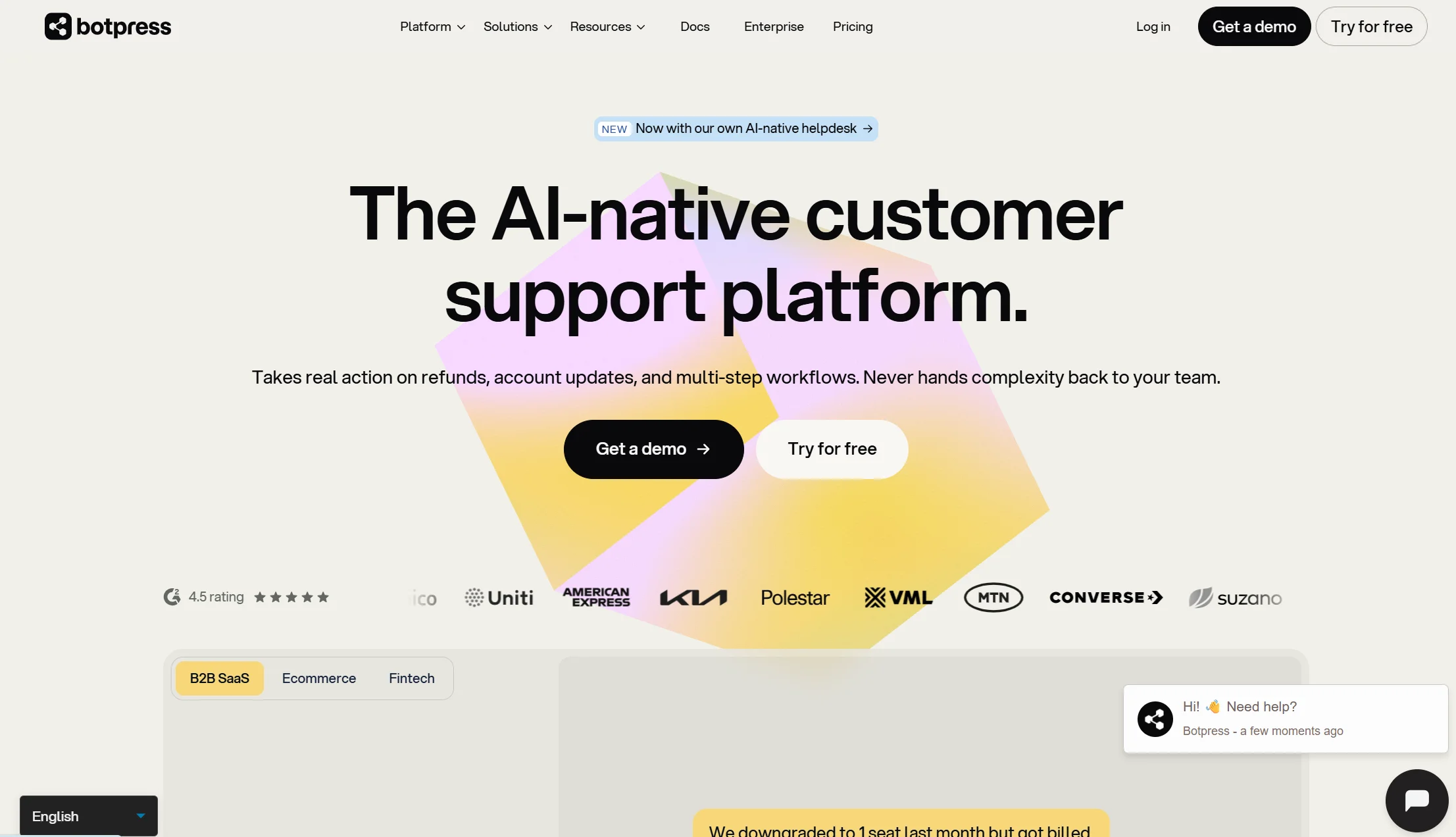
Price: Free plan with a starter conversation allowance; pay-as-you-go from about $5/month; higher published tiers at $150/month annual (Plus) and $750/month annual (Team)
Best for: Engineering teams that want to control exactly how qualification works
Watch out for: Steep learning curve, and test conversations consume your quota
Botpress gives you a built-in NLP engine, a memory layer so the bot remembers earlier answers, a visual builder paired with a code editor, and real-time debugging. For complex qualification — scoring, conditional branching, calling your own API mid-conversation — nothing else here comes close.
Two practical warnings. The builder is genuinely hard for non-technical users, and building and testing the bot spends the same conversation quota as running it, so development costs you budget before a single lead arrives.
Verdict: the right pick if you have a developer and unusual qualification rules. Overkill if you need three questions and a calendar link.
8. Botsonic — best lightweight assistant trained on your content
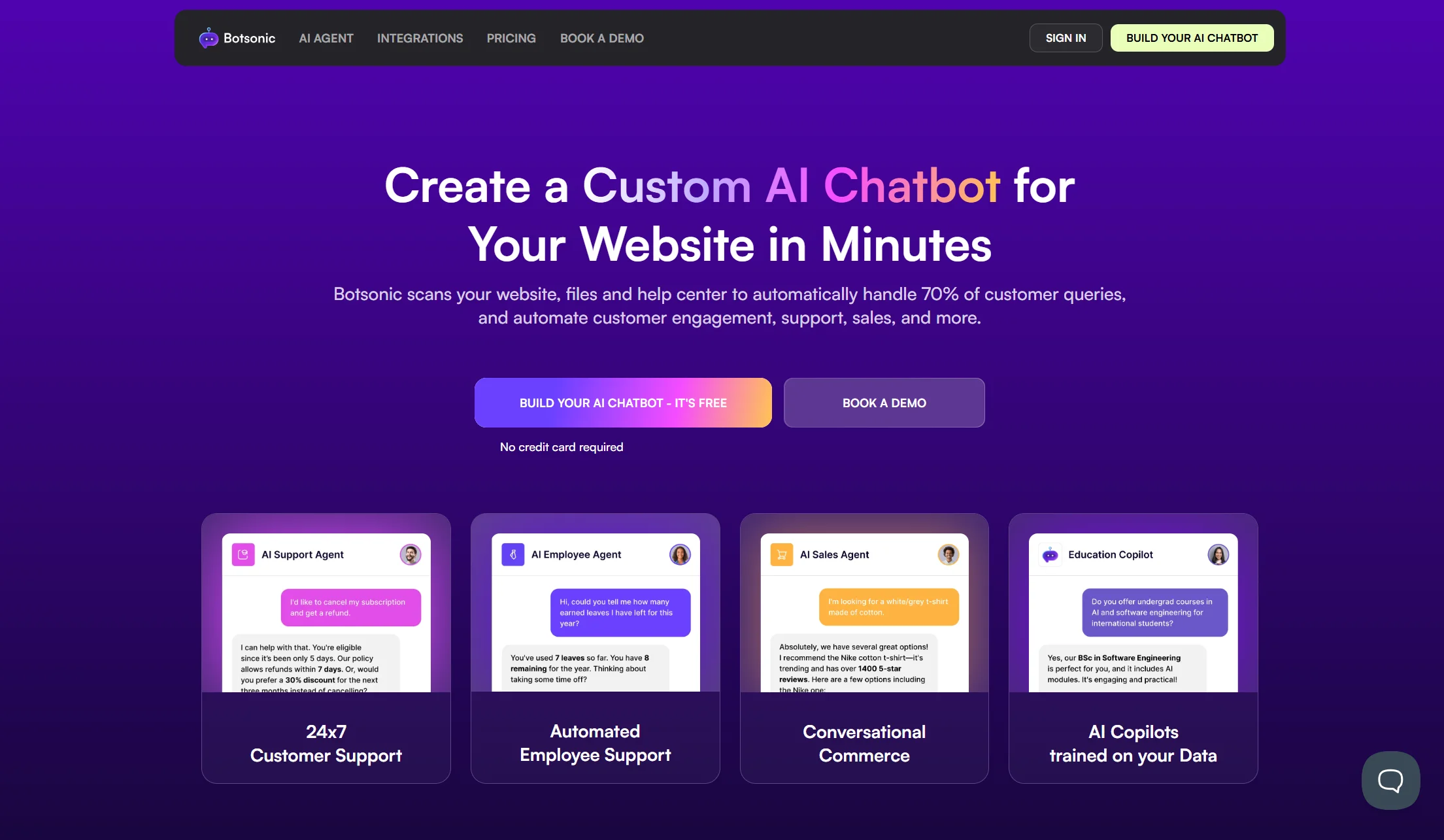
Price: No free plan, 7-day trial; paid plans from around $19/month billed monthly
Best for: Small teams wanting a simple site assistant that also captures leads
Watch out for: Shallow workflow depth for multi-step qualification
Botsonic sits on your website and answers using your own pages and uploaded documents. It embeds quickly, supports multiple languages, and connects to Zapier, Google Sheets, Webflow and Notion. For collecting emails and answering pre-sale questions on a content-heavy site, it does the job cheaply.
Where it struggles is multi-step qualification. If your sales process needs branching logic, scoring, or routing rules, you will outgrow it fast.
Verdict: good for simple funnels and documentation-led sites. Thin for a real sales process.
Full comparison table: all 8 lead generation chatbot builders
| Builder | Starting price | Free plan? | AI billing model | CRM integrations | Best for |
|---|---|---|---|---|---|
| Markleyo AI | $14.5/mo | 5-day trial | Included, no meter | Calendly, Cal.com, Slack, WordPress | Capture + call + follow-up |
| Landbot | ~$45/mo | 100 chats/mo | Per chat | HubSpot, Salesforce, Mailchimp, Sheets | Custom visual flows |
| Tidio | $24.17/mo annual | 50 conv/mo | Separate Lyro add-on | Shopify, HubSpot, Zapier | Ecommerce lead capture |
| Chatbase | $32/mo annual | 50 credits/mo | Credits, 1–6 per reply | Zapier, HubSpot, Slack | Cheapest AI on one site |
| HubSpot | Free tier | Yes, rule-based only | Bundled by Hub tier | Native HubSpot CRM | Existing HubSpot teams |
| ChatBot.com | $19/user/mo annual | 14-day trial | ~$0.99 per resolution | Zapier, Messenger, Mailchimp | Fast template launch |
| Botpress | From $5/mo | Yes | Per conversation | Salesforce, Shopify, Zapier, 30+ | Developer-led logic |
| Botsonic | ~$19/mo | 7-day trial | Per plan tier | Zapier, Sheets, Webflow, Notion | Lightweight site assistant |
Top chatbot tools that integrate with CRM systems for lead generation
A lead sitting in a chat transcript is not a lead. It becomes one when it lands in your CRM with the right fields filled in and the right owner assigned. This is where most chatbot projects quietly fail.
Native CRM integration, ranked by how little work it takes:
| Your CRM | Best chatbot choice | Why |
|---|---|---|
| HubSpot | HubSpot’s own chatbot | Native. Zero mapping, zero sync delay |
| Salesforce | Landbot or Botpress | Both offer direct Salesforce connections |
| Any CRM via Zapier | Chatbase, Botsonic, ChatBot.com | Simple, reliable, slight delay |
| Calendar-first (no CRM yet) | Markleyo AI | Books straight into Calendly or Cal.com |
| Shopify as your customer record | Tidio | Native Shopify integration |
Four things to check before you buy, because “integrates with HubSpot” can mean very different things:
- Does it map custom fields? If your CRM has a “Budget Range” field, can the bot write to it, or does everything land in the notes box as free text?
- Does it assign an owner? A lead with no owner sits unclaimed, which destroys the speed advantage you just paid for.
- Does it push in real time or on a schedule? A 15-minute sync delay undoes the five-minute rule entirely.
- Does it carry the transcript across? Your rep should see what the visitor already said. Making a qualified lead repeat themselves is the fastest way to lose them.
That third point deserves emphasis given the routing research above. If roughly one in four leads gets routed incorrectly, and your bot pushes leads on a timer rather than instantly, you have automated the delay rather than removed it.
Best chatbot platforms for lead generation in small businesses
Small businesses have a different problem from enterprises. You do not have a sales development team to feed. You have a website, some traffic, and nobody free to answer at 9pm.
For small businesses specifically, the order changes:
- Markleyo AI — one flat bill covering website chat, WhatsApp, Telegram and phone callbacks. No per-seat fee, so hiring your second and third employee does not raise your software cost.
- Tidio — best free tier to start with, and the easiest install if you sell online.
- Chatbase — best if you just need good AI answers and email capture on one site.
- HubSpot free — best if you want a CRM and a bot together at zero cost, and can live with rule-based flows.
- Landbot free — 100 chats a month is enough to prove whether this works for you at all.
Notice who is missing: Botpress and enterprise-tier HubSpot. Both are excellent and both assume resources most small businesses do not have. Paying for qualification logic you will never configure is the most common and most expensive mistake in this category.
Two questions settle your choice faster than any feature list:
“If my traffic triples, does my bill triple?” On per-conversation and per-resolution tools, yes. On flat plans, no.
“Where does the lead go after the chat ends?” If the answer is “an email to me,” you have bought a fancier contact form. The value is in what happens next.
How much does a lead generation chatbot cost in 2026?
AI chatbot lead generation costs less than most people expect, but the sticker price is rarely the real price. The honest range is wide.
| Budget | What you get | Examples |
|---|---|---|
| Free | Real but capped lead capture, usually rule-based | HubSpot free, Landbot free, Tidio free, Chatbase free |
| $19–$45/month | A working AI bot on one site | Botsonic, ChatBot.com Essential, Chatbase Hobby, Tidio Starter |
| $14.5–$50/month | Multi-channel capture with no usage meter | Markleyo AI, Landbot paid |
| $80–$150/month | Serious volume, or add-ons stacked on a base plan | Tidio with Lyro, Botpress Plus |
| $250+/month | High AI volume on per-resolution pricing, or enterprise tiers | ChatBot.com Growth, Botpress Team, HubSpot paid Hubs |
The three costs people forget:
- Per-resolution fees. ChatBot.com charges about $0.99 for every AI resolution beyond your allowance. At 300 conversations a month that dominates your bill.
- AI add-ons. Tidio’s Lyro is a separate subscription from Tidio itself. The $24 plan is not the AI plan.
- Meta’s WhatsApp fees. If you use WhatsApp lead capture through Landbot or Markleyo, Meta charges per message on top of your platform fee, and rates vary by your customer’s country.
Do the calculation almost nobody does: take your busiest recent month, count the conversations, and price it on each vendor’s real rates with add-ons switched on. Then look at the annual figure.
How to build a lead generation chatbot that actually converts
The tool matters less than the flow. Here is what works.
Step 1 — Pick one goal. Book a meeting, or collect a qualified email, or route to the right rep. One. A bot trying to do all three does none of them well.
Step 2 — Ask three or four questions, not eight. Every extra question loses people. Pick the ones that genuinely change what happens next: usually budget or size, timeline, and what problem they are solving. Everything else can wait for the call.
Step 3 — Lead with value, not interrogation. “What brings you here today?” outperforms “Please enter your email to continue.” Ask for contact details after you have been useful, not before.
Step 4 — Wire the CRM before you launch, not after. Map your fields, set the owner assignment rule, and send a test lead through end to end. Watch it appear in your CRM with your own eyes.
Step 5 — Make the handoff instant and warm. The research above is unambiguous: speed is the whole game, and a human response converts substantially better than bot-only. So the bot should qualify, then get a person involved fast — with the transcript attached.
Step 6 — Set an after-hours path. Most leads arrive when nobody is working. Decide now whether that is a booked slot for tomorrow, a callback, or a WhatsApp follow-up. Do not let it be nothing.
Step 7 — Test on mobile. Most traffic is mobile. A chat widget covering your call-to-action button costs you the lead you were trying to capture.
Step 8 — Read the transcripts weekly. Every question your bot fumbled is a gap in your content, not a bug in the AI. Fix the page and the answer fixes itself.
One caution worth repeating: do not over-automate the aggressive end. There is a well-documented pattern of teams wiring instant automated calls, hitting sub-minute response, and watching enterprise win rates fall because prospects found it intrusive. Fast and helpful wins. Fast and pushy does not.
How we picked and compared these 8 builders
Five tests, in this order:
- Does it genuinely qualify, or just collect? A form with a chat bubble is not a lead generation chatbot.
- What does the meter run on? Per seat, per conversation, per resolution, or nothing. This predicts your bill better than the entry price.
- How deep is the CRM connection? Custom field mapping, owner assignment, real-time push, transcript carry-over.
- Real cost at real volume. Busy month, add-ons included — not the trial price.
- How fast can a non-technical person launch it? Because a bot you never finish configuring converts nothing.
Prices were verified against vendor pricing pages and dated third-party pricing trackers in July and August 2026. Where a platform sells its AI separately — Tidio’s Lyro, ChatBot.com’s resolution packs — that is stated in the entry, because the headline price is not the total.
We flagged limitations on every tool including our own, and we included the research that argues against full automation, because a comparison that only lists strengths is an advert.
Frequently Asked Questions About Chatbot Builders for Lead Generation
What is the best chatbot for lead generation?
It depends on where your leads come from and how you want to be billed. For flat pricing across website chat, WhatsApp and phone follow-up, Markleyo AI at $14.5/month. For precisely designed visual flows, Landbot. For an online store, Tidio. For the cheapest AI on a single site, Chatbase. If your CRM is HubSpot, use HubSpot’s own bot, because native beats better-but-disconnected almost every time.
Do lead generation chatbots actually work?
The evidence is strong on speed and mixed on replacement. MIT and InsideSales research found responding within five minutes made companies roughly 21 times more likely to qualify a lead than waiting 30 minutes, and most companies are nowhere close — a 2026 Blazeo study of 573 businesses found 74% missed the five-minute window. A bot closes that gap. But Drift’s own research found live chat leads getting an immediate human response converted at about 4 times the rate of chatbot-only interactions, so the winning setup is bot-for-speed, human-for-close.
Can AI chatbots qualify leads accurately?
Yes, when you give them three or four high-signal questions and clear criteria. Accuracy comes from consistency: a bot asks every visitor the same core questions, so your data is comparable and your scoring rules actually mean something. Where bots struggle is nuance — an unusual use case or a complex enterprise deal needs a human early. The practical setup is a bot that screens on budget, timeline and fit, then routes anything ambiguous to a person rather than guessing.
Which chatbot builders integrate with CRM systems?
HubSpot’s chatbot is native to HubSpot CRM, which is the least work of any option. Landbot and Botpress both connect directly to Salesforce and HubSpot. Chatbase, Botsonic and ChatBot.com connect to most CRMs through Zapier. Markleyo AI books directly into Calendly and Cal.com. Before you commit, check four things: custom field mapping, owner assignment, real-time push rather than scheduled sync, and whether the transcript travels with the lead.
How much does a lead generation chatbot cost?
From free to a few hundred dollars a month. Free tiers exist on HubSpot, Landbot, Tidio and Chatbase but all cap something low. Working paid plans start around $19–$45 a month. The costs that catch people out are per-resolution fees — ChatBot.com charges about $0.99 per AI resolution past your allowance — separate AI add-ons like Tidio’s Lyro, and Meta’s per-message WhatsApp fees if you capture leads there.
Are chatbots better than web forms for lead generation?
Usually, for one reason: a form waits and a chatbot responds. Given that research consistently shows a five-minute response is worth many times a next-day one, engaging while the visitor is still on the page is a structural advantage. Chatbots also qualify as they go, so you learn more than a form’s four fields. The honest caveat is that a bot-only experience underperforms a bot-plus-fast-human one, so plan the handoff.
What is a good conversion rate for a lead generation chatbot?
Set realistic expectations. Published benchmarks put e-commerce lead conversion around 1–3% and B2B SaaS around 2–5%. A well-built chatbot improves on your current baseline — it does not turn thin traffic into pipeline. The metric worth tracking is not chat volume but cost per qualified lead, and the fastest win for most businesses is not a better bot, it is reducing the number of leads that get no response at all.
Can a chatbot book meetings straight into my calendar?
Yes, and it is the single highest-value thing to switch on. HubSpot books into a rep’s calendar natively. Markleyo AI connects to Calendly and Cal.com. Landbot, Botpress and Tidio can all book through integrations. Booking in-conversation removes the email-tag step where most qualified leads go cold, so set this up before you fine-tune anything else.
The bottom line: which lead generation chatbot builder should you choose?
Most businesses do not have a chatbot problem. They have a response-time problem — with average B2B replies running 42 to 47 hours and, in one mystery-shopper test of 1,000 companies, 63.5% never replying at all. A chatbot is simply the cheapest way to stop losing leads to silence.
Pick by the problem you actually have:
- Leads arrive by chat, WhatsApp and phone? → Markleyo AI, one flat bill across all three.
- Want the conversation designed exactly your way? → Landbot.
- Running an online store? → Tidio.
- Just need good AI answers and email capture? → Chatbase.
- Already on HubSpot? → HubSpot, native beats everything.
- Want it live this afternoon? → ChatBot.com, but model the resolution fees.
- Have a developer and complex rules? → Botpress.
- Content-heavy site, simple funnel? → Botsonic.
And before you compare features, check one number: how many of last month’s enquiries never got a reply at all. For most businesses that figure is the real opportunity, and almost any tool on this list will fix it.
Want capture, qualification, and follow-up in one plan? Start a free Markleyo AI trial — website chat, WhatsApp and Telegram, plus an AI calling agent that rings your leads back, all on one flat price.